Battle Prime: FPS gun shooting

Battle Prime: FPS gun shooting

Action

| Press Fire Games Limited

BlueStacks Verified

Play on PC with BlueStacks or from our cloud

  • Overview
  • Tips & Tricks
  • Game Features
  • How to Play

Page Modified On: June 11, 2026

Play Battle Prime: FPS gun shooting on PC or Mac

Explore a whole new adventure with Battle Prime: FPS gun shooting, a Action game created by Press Fire Games Limited. Experience great gameplay with BlueStacks, the most popular gaming platform to play Android games on your PC or Mac.

About the Game

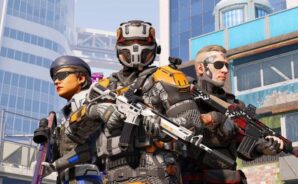
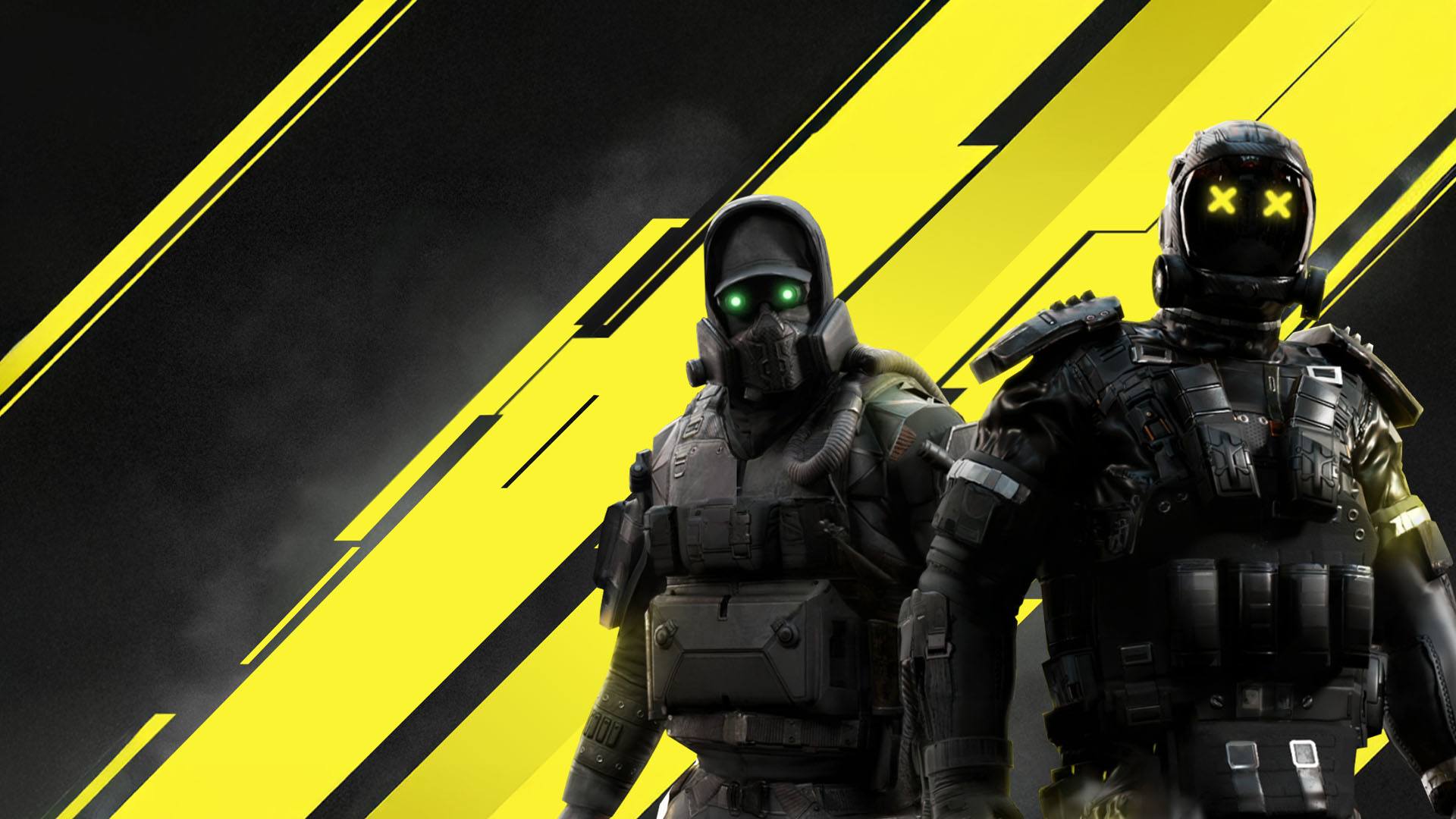
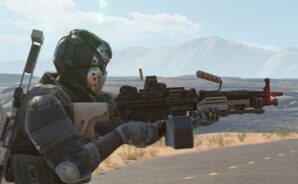
Battle Prime: FPS gun shooting is a fast, competitive third‑person shooter where smart plays matter as much as sharp aim. Pick a powerful Prime, jump into tight team battles, and use abilities and positioning to outthink your opponents. It’s all wrapped in striking visuals that make every firefight feel intense and immediate. Prefer a keyboard and mouse? You can also play through BlueStacks on your PC.

Game Features

  • Distinct Primes, distinct playstyles: Choose from a roster of unique heroes, each packing their own ability set and combat role—snipers, front‑line brawlers, flankers, and more.
  • Tight 3v3 and 5v5 matches: Quick rounds and clear objectives keep the pressure high, rewarding teamwork, smart rotations, and clutch decisions.
  • Tactical third‑person combat: Use cover, peek angles, and time your abilities to swing fights. It’s not just who shoots first—it’s who sets up better.
  • Deep gun sandbox: From precision rifles to fast‑firing assault setups, build a loadout that fits how you like to engage and control the map.
  • Seasonal missions and unlocks: Complete challenges to earn new Primes, weapons, and customization items that show off your style on the battlefield.
  • High-fidelity visuals: Detailed characters, crisp weapon effects, and striking maps make each encounter easy to read and satisfying to master.
  • Squad up with friends: Form coordinated teams, sync abilities, and overwhelm rivals with clean comms and role synergy.
  • Smooth on mobile, flexible on PC: Intuitive touch controls feel responsive on the go, and BlueStacks support lets you play comfortably on desktop if that’s your thing.

BlueStacks gives you more room to focus on the game and less time adjusting around mobile limitations.
Game Features

Enhancements

  • Shooting Mode
  • High FPS
  • Script
  • Free Look
  • Enhancements
Shooting Mode

Shooting Mode

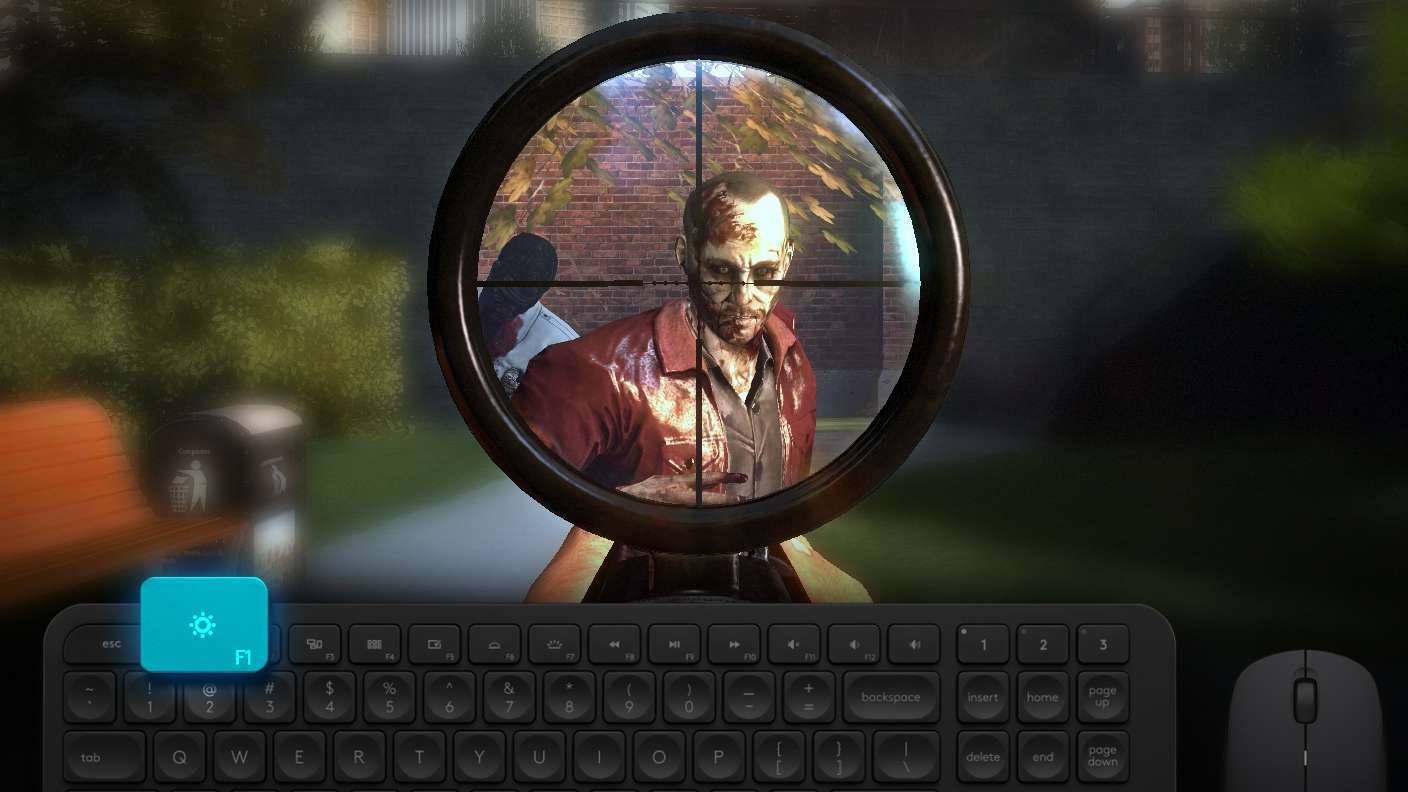
Boom, headshot. With BlueStacks Shooting Mode, experience PC-like gameplay when playing Battle Prime: FPS gun shooting. Press F1 to aim and shoot with mouse.
High FPS

High FPS

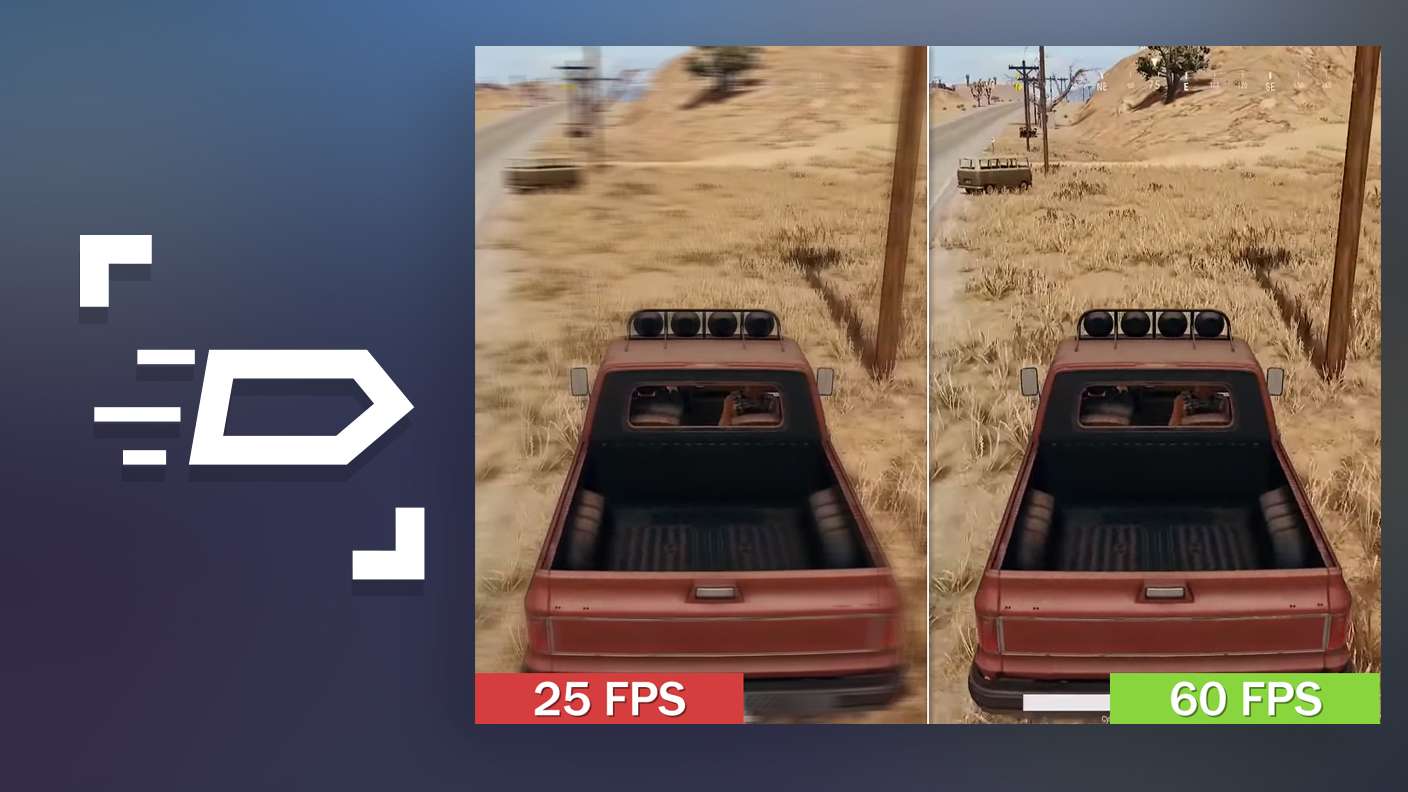
Enable the highest possible frame rate in Battle Prime: FPS gun shooting for a seamless gaming experience. Get smoother graphics and better reaction time.
Script

Script

Play Battle Prime: FPS gun shooting with the innovative Script feature. Create and run a script to fully automize a sequence of actions. Assign it a key to execute in one go.
Free Look

Free Look

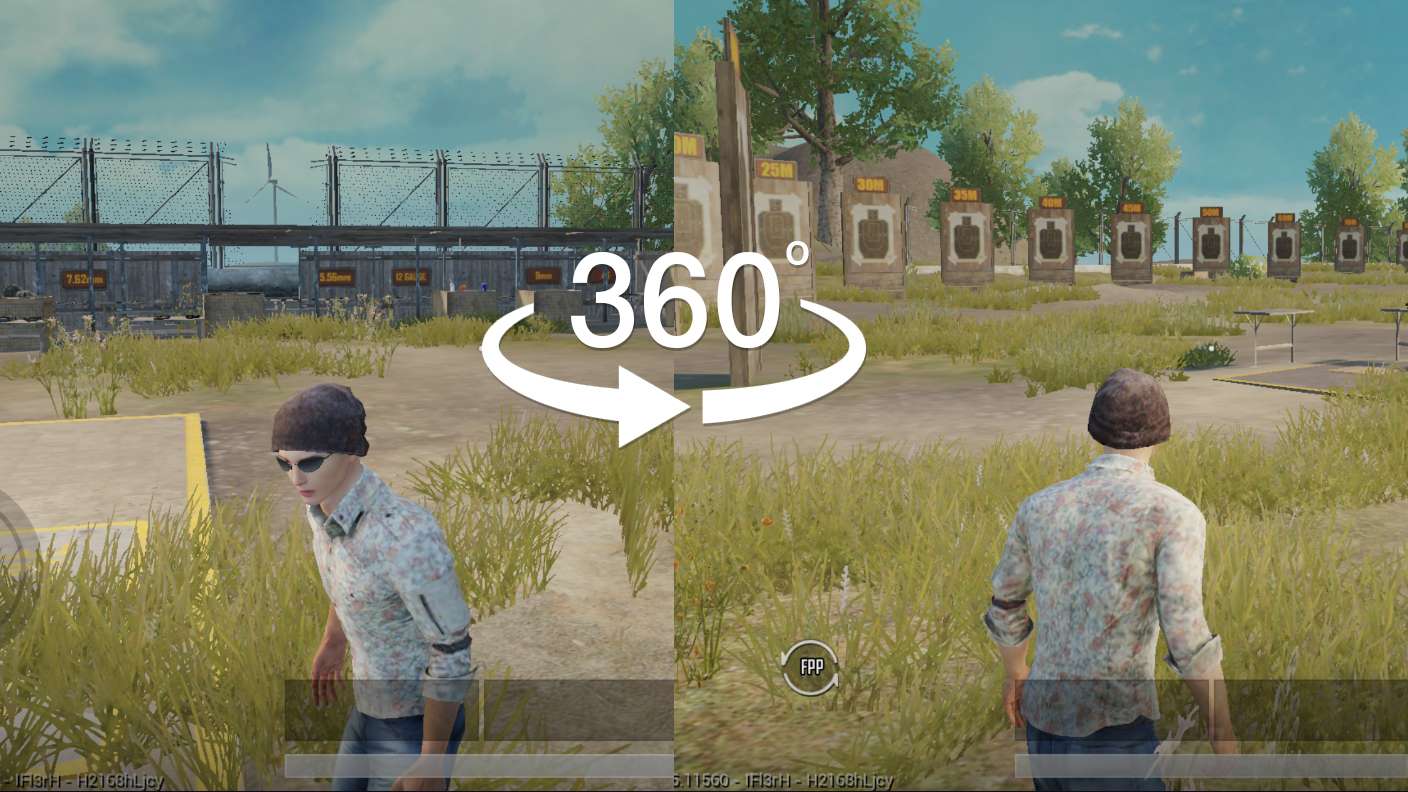
Turn and shoot in milliseconds. With Freelook, BlueStacks has always got your back. Rule Battle Prime: FPS gun shooting and get more kills.
Read More

How to Download and Play Battle Prime: FPS gun shooting on PC or Mac

  • Download and install BlueStacks on your PC or Mac

  • Complete Google sign-in to access the Play Store, or do it later

  • Look for Battle Prime: FPS gun shooting in the search bar at the top right corner

  • Click to install Battle Prime: FPS gun shooting from the search results

  • Complete Google sign-in (if you skipped step 2) to install Battle Prime: FPS gun shooting

  • Click the Battle Prime: FPS gun shooting icon on the home screen to start playing

video
Watch Video

Minimum System Requirements

With BlueStacks 5, you can get started on a PC that fulfills the following requirements.

  • Operating System

    Microsoft Windows 7 or above, macOS 11 (Big Sur) or above

  • Processor

    Intel, AMD or Apple Silicon Processor

  • RAM

    at least 4GB

  • HDD

    10GB Free Disk Space

Note:

* You must be an Administrator on your PC. Up to date graphics drivers from Microsoft or the chipset vendor.

Battle Prime: FPS gun shooting - FAQs

  • How to play Battle Prime: FPS gun shooting on Windows PC & Mac?

    Play Battle Prime: FPS gun shooting on your PC or Mac by following these simple steps.

    • Click on 'Play Battle Prime: FPS gun shooting on PC’ to download BlueStacks
    • Install it and log-in to Google Play Store
    • Launch and play the game.
  • Why is BlueStacks the fastest and safest platform to play games on PC?

    BlueStacks respects your privacy and is always safe and secure to use. It does not carry any malware, spyware, or any sort of additional software that could harm your PC.

    It is engineered to optimize speed and performance for a seamless gaming experience.

  • What are Battle Prime: FPS gun shooting PC requirements?

    Minimum requirement to run Battle Prime: FPS gun shooting on your PC

    • OS: Microsoft Windows 7 or above MacOS 11 (Big Sur) or above
    • Processor: Intel, AMD or Apple Silicon Processor
    • RAM: Your PC must have at least 4GB of RAM. (Note that having 4GB or more disk space is not a substitute for RAM)
    • HDD: 10GB Free Disk Space.
    • You must be an Administrator on your PC.