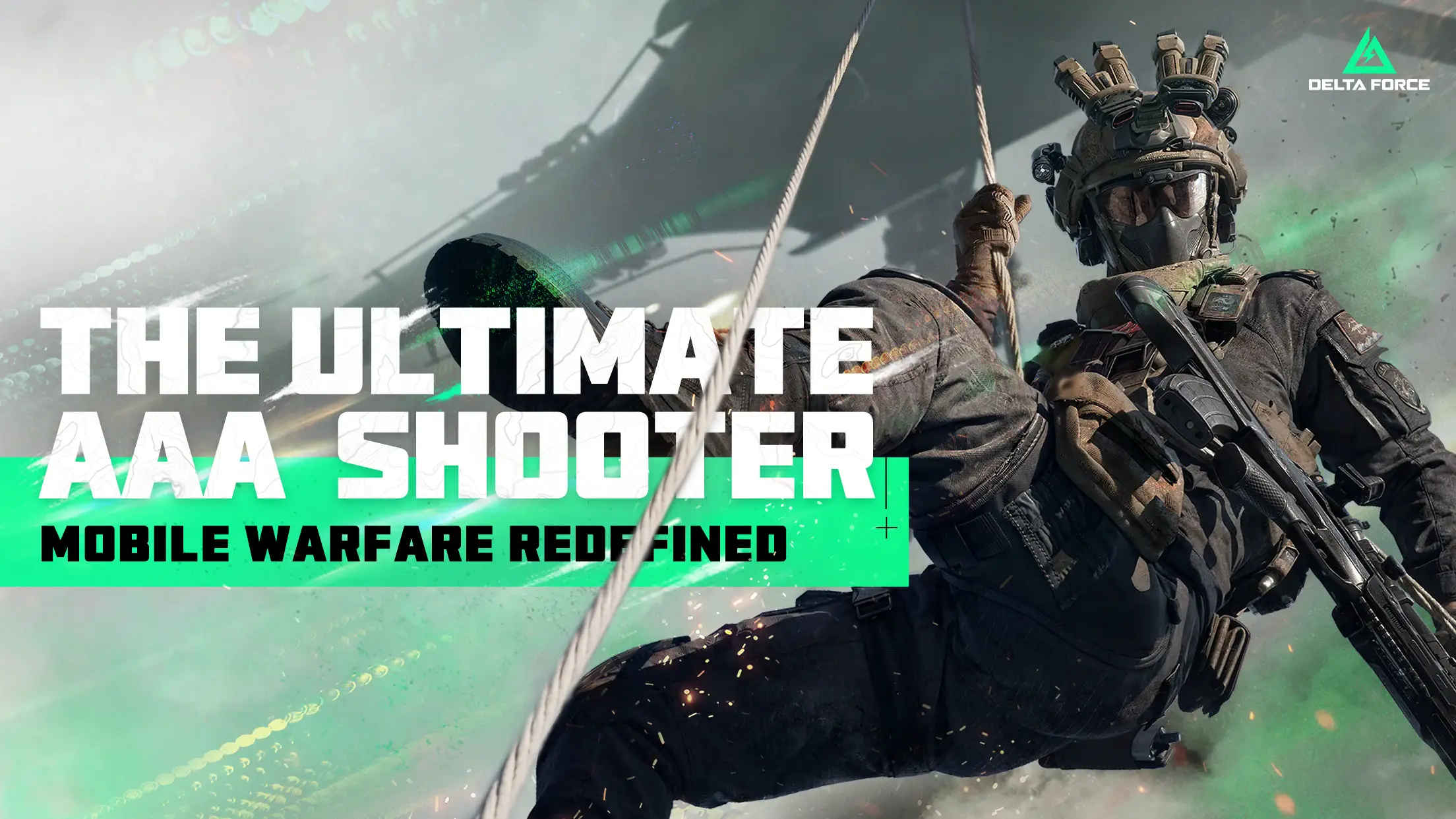


Delta Force brings the Action genre to life, and throws up exciting challenges for gamers. Developed by Level Infinite, this Android game is best experienced on BlueStacks, the World’s #1 app player for PC and Mac users.
About the Game
Delta Force is an Action extraction shooter where every raid is a risk-reward puzzle. Build a squad of specialists, push into contested zones, and grab whatever you can carry—then get out before someone else takes it off you. It’s tense, tactical, and full of those “wait, did that just work?” moments.
Game Features
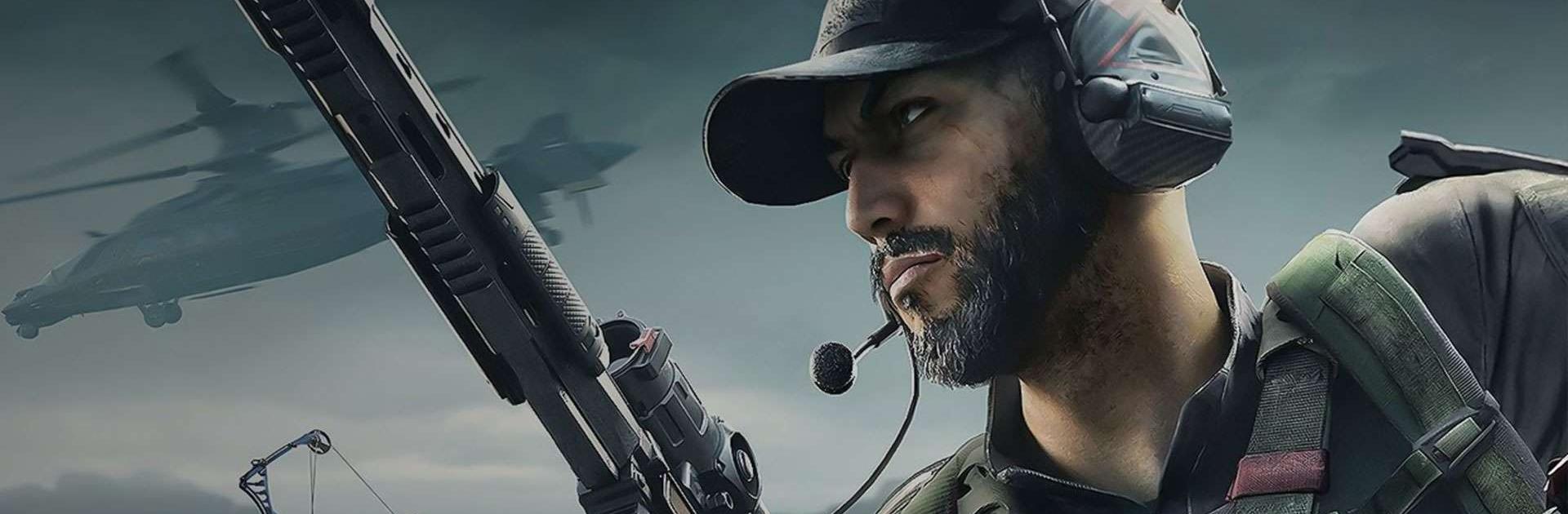
- Operator squads: Pick from elite Operators, each packing distinct gadgets and perks. Mix tracking tools, sticky explosives, powered armor, and more to create clever team combos.
- Smart looting: Crack door codes, scale rooftops for hidden stashes, or slip underwater to pry open deep caches. Every run feels like a fresh scavenger hunt with real stakes.
- PvPvE tension: Fight through armored guards and boss enemies while rival squads close in on the same prize. Reading the battlefield—and other players—is half the game.
- Bold escapes: Don’t just run to a circle and pray. Call a rocket evac, leap off cliffs with a wingsuit, or vanish through back-alley tunnels. Your exit plan is a weapon.
- Upgrade your HQ: Spend extracted loot to expand your Operations Center. Boost survivability, grow your stash, and unlock new kit so the next raid starts on your terms.
- Warfare mode, big and loud: Jump into 48‑player battles with tanks and helicopters across cities, highlands, and island chains. It’s combined-arms chaos with room for every playstyle.
- Deep gunsmithing: Tinker with authentic firearms to build shareable, one-of-a-kind loadouts. Tune vehicles on land, sea, and air to round out your perfect toolkit.
- Plays great on PC: Prefer keyboard and mouse? Fire up Delta Force on BlueStacks for crisp controls and steady performance without making it a whole thing.
Get ready for a buttery smooth, high-performance gaming action only on BlueStacks.