Mech Arena - Shooting Game

Mech Arena - Shooting Game

Action

| Plarium Global Ltd

BlueStacks Verified

Play on PC with BlueStacks or from our cloud

  • Overview
  • Tips & Tricks
  • Game Features
  • How to Play

Page Modified On: September 10, 2026

Play Mech Arena - Shooting Game on PC or Mac

Mech Arena – Shooting Game brings the Action genre to life, and throws up exciting challenges for gamers. Developed by Plarium Global Ltd, this Android game is best experienced on BlueStacks, the World’s #1 app player for PC and Mac users.

About the Game

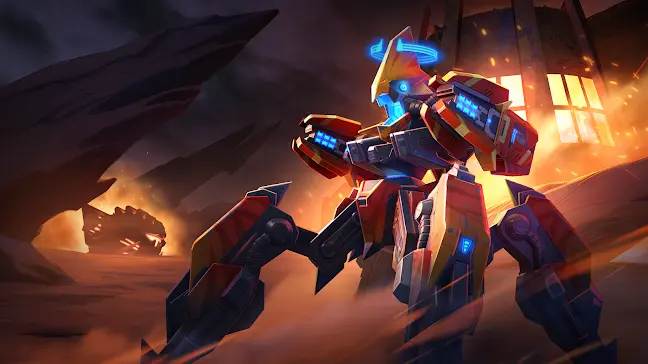
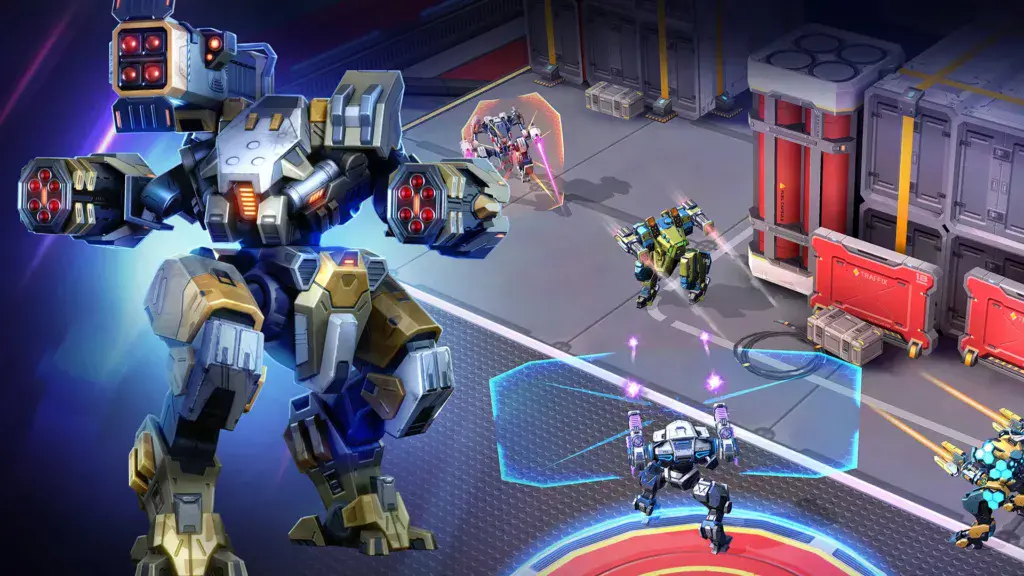
Mech Arena – Shooting Game drops you into fast, explosive mech battles where sharp aim and smart positioning matter just as much as raw firepower. This Action title focuses on quick matchmaking, compact arenas, and team or solo showdowns that are easy to jump into and surprisingly deep once you start tinkering with builds. Like playing on a bigger screen? It runs smoothly on BlueStacks, too.

Game Features

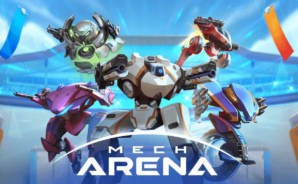
  • Build Your Hangar: Mix and match dozens of mechs with a massive selection of weapons, then kit them out with loads of skins to show off your style.
  • Modes for Every Mood: Jump into Free-For-All, coordinate in Control Point Clash, or squad up for Deathmatch—plus spin up custom lobbies for friends.
  • Tactically Rich Maps: Fight across 35+ distinct arenas designed for flanks, sightlines, and creative angles that reward clever play.
  • Abilities That Change Fights: Ram, rocket-jump, shield, or snipe from downtown—each mech’s toolkit opens new ways to outthink and outgun opponents.
  • Smooth Third-Person Controls: Responsive aiming and fully customizable layouts keep movement crisp and your shots on target.
  • Fast Rounds, Faster Queueing: Short matches and near-instant matchmaking mean you’re blasting mechs within seconds, not minutes.
  • Pilots With Personality: Recruit and develop pilots who boost your stats, slot in implants, and bring unique perks to every skirmish.
  • Play Across Devices: Sync your account to swap platforms seamlessly and keep progress wherever you log in, including on BlueStacks.
  • Make It Yours: Upgrade favorites, fine-tune loadouts, and experiment until you find that sweet spot of speed, armor, and firepower.
  • Friendly Yet Fierce Competition: Climb leaderboards, chase personal bests, and test your builds against players from around the world.

BlueStacks gives you more room to focus on the game and less time adjusting around mobile limitations.
Game Features

Game controls

  • Aim and Shoot
  • Movement

Enhancements

  • Shooting Mode
  • High FPS
  • Script
  • Free Look
  • Game controls
  • Enhancements
Aim and Shoot
Movement
Shooting Mode

Shooting Mode

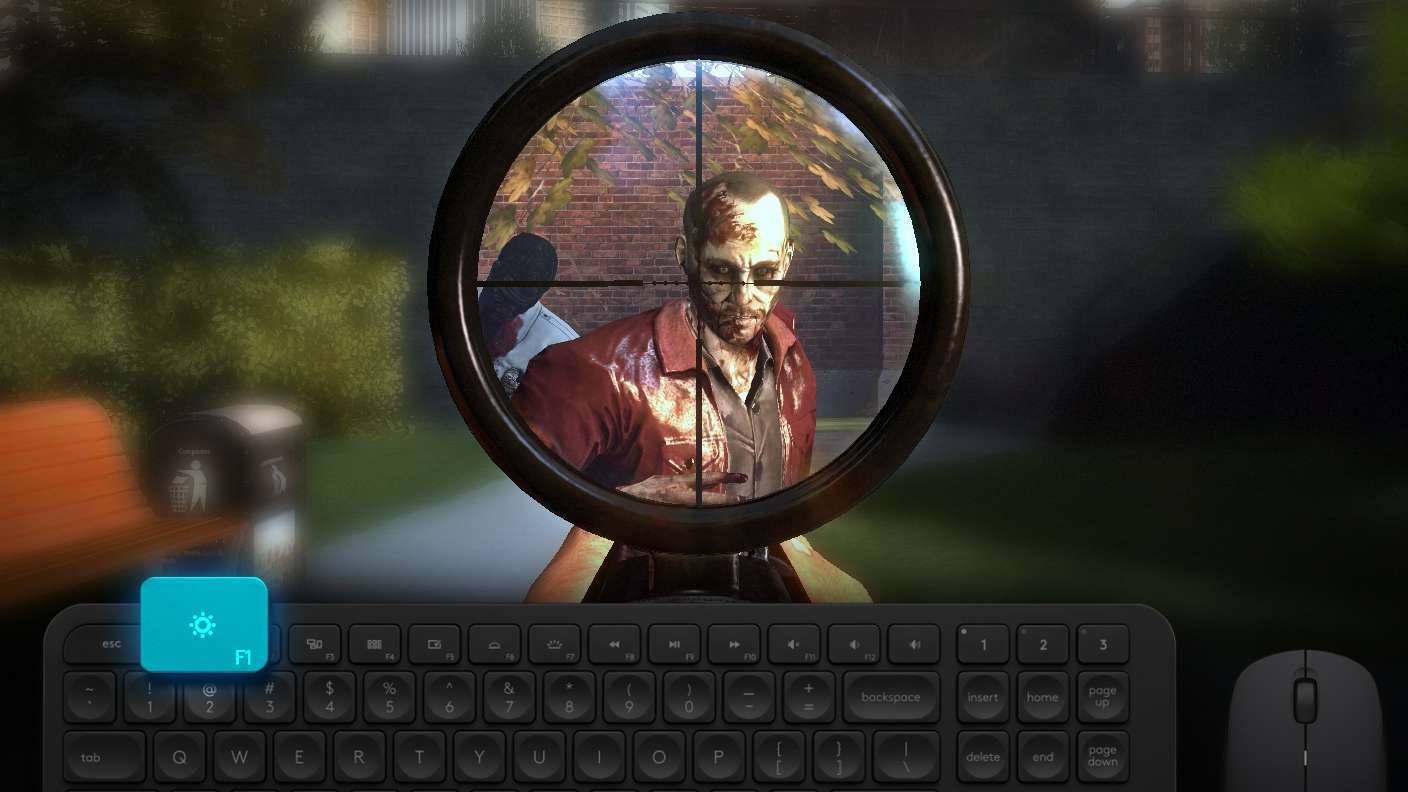
Boom, headshot. With BlueStacks Shooting Mode, experience PC-like gameplay when playing Mech Arena - Shooting Game. Press F1 to aim and shoot with mouse.
High FPS

High FPS

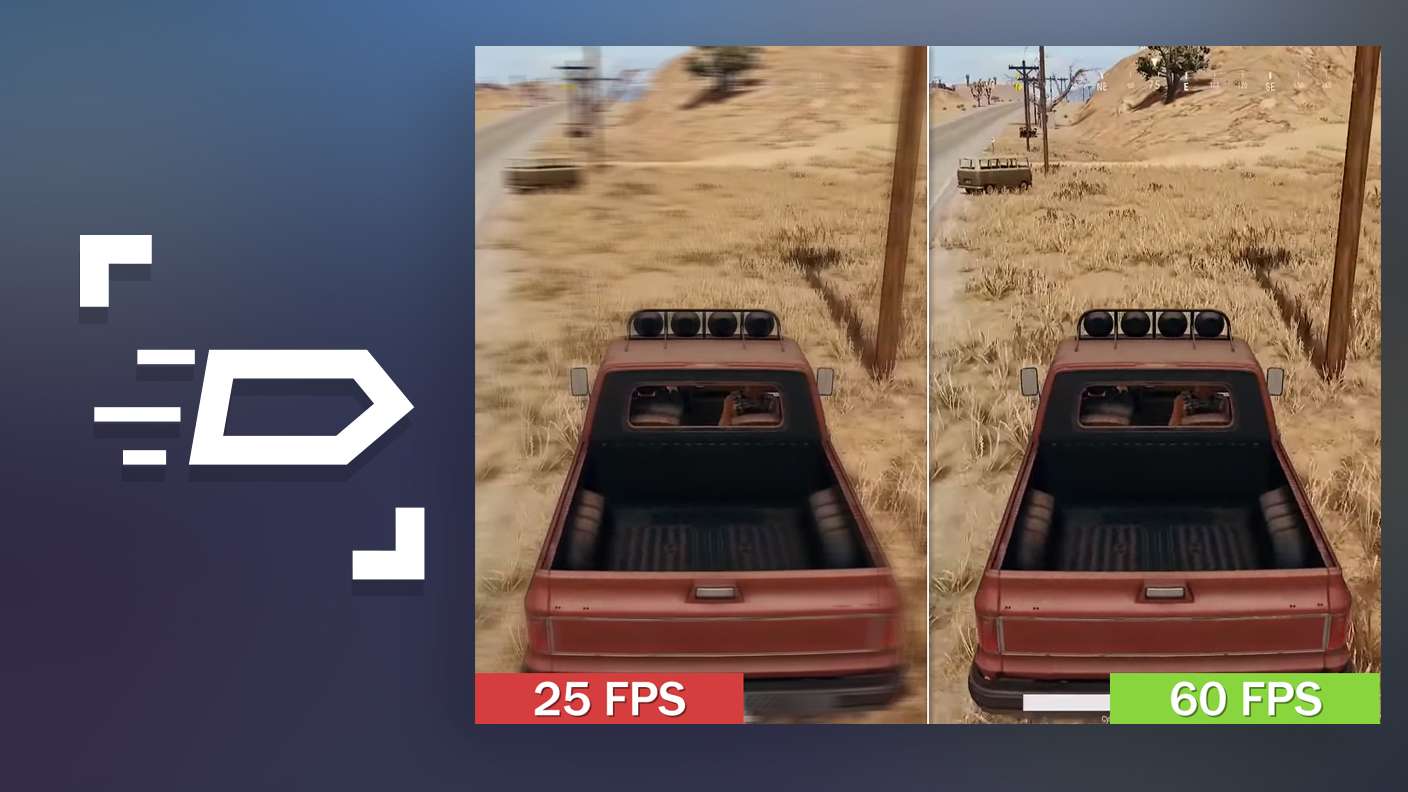
Enable the highest possible frame rate in Mech Arena - Shooting Game for a seamless gaming experience. Get smoother graphics and better reaction time.
Script

Script

Play Mech Arena - Shooting Game with the innovative Script feature. Create and run a script to fully automize a sequence of actions. Assign it a key to execute in one go.
Free Look

Free Look

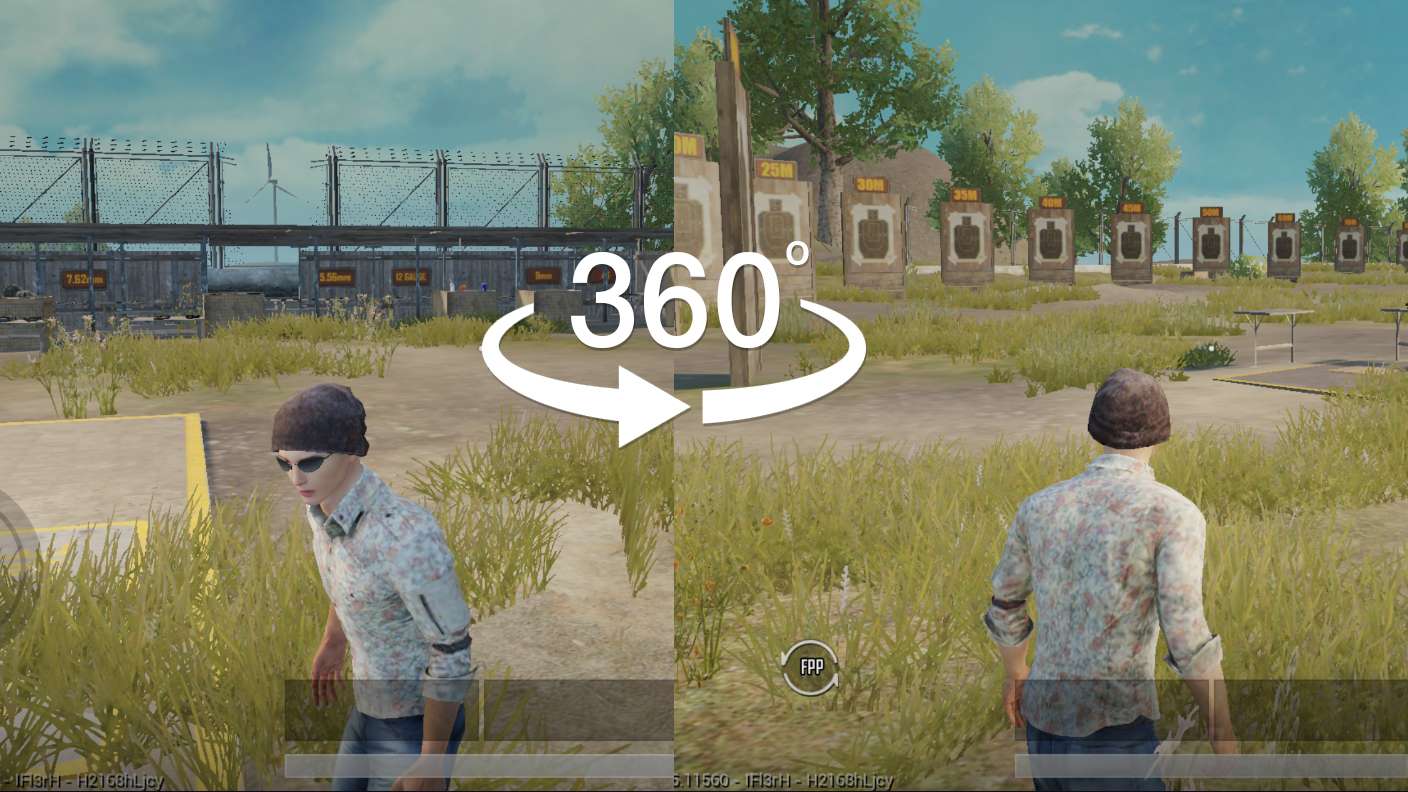
Turn and shoot in milliseconds. With Freelook, BlueStacks has always got your back. Rule Mech Arena - Shooting Game and get more kills.
Read More

How to Download and Play Mech Arena - Shooting Game on PC or Mac

  • Download and install BlueStacks on your PC or Mac

  • Complete Google sign-in to access the Play Store, or do it later

  • Look for Mech Arena - Shooting Game in the search bar at the top right corner

  • Click to install Mech Arena - Shooting Game from the search results

  • Complete Google sign-in (if you skipped step 2) to install Mech Arena - Shooting Game

  • Click the Mech Arena - Shooting Game icon on the home screen to start playing

video
Watch Video

Minimum System Requirements

With BlueStacks 5, you can get started on a PC that fulfills the following requirements.

  • Operating System

    Microsoft Windows 7 or above, macOS 11 (Big Sur) or above

  • Processor

    Intel, AMD or Apple Silicon Processor

  • RAM

    at least 4GB

  • HDD

    10GB Free Disk Space

Note:

* You must be an Administrator on your PC. Up to date graphics drivers from Microsoft or the chipset vendor.

Mech Arena - Shooting Game - FAQs

  • How to play Mech Arena - Shooting Game on Windows PC & Mac?

    Play Mech Arena - Shooting Game on your PC or Mac by following these simple steps.

    • Click on 'Play Mech Arena - Shooting Game on PC’ to download BlueStacks
    • Install it and log-in to Google Play Store
    • Launch and play the game.
  • Why is BlueStacks the fastest and safest platform to play games on PC?

    BlueStacks respects your privacy and is always safe and secure to use. It does not carry any malware, spyware, or any sort of additional software that could harm your PC.

    It is engineered to optimize speed and performance for a seamless gaming experience.

  • What are Mech Arena - Shooting Game PC requirements?

    Minimum requirement to run Mech Arena - Shooting Game on your PC

    • OS: Microsoft Windows 7 or above MacOS 11 (Big Sur) or above
    • Processor: Intel, AMD or Apple Silicon Processor
    • RAM: Your PC must have at least 4GB of RAM. (Note that having 4GB or more disk space is not a substitute for RAM)
    • HDD: 10GB Free Disk Space.
    • You must be an Administrator on your PC.