Plants vs. Zombies™ 2

Plants vs. Zombies™ 2

Casual

| ELECTRONIC ARTS

BlueStacks Verified

Play on PC with BlueStacks or from our cloud

  • Overview
  • Tips & Tricks
  • Game Features
  • How to Play

Page Modified On: October 23, 2026

Play Plants vs. Zombies™ 2 on PC or Mac

Bring your A-game to Plants vs. Zombies™ 2, the Casual game sensation from ELECTRONIC ARTS. Give your gameplay the much-needed boost with precise game controls, high FPS graphics, and top-tier features on your PC or Mac with BlueStacks.

About the Game

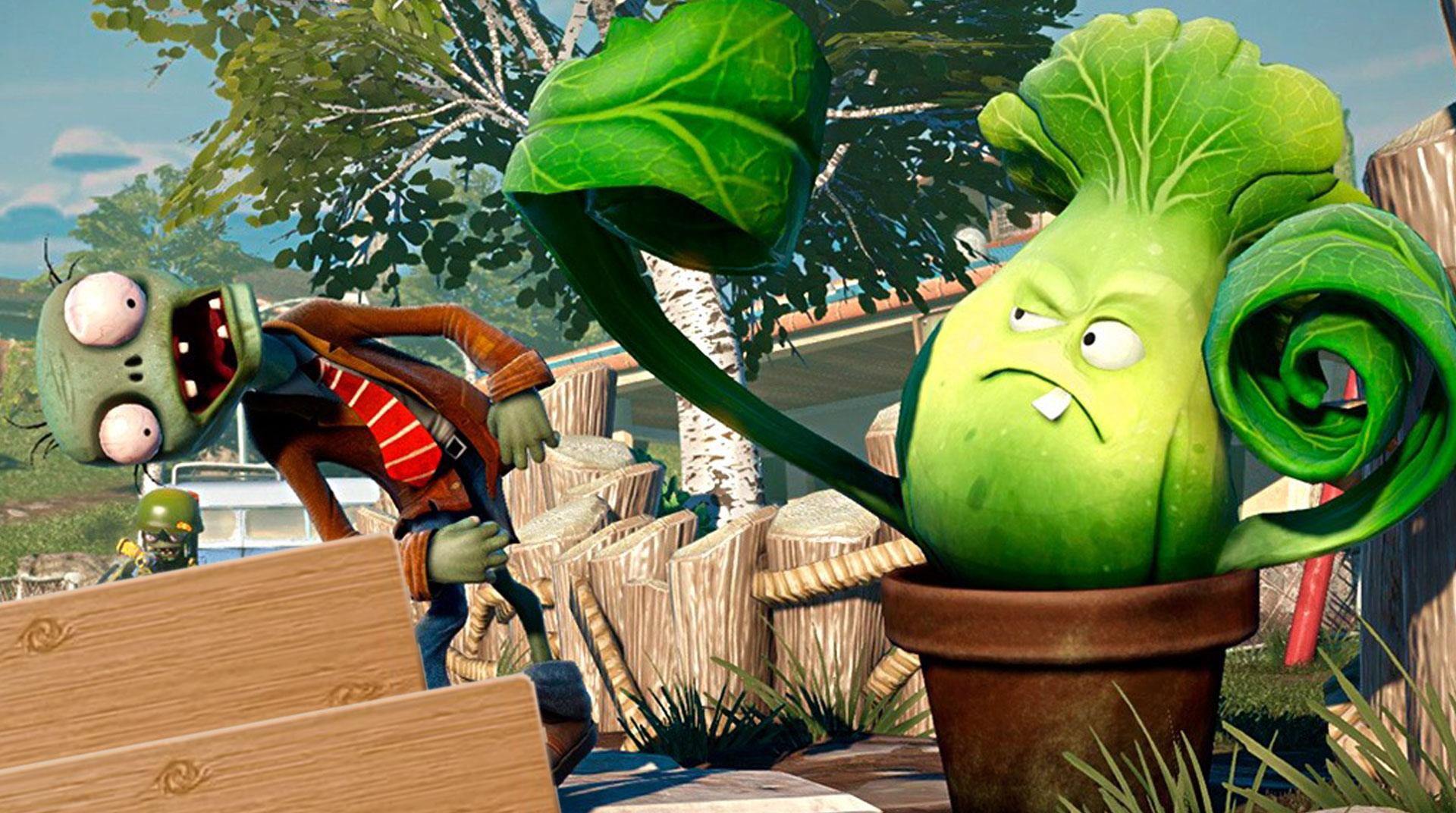
Plants vs. Zombies™ 2 is a Casual strategy romp where your garden becomes a goofy (and surprisingly tactical) defense squad. You’ll plant, power up, and outsmart waves of quirky zombies across different eras—from sandy tombs to neon skylines—one lane at a time. If you like a bigger view and comfy controls, it also plays nicely on PC with BlueStacks.

Game Features

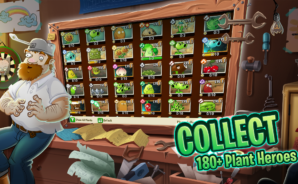
  • Huge plant roster: Build your dream lineup with classics like Sunflower and Peashooter alongside flashy newcomers that burn, freeze, pull, or pierce through hordes in their own weird ways.
  • Plant Food power moves: Trigger one-time super attacks that turn your quiet garden into a fireworks show—perfect for clutch saves or melting boss health bars.
  • Time-hopping worlds: Travel through themed maps spanning ancient ruins, pirate decks, and futuristic streets, each packed with clever gimmicks and level twists to keep you thinking.
  • Memorable zombie types: Face jetpack flyers, imp mischief-makers, and even chaotic chicken swarms—every enemy pushes you to rethink placement and timing.
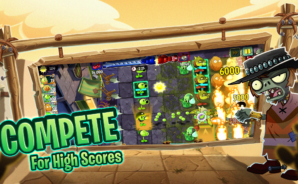
  • Arena competition: Test your setups in score-chasing matches against other players, where tight builds and fast decisions make all the difference.
  • Strategic upgrades: Collect Seed Packets to strengthen your favorites—hit harder, wall longer, plant faster, and unlock handy perks that reshape your approach.
  • Boss encounters: Tackle multi-phase showdowns that mix lane pressure with puzzle-like hazards, rewarding smart counters and cool heads.
  • Modes beyond the campaign: Tinker with mini-games and challenge runs that flip the rules, spotlighting odd plants and unexpected synergies.
  • Smart lane tactics: Balance sun economy, stall lines with tough defenders, chain slows and splash, and time abilities to turn close calls into clean victories.
  • Optional purchases: Grab in-game currency and items if you want a quicker upgrade path—totally optional if you prefer to earn as you play.

Get ready for a buttery smooth, high-performance gaming action only on BlueStacks.
Game Features

Enhancements

  • Macros
  • Multi Instance
  • Script
  • Repeated Tap
  • Enhancements
Macros

Macros

Automate the predictable in Plants vs. Zombies™ 2 and transform your gameplay with Macros. Get access to inventive Macros in the BlueStacks Macro Community
Multi Instance

Multi Instance

Play Plants vs. Zombies™ 2 on one window. And chat with your friend on the other. Press CTRL + Shift + 8 to open the Multi-Instance Manager. And start creating fresh instances or clone an existing one.
Script

Script

Script your way to gaming glory in Plants vs. Zombies™ 2 with BlueStacks Script. Write and run a set of commands to automate repeated tasks. Trigger the command by assigning it to any key.
Repeated Tap

Repeated Tap

BlueStacks lets you master Plants vs. Zombies™ 2 with useful features like the Repeated Tap. Now you do not have to press the same key repeatedly to initiate an action. Just assign it to one key and you are good to go.
Read More

How to Download and Play Plants vs. Zombies™ 2 on PC or Mac

  • Download and install BlueStacks on your PC or Mac

  • Complete Google sign-in to access the Play Store, or do it later

  • Look for Plants vs. Zombies™ 2 in the search bar at the top right corner

  • Click to install Plants vs. Zombies™ 2 from the search results

  • Complete Google sign-in (if you skipped step 2) to install Plants vs. Zombies™ 2

  • Click the Plants vs. Zombies™ 2 icon on the home screen to start playing

video
Watch Video

Minimum System Requirements

With BlueStacks 5, you can get started on a PC that fulfills the following requirements.

  • Operating System

    Microsoft Windows 7 or above, macOS 11 (Big Sur) or above

  • Processor

    Intel, AMD or Apple Silicon Processor

  • RAM

    at least 4GB

  • HDD

    10GB Free Disk Space

Note:

* You must be an Administrator on your PC. Up to date graphics drivers from Microsoft or the chipset vendor.

Plants vs. Zombies™ 2 - FAQs

  • How to play Plants vs. Zombies™ 2 on Windows PC & Mac?

    Play Plants vs. Zombies™ 2 on your PC or Mac by following these simple steps.

    • Click on 'Play Plants vs. Zombies™ 2 on PC’ to download BlueStacks
    • Install it and log-in to Google Play Store
    • Launch and play the game.
  • Why is BlueStacks the fastest and safest platform to play games on PC?

    BlueStacks respects your privacy and is always safe and secure to use. It does not carry any malware, spyware, or any sort of additional software that could harm your PC.

    It is engineered to optimize speed and performance for a seamless gaming experience.

  • What are Plants vs. Zombies™ 2 PC requirements?

    Minimum requirement to run Plants vs. Zombies™ 2 on your PC

    • OS: Microsoft Windows 7 or above MacOS 11 (Big Sur) or above
    • Processor: Intel, AMD or Apple Silicon Processor
    • RAM: Your PC must have at least 4GB of RAM. (Note that having 4GB or more disk space is not a substitute for RAM)
    • HDD: 10GB Free Disk Space.
    • You must be an Administrator on your PC.