


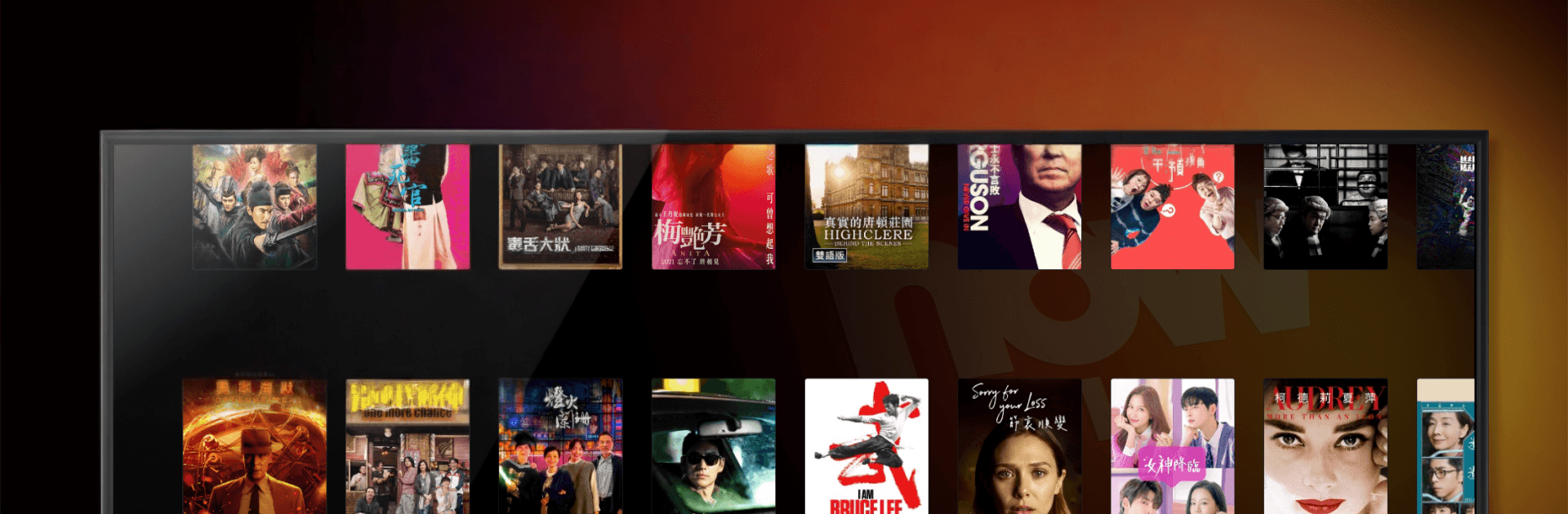


Get freedom from your phone’s obvious limitations. Use Now TV, made by PCCW Media Limited, a Entertainment app on your PC or Mac with BlueStacks, and level up your experience.
About the App
Now TV is an Entertainment app that pulls live channels, movies, and on demand picks into one clean, familiar place on your Smart TV. It’s built for real-life watching: browse, save, and jump back in whenever you’ve got a minute. Profiles, a 7‑day guide, and a personal library make it easy to keep the whole household happy.
App Features
- Personal profiles for everyone: Create up to five profiles so each person gets their own watchlist, viewing history, and recommendations. No more mixing up favorites.
- Your subscriptions, front and center: See what’s included in your plan at a glance. The home screen highlights subscribed channels and titles so you can hit play without second-guessing.
- My Now library: One stop for your favorites, personalized picks, Watchlist, History, Saved and Rented items, downloads, and even scheduled recordings. It can sync with compatible set‑top boxes for smoother management.
- 7‑day TV Guide: Browse a full week of programming, filter by your favorite channels or by genre, and open show details to record or find another time to watch.
- On demand catalogs: Explore expanded catalogs with unlimited viewing of content you’re subscribed to. Filter by what’s included, what’s downloadable, or what works on your current device.
- Watchlist that actually helps: Tag live programs or movies to catch later and quickly see other airtimes so you won’t miss them.
- Seamless across screens: Start on the TV and continue on another device—your library and profiles stay in sync for a consistent experience.
- Heads-up on availability: Due to licensing, selections in the app may differ from what’s on your set‑top box.
- Handy on PC too: Prefer managing your queue from a keyboard? You can run Now TV with BlueStacks and keep your lists and profiles aligned.
BlueStacks gives you the much-needed freedom to experience your favorite apps on a bigger screen. Get it now.





