MU: Soul Reaper
MU: Soul Reaper

MU: Soul Reaper

Role Playing

| 9RING

BlueStacks Verified

Play on PC with BlueStacks or from our cloud

  • Overview
  • Game Features
  • How to Play

Page Modified On: October 27, 2026

Play MU: Soul Reaper on PC or Mac

Bring your A-game to MU: Soul Reaper, the Role Playing game sensation from 9RING. Give your gameplay the much-needed boost with precise game controls, high FPS graphics, and top-tier features on your PC or Mac with BlueStacks.

About the Game

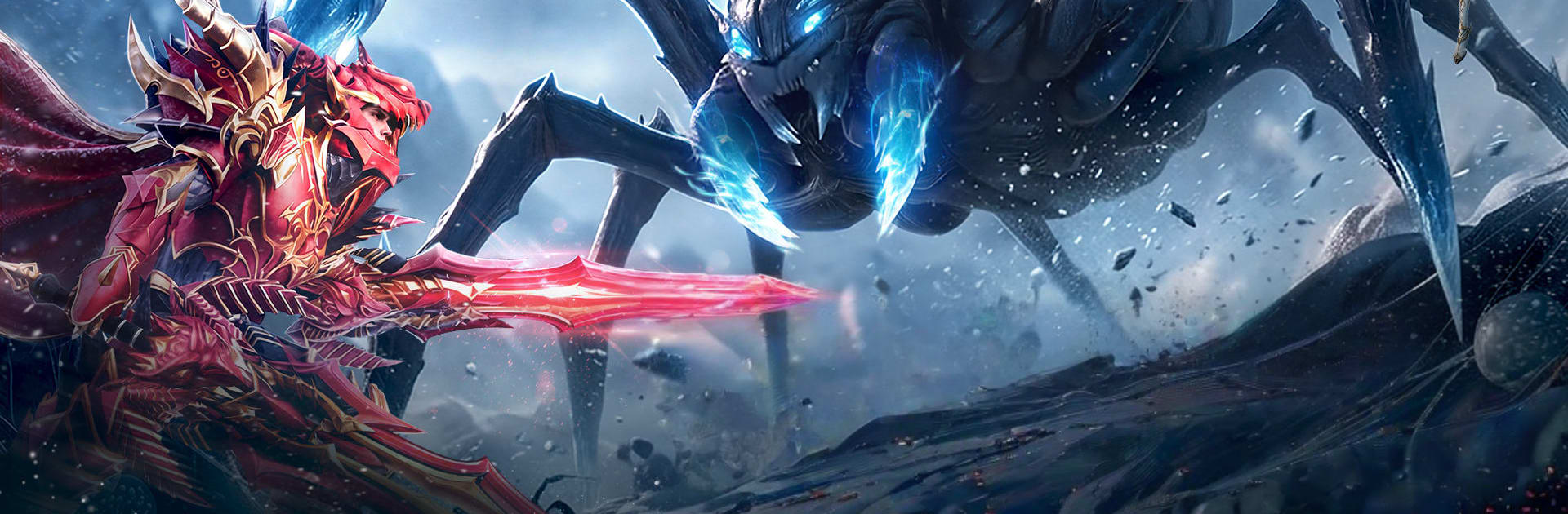
MU: Soul Reaper drops you into a brooding, monster-ridden continent where power is everything and style matters just as much. It’s a dark fantasy Role Playing experience with punchy combat, heaps of loot, and plenty of ways to shape your hero into exactly what you want. Prefer a bigger screen and crisp controls? You can also play it on BlueStacks.

Game Features

  • Four distinct classes from the start: Pick Knight, Wizard, Elf, or the hybrid Spellsword and jump right into combat without waiting for unlocks.
  • Build-your-way combat: Mix skills and gear to craft a loadout that fits you—burst-heavy caster, unbreakable frontliner, nimble support, or a magic-and-steel blender.
  • Loot from more than just bosses: Regular enemies can drop serious gear, so every run, route, and grind session can pay off.
  • Fast, relentless action: Trigger powerful attack speed boosts and carve through mobs in seconds for that satisfying, screen-melting rhythm.
  • Style that actually shows: Wings, mounts, and armor skins let you look fierce, ethereal, or downright legendary—your call.
  • Trade on your terms: Use the Auction House to buy and sell equipment and materials, flipping finds or funding your next upgrade.
  • Big wars, bigger bragging rights: Rally your alliance for large-scale GvG battles, siege strongholds, and fight for control and glory.
  • Quest-driven VIP perks: Climb VIP ranks by completing tasks to unlock special zones, handy buffs, and deeper progression paths.
  • Keep growing while you’re away: An AI assistant continues battling and gathering EXP offline, so logging back in always feels rewarding.
  • Legendary goals to chase: Hunt rare sets and mystical relics, then refine and socket upgrades to push your build past its old limits.

Ready to top the leaderboard? We bet you do. Let precise controls and sharp visuals optimized on BlueStacks lead you to victory.


Game Features

Enhancements

  • Macros
  • Multi Instance
  • Multi Instance Sync
  • Script
  • Enhancements
Macros

Macros

Focus more on the fun part of the game, skip the tedious aspects. Master MU: Soul Reaper with Macros. Record yourself completing the monotonous tasks you wish to automate and replay them later with just one keypress.
Multi Instance

Multi Instance

Build a kingdom. Collect resources. Do more. With Multi-Instance, playing MU: Soul Reaper is even more thrilling. Open multiple instances and play the same game from different accounts.
Multi Instance Sync

Multi Instance Sync

With the Multi-instance Sync, you can do even more in MU: Soul Reaper. Sync the action of the main instance and repeat them in real time for all other instances. Sync and sit back, let the game progress unfold.
Script

Script

Automate repetitive tasks in MU: Soul Reaper with BlueStacks Script. Write a set of commands to execute a series of actions that you want to automate. Bind it to one key and you are done.
Read More

How to Download and Play MU: Soul Reaper on PC or Mac

  • Download and install BlueStacks on your PC or Mac

  • Complete Google sign-in to access the Play Store, or do it later

  • Look for MU: Soul Reaper in the search bar at the top right corner

  • Click to install MU: Soul Reaper from the search results

  • Complete Google sign-in (if you skipped step 2) to install MU: Soul Reaper

  • Click the MU: Soul Reaper icon on the home screen to start playing

video
Watch Video

Minimum System Requirements

With BlueStacks 5, you can get started on a PC that fulfills the following requirements.

  • Operating System

    Microsoft Windows 7 or above, macOS 11 (Big Sur) or above

  • Processor

    Intel, AMD or Apple Silicon Processor

  • RAM

    at least 4GB

  • HDD

    10GB Free Disk Space

Note:

* You must be an Administrator on your PC. Up to date graphics drivers from Microsoft or the chipset vendor.

MU: Soul Reaper - FAQs

  • How to play MU: Soul Reaper on Windows PC & Mac?

    Play MU: Soul Reaper on your PC or Mac by following these simple steps.

    • Click on 'Play MU: Soul Reaper on PC’ to download BlueStacks
    • Install it and log-in to Google Play Store
    • Launch and play the game.
  • Why is BlueStacks the fastest and safest platform to play games on PC?

    BlueStacks respects your privacy and is always safe and secure to use. It does not carry any malware, spyware, or any sort of additional software that could harm your PC.

    It is engineered to optimize speed and performance for a seamless gaming experience.

  • What are MU: Soul Reaper PC requirements?

    Minimum requirement to run MU: Soul Reaper on your PC

    • OS: Microsoft Windows 7 or above MacOS 11 (Big Sur) or above
    • Processor: Intel, AMD or Apple Silicon Processor
    • RAM: Your PC must have at least 4GB of RAM. (Note that having 4GB or more disk space is not a substitute for RAM)
    • HDD: 10GB Free Disk Space.
    • You must be an Administrator on your PC.