



Bring your A-game to Armor Sandbox, the Simulation game sensation from VBJ. Give your gameplay the much-needed boost with precise game controls, high FPS graphics, and top-tier features on your PC or Mac with BlueStacks.
About the Game
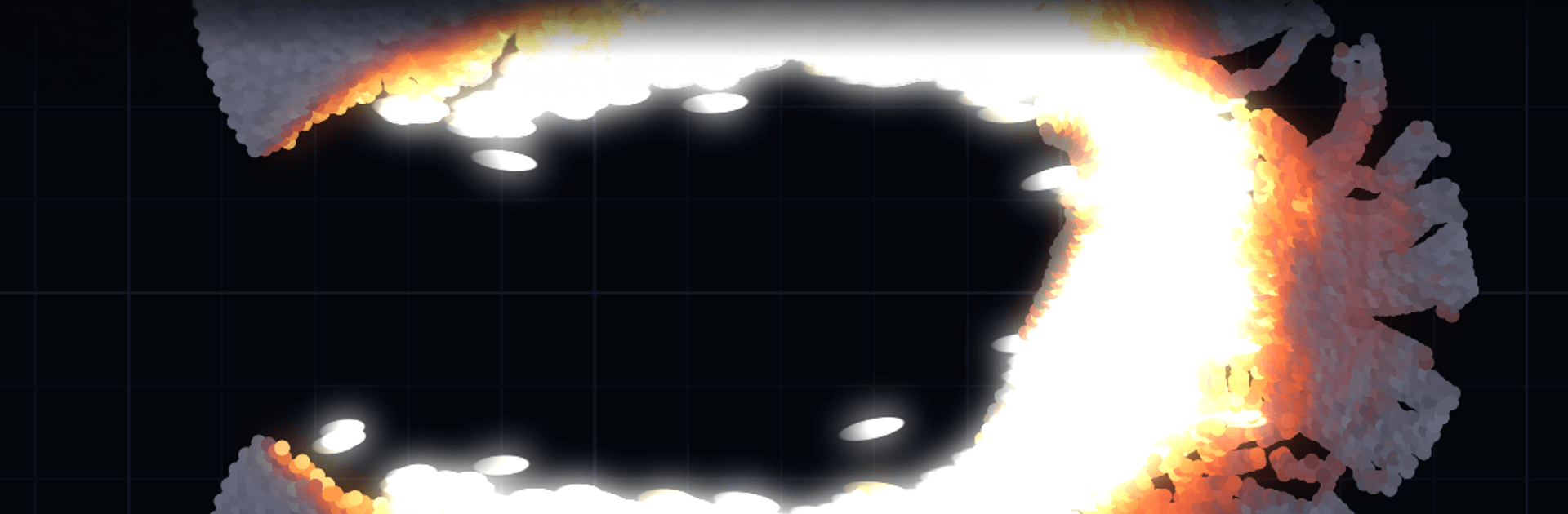
Armor Sandbox is a hands-on Simulation where armor, projectiles, heat, and explosives behave like the real deal. You choose what to fire and what to hit, then watch the physics play out—no canned effects, just systems doing the work. If you like a bigger workspace, you can run it on PC with BlueStacks and tinker comfortably.
Game Features
– Real physics, not smoke and mirrors: Every plate, projectile, and fragment is made of particles with actual material stats—density, strength, toughness, melt point, heat capacity—so dents, shatters, spalling, fires, and blasts emerge naturally.
– Massive material toolkit: Work with 110+ options including steels, aluminum alloys, tungsten, uranium, ceramics, glass, concrete, stone, wood, rubber, water, fuels, explosives, nuclear materials, and functional electrical parts.
– Deep arsenal to test: Try 70 different projectiles—pistol and rifle rounds, APFSDS long rods, shaped charges, HESH, railgun slugs, and three fully modeled missiles.
– Tons of targets to punish: Pick from 90+ setups like single plates, layered armor, deep blocks, ballistic gel, bunkers, and even circuit targets.
– Authentic vehicle cutaways: Explore 36 cross-sections—T-34-85, Tiger I, Panther, Sherman, IS-2, T-55, M103, T-72 (with and without reactive armor), M1A2 Abrams, Leopard 2A6, Challenger 2, BMP-1, M113, plus cars, trucks, a bus, a tractor, a fighter jet, and attack helicopters—complete with armor, ammo, fuel, and engines.
– Ready-to-run experiments: Start fast with 60+ curated scenarios, from simple ricochets to chains of nuclear devices.
– Paint and build your way: Draw projectiles and targets pixel by pixel, assign a material to every dot, mirror and outline, snap to a grid, then save to your library or share as a compact file through the in-game workshop.
– Material tuning, your rules: Change how strong, dense, hot, or explosive something is and immediately see the simulation follow your numbers.
– Wire up smart triggers: Lay down batteries, capacitors, switches, delay lines, and detonators; add pressure plates, tripwires, magnetic and proximity sensors, photocells, radio receivers, and watch sparks jump air gaps.
– Sound that matches the chaos: Hear cracks, fly-bys, and booms change with material and speed, and capture clean videos of your tests when you want to share.
– Scales to your hardware: A multithreaded physics core keeps the visuals responsive while the sim crunches, with quality scaling from tens of thousands up to a million particles.
– Fair, focused access: Watching is free with all built-in experiments, vehicles, and any materials used in presets; the full version unlocks building with energetic, nuclear, and electrical materials, editing any property, a bigger library, exporting designs, and higher quality levels—one purchase, no ads, no tracking, no account.
– Multilingual support: Available in English, Portuguese, Russian, Spanish, and Chinese.
Start playing Armor Sandbox on BlueStacks and get a smoother, more comfortable PC or Mac setup.









