Supermarket Manager Simulator

Supermarket Manager Simulator

Simulation

| Skyloft Yazılım Bilişim ve Anonim Şirketi

Play on PC with BlueStacks or from our cloud

  • Overview
  • Tips & Tricks
  • Game Features
  • How to Play

Page Modified On: December 08, 2025

Play Supermarket Manager Simulator on PC or Mac

Join millions to experience Supermarket Manager Simulator, an exciting Simulation game from Skyloft Yazılım Bilişim ve Anonim Şirketi. With BlueStacks App Player, you are always a step ahead of your opponent, ready to outplay them with faster gameplay and better control with the mouse and keyboard on your PC or Mac.

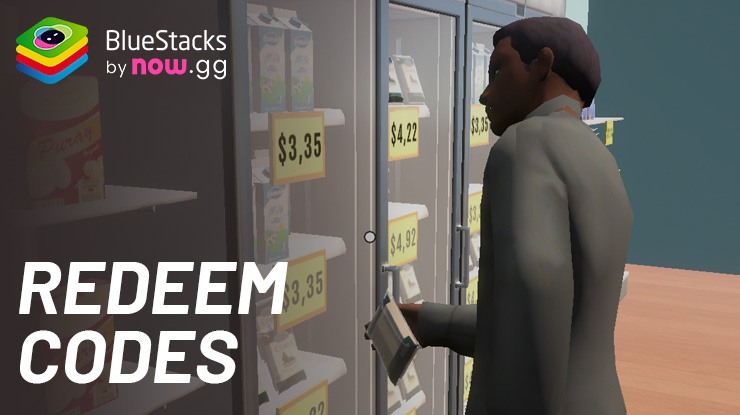
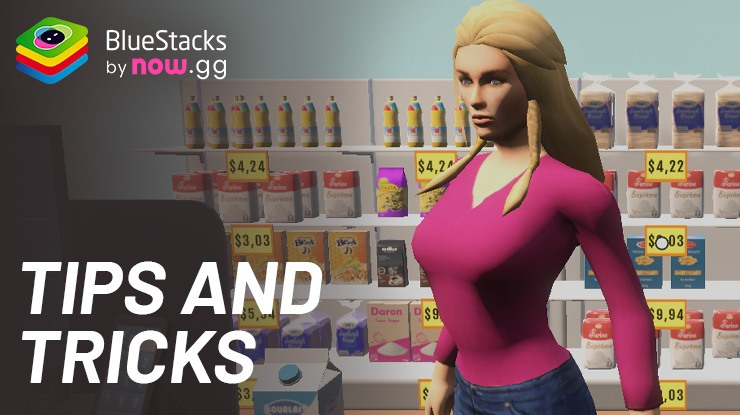
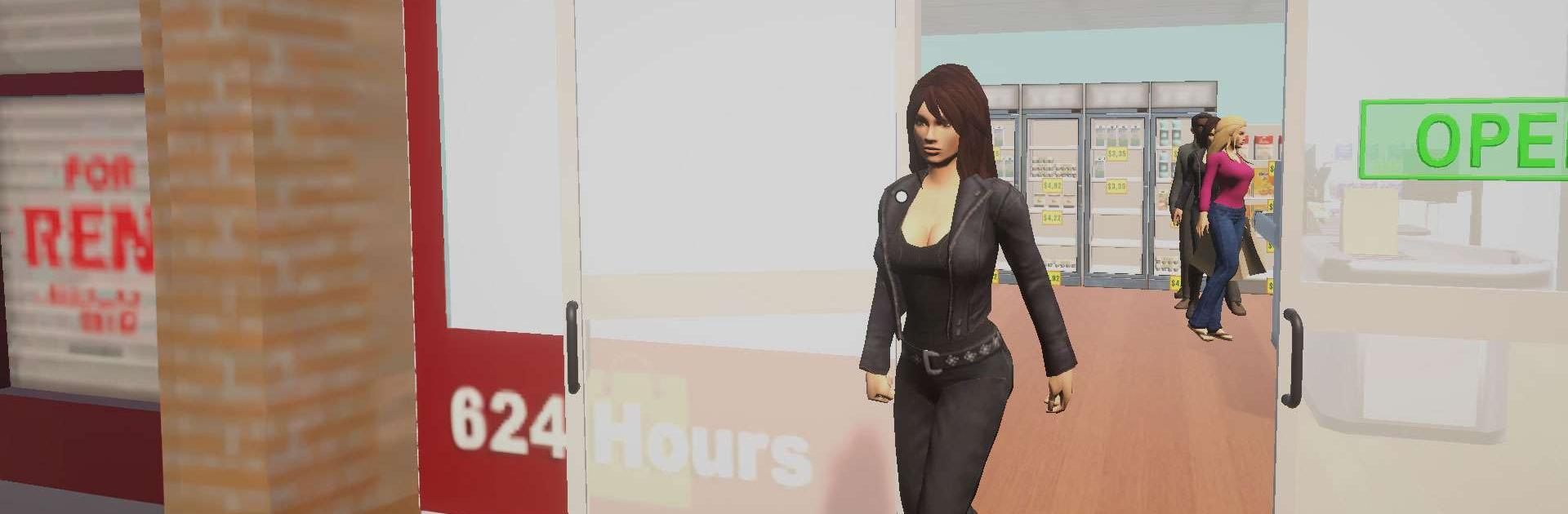
Supermarket Manager Simulator feels like running a small corner shop that slowly turns into a busy grocery, with a bunch of knobs to tweak along the way. It starts simple, order cheap bulk stuff online, stock the shelves, set prices that actually move products instead of gathering dust. Then customers show up, some pay cash, some swipe cards, someone tries to pocket a snack and suddenly security becomes part of the budget. Promotions help clear slow sellers, but cut too deep and the shop bleeds money. It is that kind of push and pull where every choice nudges the day a little different.

What stands out is how much hands-on work there is. Shelves need topping up constantly, trends matter, and there is room to negotiate costs so a crate of milk does not sink the margin. The place can be redecorated too, repaint walls, swap lamps, drop new displays, pick themes and colors until the store actually looks like it belongs to that manager. Over time the product list grows from basics like chips, meat, veggies and cereal to more stuff and small services, which brings in fussier customers who care about price and speed. Staff management is in there as well, hiring, training, keeping people motivated so queues do not crawl and complaints stay low.

It is all in a free-roam 3D store, nothing flashy but it sells the feeling of a real shop floor. There is a nice rhythm to walking the aisles, checking gaps, then hopping to the register when a rush hits. On PC with BlueStacks it plays comfortably, the mouse makes stocking and moving things around quicker and the bigger screen helps when juggling menus. The game is chill until it is not, a thief darts by, a shipment arrives late, walls need paint, and the budget spreadsheet in the head starts squeaking. Anyone who enjoys tinkering with layouts, pricing, and that everyday-management loop will probably click with it, because the challenge lives in small decisions stacking up.

Ready to top the leaderboard? We bet you do. Let precise controls and sharp visuals optimized on BlueStacks lead you to victory.

Game Features

Enhancements

  • Macros
  • Multi Instance
  • Multi Instance Sync
  • Script
  • Enhancements
Macros

Macros

Automate the predictable in Supermarket Manager Simulator and transform your gameplay with Macros. Get access to inventive Macros in the BlueStacks Macro Community
Multi Instance

Multi Instance

Play Supermarket Manager Simulator on one window. And chat with your friend on the other. Press CTRL + Shift + 8 to open the Multi-Instance Manager. And start creating fresh instances or clone an existing one.
Multi Instance Sync

Multi Instance Sync

Play Supermarket Manager Simulator with the power of Multi-Instance Sync. Replicate what you are doing on the main instance on all other instances. Level up faster, play more.
Script

Script

Script your way to gaming glory in Supermarket Manager Simulator with BlueStacks Script. Write and run a set of commands to automate repeated tasks. Trigger the command by assigning it to any key.
Read More

How to Download and Play Supermarket Manager Simulator on PC or Mac

  • Download and install BlueStacks on your PC or Mac

  • Complete Google sign-in to access the Play Store, or do it later

  • Look for Supermarket Manager Simulator in the search bar at the top right corner

  • Click to install Supermarket Manager Simulator from the search results

  • Complete Google sign-in (if you skipped step 2) to install Supermarket Manager Simulator

  • Click the Supermarket Manager Simulator icon on the home screen to start playing

video
Watch Video

Minimum System Requirements

With BlueStacks 5, you can get started on a PC that fulfills the following requirements.

  • Operating System

    Microsoft Windows 7 or above, macOS 11 (Big Sur) or above

  • Processor

    Intel, AMD or Apple Silicon Processor

  • RAM

    at least 4GB

  • HDD

    10GB Free Disk Space

Note:

* You must be an Administrator on your PC. Up to date graphics drivers from Microsoft or the chipset vendor.

Supermarket Manager Simulator - FAQs

  • How to play Supermarket Manager Simulator on Windows PC & Mac?

    Play Supermarket Manager Simulator on your PC or Mac by following these simple steps.

    • Click on 'Play Supermarket Manager Simulator on PC’ to download BlueStacks
    • Install it and log-in to Google Play Store
    • Launch and play the game.
  • Why is BlueStacks the fastest and safest platform to play games on PC?

    BlueStacks respects your privacy and is always safe and secure to use. It does not carry any malware, spyware, or any sort of additional software that could harm your PC.

    It is engineered to optimize speed and performance for a seamless gaming experience.

  • What are Supermarket Manager Simulator PC requirements?

    Minimum requirement to run Supermarket Manager Simulator on your PC

    • OS: Microsoft Windows 7 or above MacOS 11 (Big Sur) or above
    • Processor: Intel, AMD or Apple Silicon Processor
    • RAM: Your PC must have at least 4GB of RAM. (Note that having 4GB or more disk space is not a substitute for RAM)
    • HDD: 10GB Free Disk Space.
    • You must be an Administrator on your PC.