Dream League Soccer 2026

Dream League Soccer 2026

Sports

| First Touch Games Ltd.

Play on PC with BlueStacks or from our cloud

  • Overview
  • Tips & Tricks
  • Game Features
  • How to Play

Page Modified On: September 10, 2026

Play Dream League Soccer 2026 on PC or Mac

Dream League Soccer 2026 brings the Sports genre to life, and throws up exciting challenges for gamers. Developed by First Touch Games Ltd., this Android game is best experienced on BlueStacks, the World’s #1 app player for PC and Mac users.

About the Game

Dream League Soccer 2026 hands you the keys to a club you’ll actually care about—right down to the badge, stadium, and the players you bring in. This Sports game mixes authentic, licensed stars with fast, fluid 3D matches and hands-on team management, so you’re always a quick tweak away from a better result. It also runs smoothly on BlueStacks if you’d rather play on a bigger screen.

Game Features

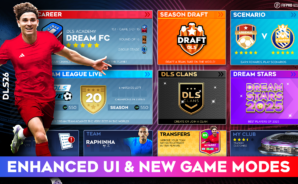
  • Build Your Squad: Scout, sign, and collect thousands of authentic FIFPRO-licensed players, then shape a lineup that fits your style.
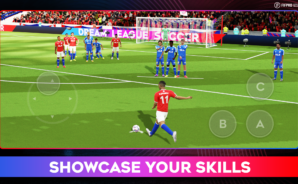
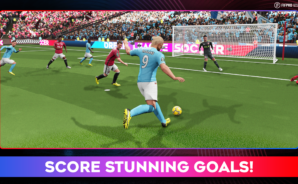
  • Real Match Feel: Motion-captured animations, crisp controls, and smarter AI make every pass, tackle, and save feel earned.
  • Climb the Divisions: Fight through eight competitive tiers on your path to legendary status, with cup challenges along the way.
  • Smart Management Tools: Use Agents and Scouts to uncover hidden gems, and Coaches to boost technical and physical attributes.
  • Your Club, Your Look: Design kits and badges—or import your own—then customize your manager with different hairstyles and outfits.
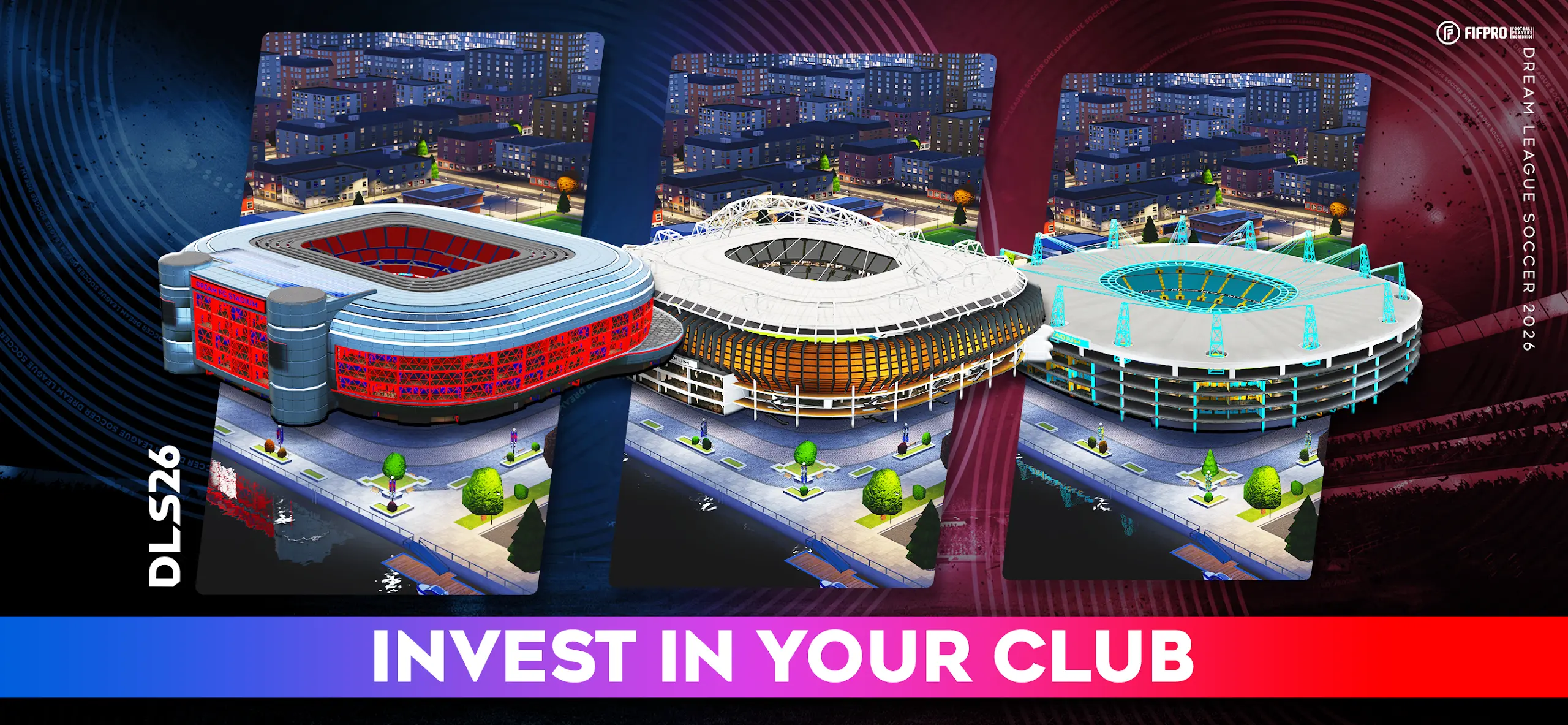
  • Build the Home Ground: Expand your stadium and add Medical, Commercial, and Training facilities to fuel long-term growth.
  • Dream League Live: Test your team online against real opponents, chase leaderboard spots, and fine-tune tactics in ranked play.
  • Matchday Atmosphere: Energetic commentary and crowd noise keep you locked in from kickoff to the final whistle.
  • Team Up in Clans: Join or create a Clan to collaborate, hit shared goals, and pick up useful perks.
  • Extra Modes to Master: Tackle quick daily scenarios or jump into Dream Draft for rapid-fire team building.

Start your journey now. Download the game on BlueStacks, invite your friends, and march on a new adventure.
Game Features

Enhancements

  • Macros
  • Multi Instance
  • Multi Instance Sync
  • Script
  • Enhancements
Macros

Macros

Automate the predictable in Dream League Soccer 2026 and transform your gameplay with Macros. Get access to inventive Macros in the BlueStacks Macro Community
Multi Instance

Multi Instance

Play Dream League Soccer 2026 on one window. And chat with your friend on the other. Press CTRL + Shift + 8 to open the Multi-Instance Manager. And start creating fresh instances or clone an existing one.
Multi Instance Sync

Multi Instance Sync

Play Dream League Soccer 2026 with the power of Multi-Instance Sync. Replicate what you are doing on the main instance on all other instances. Level up faster, play more.
Script

Script

Script your way to gaming glory in Dream League Soccer 2026 with BlueStacks Script. Write and run a set of commands to automate repeated tasks. Trigger the command by assigning it to any key.
Read More

How to Download and Play Dream League Soccer 2026 on PC or Mac

  • Download and install BlueStacks on your PC or Mac

  • Complete Google sign-in to access the Play Store, or do it later

  • Look for Dream League Soccer 2026 in the search bar at the top right corner

  • Click to install Dream League Soccer 2026 from the search results

  • Complete Google sign-in (if you skipped step 2) to install Dream League Soccer 2026

  • Click the Dream League Soccer 2026 icon on the home screen to start playing

video
Watch Video

Minimum System Requirements

With BlueStacks 5, you can get started on a PC that fulfills the following requirements.

  • Operating System

    Microsoft Windows 7 or above, macOS 11 (Big Sur) or above

  • Processor

    Intel, AMD or Apple Silicon Processor

  • RAM

    at least 4GB

  • HDD

    10GB Free Disk Space

Note:

* You must be an Administrator on your PC. Up to date graphics drivers from Microsoft or the chipset vendor.

Dream League Soccer 2026 - FAQs

  • How to play Dream League Soccer 2026 on Windows PC & Mac?

    Play Dream League Soccer 2026 on your PC or Mac by following these simple steps.

    • Click on 'Play Dream League Soccer 2026 on PC’ to download BlueStacks
    • Install it and log-in to Google Play Store
    • Launch and play the game.
  • Why is BlueStacks the fastest and safest platform to play games on PC?

    BlueStacks respects your privacy and is always safe and secure to use. It does not carry any malware, spyware, or any sort of additional software that could harm your PC.

    It is engineered to optimize speed and performance for a seamless gaming experience.

  • What are Dream League Soccer 2026 PC requirements?

    Minimum requirement to run Dream League Soccer 2026 on your PC

    • OS: Microsoft Windows 7 or above MacOS 11 (Big Sur) or above
    • Processor: Intel, AMD or Apple Silicon Processor
    • RAM: Your PC must have at least 4GB of RAM. (Note that having 4GB or more disk space is not a substitute for RAM)
    • HDD: 10GB Free Disk Space.
    • You must be an Administrator on your PC.