
TunerView for Android

TunerView for Android

Tools

| HRTuning.com

Play on PC with BlueStacks or from our cloud

  • Overview
  • How to Download

Page Modified On: December 05, 2025

Run TunerView for Android on PC or Mac

Multitask effortlessly on your PC or Mac as you try out TunerView for Android, a Tools app by HRTuning.com on BlueStacks.

About the App

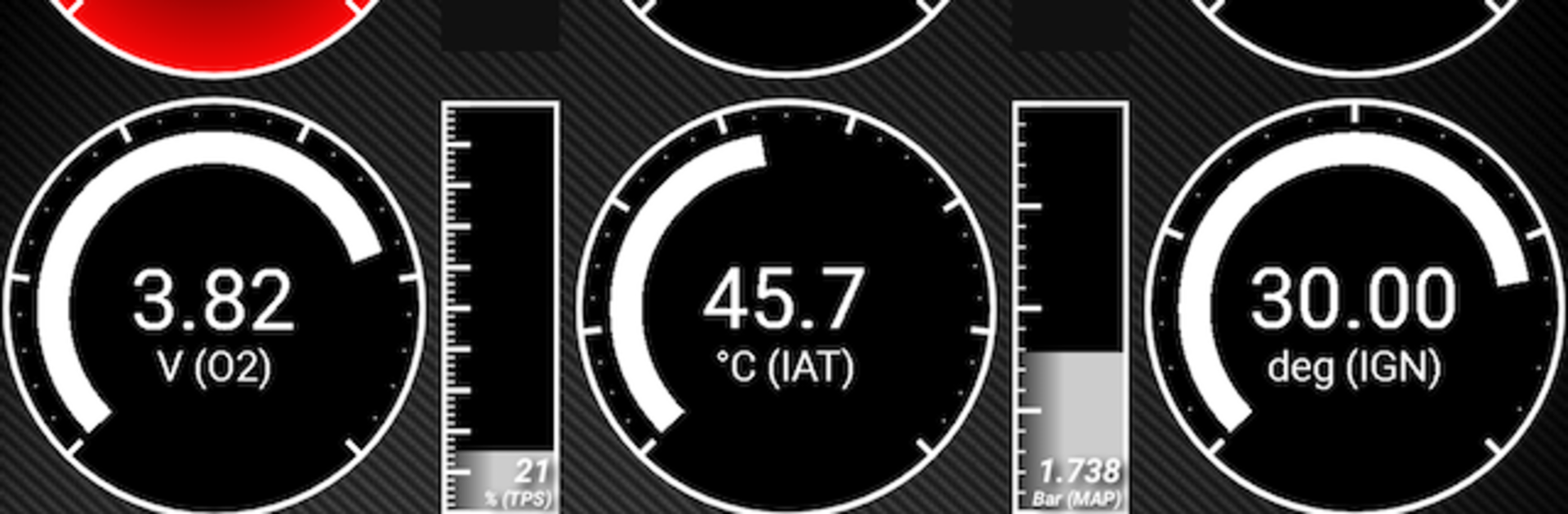
TunerView for Android is a real-time datalog and ECU companion built for people who actually like looking under the hood—digitally and literally. Connect over Bluetooth, watch critical engine data as it happens, and keep tabs on what your setup is doing on the street or the dyno. It’s a Tools app from HRTuning.com, and if you’d rather run it on a bigger screen, it also plays nicely on BlueStacks.

App Features

  • Real-time datalogging: Stream live engine parameters and see what’s going on instantly, so you can troubleshoot, tune, or just nerd out over the numbers.
  • Bluetooth ECU connection: Pair your Android device with supported ECUs via a compatible Bluetooth adapter for a clean, cable-free setup.
  • ECU reflashing with hardware: Got a KTunerFlashV1.2 device? You can reflash supported ECUs directly from the app.
  • Wide ECU compatibility: Works with popular Honda systems like Crome QD2/QD3, eCtune, KTuner R1, KTunerFlashV1.2/V2, Neptune, and Hondata S300 V3 (Bluetooth). Also supports ECUMaster EMU, NismotronicSA for Nissan, Ford GUFB/CBAZA with Moates QuarterHorse, GM OBD1 0D with Moates Autoprom, Moates SuperLogger, plus OBD2 ELM327 (limited beta).
  • Purpose-built for tuners: View live data, create logs, and keep your sessions organized whether you’re dialing in a base map or verifying a final pull.
  • Hardware notes you’ll care about: Honda OBD1, Nismotronic, and Moates devices may require specific Bluetooth modules, and different setups can use different pinouts and baud rates.
  • In-app protocol purchase: The app itself is a shell—unlock the datalog protocol you need via in-app purchase to start using it.

Big screen. Bigger performance. Use BlueStacks on your PC or Mac to run your favorite apps.

How to Download and Run TunerView for Android on PC or Mac

  • Download and install BlueStacks on your PC or Mac

  • Complete Google sign-in to access the Play Store, or do it later

  • Look for TunerView for Android in the search bar at the top right corner

  • Click to install TunerView for Android from the search results

  • Complete Google sign-in (if you skipped step 2) to install TunerView for Android

  • Click the TunerView for Android icon on the home screen to start playing

video
Watch Video

Minimum System Requirements

With BlueStacks 5, you can get started on a PC that fulfills the following requirements.

  • Operating System

    Microsoft Windows 7 or above, macOS 11 (Big Sur) or above

  • Processor

    Intel, AMD or Apple Silicon Processor

  • RAM

    at least 4GB

  • HDD

    10GB Free Disk Space

Note:

* You must be an Administrator on your PC. Up to date graphics drivers from Microsoft or the chipset vendor.

TunerView for Android - FAQs

  • How to Run TunerView for Android on Windows PC & Mac?

    Run TunerView for Android on your PC or Mac by following these simple steps.

    • Click on ‘Download TunerView for Android on PC’ to download BlueStacks
    • Install it and log-in to Google Play Store
    • Launch and run the app.
  • Why is BlueStacks the fastest and safest platform to play games on PC?

    BlueStacks respects your privacy and is always safe and secure to use. It does not carry any malware, spyware, or any sort of additional software that could harm your PC.

    It is engineered to optimize speed and performance for a seamless gaming experience.

  • What are TunerView for Android PC requirements?

    Minimum requirement to run TunerView for Android on your PC

    • OS: Microsoft Windows 7 and above:
    • Processor: Intel or AMD Processor:
    • RAM: Your PC must have at least 2GB of RAM. (Note that having 2GB or more disk space is not a substitute for RAM):
    • HDD: 5GB Free Disk Space.
    • You must be an Administrator on your PC.




