

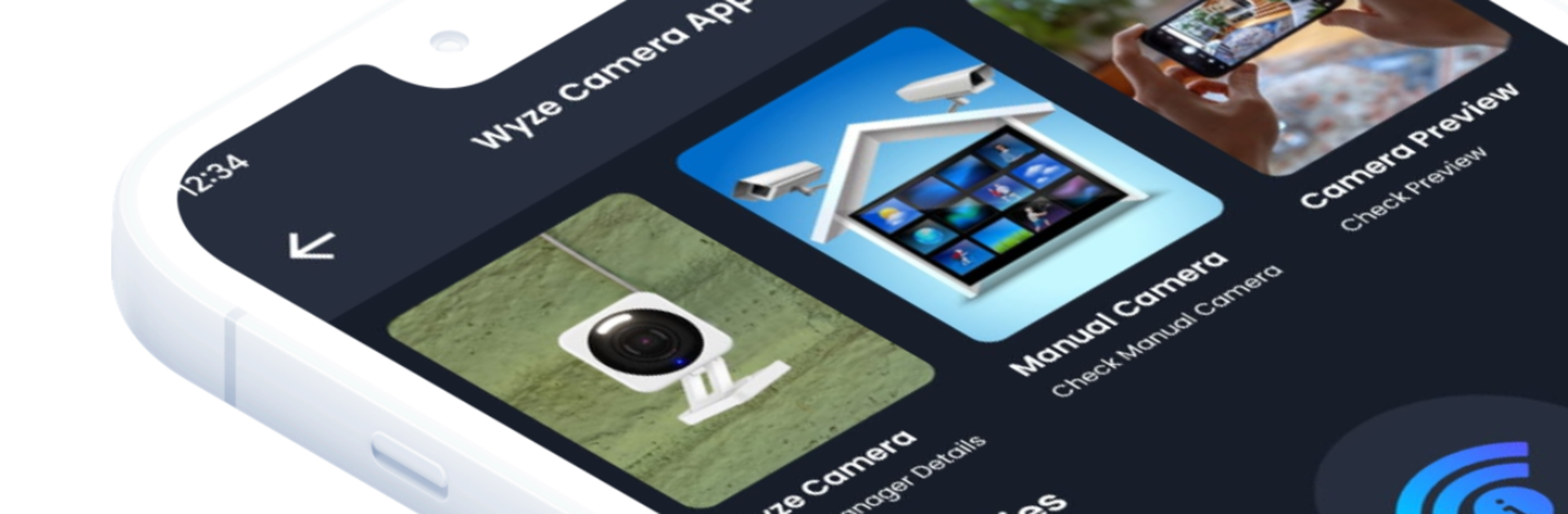


Let BlueStacks turn your PC, Mac, or laptop into the perfect home for Wyze Camera App – Cam Manager, a fun Tools app from Tech App Engineers.
About the App
Wyze Camera App – Cam Manager makes setting up and understanding your WiFi cameras a lot less stressful. This Tools companion from Tech App Engineers walks you through common tasks with clear steps, simple checklists, and practical utilities that actually help. Prefer a bigger screen while you work? You can run it with BlueStacks to follow along as you mount or troubleshoot. Note: this is a guide and companion, not an official Wyze product.
App Features
- Guided setup — Step-by-step instructions for first-time installs, reconnections, and network changes, with tips to avoid the usual hiccups.
- Manual camera info — Quick-reference details for popular models, including what different status lights or sounds mean.
- Camera previews — Positioning and coverage previews to help you figure out angles and blind spots before you screw anything into the wall.
- IP calculator — Easily calculate subnets, ranges, and gateways when you’re adjusting router settings or creating a dedicated network.
- Wi‑Fi information — See helpful network details like SSID, band, security type, and signal hints so you can choose the most stable connection.
- Camera FAQs — Straightforward answers to common issues: QR code scanning, pairing loops, dropped connections, and more.
- Device information — A handy readout of your phone/tablet’s basics (OS version, network status) to speed up troubleshooting.
- Casting support — Cast the guide screens to a TV or display so you can keep both hands free while installing.
- Hidden camera detector — A lightweight tool to scan for suspicious lenses or signals when you’re in unfamiliar spaces.
Switch to BlueStacks and make the most of your apps on your PC or Mac.





