BlueStacks Affiliate Program: How It Works, Payouts, and How to Join (2026)
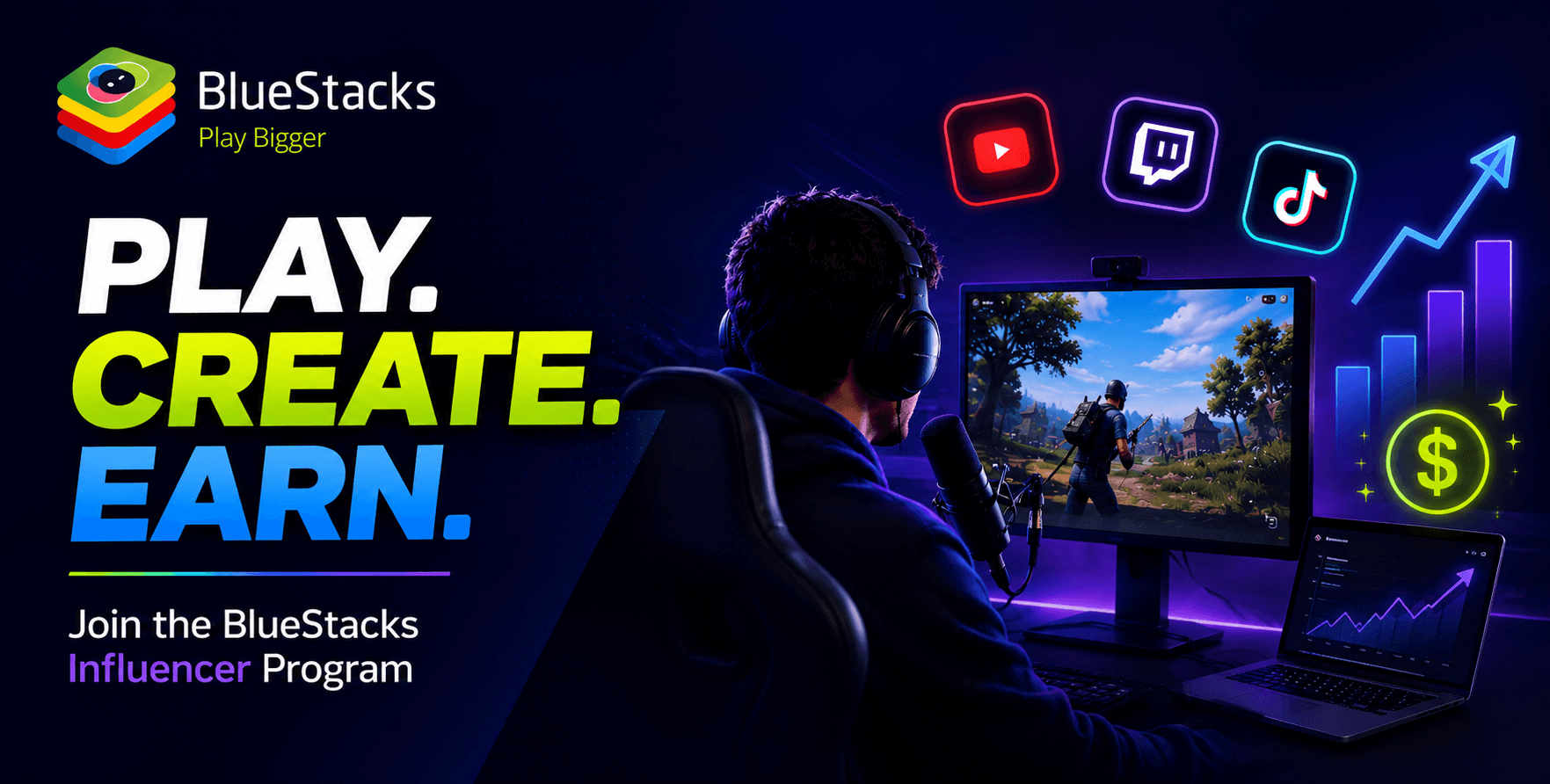

The short version, for anyone deciding whether this is worth their time: the BlueStacks Affiliate Program (also called the BlueStacks Influencer Program) pays gaming creators every time someone installs a game through their tracked link. It’s free to join, there’s no follower minimum at the entry tier, and payouts go out monthly via PayPal or bank transfer. The viewer doesn’t have to buy anything — the payable event is a free install.
That last sentence is the reason this program works differently from most gaming affiliate programs, and it’s worth understanding before you sign up. Here’s the full picture: how it works, what the tiers mean for your earnings, how payments actually arrive, and who gets approved.
What is the BlueStacks Affiliate Program?
BlueStacks is the app player that lets people play Android games on PC — it’s been around since 2011 and has a user base of 500M+ gamers, with partnerships across major mobile game publishers. The affiliate program sits on top of that: game publishers want installs, BlueStacks has a catalog of those game offers, and creators get paid for driving them.
You promote a game from the offer catalog using your unique link. When a viewer follows it, downloads BlueStacks on their PC, and installs that game through it, you earn a payout. That’s the whole transaction. No purchase, no subscription, no “qualified sale” fine print.
The program is built for the people who already make mobile gaming content: YouTubers and streamers covering Android games, bloggers running game guide sites, and community owners on Discord or forums (promoting on new platforms needs a quick approval from the BlueStacks team first — more on the rules below).
How it Works, Step by Step
- Apply and get approved. You register at the affiliate platform with your channel or site details and your content interests. Applications are screened — the team looks at whether your content is relevant (gaming or tech), original, and active. Approval gets you a personal dashboard on the BlueStacks Influencer Platform.
- Pick your offers and generate links. Inside the dashboard, you browse the available game offers, choose the ones that match your content, and generate a unique tracking link for each. This is the part most creators get wrong on other networks — promoting whatever pays most instead of whatever fits their audience. Pick the games you already cover. Your audience came for that game; the install is a natural next step, not an ad read.
- Earn per install, track in real time. Clicks, downloads, and installs report to your dashboard in real time, with data reflected within 4–6 hours. Every install of an offer game through your link adds to your earnings, and the dashboard shows it all in simple graphs — no exporting spreadsheets to figure out what you made.
How Much can you Earn?
Payouts work on a CPI basis — cost per install — and the rate depends on two things: which game you’re promoting and which country the install comes from. A US install of a high-value strategy game pays differently than the same install from another region, because that’s how publishers value users.
On top of the per-install rate sits a tier system based on your monthly install volume:
| Tier | Monthly installs | What it means |
| Tier 1 | 1,200+ | Highest commission rates |
| Tier 2 | 750+ | — |
| Tier 3 | 350+ | — |
| Tier 4 | No minimum | Entry tier — everyone starts here |
Two things worth saying plainly. First, Tier 4 having no minimum is the real story for small creators: you can join at any size and earn from your first install, then climb tiers as your volume grows. Second, your earnings track your content’s conversion power, not your subscriber count — a focused 5K-sub channel covering one game deeply can out-earn a much larger general channel, because aligned viewers actually follow through on installs.
What this means for you: don’t try to reverse-engineer a number from someone else’s screenshot. Join, run links on two or three videos that fit the offer catalog, and your own dashboard will tell you your real rate per thousand views within a month. That number is the only one that matters for your channel. Partners who consistently drive quality installs tend to find the program opens up over time — so treat your early numbers as the thing that earns you everything that comes next.
How and When Do you Get Paid?
Payments go out on the first of every month, via wire transfer to your bank account or PayPal — PayPal payouts carry no minimum threshold, so you don’t wait around accumulating a balance before your first payment. Every payment comes with an email confirmation.
If you’ve spent any time in affiliate marketing, you know why this section matters more than the rates. Shady networks are everywhere in the CPI space, and “they actually pay on time” is the single most repeated line in reviews of this program from long-running partners. That’s the practical benefit of running an affiliate program inside a 500M-user company instead of an anonymous offer network: the brand has far more to lose from stiffing a creator than the creator’s balance is worth.
Who can Join — and Who Gets Rejected
The published criteria are straightforward, and they describe an active creator rather than a big one:
- Your content is relevant — gaming or tech.
- It’s original and genuinely useful, not scraped or plagiarized.
- Your audience is real and responsive — a decent subscriber, follower, or visitor base for your size.
- Your platform is active, with your latest upload no more than 4 weeks old.
Notice what’s not on the list: a follower threshold. Activity and relevance get you in; dormant channels and off-topic sites don’t.
There are also promotion rules worth reading before you build anything: no promoting offers on explicit, violent, or discriminatory content, no misleading ads, no email spam, no tampering with tracking links — and if you want to promote somewhere other than your registered platform (a Discord server, a second site), you ask BlueStacks first. The full terms and conditions are linked from the program page; questions go to affiliate-inquiries@bluestacks.com.
How this Compares to Other Gaming Affiliate Programs
Most gaming affiliate programs pay revenue share on purchases — typically 3–5% when your viewer buys a peripheral, a game key, or makes an in-game purchase through your link. The math is unforgiving for small audiences: a $60 sale at 4% is $2.40, and the overwhelming majority of viewers never buy at all.
The BlueStacks model removes the purchase from the equation. Your viewer installs a free game; you get paid. The bar your audience has to clear drops from “spend money” to “try a free thing,” which is why per-install programs consistently make more sense for mobile gaming creators than chasing hardware commissions — your audience installs games every week anyway. The honest trade-off: the install happens on PC through BlueStacks, so it converts best with audiences who have a reason to want mobile games on a bigger screen — guide-watchers, multi-account players, gacha rerollers, anyone who games at a desk. If that’s your audience, the funnel fits like it was built for them. It was.
How to Join
- Go to the registration page and submit your details and content interests.
- Wait for screening and approval, then set up your account on the Influencer Platform.
- Browse Available Offers in the dashboard, generate your unique links, and put them where your audience already is — video descriptions, pinned comments, article CTAs.
One more thing once you’re in: the program has a refer-a-friend system. Your dashboard generates a referral code, and you earn rewards when creators you refer get accepted — worth sending to the two or three creators you know covering the same games.
If you’re already making content about Android games, the gap between you and your first payout is one application and one link in a video description. Join the BlueStacks Affiliate Program and let the videos you were publishing anyway start paying you back.