Why Mirror Your Phone When Your PC Can Run Android? Meet BlueStacks Desktop
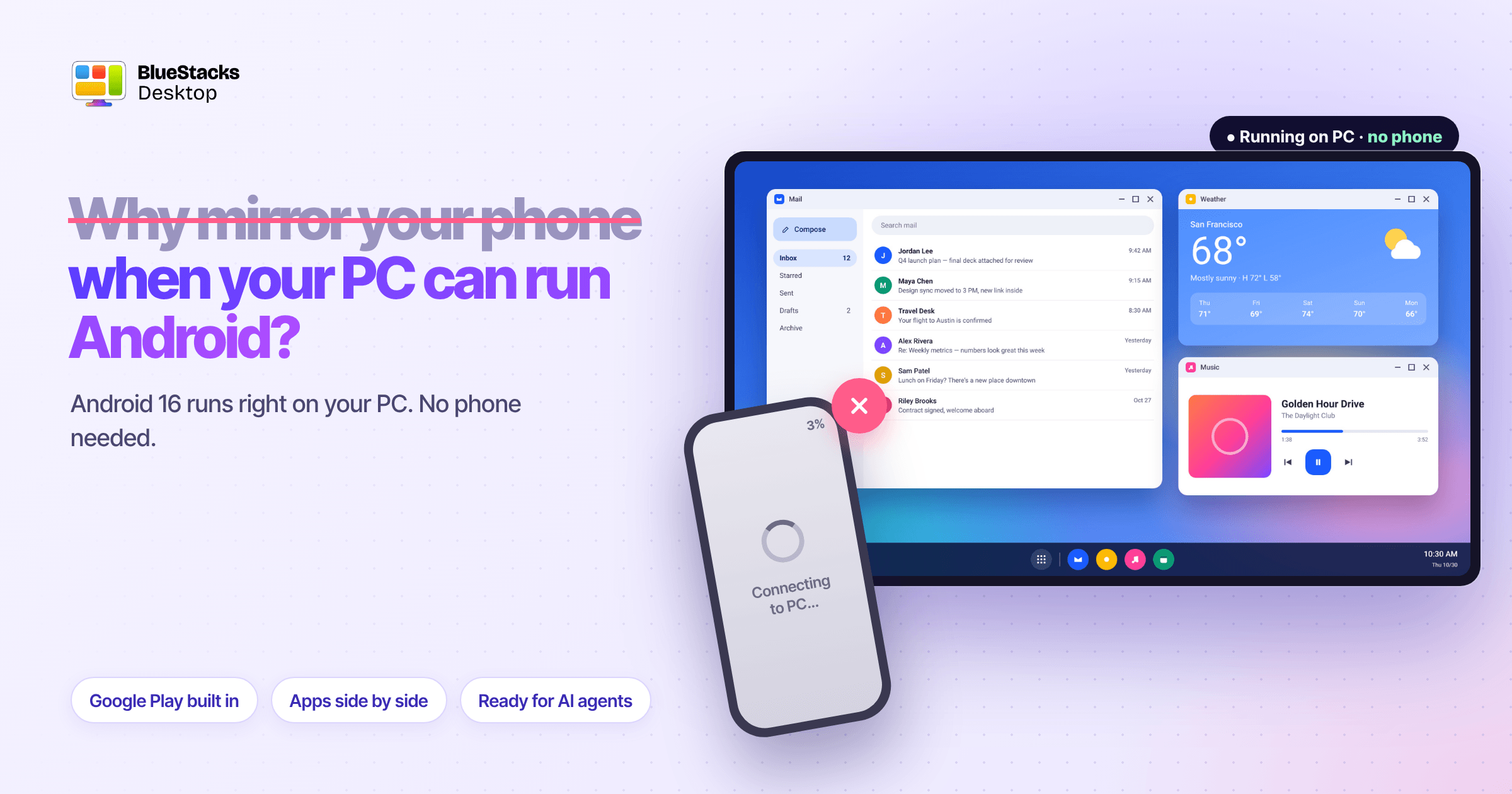
Over the last few years, Apple, Microsoft and Samsung have all reached the same conclusion: people want their phone apps on their computer. Apple added iPhone Mirroring to the Mac, Microsoft built Phone Link into Windows, and Samsung offered DeX for PC before replacing it with Phone Link. All of them work the same way. They mirror your phone, streaming its screen to the computer while the app keeps running on the phone. Microsoft’s one attempt to run Android directly on Windows, Windows Subsystem for Android, ended in March 2025, held back by an app store that didn’t include Google Play.
Mirroring is clever, and for checking a message it works well. But it’s a stopgap. It keeps your phone at the centre of something that was supposed to free you from it. The better answer is to run Android on the PC itself.
What mirroring can’t do
Mirroring isn’t bad technology. It’s the wrong foundation. Every limit it has comes from the same fact: the app still lives on the phone.
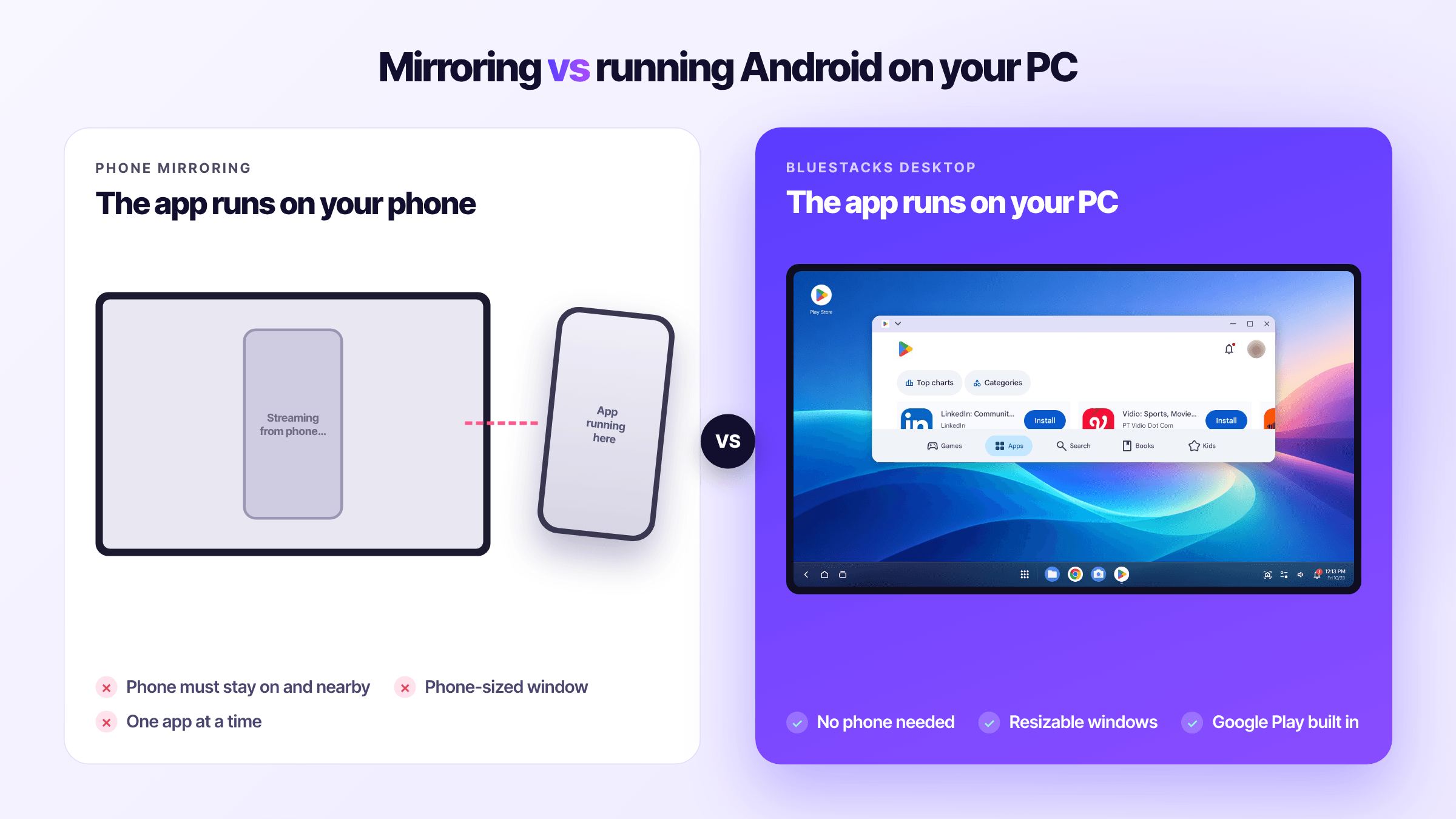
- Your phone has to be there. It must be on, charged, nearby and connected. Leave it at home, let the battery die, or switch networks, and your “desktop apps” disappear. The PC becomes a remote screen for a device you were trying to put down.
- It’s still a phone app on a phone-sized canvas. Mirroring shows you the phone’s screen. Apple’s window can’t be resized. Most Phone Link setups open one app at a time. You get the phone experience, moved, not a desktop experience.
- One phone, one person, one task. A mirrored phone can only do what that phone can do at that moment. You can’t run a separate copy of your apps for work, testing or a team. And you can’t hand it to software to use on its own.
- It depends on deals and borders. Phone Link’s apps feature works only on phones whose makers partnered with Microsoft. iPhone Mirroring stops at the EU’s borders. Your access depends on your phone brand and your country, not on what you need.
- It isn’t built for AI agents. This is the limit that will matter most. AI agents are learning to use apps the way people do. An agent needs an environment it can run in by itself, for as long as a task takes. A mirrored personal phone is the opposite: tied to one person, one device and one network, and it carries everything private on that phone.
Mirroring vs running Android on PC (BlueStacks Desktop)
| Mirroring (iPhone Mirroring, Phone Link) | Android running on the PC (BlueStacks Desktop) | |
| Where the app runs | On your phone | On your PC |
| Needs your phone nearby | Yes, on and connected | No |
| Window | Phone-sized, mostly one app at a time | Resizable windows, several apps side by side |
| Which phones work | Partner brands only (Phone Link apps) or iPhone only | Any; no phone needed |
| Where it’s available | iPhone Mirroring not in the EU | Global |
| App source | Whatever is on your phone | Google Play |
| Can an AI agent use it on its own | Not designed for it | Yes, built for humans and agents |
Mirroring wins on one thing: your apps already have your data and logins, so there’s nothing to set up. For quickly answering a message, that’s hard to beat. For anything longer, it’s a workaround.
Where this ends up
The platforms have spent years treating the PC as a second screen for the phone. The direction of Android itself points the other way. Android 16 is the first version with proper desktop windowing, and since August 31, 2026, Google Play has required new apps and updates to target it. Android is being built to run as a desktop, not just to be shown on one.
Once that happens, mirroring becomes what it always was: a bridge for the period when phone apps had nowhere else to run.
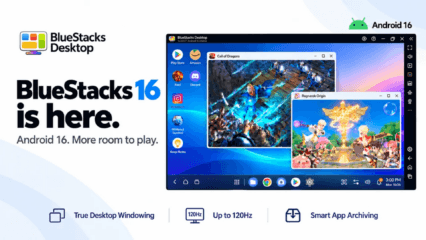
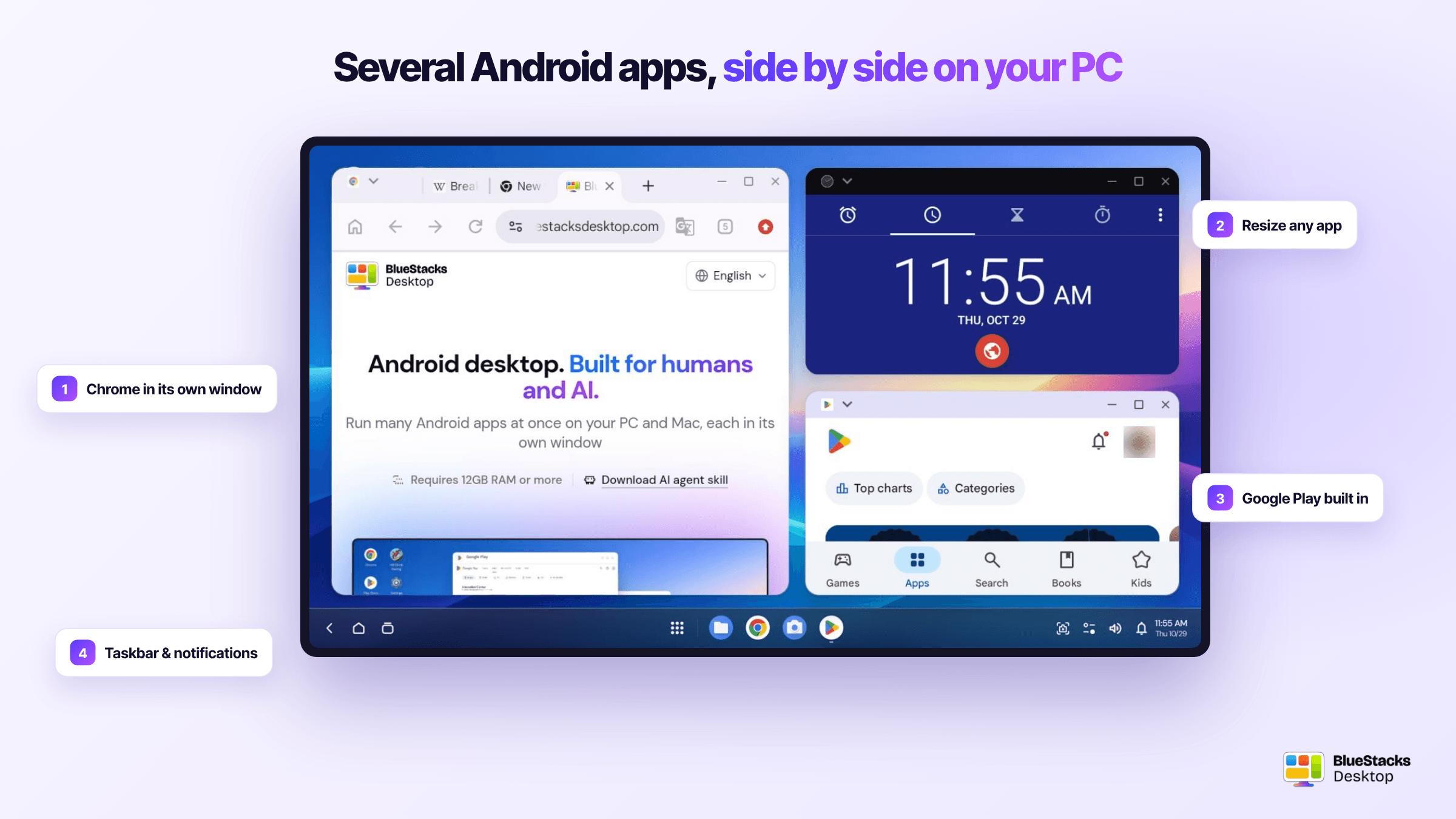
BlueStacks Desktop is built for what comes after. It runs Android 16 directly on Windows as a full desktop, with a home screen, a taskbar, Google Play built in and apps in their own resizable windows. Your phone can stay in your pocket, or in another room. And because it’s a complete Android environment of its own, it’s ready for AI agents to work in, not just people.
BlueStacks has been running Android on PCs since 2011. The big platforms have now confirmed what that bet was about: phone apps belong on the desktop. The remaining question is whether they get there by streaming a phone, or by running on the computer itself. We think the answer is clear.