How to Install and Play 9 Kings on PC with BlueStacks
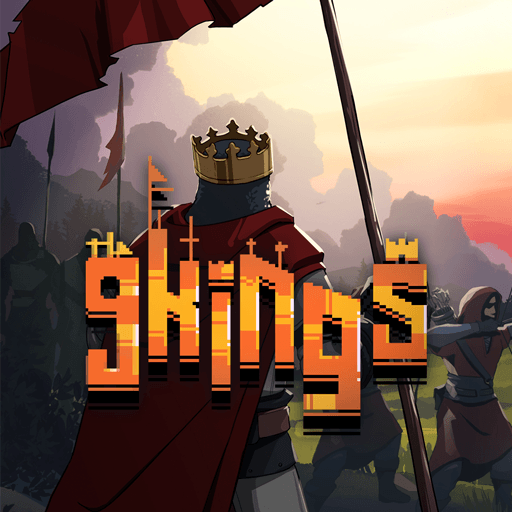
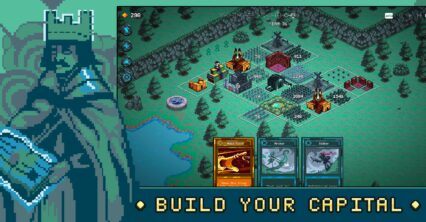
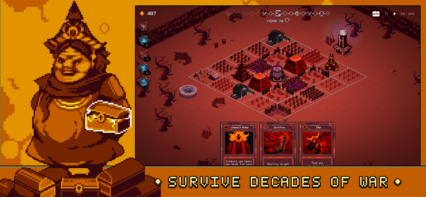
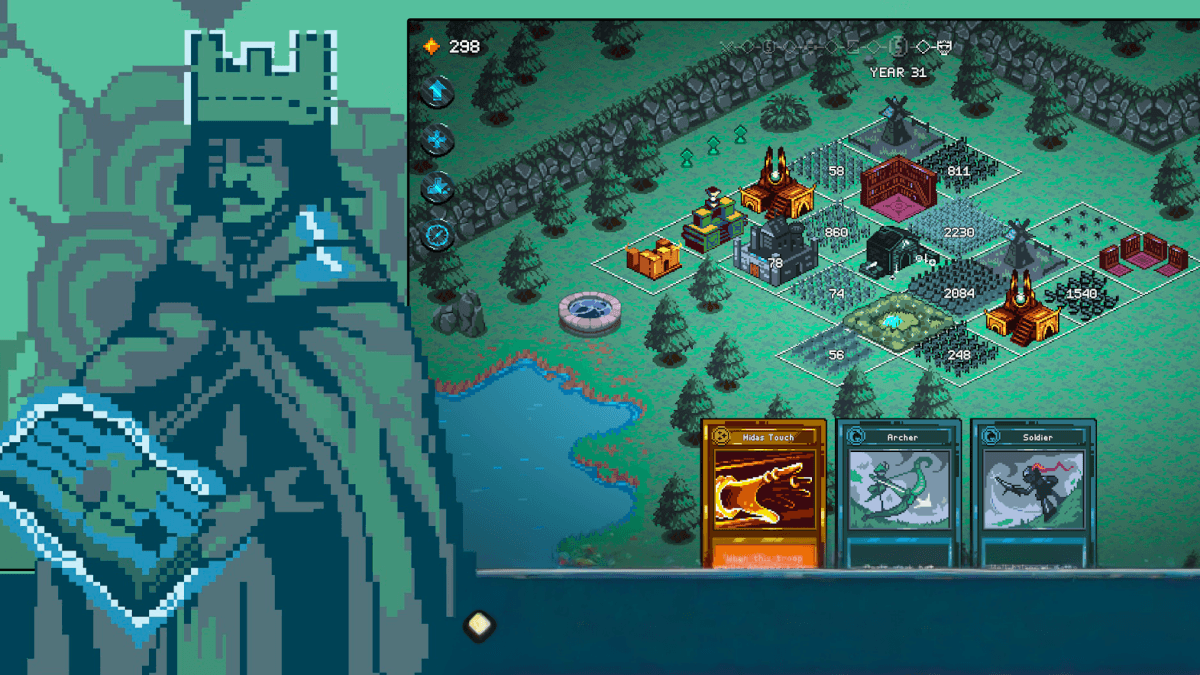
9 Kings is a fast strategy game where you build a powerful kingdom and try to defeat rival rulers. The game mixes city building, card strategy, and large battles that play out automatically once your plan is set. Your job is to build a strong city, pick smart upgrades, and create powerful combinations that help your army win.
You begin each run with a small settlement and slowly turn it into a strong kingdom. Cards are used to place buildings, recruit troops, and unlock helpful bonuses. Every choice matters because stacking effects together can create very strong builds that help you survive longer battles.
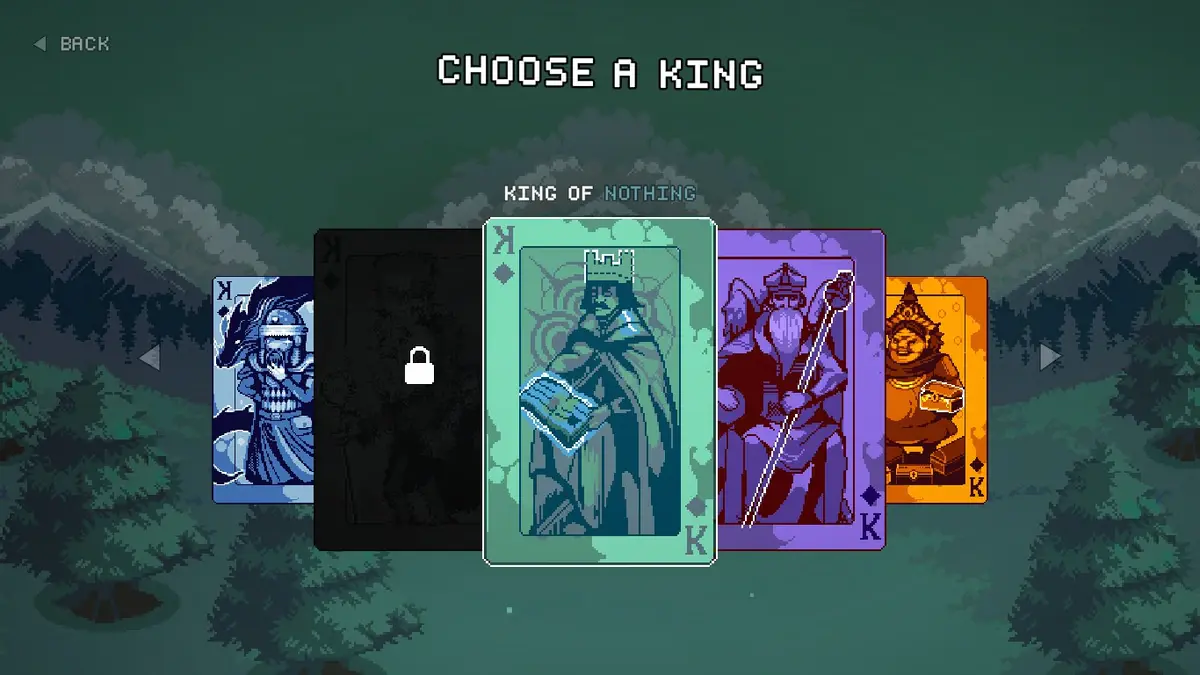
One of the most exciting parts of 9 Kings is the variety of rulers you can play. There are nine kings, and each one has a different style. Some focus on gathering gold and hiring mercenaries, while others use nature magic, time powers, or dark spells. Trying different kings can completely change how you build your city and fight enemies.
How to Install 9 Kings on PC
- Open the game’s page and click on the “Play 9 Kings on PC” button.
- Download the installer and open it from your browser’s downloads section.
- Install BlueStacks on your computer and launch the program once the setup is finished.
- Log in to the Google Play Store, install 9 Kings, and begin playing.
How to Install 9 Kings on Mac with BlueStacks Air
- Download BlueStacks Air: Visit the game’s page and press the “Play 9 Kings on Mac” button to download the installer.
- Install BlueStacks Air: Double-click the BlueStacksInstaller.pkg file, then follow the on-screen installation steps.
- Launch and Sign In: Open BlueStacks Air from the Applications folder or Launchpad and sign in with your Google account.
- Install 9 Kings: Search for the game in the Play Store and install it like you would on a phone.
- Start Playing: Open 9 Kings and jump into your first kingdom run.
Already Using BlueStacks? Start Playing Faster
- Visit the game’s page and click the “9 Kings on PC” button.
- Open BlueStacks on your computer.
- Install 9 Kings from the BlueStacks Store or Google Play Store.
- Launch the game and begin building your kingdom.
Minimum System Requirements
To run games like 9 Kings smoothly, your computer should meet these basic requirements:
- OS: Microsoft Windows 7 or newer, macOS 11 (Big Sur) or newer
- Processor: Intel, AMD Processor, or Apple Silicon Processor (M1–M4)
- RAM: At least 4GB of RAM
- Storage: 10GB free disk space
- Permissions: Administrator access on your PC or Mac
- Graphics Drivers: Updated graphics drivers from Microsoft or the chipset manufacturer
9 Kings is a great choice for players who enjoy strategy games that reward smart planning. Each run gives you the chance to try different card combinations, building layouts, and troop setups. Some players might focus on building a strong economy, while others might create powerful armies with stacked effects and spells.
Also, playing 9 Kings on a PC or Mac with BlueStacks can make the experience even better. A larger screen helps you see your city layout clearly, while keyboard and mouse controls make managing cards and buildings easier. This setup also helps the game run smoothly during long sessions, which is perfect for players who want to spend hours improving their strategy and building the strongest kingdom possible.