How to Install and Play Animal Farm Life: Town Farming on PC with BlueStacks
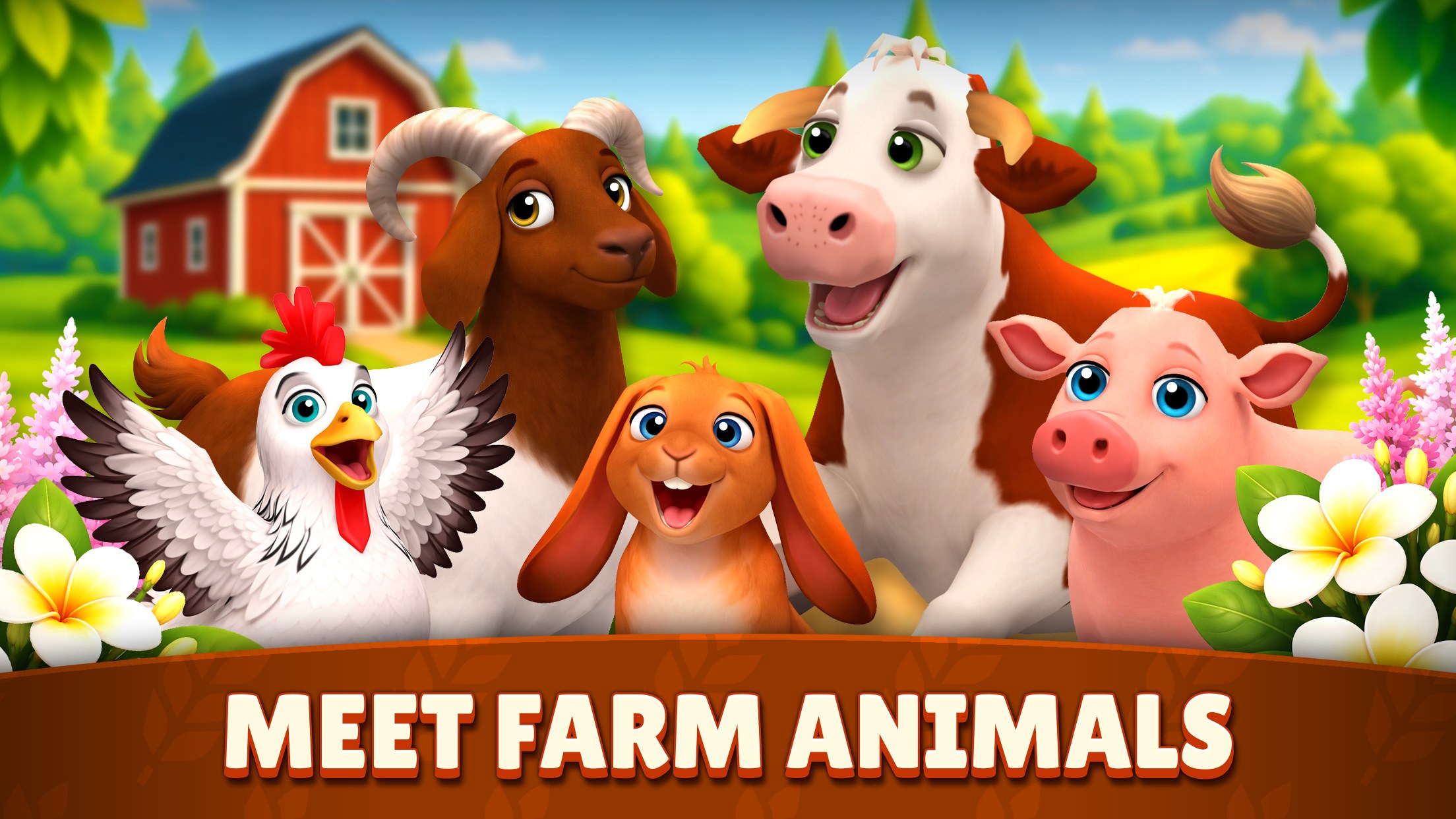
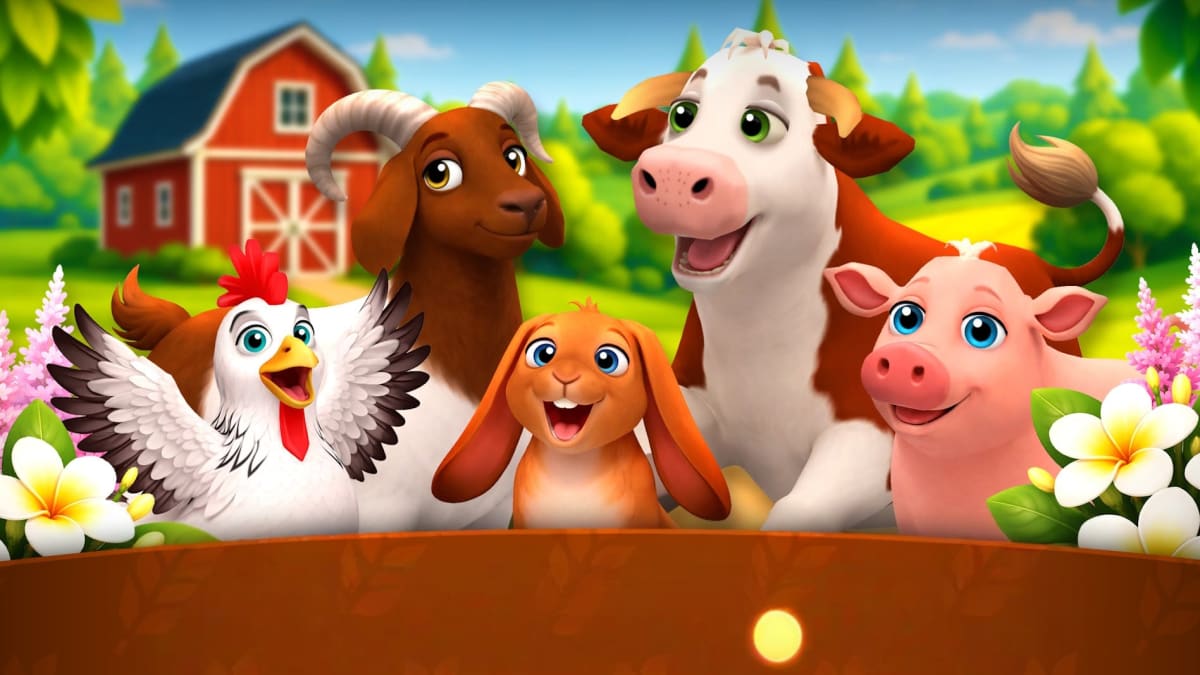
Animal Farm Life: Town Farming is a cozy farm simulation game where you build your own countryside farm, raise cute animals, grow crops, and sell farm goods to earn cash. Animals are a big part of the fun, with cows, chickens, pigs, sheep, ducks, and many other breeds to care for.
You can feed young animals, help them grow, harvest fields, complete customer orders, and add buildings or decorations to make your farm feel like your own.
How to Install Animal Farm Life: Town Farming on PC
- Go to the game’s page, then click on the “Play Animal Farm Life: Town Farming on PC” button.
- Open the downloaded file from your browser’s downloads folder.
- Follow the setup steps to install BlueStacks, then open it on your PC or Mac.
- Sign in to the Google Play Store, install Animal Farm Life: Town Farming, and start playing.
How to Install Animal Farm Life: Town Farming on Mac with BlueStacks Air
- Download BlueStacks Air: Go to the game’s page and click on the “Play Animal Farm Life: Town Farming on Mac” button to get the installer.
- Install BlueStacks Air: Open the BlueStacksInstaller.pkg file and follow the setup window until the app is installed.
- Launch and Sign-In: Open BlueStacks Air from Launchpad or the Applications folder, then sign in with your Google account.
- Install Animal Farm Life: Town Farming: Search for the game in the Play Store and install it.
- Enjoy Playing: Open the game and start building your farm.
Already Have BlueStacks? Here’s What to Do
- Go to the game’s page, then click on the “Animal Farm Life: Town Farming on PC” button.
- Open BlueStacks on your PC or Mac.
- Install Animal Farm Life: Town Farming from the BlueStacks Store or Google Play Store.
- Start Playing!
Minimum System Requirements
BlueStacks can run games like Animal Farm Life: Town Farming on many common PCs and Macs, as long as your device meets these basic needs:
- OS: Microsoft Windows 7 and above, macOS 11 (Big Sur) or above
- Processor: Intel, AMD Processor, or Apple Silicon Processor (M1-M4)
- RAM: Your PC or Mac must have at least 4GB of RAM
- Storage: 10GB Free Disk Space
- Permissions: Administrator access on your PC or Mac.
- Graphics drivers: Up-to-date graphics drivers from Microsoft or the chipset vendor.
Animal Farm Life: Town Farming is a good pick for players who like calm games, cute animals, and steady progress. You can play for a few minutes to collect crops and feed animals, or spend more time building a larger farm with more houses, paths, fences, and decorations.
Playing Animal Farm Life: Town Farming on PC or Mac with BlueStacks can make the game feel easier to manage. A bigger screen helps you see your animals, crops, buildings, and orders more clearly. Keyboard and mouse controls can also make tapping, moving, and managing your farm feel smoother than on a small phone screen. It is a simple way to enjoy cozy farming with more space and better control.