How to Install and Play Crownstone Survival on PC with BlueStacks
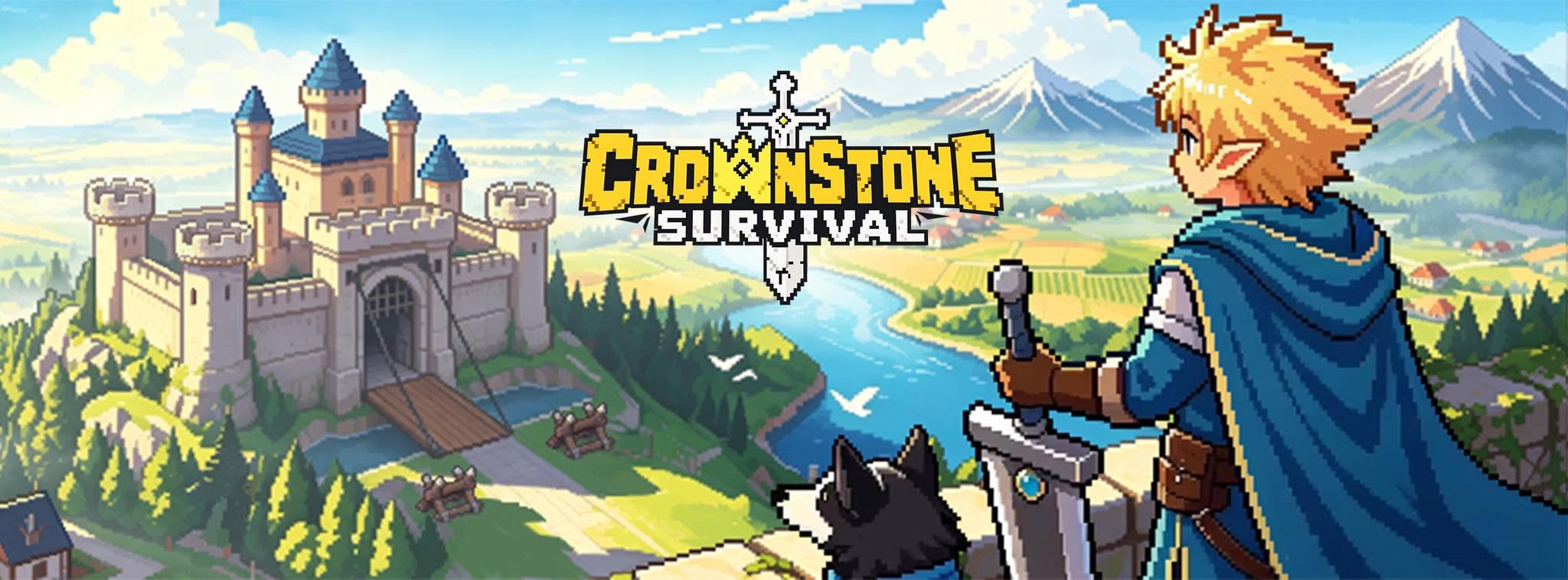
Crownstone Survival is a strategy game from Level Infinite that takes place in a world ruined by the Curse of Stone. The disaster began when King Arthur pulled the sword from the stone, causing humanity and its civilization to become frozen for a thousand years.
You begin in Avalon, a hidden Druid sanctuary, as a chosen survivor who looks like Arthur. Your mission is to build a shelter, free people trapped in stone, and search for answers beyond the Wall. You can manage resources, assign work to survivors, recruit legendary heroes, and create squads for battle. Alliances also let you join players from around the world during real-time wars.
How to Install Crownstone Survival on PC
- Open the game’s page and click the “Play Crownstone Survival on PC” button.
- Locate the downloaded file through your browser’s downloads section and open it.
- Complete the BlueStacks installation, and then launch it on your PC or Mac.
- Log in to the Google Play Store, install Crownstone Survival, and start playing.
How to Install Crownstone Survival on Mac with BlueStacks Air
- Get BlueStacks Air: Visit the game’s page and select the “Play Crownstone Survival on Mac” button to download the installer.
- Set It Up: Open the BlueStacksInstaller.pkg file and complete the steps shown by the installation wizard.
- Launch and Sign In: Start BlueStacks Air from Launchpad or the Applications folder. Sign in with your Google account to enter the Play Store.
- Install Crownstone Survival: Find Crownstone Survival through the Play Store search bar and install it.
- Enter Avalon: Launch the game and begin rebuilding your shelter.
How to Play If BlueStacks Is Already Installed
- Go to the game’s page and select the “Crownstone Survival on PC” button.
- Open BlueStacks on your PC or Mac.
- Install Crownstone Survival from the BlueStacks Store or Google Play Store.
- Start the game and continue to Avalon.
Minimum System Requirements
Your PC or Mac needs to meet the following basic requirements before running Crownstone Survival through BlueStacks:
- OS: Microsoft Windows 7 and above, macOS 11 (Big Sur) or above
- Processor: Intel, AMD Processor or Apple Silicon Processor (M1-M4)
- RAM: Your PC or Mac must have at least 4GB of RAM
- Storage: 10GB Free Disk Space
- Permissions: Administrator access on your PC or Mac
- Graphics drivers: Up-to-date graphics drivers from Microsoft or the chipset vendor
Crownstone Survival suits players who enjoy building a safe base while preparing teams for dangerous missions. Each person you rescue from stone has skills that can help your growing shelter. You can assign survivors to jobs, improve Avalon’s facilities, manage supplies, and decide where to use your resources.
Also, playing Crownstone Survival on PC or Mac with BlueStacks gives you a larger view of Avalon, the surrounding map, and your heroes. Keyboard and mouse controls can make it more comfortable to manage buildings, choose upgrades, and organize squads. The bigger screen also helps you follow shelter activity and spot useful information during longer sessions.