How to Play Dragon Ball Z Dokkan Battle on PC with BlueStacks
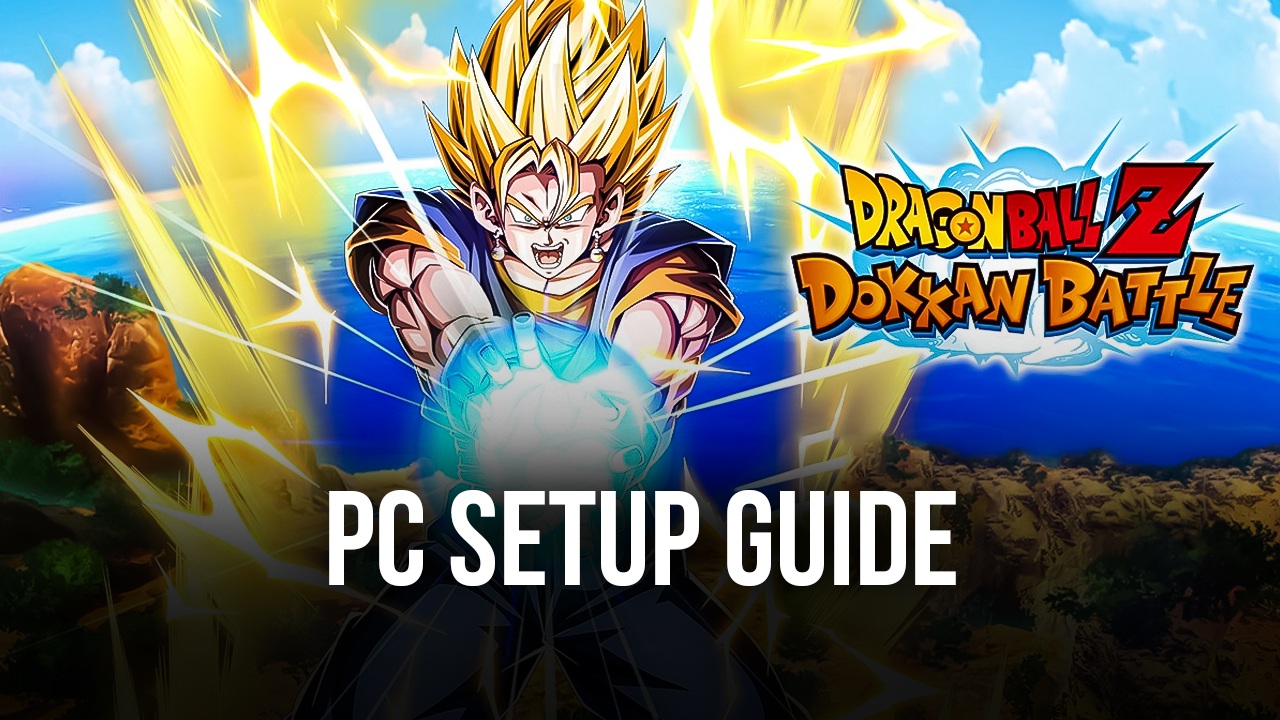

Dragon Ball for mobile phones! Need we say more? Dragon Ball Z Dokkan Battle is the fantastic gacha RPG set in the Dragon Ball universe, where players can recruit a very large variety of characters from the iconic anime and travel through a multitude of stages and battles, collecting many different resources and items along the way. These items, in turn, are used for upgrading units and powering up the squad, so that they can take on challenges of increasing intensity.
Despite being based on the wildly successful Dragon Ball franchise, Dokkan Battle has much more going for it than just the brand aspect, as this gacha RPG features a unique twist on the typical turn-based combat system. Instead of just selecting moves and abilities from a list in every turn, players will need to collect Ki Spheres of different colors to power up their characters. And after each unit has collected their spheres for the turn, the combat will play out. Depending on the number of orbs that they picked up, the characters might just trade blows or unleash their strongest Super Attacks, dealing the maximum amount of damage to the enemy. But be careful; enemies can also use powerful skills on you, so you better defeat them before they get the chance to do so!
Even though the game has been readily available for download on mobile since 2015, players can also enjoy Dragon Ball Z Dokkan Battle on PC with BlueStacks, our Android app player. In this sense, they won’t be limited to playing exclusively on their mobiles, but can also enjoy this awesome RPG on PC, on a much larger monitor that will let them appreciate every single detail and attack in full HD resolution, and also give them a better way to control the game through their mouse and keyboard. And this is without mentioning that BlueStacks makes it much easier to reroll in Dokkan Battle, in case that’s something you want to do.
How to Install DRAGON BALL Z DOKKAN BATTLE on PC
- Head to the game’s page and press the “Play DRAGON BALL Z DOKKAN BATTLE on PC” button.
- Once the installer downloads, open it from your browser’s downloads tab.
- Follow the setup steps to install BlueStacks, then launch it on your PC or Mac.
- Log in to the Google Play Store, install the game, and jump into the action.
How to Install DRAGON BALL Z DOKKAN BATTLE on Mac with BlueStacks Air
- Download BlueStacks Air: Go to the game’s page and click on the “Play DRAGON BALL Z DOKKAN BATTLE on Mac” button to download the installer.
- Install BlueStacks Air: Open the BlueStacksInstaller.pkg file and follow the instructions shown on your screen.
- Launch and Sign-In: Start BlueStacks Air from Launchpad or the Applications folder, then sign in with your Google account.
- Install DRAGON BALL Z DOKKAN BATTLE: Find the game in the Play Store and install it.
- Start Playing: Open DRAGON BALL Z DOKKAN BATTLE and begin your adventure.
Already Have BlueStacks? Here’s What to Do
- Visit the game’s page and click the “DRAGON BALL Z DOKKAN BATTLE on PC” button.
- Open BlueStacks on your computer.
- Install the game directly from the BlueStacks Store or Google Play Store.
- Launch it and start battling.
Minimum System Requirements
To run DRAGON BALL Z DOKKAN BATTLE smoothly on your computer, your system should meet these basic needs:
- Operating System: Microsoft Windows 7 or higher, macOS 11 (Big Sur) or higher
- Processor: Intel or AMD processor, or Apple Silicon (M1–M4)
- RAM: At least 4GB of memory
- Storage: 10GB of free disk space
- Permissions: Administrator access on your PC or Mac
- Graphics Drivers: Updated drivers from Microsoft or your chipset provider
While it’s quite easy to play on your phone, you can also enjoy Dragon Ball Z Dokkan Battle on your PC whenever you’re chilling at home. Just remember to bind the same Google account on both platforms so that you can continue progressing on the same account regardless of whether you’re playing on your phone or on PC.