How to Play Geometry Dash SubZero on PC with BlueStacks
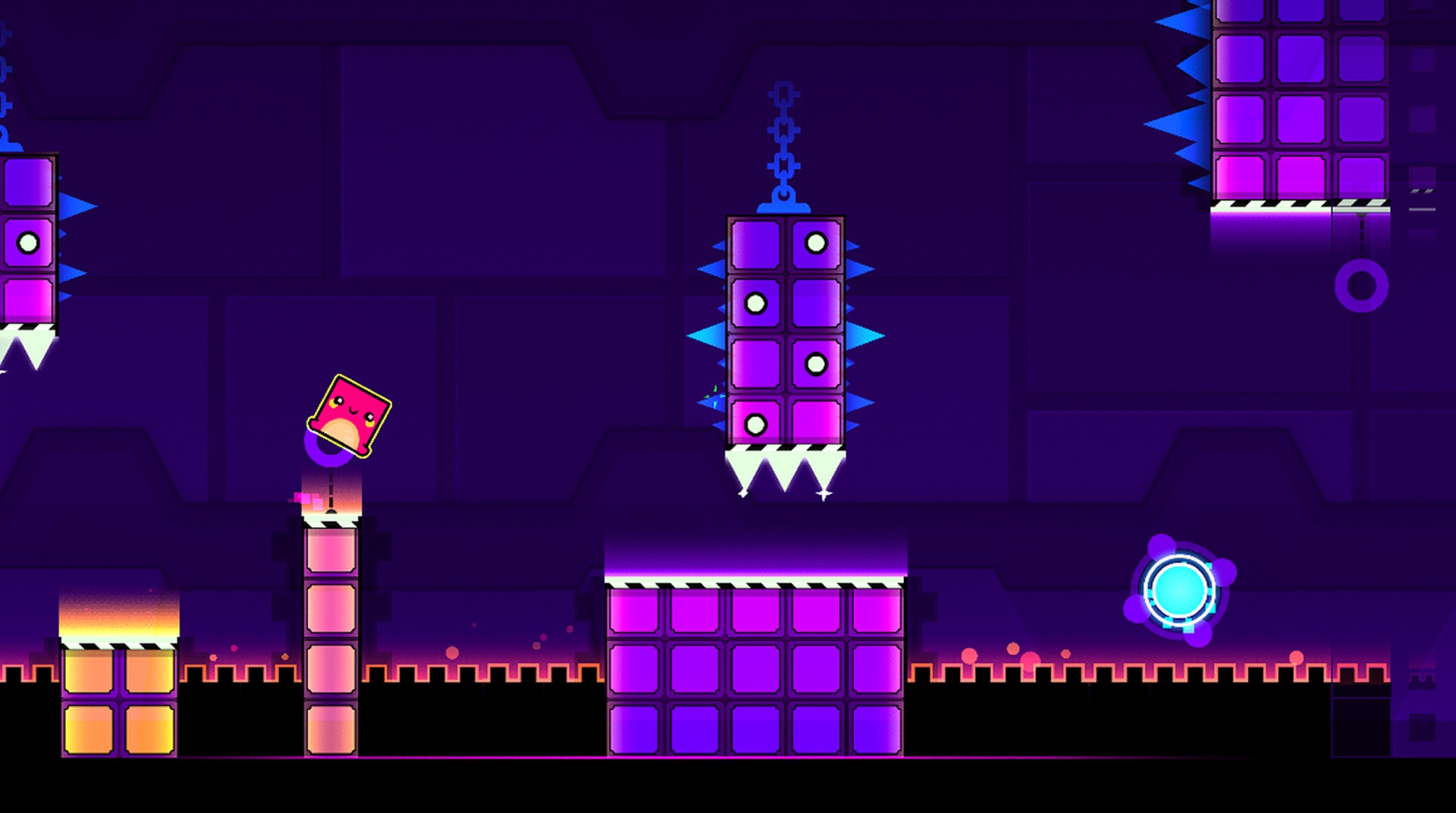

Geometry Dash SubZero takes the fast-paced rhythm platforming formula and condenses it into three intense, music-driven levels that demand precision and timing. Each jump, flip, and movement is tied directly to the beat, making it a game that rewards practice and sharp reflexes. While it looks simple at first glance, the challenge ramps up quickly, pushing players to master patterns and react instantly.
Playing Geometry Dash SubZero on PC with BlueStacks gives you a more responsive experience with better controls and smoother performance. With keyboard input and a larger screen, it becomes much easier to track obstacles, stay in rhythm, and push through the tougher sections of each level.
How to Install Geometry Dash SubZero on PC
- Go to the game’s page, and click on the “Play Geometry Dash SubZero on PC” button.
- Open the file from your browser’s downloads section.
- Install BlueStacks and launch it on your PC or Mac.
- Sign in to the Google Play Store, install the game, and start playing.
How to Install Geometry Dash SubZero on Mac with BlueStacks Air
- Download BlueStacks Air: Go to the game’s page and click on the “Play Geometry Dash SubZero on Mac” button to get the installer.
- Install BlueStacks Air: Double-click the BlueStacksInstaller.pkg file. Follow the wizard to complete the installation.
- Launch and Sign-In: Open BlueStacks Air from the Launchpad or Applications folder. Sign in with your Google account to access the Play Store.
- Install Geometry Dash SubZero: Search for Geometry Dash SubZero in the Play Store and install it.
- Enjoy Playing! Launch the game and start playing!
For Those Who Already Have BlueStacks Installed
- Go to the game’s page, and click on the “Geometry Dash SubZero on PC” button.
- Launch BlueStacks on your PC or Mac
- Install the game from the BlueStacks Store or Google Play Store.
- Start Playing!
Minimum System Requirements
BlueStacks offers the best performance and graphics for games like Geometry Dash SubZero, boasting highly accessible PC or Mac requirements:
- OS: Microsoft Windows 7 and above, macOS 11 (Big Sur) or above
- Processor: Intel, AMD Processor or Apple Silicon Processor (M1-M4)
- RAM: Your PC or Mac must have at least 4GB of RAM
- Storage: 10GB Free Disk Space
- Permissions: Administrator access on your PC or Mac.
- Graphics drivers: Up-to-date graphics drivers from Microsoft or the chipset vendor.
Geometry Dash SubZero is all about timing, precision, and persistence. Each level challenges you to stay in sync with the music while reacting instantly to obstacles, making every successful run feel earned. Playing on BlueStacks enhances that experience with better control, smoother visuals, and a more comfortable setup for longer sessions.
If you want to improve your consistency and push further into each level, playing Geometry Dash SubZero on PC with BlueStacks is the best way to do it.