How to Install and Play GoreBox 27 on PC with BlueStacks
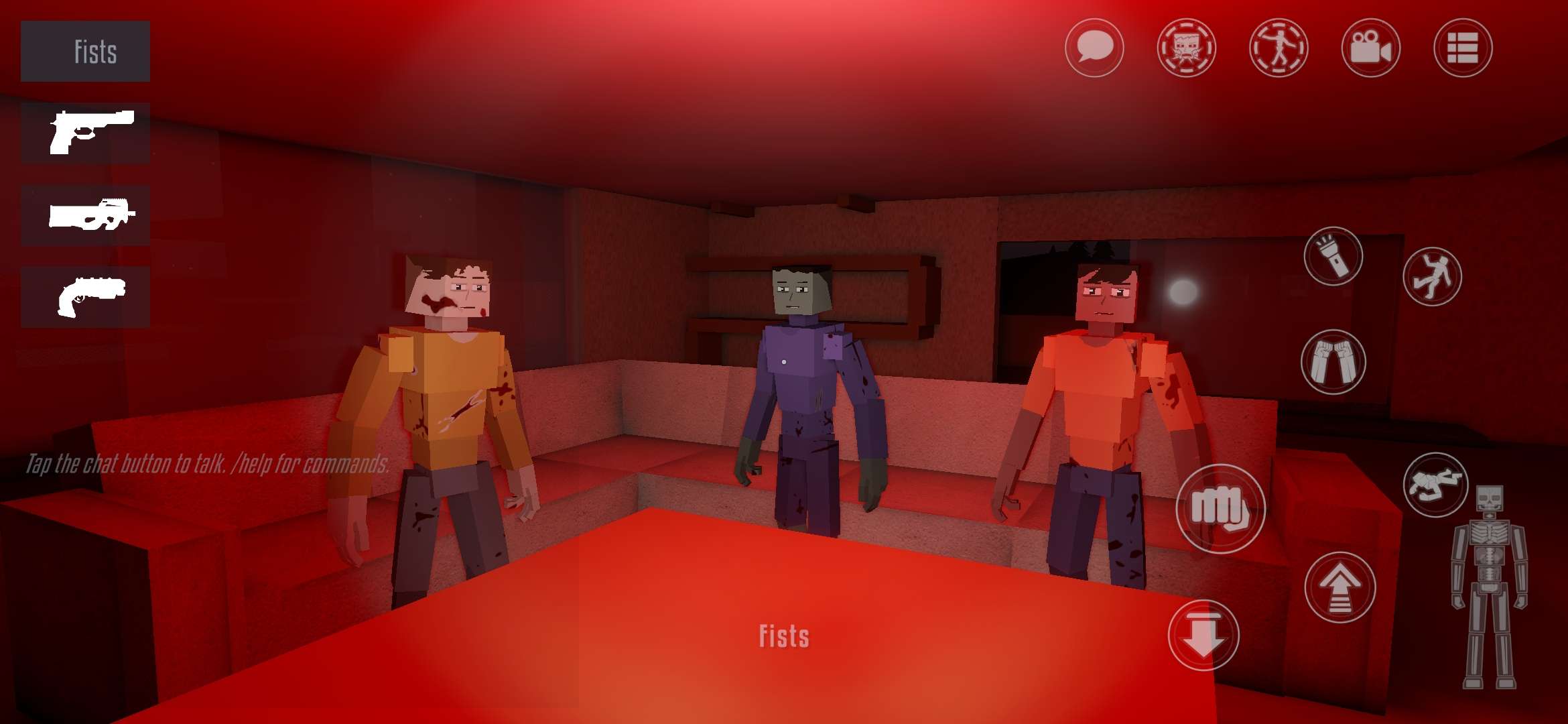
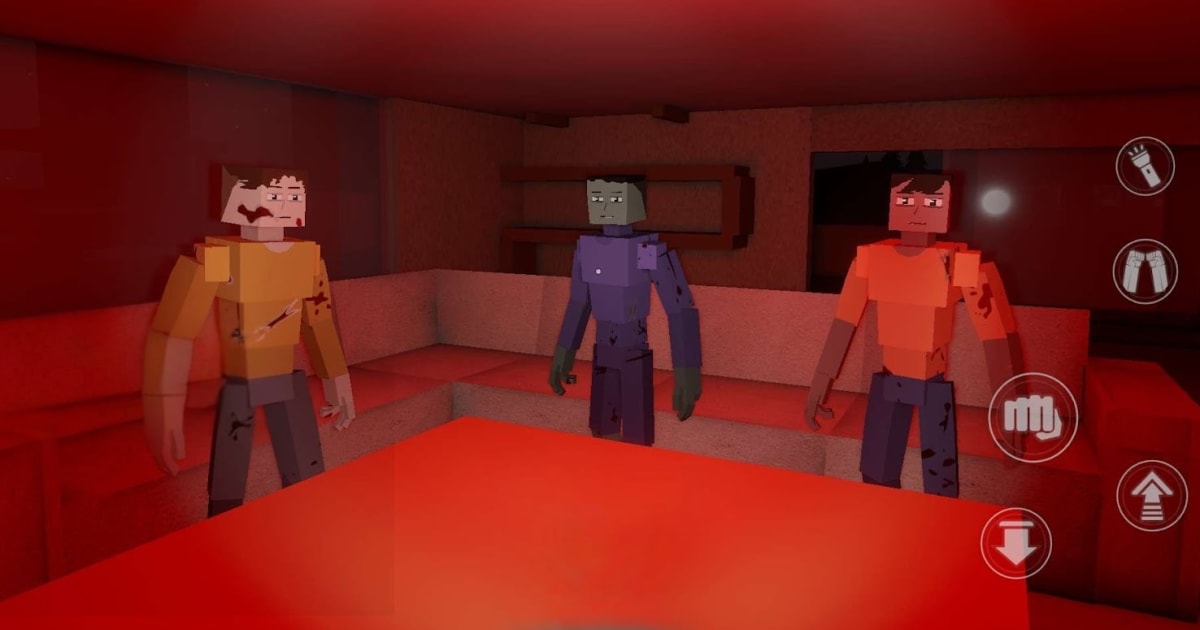
GoreBox 27 gives you the tools to build your own action playground. Developed by F²Games, this physics-based sandbox shooter lets you create maps, experiment with objects, and face computer-controlled opponents. The Reality Crusher tool helps you spawn, grab, and throw objects while testing your ideas.
You can play alone or join other players online. Switch between open-ended Sandbox play and modes such as Team Deathmatch or Gun Game when you want a different challenge. The action game is in early access, so bugs and changes are expected.
How to Install GoreBox 27 on PC
- Open the game’s page and click “Play GoreBox 27 on PC” to download the installer.
- Open your browser’s downloads list and select the file you just downloaded.
- Complete the BlueStacks installation by following the instructions, then launch it on your PC.
- Sign in to the Google Play Store, install GoreBox 27, and open the game.
How to Install GoreBox 27 on Mac with BlueStacks Air
- Visit the game’s page and choose “Play GoreBox 27 on Mac” to get BlueStacks Air.
- Open BlueStacksInstaller.pkg with a double-click, then follow the wizard until installation finishes.
- Launch BlueStacks Air through Launchpad or the Applications folder. Use your Google account to sign in to the Play Store.
- Find GoreBox 27 through the Play Store search bar and install it.
- Select the game’s icon to launch it and begin playing.
Getting Started with BlueStacks Already Installed
- Return to the game’s page and click “GoreBox 27 on PC.”
- Open BlueStacks on your PC or BlueStacks Air on your Mac.
- Install GoreBox 27 through the BlueStacks Store or Google Play Store.
- Launch GoreBox 27 from your home screen.
Minimum System Requirements
Before downloading, check that your computer meets the requirements for its version of BlueStacks:
- OS: Windows 10 or above for current BlueStacks 5 versions; macOS 11 Big Sur or above for BlueStacks Air.
- Processor: An Intel or AMD processor on Windows; an Apple Silicon M1-M4 chip on Mac.
- RAM: A minimum of 4GB on Windows or 8GB on Mac.
- Storage: At least 5GB of free space for BlueStacks 5 or 12GB for BlueStacks Air. Leave additional room for the game.
- Permissions: Administrator access on Windows; access to approve installation on your Mac.
- Graphics drivers: Keep Windows graphics drivers updated through Microsoft or your hardware provider.
GoreBox 27 suits players who enjoy making their own challenges. Start with a small map, try different object placements, and add bots when you’re ready to test it. Adjustable bot difficulty gives you room to practise. For a shared session, invite friends and experiment with the maps you create together.
Playing GoreBox 27 on PC or Mac with BlueStacks brings your creations onto a bigger screen. Keyboard and mouse controls can make moving, aiming, and arranging objects more comfortable. Start with a simple scene while you get familiar with the controls and your computer’s performance.