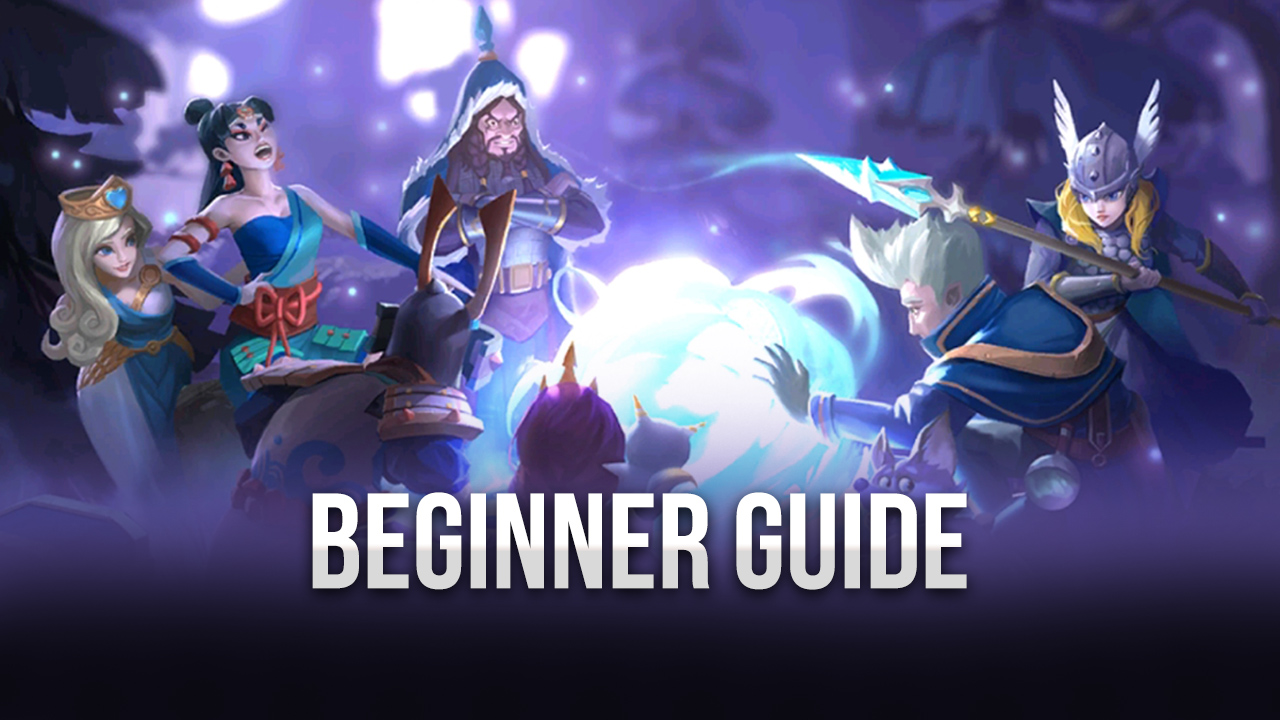
How To Play Infinity Kingdom On PC With BlueStacks
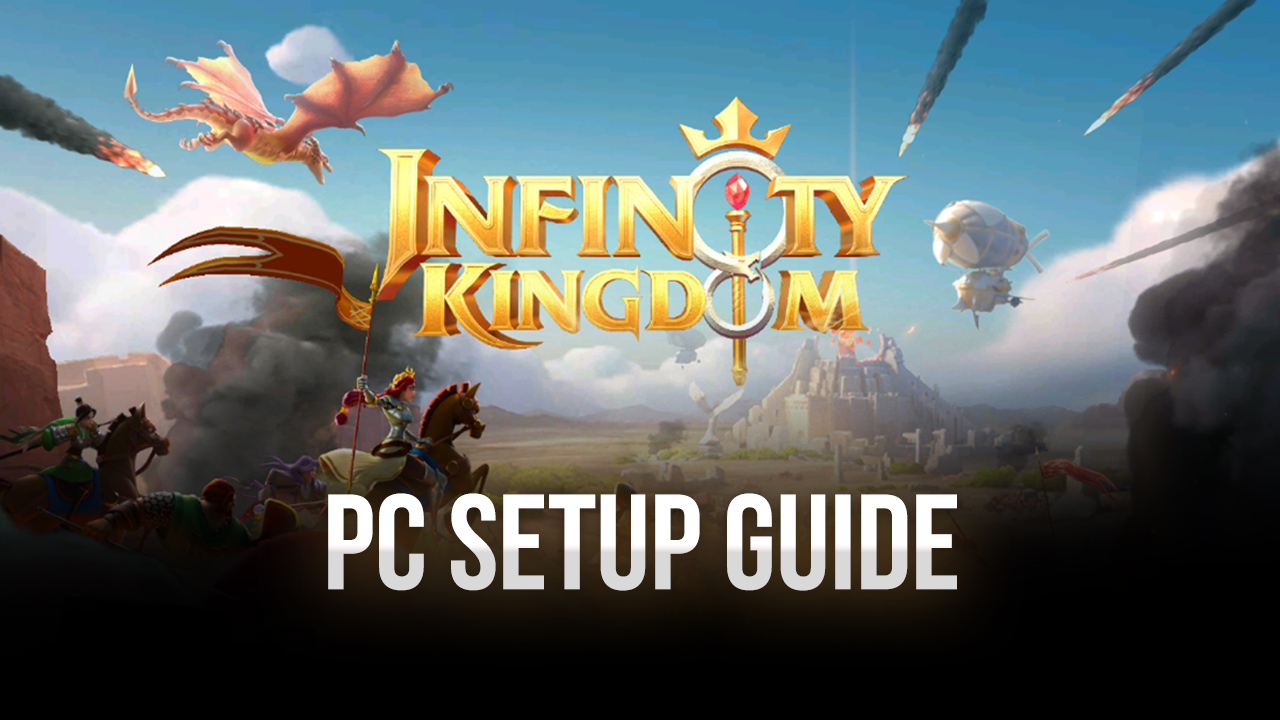

Infinity Kingdom takes the beloved real-time strategy genre by incorporating interactive elements and a fully-voiced character lineup that war game fans are sure to appreciate. The game uses standard RTS features where players manage their own kingdom in order to become the realm’s strongest player. Build structures, train soldiers, research new technology, and collect dozens of heroes from different historical backgrounds in your journey to be the best!
The required duties of a lord in a foreign land are not simple tasks, as you’ll be faced with quite a few hurdles along the way. The wisest of rulers can raise a great kingdom in spite of all the hardships that come their way. Manage your resources and amass a fearsome army that will make even the most distant kingdoms tremble upon hearing your name. Compete against the best by making use of the features that BlueStacks has to offer you to get an edge over your competitors.
How to Install Infinity Kingdom on PC
- Visit the game’s page, and click on the “Play Infinity Kingdom on PC” button.
- Find the downloaded file in your browser’s downloads section and open it.
- Install BlueStacks, then launch it on your PC or Mac.
- Sign in to the Google Play Store, install Infinity Kingdom, and start playing.
How to Install Infinity Kingdom on Mac with BlueStacks Air
- Download BlueStacks Air: Head to the game’s page and click on the “Play Infinity Kingdom on Mac” button to get the installer.
- Install BlueStacks Air: Double-click the BlueStacksInstaller.pkg file, then follow the setup steps.
- Launch and Sign-In: Open BlueStacks Air from Launchpad or the Applications folder and sign in with your Google account to open the Play Store.
- Install Infinity Kingdom: Search for Infinity Kingdom in the Play Store and install it.
- Start Playing: Open the game and jump into Norheim.
If You Already Have BlueStacks Installed
- Go to the game’s page, and click on the “Infinity Kingdom on PC” button.
- Launch BlueStacks on your PC or Mac.
- Install the game from the BlueStacks Store or Google Play Store.
- Start Playing!
Minimum System Requirements
BlueStacks can run on many PCs and Macs, so you don’t need a high-end device to get started:
- OS: Microsoft Windows 7 and above, macOS 11 (Big Sur) or above.
- Processor: Intel, AMD Processor, or Apple Silicon Processor (M1-M4).
- RAM: Your PC or Mac must have at least 4GB of RAM.
- Storage: 10GB Free Disk Space.
- Permissions: Administrator access on your PC or Mac.
- Graphics drivers: Up-to-date graphics drivers from Microsoft or the chipset vendor.
Infinity Kingdom is a great fit if you like games where you can build something big over time. You can play for a few minutes to upgrade your city and send scouts out, or play longer sessions when you want to join battles and push your army forward. It’s also fun with friends, since teaming up with other players can help you grow faster and hold your ground when enemies show up.
Playing Infinity Kingdom on BlueStacks gives you a smoother way to manage your city and battles. You get a bigger screen for the world map, plus keyboard and mouse controls that feel more comfortable than tapping on a phone, especially during busy fights.