How to Install and Play Kuroko's Basketball SR on PC with BlueStacks
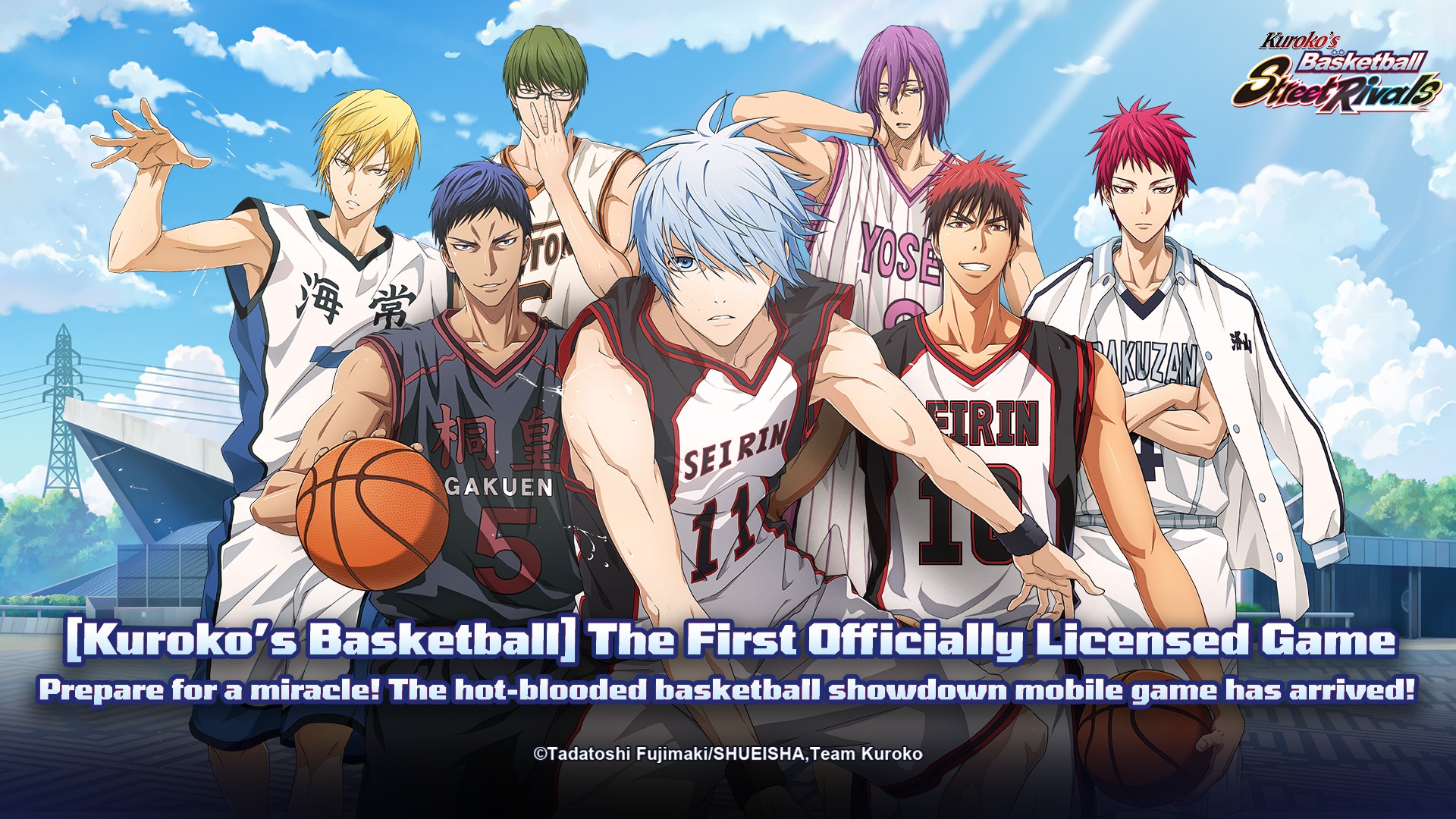

Kuroko’s Basketball SR is a fast and exciting sports game based on the popular anime Kuroko’s Basketball. In this game, you take control of well-known characters like Kuroko Tetsuya and Kagami Taiga and compete in quick basketball matches packed with flashy moves and teamwork.
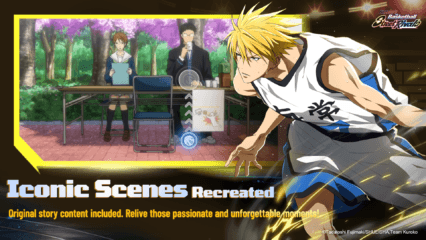
Each match focuses on timing, passing, and using special character skills at the right moment. Players can perform famous moves from the anime, including Kuroko’s tricky misdirection plays and Kagami’s powerful dunks. These skills appear with stylish animations that feel just like scenes from the show.
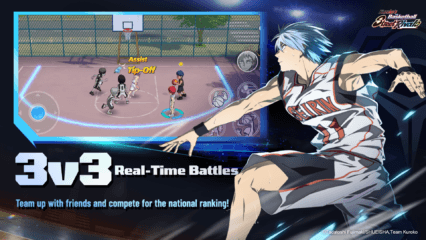
The game offers several competitive modes, so there is always something new to try. You can jump into fast 3v3 matches, challenge someone in a 1v1 duel, or team up in 2v2 games. Ranked matches are also available for players who want to test their abilities against others online.
How to Install Kuroko’s Basketball SR on PC
- Visit the game’s page and press the “Play Kuroko’s Basketball SR on PC” button.
- Once the file downloads, open it from the browser’s downloads area.
- Install BlueStacks on your computer and start the program.
- Log in to the Google Play Store, install Kuroko’s Basketball SR, and begin playing.
How to Install Kuroko’s Basketball SR on Mac with BlueStacks Air
- Download BlueStacks Air: Head to the game’s page and click the “Play Kuroko’s Basketball SR on Mac” button to download the installer.
- Run the Installer: Open the BlueStacksInstaller.pkg file and follow the instructions shown on your screen.
- Open and Sign In: Start BlueStacks Air from Launchpad or the Applications folder and sign in with your Google account.
- Install the Game: Search for Kuroko’s Basketball SR in the Play Store and install it.
- Start Playing: Launch the game and jump straight into your first basketball match.
Already Have BlueStacks Installed?
- Go to the game’s page and click the “Kuroko’s Basketball SR on PC” button.
- Open BlueStacks on your PC or Mac.
- Download the game from the BlueStacks Store or the Google Play Store.
- Launch Kuroko’s Basketball SR and start your matches.
Minimum System Requirements
BlueStacks runs smoothly on most modern computers. If your PC or Mac meets these simple requirements, you should be ready to play:
- Operating System: Microsoft Windows 7 or newer, macOS 11 (Big Sur) or newer
- Processor: Intel or AMD processor, or Apple Silicon processor (M1–M4)
- RAM: At least 4GB of system memory
- Storage: 10GB of free disk space
- Permissions: Administrator access on your PC or Mac
- Graphics Drivers: Latest drivers from Microsoft or the hardware manufacturer
Kuroko’s Basketball SR is great for fans of sports games and anime. The matches are quick and exciting, which makes it easy to jump in for a few games during a short break. Friends can also compete with each other in multiplayer modes to see who has the best basketball skills.
Playing Kuroko’s Basketball SR on PC or Mac with BlueStacks makes the experience even better. A bigger screen helps you see the action clearly, while keyboard and mouse controls can make passing, shooting, and defending feel more comfortable than on a phone. It’s a fun way to enjoy anime basketball matches with smoother performance and better controls.