How to Play MapleStory R: Evolution on PC with BlueStacks


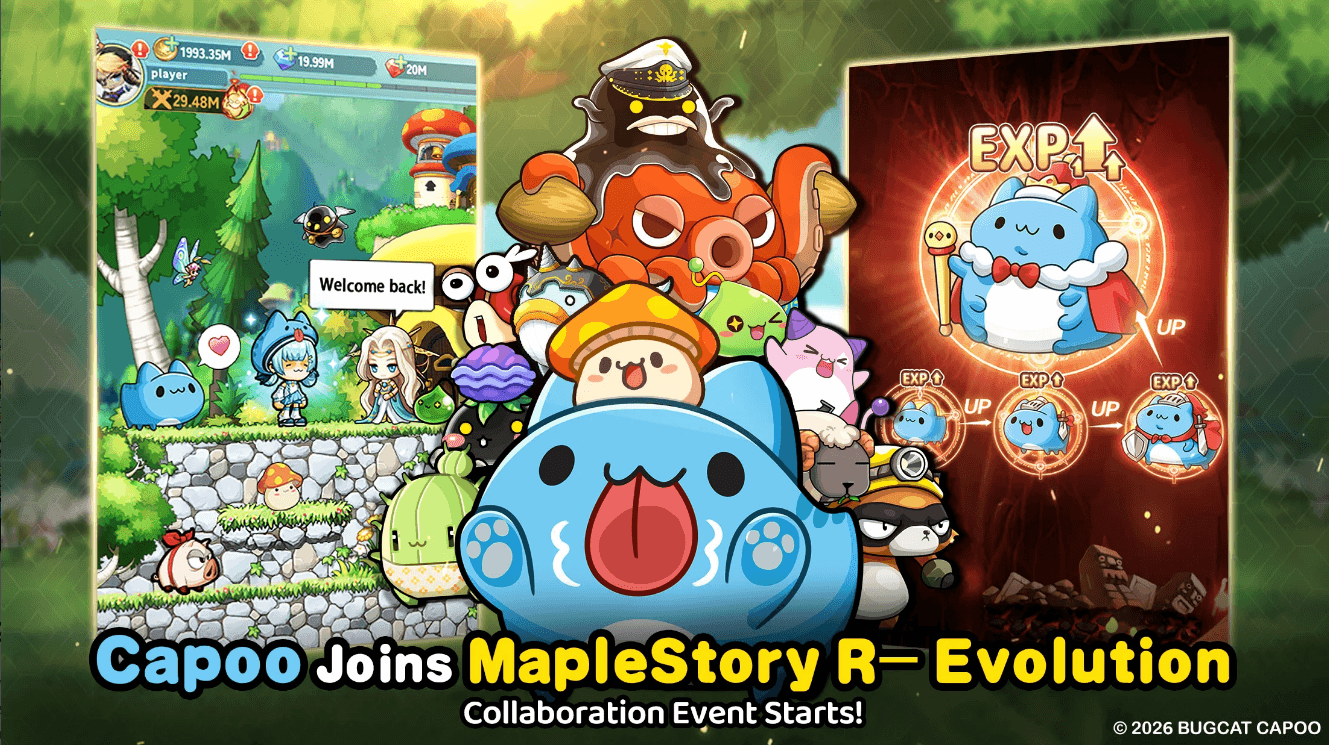
Are you ready to relive your favorite childhood memories without the soul-crushing grind? MapleStory R: Evolution is the officially authorized mobile evolution of the legendary MMORPG, specifically tailored for Western players. It brings the vibrant world of Victoria Island to your fingertips, combining the nostalgic charm of the original visuals with modern, effortless gameplay.
How to Install MapleStory R- Evolution US on PC
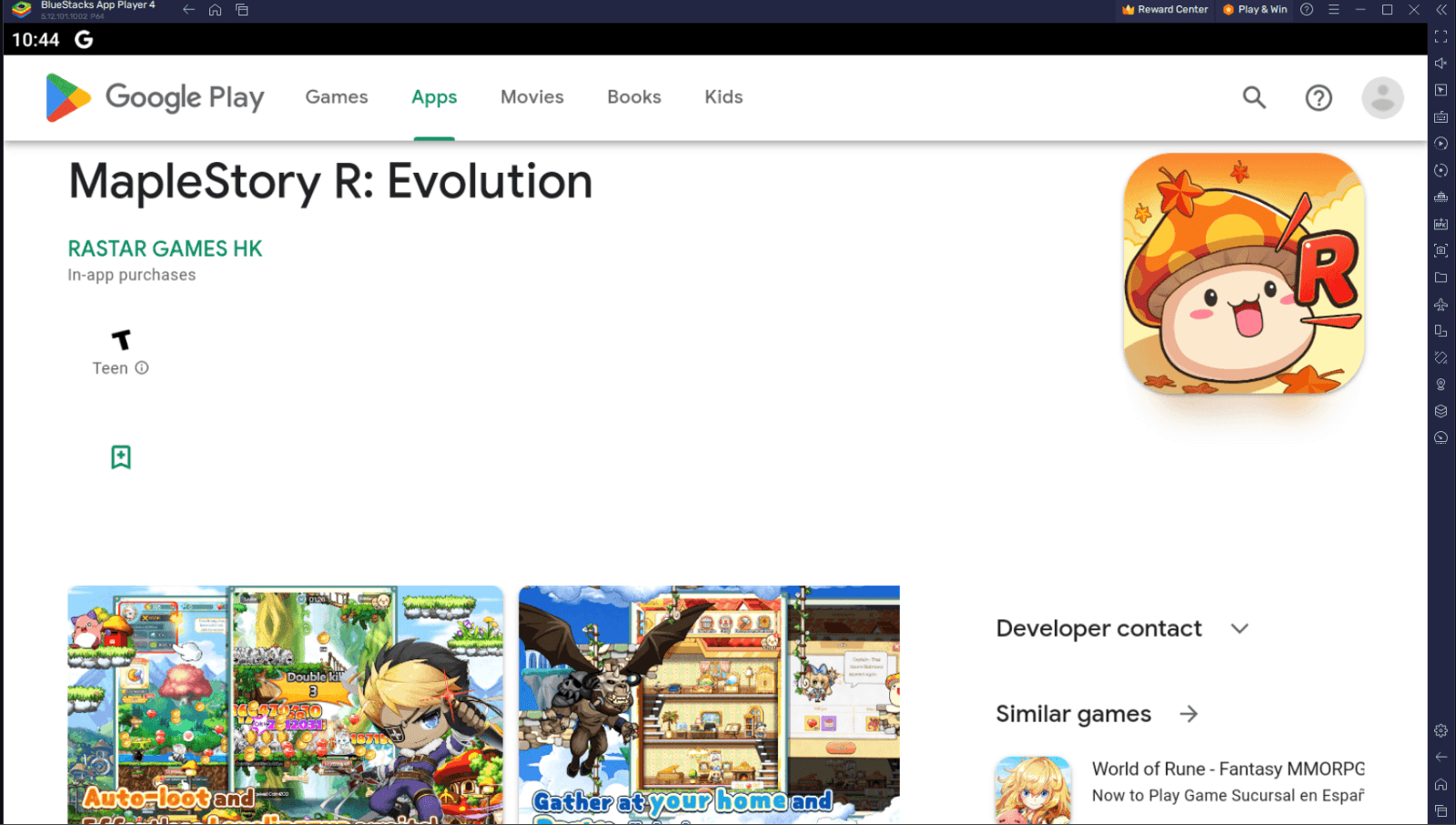
- Head over to the official BlueStacks website, type “MapleStory R: Evolution” into the search bar, and select the game from the results.
- Look for the link that says “Play MapleStory R: Evolution on PC” in the top-left area of the page and click it.
- Download the installation file and follow the prompts to install the BlueStacks player on your computer.
- Open the BlueStacks app player and click on the MapleStory R: Evolution icon found at the bottom of the window.
- Complete the Google Sign-in process to access the Play Store and finish installing the game.
- Once the installation is done, simply click the game’s icon on your home screen to start your journey!
Minimum System Requirements
BlueStacks offers the best performance and graphics for games like MapleStory R- Evolution US, boasting highly accessible PC requirements:
- OS: Microsoft Windows 7 and above
- Processor: Intel or AMD Processor
- RAM: Your PC must have at least 4GB of RAM. (Note: Having 4GB or more disk space is not a substitute for RAM.)
- Storage: 5GB Free Disk Space
- You must be an Administrator on your PC.
- Up-to-date graphics drivers from Microsoft or the chipset vendor
MapleStory R: Evolution US is designed for the modern adventurer who wants the thrill of the hunt without being glued to a screen. Whether you’re a veteran Mapler or a curious newcomer, here are some of the core features of the game that await you:
Effortless Growth & Auto-Battle: Command your hero with one hand! With 24/7 offline leveling and vertical screen support, you can level up anytime, anywhere. Enjoy the progress while you sleep.
Deep Pet Evolution System: Don’t just travel with one companion—lead a Pet Legion. Cultivate diverse pets to unlock multiple evolutionary forms and bring up to seven pets into battle for maximum firepower.
Strategic Synergy: Master the battlefield by combining pet and hero skills. Discover unique tactical combos to take down iconic bosses and dominate in fresh, strategic encounters.
Fashion & Customization: Express yourself with a massive library of outfits and limitless combinations. Once the fighting is done, retreat to your Exclusive Home, a customizable haven featuring hundreds of unique furnishings.
Massive GVG Battles: Teamwork makes the dream work. Coordinate with your guild to conquer the GVG battlefield and seize control of Victoria Island through superior strategy.
More Than Just Idling: Diverse Gameplay Modes
While your hero grinds offline, the active experience is packed with content that rewards exploration and persistence.
The Adventure Journey: Progress through story chapters to earn cumulative rewards. As you fill your Adventure Book, you’ll unlock new maps, characters, and monster entries that provide permanent bonuses.
Challenge Stages: Test your mettle against the main storyline’s toughest bosses for progressively better loot.
Quick Battle: Need a boost? Use the Quick Battle feature to instantly claim daily rewards and skip the wait for experience.
For more in-depth insights, tips, and exciting gameplay strategies, explore our extensive BlueStacks Blogs on the game. Players can enjoy MapleStory R- Evolution even more on a bigger screen of their PC or Laptop with keyboard and mouse via BlueStacks for an elevated gameplay experience.