How to Install and Play Ragnarok Origin Classic on PC with BlueStacks
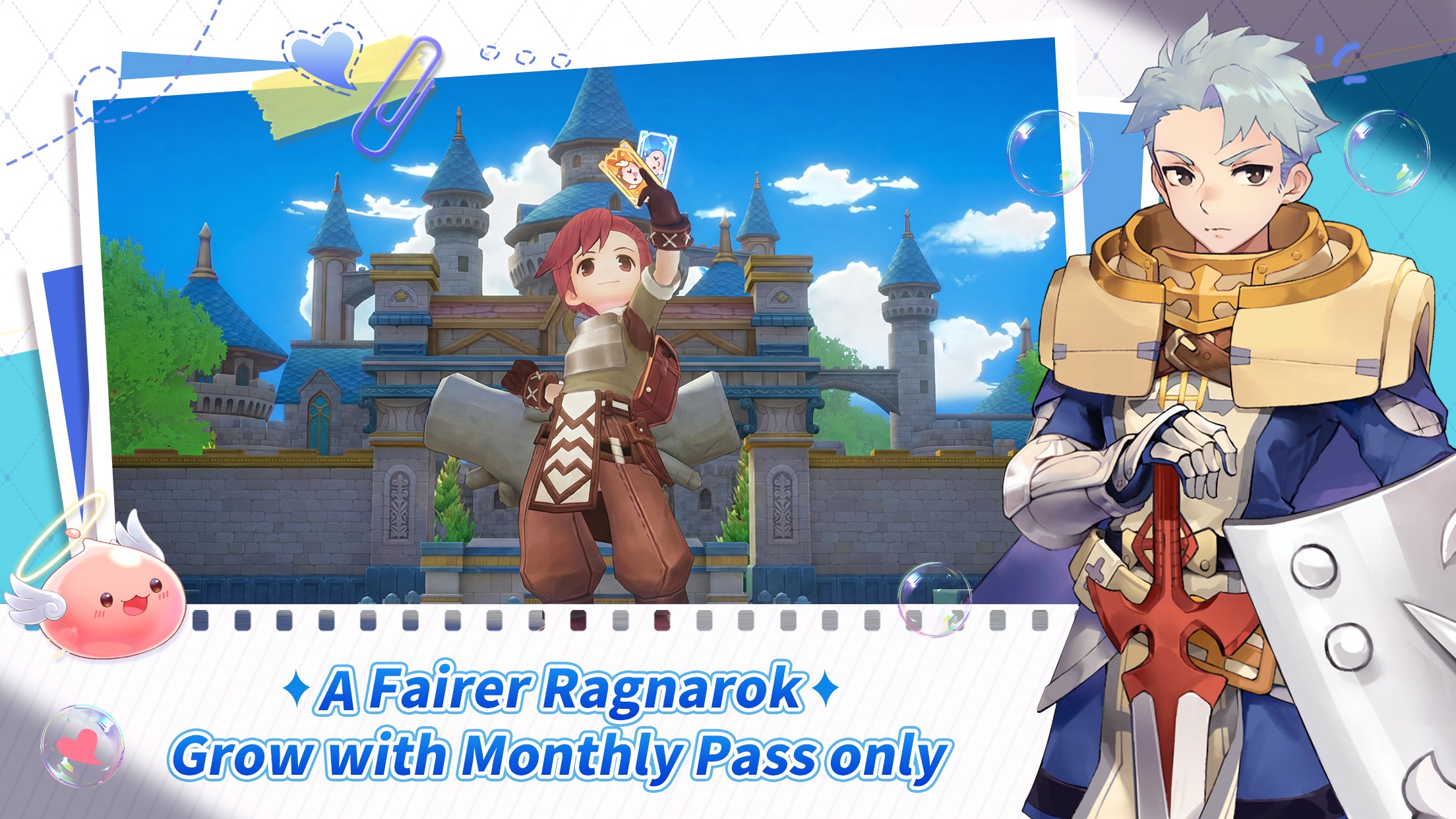

Are you ready to relive your favorite childhood memories without the soul-crushing grind? Ragnarok Origin: Classic is the officially authorized mobile evolution of the legendary MMORPG, specifically tailored for Western players. It brings the vibrant world of Victoria Island to your fingertips, combining the nostalgic charm of the original visuals with modern, effortless gameplay.
How to Install Ragnarok Origin: Classic on PC
- Head over to the official BlueStacks website, type “Ragnarok Origin: Classic” into the search bar, and select the game from the results.
- Look for the link that says “Play Ragnarok Origin: Classic on PC” in the top-left area of the page and click it.
- Download the installation file and follow the prompts to install the BlueStacks player on your computer.
- Open the BlueStacks app player and click on the Ragnarok Origin: Classic icon found at the bottom of the window.
- Complete the Google Sign-in process to access the Play Store and finish installing the game.
- Once the installation is done, simply click the game’s icon on your home screen to start your journey!
How to Install Ragnarok Origin Classic on Mac with BlueStacks Air
- Download BlueStacks Air: Head to the game’s page and click the “Play Ragnarok Origin Classic on Mac” button.
- Install BlueStacks Air: Open the BlueStacksInstaller.pkg file and follow the setup steps.
- Launch and Sign In: Open BlueStacks Air from Applications or Launchpad and sign in with your Google account.
- Install Ragnarok Origin Classic: Search for the game in the Play Store and install it.
- Start Playing: Open Ragnarok Origin Classic and jump into your adventure.
Minimum System Requirements
BlueStacks runs smoothly on most systems, so you don’t need a high-end setup to enjoy Ragnarok Origin Classic:
- OS: Microsoft Windows 7 and above, macOS 11 (Big Sur) or above
- Processor: Intel, AMD Processor, or Apple Silicon Processor (M1 to M4)
- RAM: At least 4GB of RAM
- Storage: 10GB of free disk space
- Permissions: Administrator access on your PC or Mac
- Graphics drivers: Updated drivers from Microsoft or your chipset provider

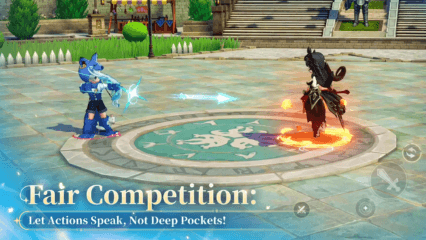
Ragnarok Origin Classic is a great pick if you enjoy role-playing games with friends. You can team up for dungeon runs, explore the new Glast Heim area, tackle the Draconic Cataclysm dungeon, or compete in 5v5 matches like Tyr Cup Global. The game also gives you many ways to express yourself with costumes and character builds. And since the progress system feels relaxed, you can play after school or during free time without feeling stuck.
Also, playing Ragnarok Origin Classic on PC or Mac with BlueStacks makes everything feel easier and more fun. You get better control using your keyboard and mouse, and the bigger screen helps you see more during battles and quests. It also runs smoother, which is helpful during team fights or busy areas.
For more in-depth insights, tips, and exciting gameplay strategies, explore our extensive BlueStacks Blogs on the game. Players can enjoy Ragnarok Origin: Classic even more on a bigger screen of their PC or Laptop with keyboard and mouse via BlueStacks for an elevated gameplay experience.