How to Install and Play Rust Mobile on PC with BlueStacks
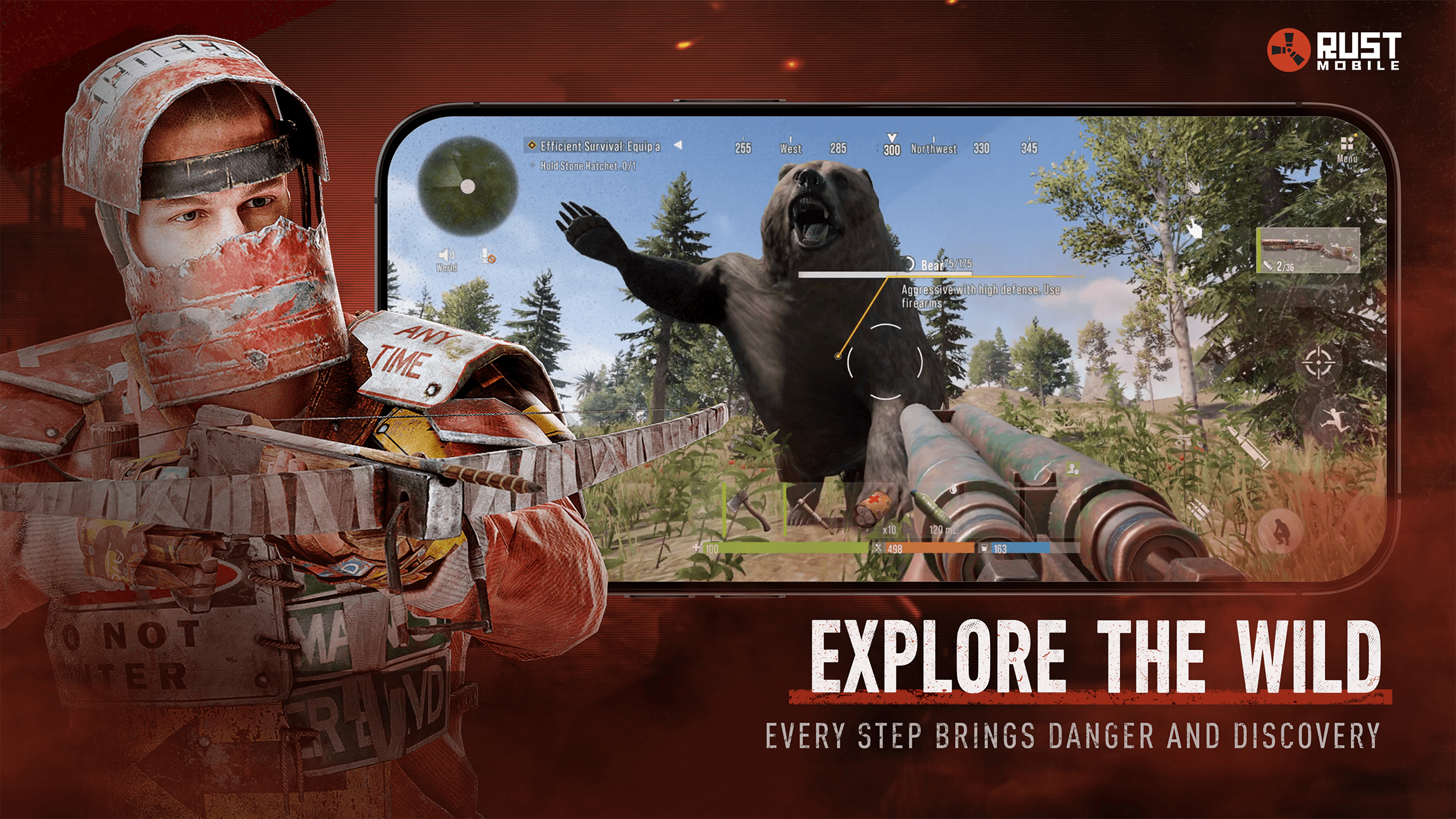
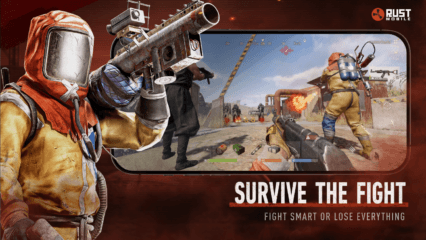
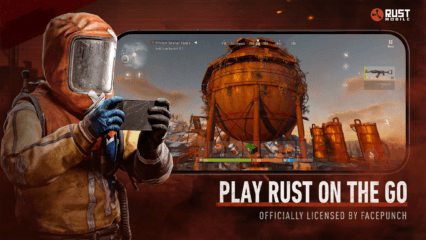
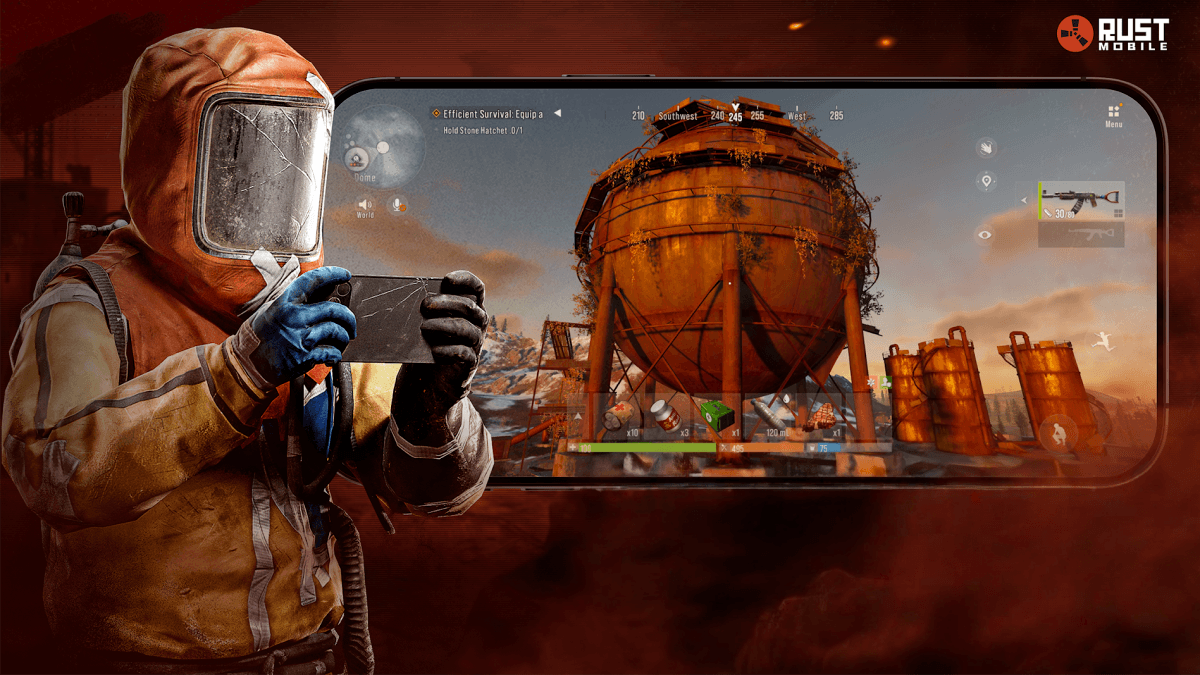
Rust Mobile is a survival role-playing game where every choice matters. You start with almost nothing and must gather items, craft tools, and protect yourself from other players. The map is open and full of danger, with changing weather, different areas, and a full day and night cycle. Players can build bases, look for supplies, and take part in intense fights where losing can mean starting over.
Trust is a big part of the experience. You might meet someone who wants to trade, or someone who wants to take everything you have. This mix of building, fighting, and planning makes Rust Mobile exciting and stressful in a good way. It rewards smart thinking, teamwork, and quick reactions.
How to Install Rust Mobile on PC
- Visit the game’s page and click the “Play Rust Mobile on PC” button.
- Find the downloaded file in your browser’s downloads area and open it.
- Install BlueStacks, then launch it on your PC or Mac.
- Log in to the Google Play Store, install Rust Mobile, and jump into the game.
How to Install Rust Mobile on Mac with BlueStacks Air
- Get BlueStacks Air: Open the game’s page and press the “Play Rust Mobile on Mac” button to download the installer.
- Set Up BlueStacks Air: Double-click the BlueStacksInstaller.pkg file and follow the on-screen steps.
- Open and Sign In: Launch BlueStacks Air from Applications or Launchpad and sign in with your Google account.
- Install Rust Mobile: Search for Rust Mobile in the Play Store and install it.
- Start Playing: Open the game and begin your survival run.
Already Using BlueStacks?
- Open the game’s page and select the “Rust Mobile on PC” button.
- Start BlueStacks on your PC or Mac.
- Install the game from the BlueStacks Store or Google Play Store.
- Launch the game and play.
Minimum System Requirements
BlueStacks runs smoothly on most modern computers and works well even on shared or entry-level systems:
- OS: Windows 7 or higher, macOS 11 (Big Sur) or newer
- Processor: Intel, AMD, or Apple Silicon (M1–M4)
- RAM: At least 4GB
- Storage: 10GB of free space
- Permissions: Admin access on your computer
- Graphics: Updated drivers from Microsoft or your chipset provider
Rust Mobile is a great pick for players who enjoy survival games with real tension. Solo players can test their skills by staying hidden and building smart, while groups of friends can work together to protect bases and plan raids. Short sessions work well for gathering items, while longer sessions are perfect for building, defending, or taking risks at night when visibility is low.
Playing Rust Mobile on PC or Mac with BlueStacks makes everything feel more comfortable. A bigger screen helps you spot danger faster, while keyboard and mouse controls make aiming, building, and quick actions easier to manage. This setup is ideal for longer play sessions and gives young players more control during intense moments.