How to Install and Play Skull Up on PC with BlueStacks
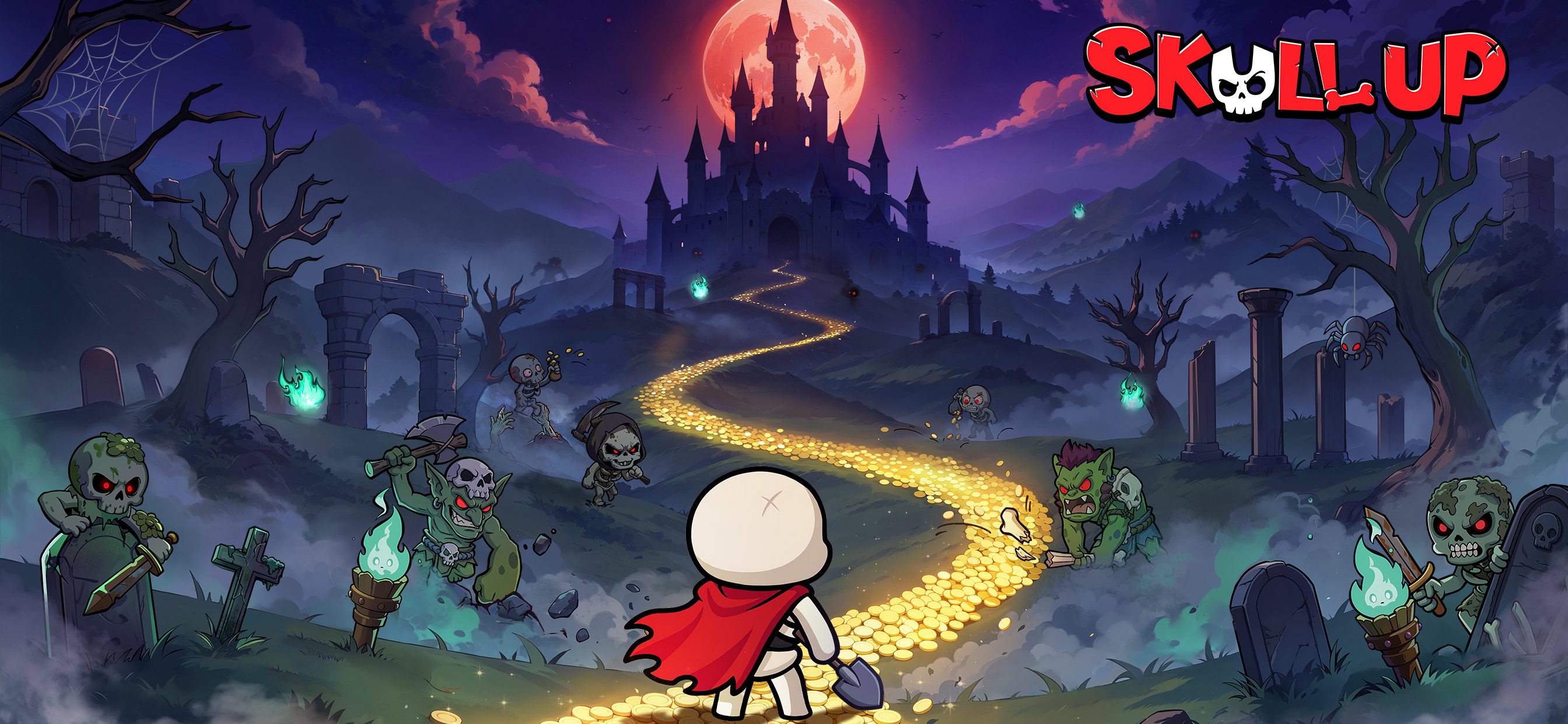

Skull Up is a fun strategy card game where you start as a small, rookie skull and work your way up to becoming the Skull King. The game mixes quick battles with idle progress, so you keep earning rewards even when you are not actively playing. You collect more than 60 Skellies, each with different skills and roles, and build teams that match your playstyle.
Battles focus on smart choices rather than fast tapping. Picking the right Skellies, placing them well, and knowing when to upgrade can change how fights play out. Outside of combat, you manage an underworld base where skull workers handle tasks like mining and crafting. This helps you earn EXP and resources over time.
How to Install Skull Up on PC
- Visit the game’s page and click the “Play Skull Up on PC” button.
- Check your browser’s downloads and open the installer file.
- Set up BlueStacks and start it on your PC or Mac.
- Log in to the Google Play Store, install Skull Up, and jump into the game.
How to Install Skull Up on Mac with BlueStacks Air
- Get BlueStacks Air: Open the game’s page and select the “Play Skull Up on Mac” button to download the installer.
- Install the app: Double-click the BlueStacksInstaller.pkg file and follow the setup steps.
- Open and sign in: Launch BlueStacks Air from Launchpad or Applications, then sign in with your Google account.
- Install the game: Find Skull Up in the Play Store and install it.
- Start playing: Open the game and begin building your skull team.
Already Using BlueStacks?
- Go to the game’s page and press the “Skull Up on PC” button.
- Open BlueStacks on your computer.
- Install Skull Up from the BlueStacks Store or Google Play Store.
- Launch the game and play.
Minimum System Requirements
BlueStacks runs smoothly on most modern computers and works well even on shared or lower-end systems:
- OS: Windows 7 or newer, macOS 11 (Big Sur) or newer
- Processor: Intel, AMD, or Apple Silicon (M1–M4)
- RAM: At least 4GB
- Storage: 10GB of free space
- Permissions: Admin access on your PC or Mac
- Graphics: Updated drivers from Microsoft or your chipset maker
Skull Up is a great pick for players who like strategy without stress. You can test different Skellies, swap team setups, and upgrade units without losing resources. The refund system lets you try new ideas freely, which is perfect for learning the game at your own pace. Playing solo is fun, but joining a guild adds teamwork and shared battles that make progress feel more exciting.
Playing Skull Up on PC or Mac with BlueStacks gives you better control with a keyboard and mouse and a much bigger screen to see your team and battles clearly. This setup makes long sessions more comfortable and helps you manage your underworld faster than on a phone.