How to Install and Play Subnautica: Below Zero on PC with BlueStacks
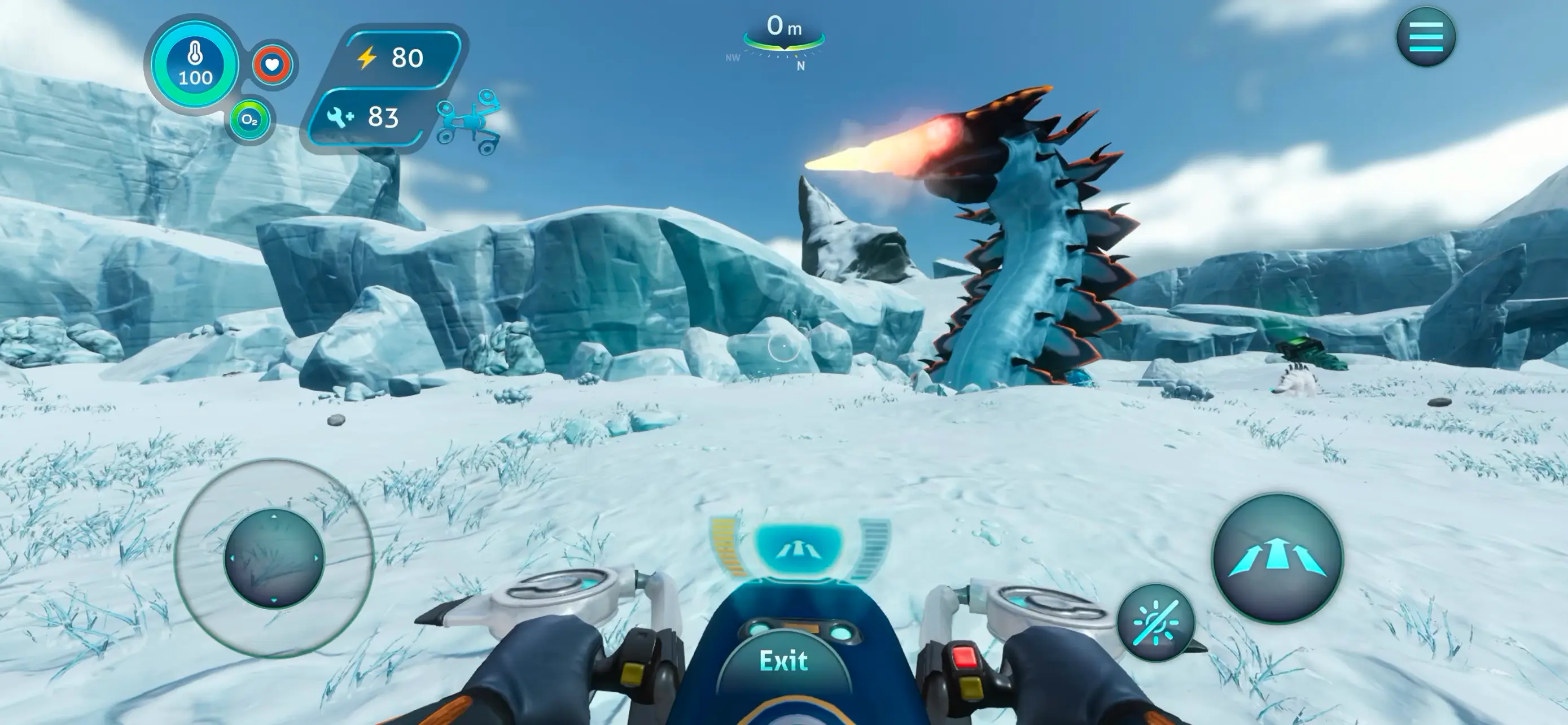

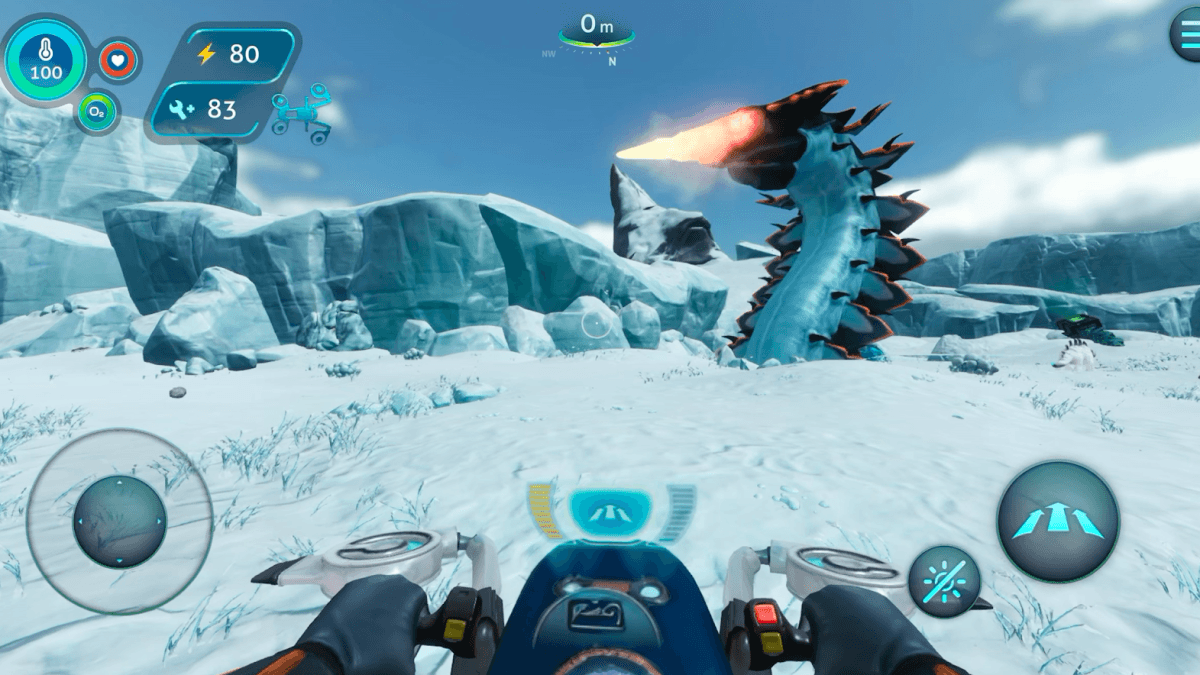
Subnautica: Below Zero is a survival adventure game set on a frozen alien planet covered by a massive ocean. You play as Robin, a scientist who travels to Planet 4546B to learn what happened to her sister. What begins as a rescue mission quickly turns into a deep mystery filled with strange creatures, hidden technology, and dangerous environments.
The game takes place in icy waters where survival is your main goal. You must gather materials, craft tools, and build small bases to stay alive. Oxygen, food, and body heat all matter, so players must plan every dive carefully before going deeper into the ocean.
As you travel across the map, you will find many amazing locations. These include glowing underwater caves, icy tunnels, thermal vents, and large open seas filled with alien life. Some creatures are peaceful, while others are much more dangerous, so staying alert is important.
How to Install Subnautica: Below Zero on PC
- Go to the game’s page and click the “Play Subnautica: Below Zero on PC” button.
- Download the installer file and open it from your browser’s downloads section.
- Install BlueStacks on your computer and launch the program once the setup finishes.
- Log in to the Google Play Store, install Subnautica: Below Zero, and begin your adventure.
How to Install Subnautica: Below Zero on Mac with BlueStacks Air
- Download BlueStacks Air: Visit the game’s page and press the “Play Subnautica: Below Zero on Mac” button to download the installer.
- Run the Installer: Double-click the BlueStacksInstaller.pkg file and follow the installation steps shown on your screen.
- Open and Sign In: Start BlueStacks Air from Launchpad or the Applications folder, then log in with your Google account.
- Install the Game: Search for Subnautica: Below Zero in the Play Store and install it.
- Start Playing: Launch the game and begin exploring the frozen ocean.
Installing Subnautica: Below Zero If You Already Have BlueStacks
- Visit the game’s page and click the “Subnautica: Below Zero on PC” button.
- Open BlueStacks on your PC or Mac.
- Install the game through the BlueStacks Store or Google Play Store.
- Launch Subnautica: Below Zero and begin playing.
Minimum System Requirements
To run Android games smoothly, your PC or Mac should meet these basic requirements:
- Operating System: Microsoft Windows 7 or newer, macOS 11 (Big Sur) or newer
- Processor: Intel, AMD Processor, or Apple Silicon Processor (M1–M4)
- RAM: At least 4GB of RAM
- Storage: 10GB of free disk space
- Permissions: Administrator access on your computer
- Graphics Drivers: Updated drivers from Microsoft or the chipset manufacturer
Subnautica: Below Zero is perfect for players who enjoy survival games filled with mystery and exploration. Every dive into the ocean can lead to new resources, story clues, or strange creatures that live beneath the ice. The game mixes crafting, exploration, and storytelling in a way that keeps players curious about what lies deeper in the ocean.
Also, playing Subnautica: Below Zero on PC or Mac with BlueStacks makes the adventure even better. The larger screen helps you see the ocean environment more clearly, and using a keyboard and mouse can make movement, crafting, and exploration easier during long gameplay sessions.