How to Install and Play TOEM: A Photo Adventure on PC with BlueStacks
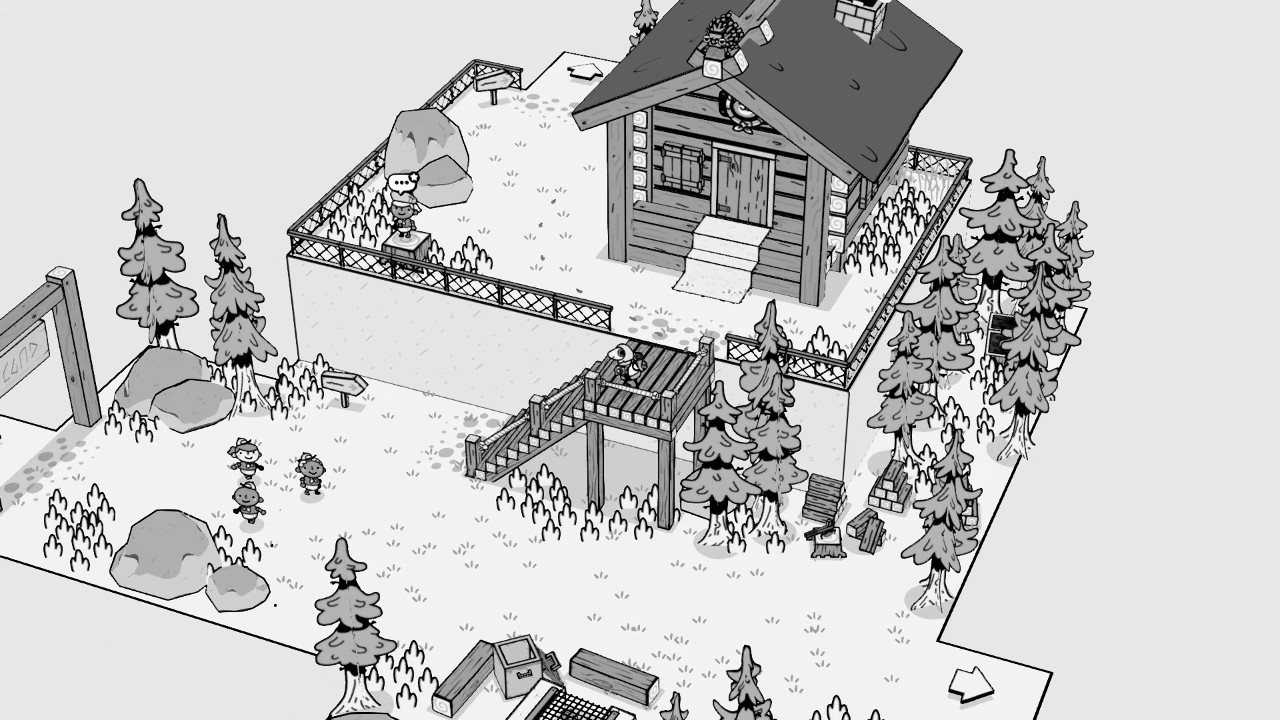
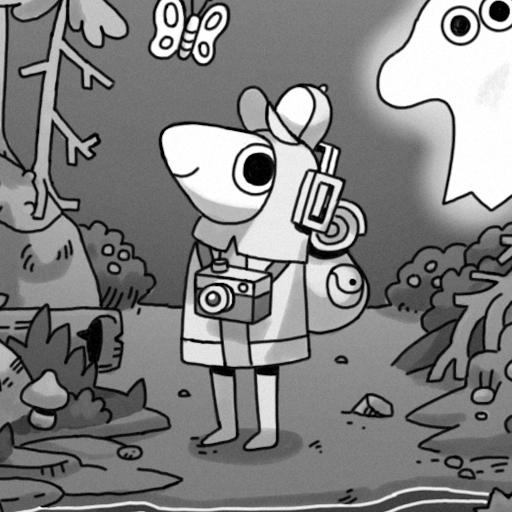
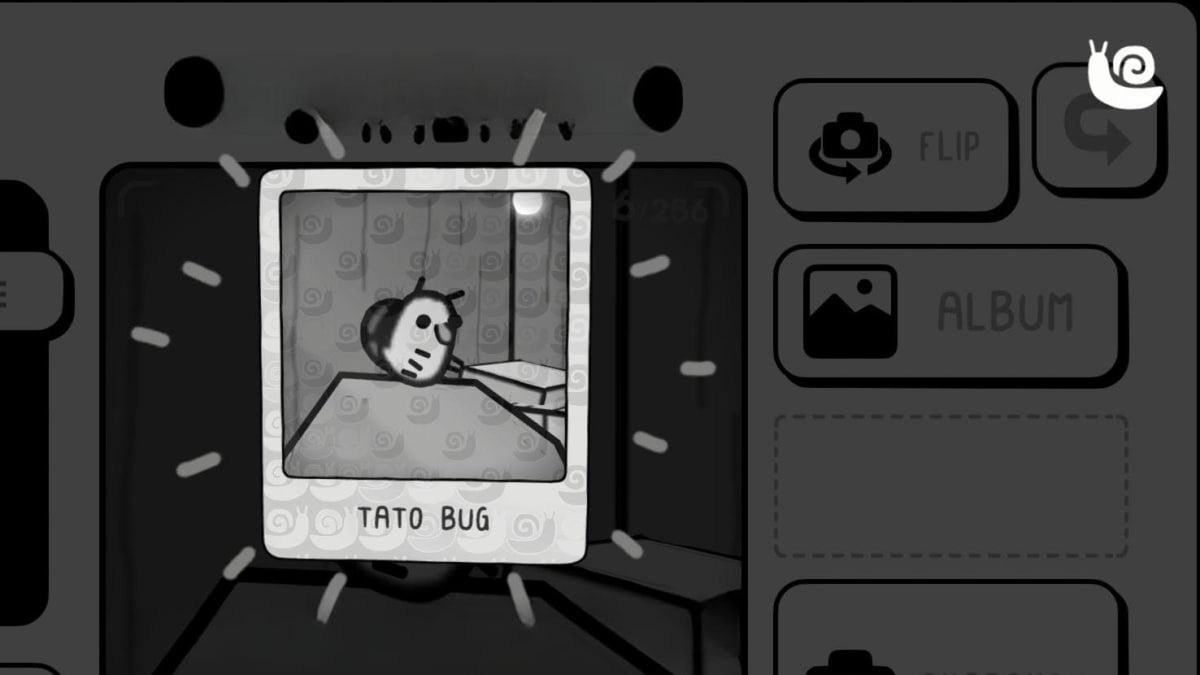
TOEM: A Photo Adventure is a calm and cozy adventure game where players walk through hand-drawn towns while taking photos to help characters and complete small tasks. You play as a young photographer with a camera, meeting funny characters who need proof of something strange, cute, or hidden.
Each mission becomes a small picture challenge where angle and timing matter more than speed. Many tasks are light puzzle moments, such as spotting animals, finding objects, or framing landmarks exactly as someone requested. Controls stay simple, making it easy for younger players to enjoy without feeling overwhelmed.
How to Install TOEM: A Photo Adventure on PC
- Visit the game’s page and press the “Play TOEM: A Photo Adventure on PC” button.
- Open the setup file from your browser’s download list.
- Install BlueStacks and open it on your PC or Mac.
- Log in to the Google Play Store, download the game, and begin playing.
How to Install TOEM: A Photo Adventure on Mac with BlueStacks Air
- Download BlueStacks Air: Head to the game’s page and select the “Play TOEM: A Photo Adventure on Mac” button to grab the installer.
- Install BlueStacks Air: Double-click the BlueStacksInstaller.pkg file and follow the guided setup steps.
- Launch and Sign-In: Start BlueStacks Air using Launchpad or the Applications folder, then sign in with your Google account for Play Store access.
- Install TOEM: A Photo Adventure: Search for the game inside the Play Store and install it.
- Enjoy Playing!: Open the game and start snapping photos right away.
Already Using BlueStacks? Get Started Faster
- Open the game’s page and click the “TOEM: A Photo Adventure on PC” button.
- Launch BlueStacks on your PC or Mac.
- Install the game from the BlueStacks Store or Google Play Store.
- Jump straight into play.
Minimum System Requirements
BlueStacks runs smoothly on most PCs and Macs that meet these simple setup needs:
- OS: Windows 7 or later, macOS 11 (Big Sur) or newer
- Processor: Intel, AMD, or Apple Silicon (M1–M4)
- RAM: At least 4GB required
- Storage: 10GB of free space available
- Permissions: Administrator access on your system
- Graphics Drivers: Latest updates from Microsoft or the chipset maker
TOEM: A Photo Adventure is a great fit for players who enjoy calm games that focus on details instead of fast action. It’s perfect for short play sessions after school or longer quiet evenings when you want to relax. Playing solo works beautifully, as each small task feels personal and rewarding.
Plus, when you play TOEM: A Photo Adventure on PC or Mac with BlueStacks, you get extra comfort in every session. The larger screen makes it easier to line up photos and notice tiny details, while keyboard and mouse controls give smooth movement and quick camera turns. This setup is ideal for players using shared or low-end computers and helps the game run better while offering more precise control than a phone screen.