How to Install and Play UFL - Football Game 2026 on PC with BlueStacks


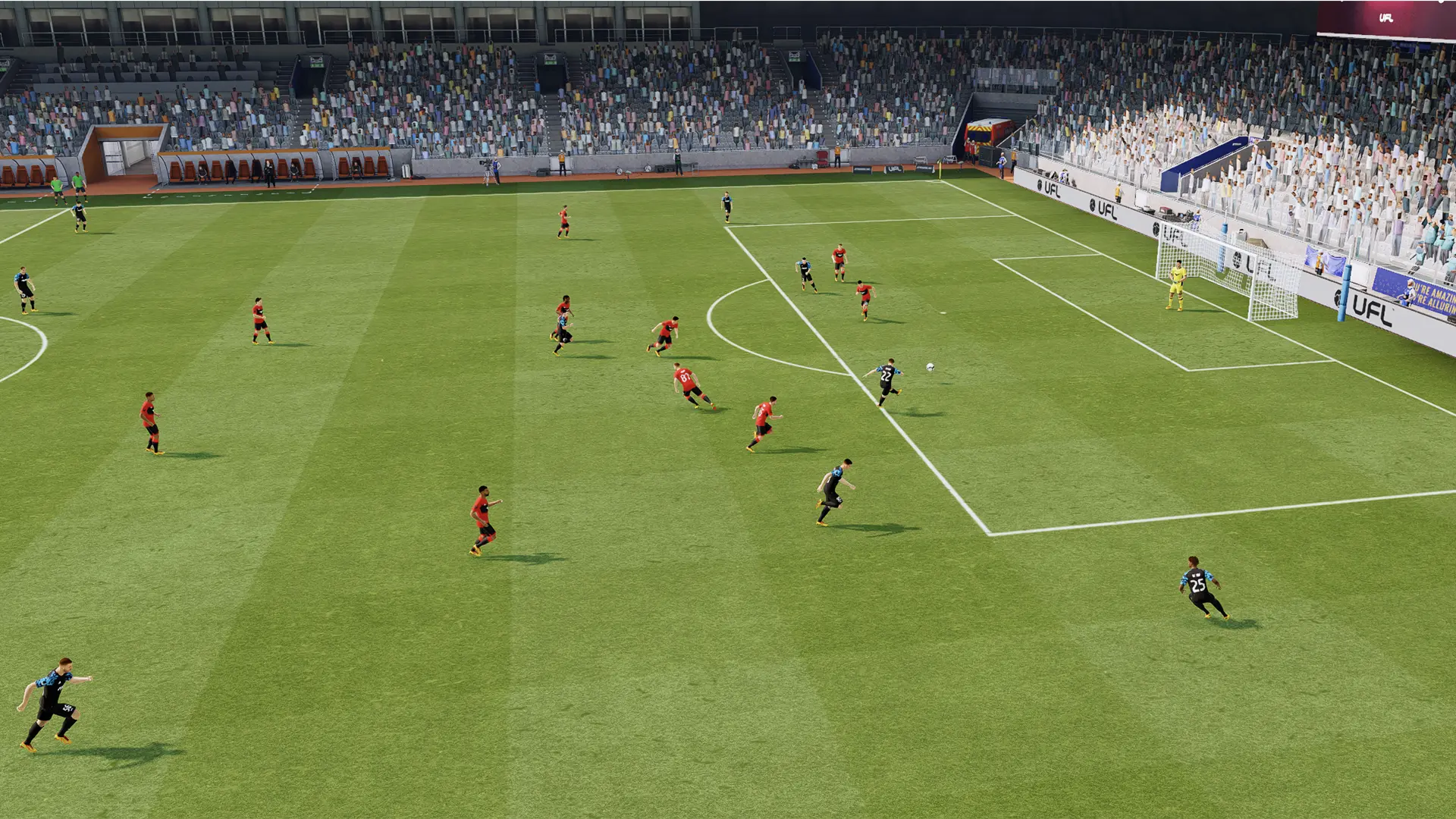
UFL – Football Game 2026 is a skill-focused sports game built for players who want fair football matches and full control on the pitch. Instead of relying on pay-to-win systems, the game rewards smart decisions, quick reactions, and solid football knowledge. Every match feels competitive, and every win comes from how well you play.
You start by creating your own club and choosing players for your starting lineup. Over time, you can improve your squad, adjust formations, and train players to match your playstyle. Matches feel fast and responsive, with a strong focus on passing, timing, and positioning. Whether you enjoy short sessions or longer ranked games, UFL gives you plenty of ways to test your skills.
How to Install UFL – Football Game 2026 on PC
- Visit the game’s page and click the “Play UFL – Football Game 2026 on PC” button.
- Find the downloaded file in your browser and open it.
- Install BlueStacks and let it finish setting up on your PC or Mac.
- Log in to the Google Play Store, download the game, and jump into your first match.
How to Install UFL – Football Game 2026 on Mac with BlueStacks Air
- Download BlueStacks Air: Open the game’s page and press the “Play UFL – Football Game 2026 on Mac” button.
- Install the app: Double-click the BlueStacksInstaller.pkg file and follow the setup steps.
- Open and sign in: Launch BlueStacks Air from Applications or Launchpad and sign in with your Google account.
- Get the game: Search for UFL – Football Game 2026 in the Play Store and install it.
- Start playing: Open the game and head onto the pitch.
Already Using BlueStacks? Start Faster
- Go to the game’s page and select the “UFL – Football Game 2026 on PC” button.
- Open BlueStacks on your PC or Mac.
- Install the game from the BlueStacks Store or Google Play Store.
- Launch the game and play right away.
Minimum System Requirements
UFL – Football Game 2026 runs well on most modern computers and does not need high-end hardware.
- OS: Windows 7 or later, macOS 11 (Big Sur) or later
- Processor: Intel, AMD, or Apple Silicon (M1-M4)
- RAM: At least 4GB
- Storage: 10GB of free space
- Permissions: Administrator access on your computer
- Graphics drivers: Latest version from Microsoft or your chipset provider
UFL – Football Game 2026 is a great pick for players who enjoy competitive sports games and fair online matches. You can play solo to practice your skills or face other players to see how you stack up. The game fits short breaks just as well as longer sessions with friends.
Also, playing UFL – Football Game 2026 on PC or Mac with BlueStacks gives you smoother control with a keyboard and mouse and a much larger screen to track every pass and run. This setup helps with timing, accuracy, and overall comfort, especially during longer matches.