

Gugu Gaga Penguin Craftsman
Play on PC with BlueStacks – the Android Gaming Platform, trusted by 500M+ gamers.

Page Modified on: May 17, 2026
Play Gugu Gaga Penguin Craftsman on PC or Mac
Gugu Gaga Penguin Craftsman by TREE THE BLESSING has plenty to keep you busy. BlueStacks lets you play it on PC or Mac with more screen space, better control, and fewer mobile limits.
About the Game
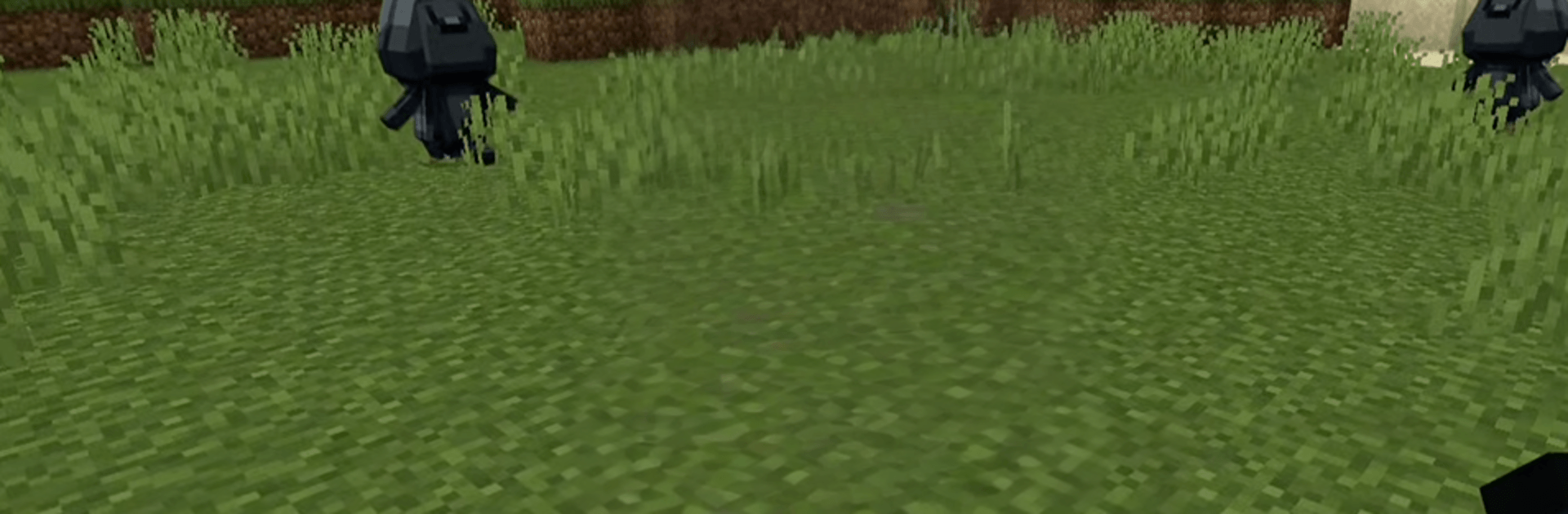
Gugu Gaga Penguin Craftsman drops you into a cheerful, blocky sandbox where penguins run the show and every corner hides something new. It mixes chill survival with playful exploration, letting you roam around quirky maps, meet funny penguin mobs, and try things at your own pace. It’s an Arcade experience that feels light, colorful, and easy to pick up whenever you’ve got a few minutes.
Game Features
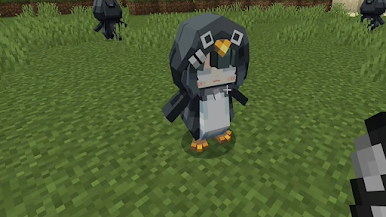
- Penguin-packed world: Discover loads of charming penguin characters and mobs that bring the blocky landscape to life.
- Explore quirky maps: Wander through unique, handcrafted areas filled with secrets, surprises, and plenty of personality.
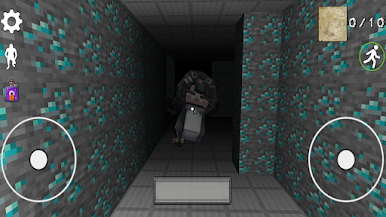
- Survival made friendly: Keep an eye on your surroundings, collect what you need, and stay safe in a cozy take on survival play.
- Sandbox vibes: Try ideas, tinker with the world, and make each session feel different without a ton of rules getting in the way.
- Crisp 3D blocks: Enjoy clean, colorful visuals that make everything—from snowy hills to penguin hangouts—pop on screen.
- Pick-up-and-play: Simple controls and light gameplay mean you can jump in for quick sessions or chill longer runs.
- Works offline: No connection? No problem. Play anywhere, anytime, and keep the fun going.
- Smooth on PC too: Prefer a bigger view and comfy controls? Playing with BlueStacks feels right at home.
Get ready for a buttery smooth, high-performance gaming action only on BlueStacks.
Play Gugu Gaga Penguin Craftsman on PC. It’s easy to get started.
-
Download and install BlueStacks on your PC
-
Complete Google sign-in to access the Play Store, or do it later
-
Look for Gugu Gaga Penguin Craftsman in the search bar at the top right corner
-
Click to install Gugu Gaga Penguin Craftsman from the search results
-
Complete Google sign-in (if you skipped step 2) to install Gugu Gaga Penguin Craftsman
-
Click the Gugu Gaga Penguin Craftsman icon on the home screen to start playing

