


Flashy Slot Launcher
Play on PC with BlueStacks – the Android Gaming Platform, trusted by 500M+ gamers.

Page Modified on: Jun 18, 2026
Play Flashy Slot Launcher on PC
CORE DESKTOP FEATURES 🛠️
Efficient App Hub 🔍
Stay in control of your device with a streamlined interface:
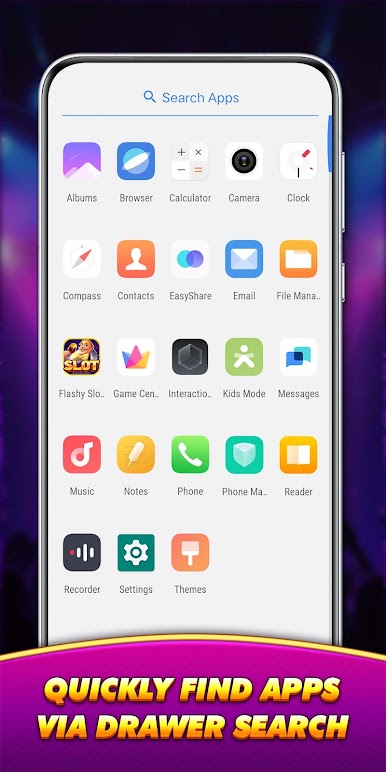
Rapid Search Drawer: Locate any installed application in a flash with the integrated search bar.
Custom Organization: A clean, professional app list designed to minimize screen clutter and improve navigation.
Privacy & Layout Control 🛡️
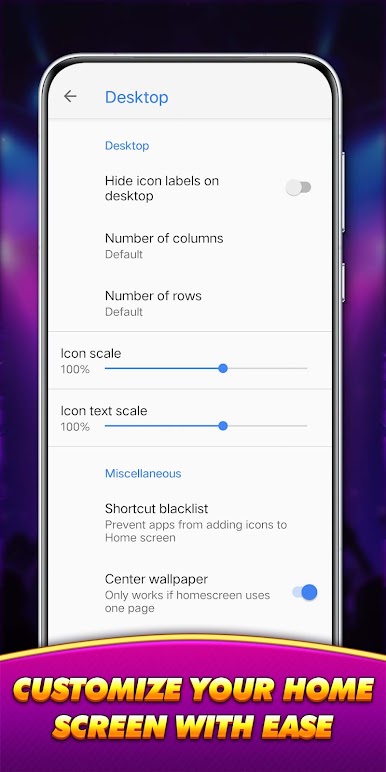
Your desktop, your rules. You can easily hide specific application icons for better privacy or adjust the icon grid to create the perfect minimalist setup for your home screen.
BUILT-IN RELAXATION TOOL 🀄
Interactive Rhythm Module
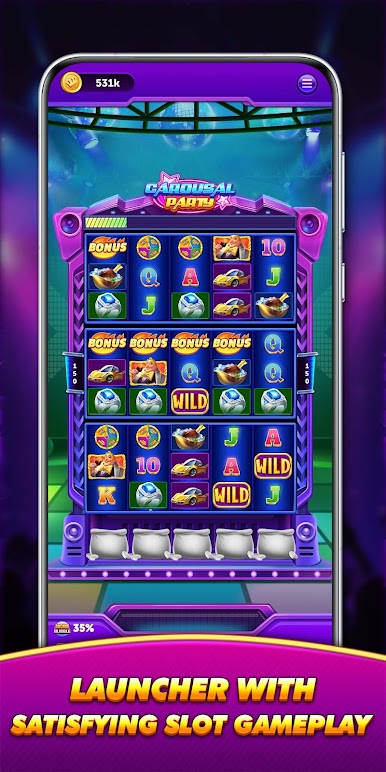
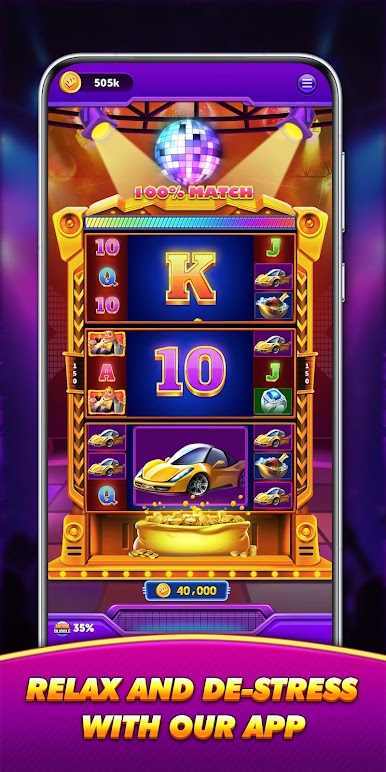
Take a mindful break right on your desktop. This built-in utility features a vibrant Disco aesthetic with neon lights and rhythmic beats.
Classic Slot Mechanics: Enjoy the familiar experience of spinning dynamic reels. Simply tap to start the motion and watch as colorful disco-themed symbols align across the screen.
SETUP & TRANSPARENCY ⚙️
Activation: To enable custom icons and search features, please set Flashy Slot Launcher as your default home screen. 🏠
User Control: You can revert to your original system launcher at any time through the app settings or your device’s "Default Apps" menu. 🔄
Safety First: This launcher only manages the visual layout of your home screen. It does not access, modify, or delete your personal files or apps. ✅
SUPPORT & FAQ 📝
For detailed setup guides and answers to common questions, please visit our official support page:
Link: https://www.quantxtgames.com/#faq
IMPORTANT NOTICE ⚠️
Flashy Slot Launcher is intended for adult entertainment and utility purposes only.
This is NOT a real money gambling product. It does not offer any real-world currency, cash prizes, or winnings.
All coins used within the spin module are virtual, have no monetary value, and cannot be redeemed for cash.
Success within this desktop simulation does not imply future success at real-money gambling.
Play Flashy Slot Launcher on PC. It’s easy to get started.
-
Download and install BlueStacks on your PC
-
Complete Google sign-in to access the Play Store, or do it later
-
Look for Flashy Slot Launcher in the search bar at the top right corner
-
Click to install Flashy Slot Launcher from the search results
-
Complete Google sign-in (if you skipped step 2) to install Flashy Slot Launcher
-
Click the Flashy Slot Launcher icon on the home screen to start playing

