


Daily Putt
Play on PC with BlueStacks – the Android Gaming Platform, trusted by 500M+ gamers.

Page Modified on: Oct 3, 2026
Play Daily Putt on PC
Three holes of golf. The same three for everyone. Every single day.
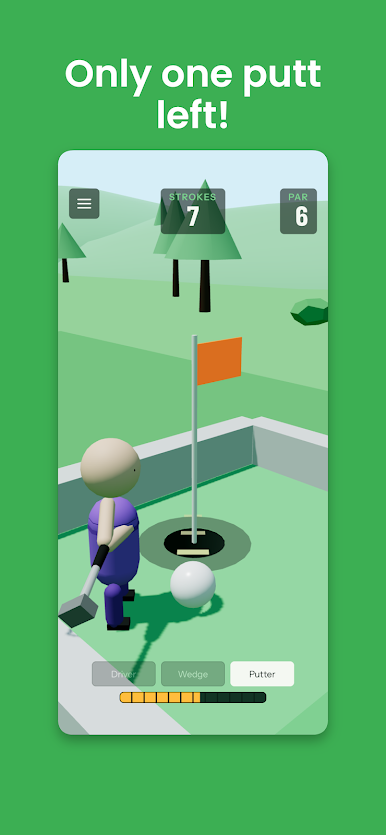
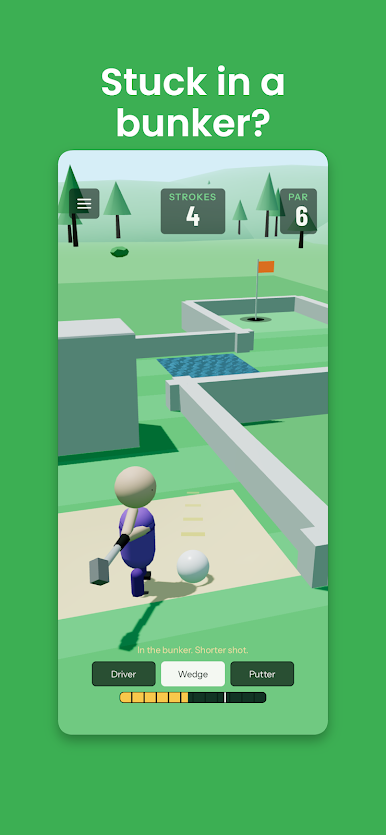
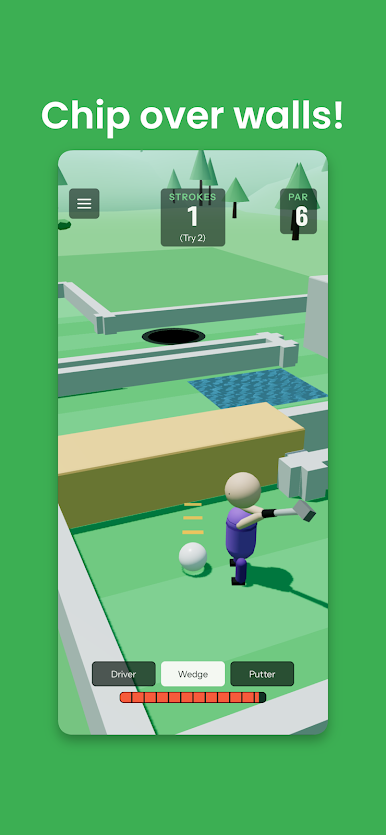
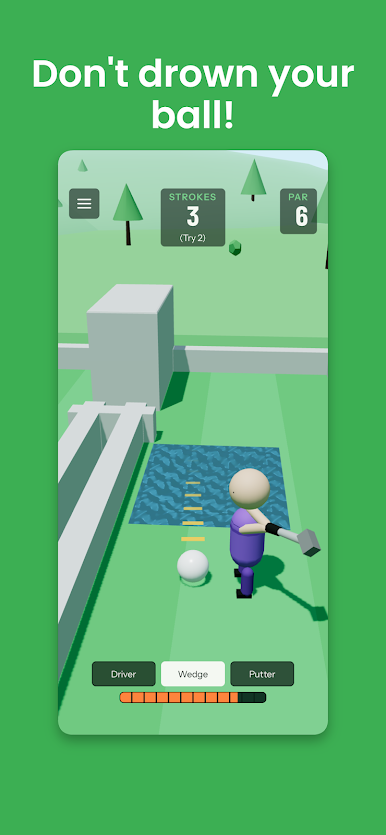
You get three clubs. The driver sends it. The wedge lifts it over whatever's in the way. The putter finishes the job, or handles the tedious cleanup when the other two let you down.
Take as many attempts as you want. Your best run at each hole is the one that counts.
Two minutes if you're good. Considerably longer if you want to perfect it.
Every hole is built and tested by hand.
Streaks:
Play all three every day and the number goes up. Miss a day and it goes back to zero.
Simple controls:
Pick a club, pull back, let go.
New holes every day at midnight.
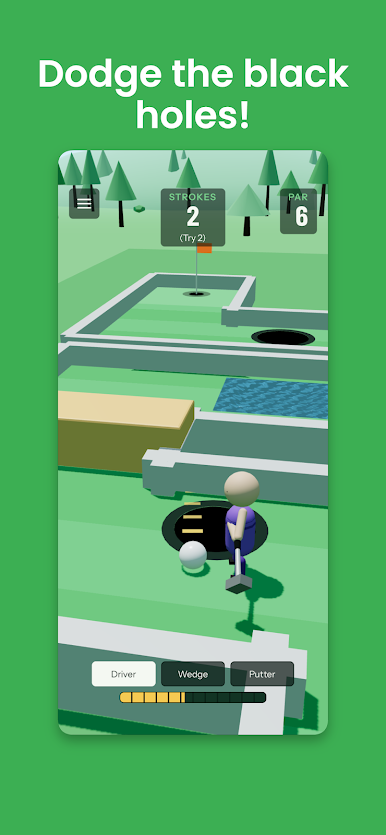
Play Daily Putt on PC. It’s easy to get started.
-
Download and install BlueStacks on your PC
-
Complete Google sign-in to access the Play Store, or do it later
-
Look for Daily Putt in the search bar at the top right corner
-
Click to install Daily Putt from the search results
-
Complete Google sign-in (if you skipped step 2) to install Daily Putt
-
Click the Daily Putt icon on the home screen to start playing

