


Before Dawn
Play on PC with BlueStacks – the Android Gaming Platform, trusted by 500M+ gamers.

Page Modified on: Jul 21, 2026
Main Before Dawn on PC
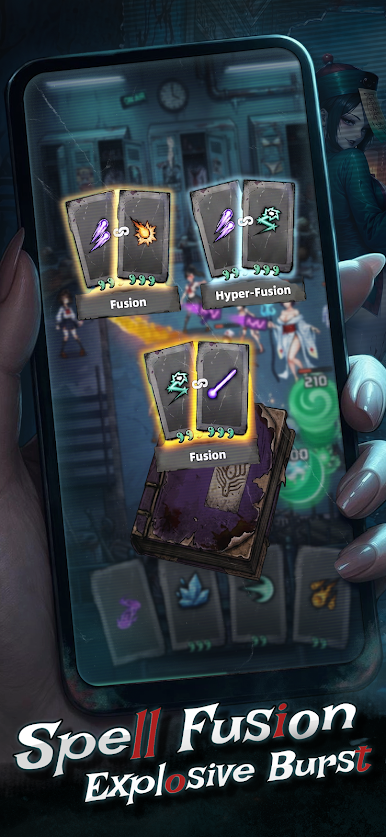
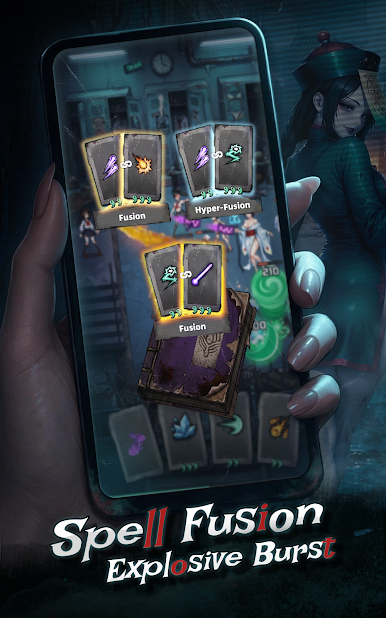
Fuse elemental spells freely for infinite combinations!
Repel the nightmare horde, uncover the anomalies, and herald the dawn!
【Core Gameplay】
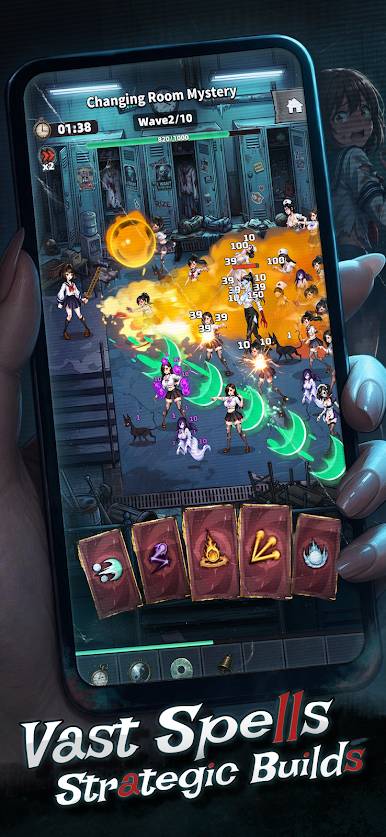
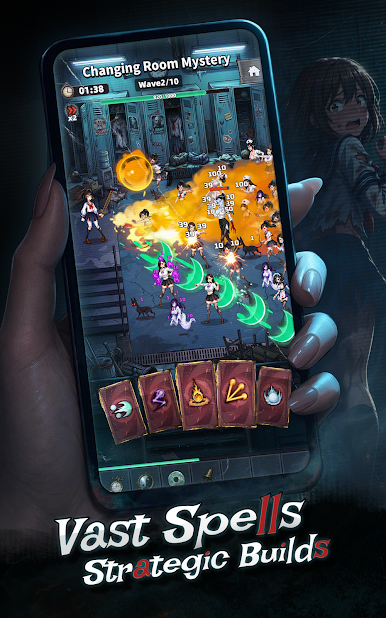
1.Unleash Devastating Spells: Defend against endless, relentless waves of nightmare onslaughts.
2.Infinite Spell Fusion: Combine different elements freely to synthesize powerful new magic.
3.Custom Rune Builds: Mix and match rune sets to forge your ultimate tactical strategy.
4.Diverse Tactical Stages: Face unique level designs and experience rich strategic combinations.
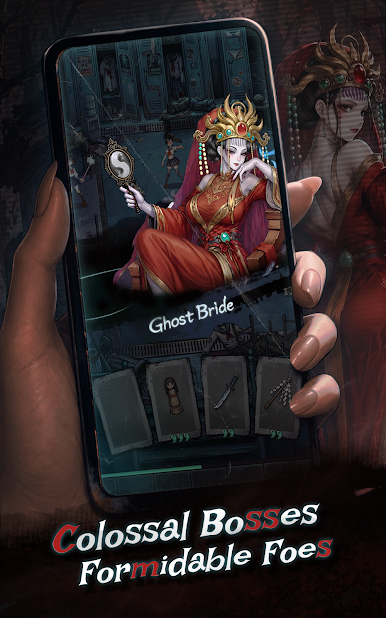
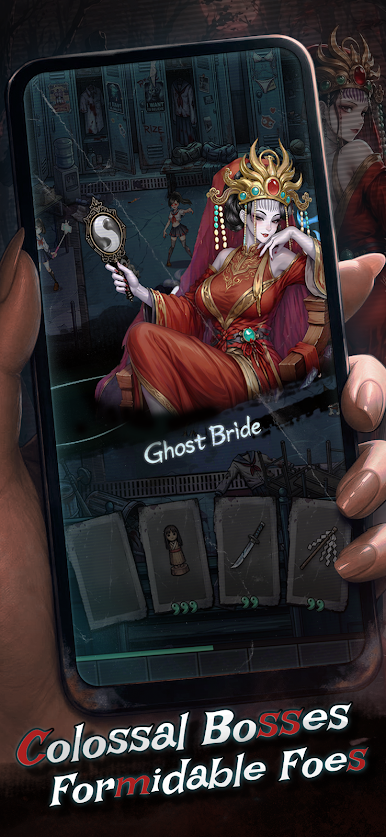
5.Epic Boss Raids: Confront formidable bosses and shatter the eerie dreamscape crises.
【Feature Modules】
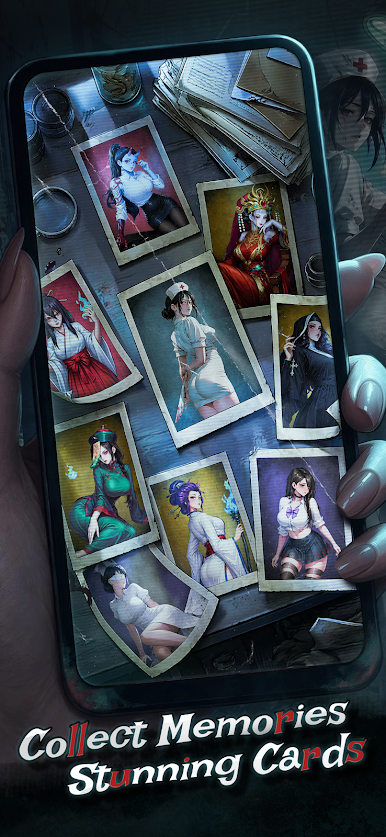
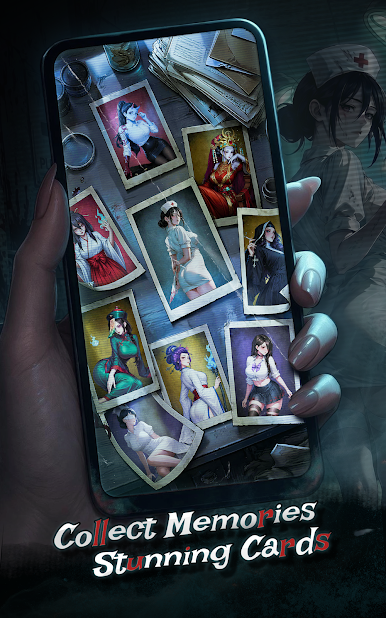
1.Memory Array Reconstruction: Collect scattered clues and shards to restore lost memories.
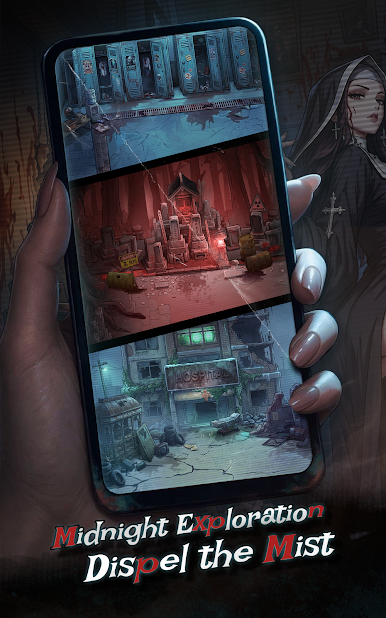
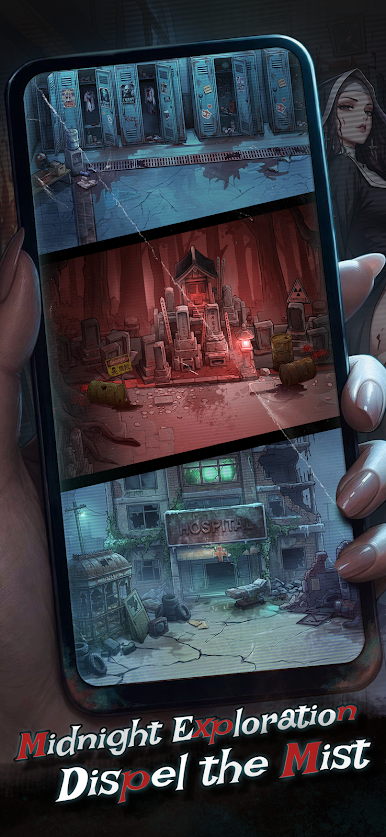
2.Nightmare Realm Exploration: Brave rogue-like random events and confront unknown entities in the rift.
3.Urban Legend Archives: Unlock secret characters and uncover eerie myths hidden in the city shadows.
【Worldview & Story】
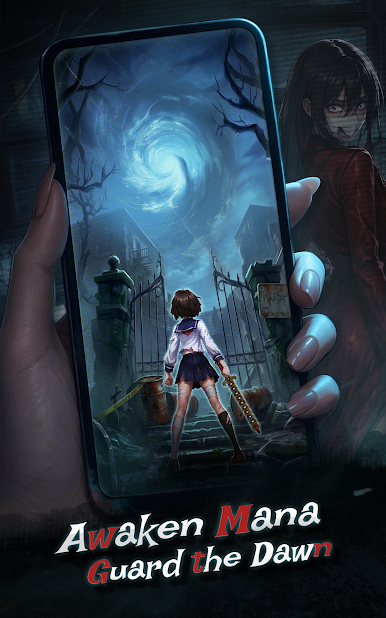
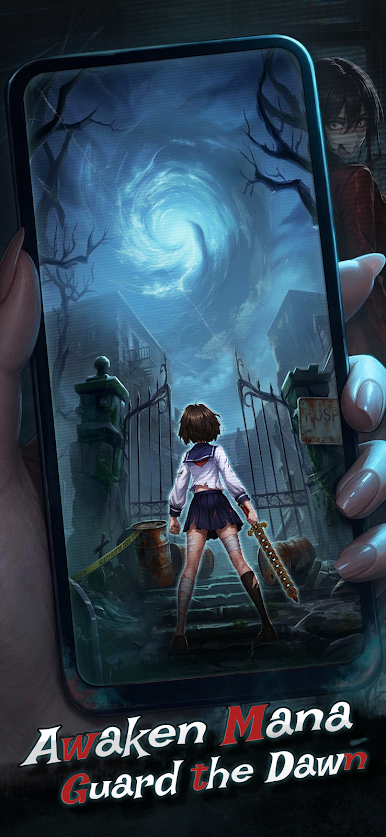
When the boundary between reality and dreams crumbles, nightmares lurking in the city’s shadows begin to devour human memories. A young girl, bound by a mysterious seal, awakens her lost magical power. Besieged by a relentless horde of nightmares, she must break her shackles and defend the last light of dawn. As her forgotten memories resurface, the buried truth is finally brought to light.
【Join the Fight Now!】
Raise your magical focus and awaken your inner power!
Repel the nightmare surge and solve the urban mysteries!
Begin your battle for the dawn!
Play Before Dawn on PC. It’s easy to get started.
-
Download and install BlueStacks on your PC
-
Complete Google sign-in to access the Play Store, or do it later
-
Look for Before Dawn in the search bar at the top right corner
-
Click to install Before Dawn from the search results
-
Complete Google sign-in (if you skipped step 2) to install Before Dawn
-
Click the Before Dawn icon on the home screen to start playing

