


The Blockheads
Spiele auf dem PC mit BlueStacks - der Android-Gaming-Plattform, der über 500 Millionen Spieler vertrauen.

Seite geändert am: Apr 22, 2026
Übersicht
Night is falling and your blockhead is freezing.
You haven't yet made shelter and your campfire has gone out.
All you have is a spade, some wood and a few sticks.
You have only minutes before exhaustion hits.
Do you create a bed, dig a cave or refuel your fire?
What will you do?
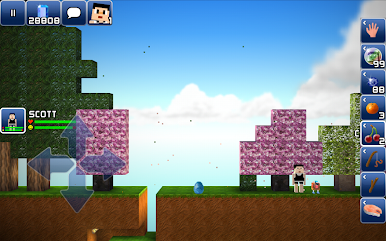
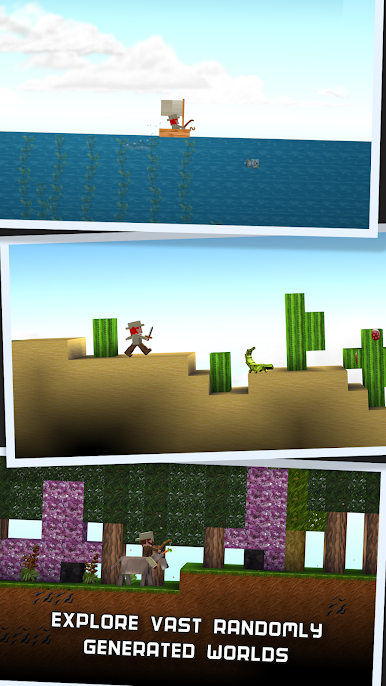
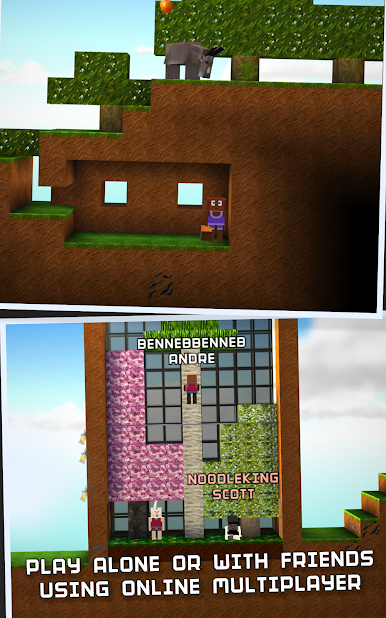
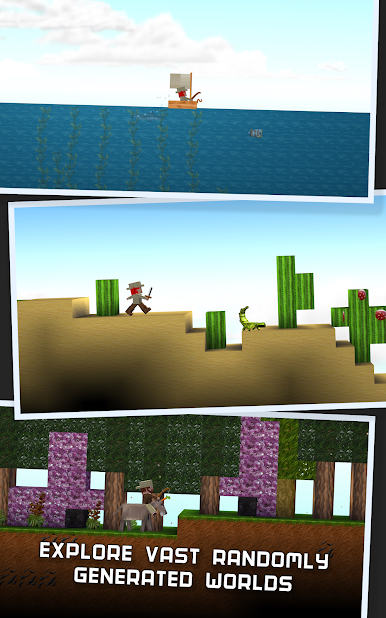
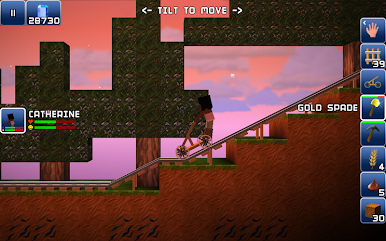
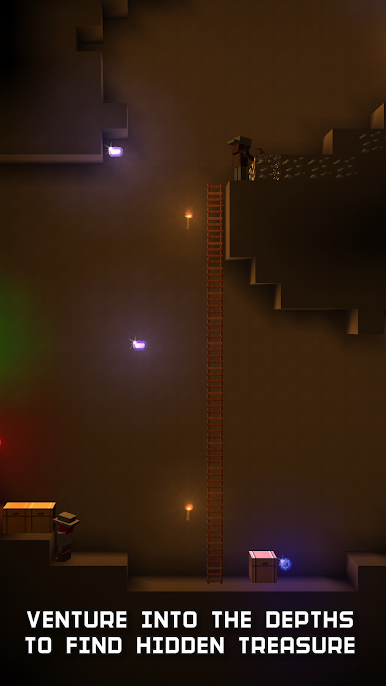
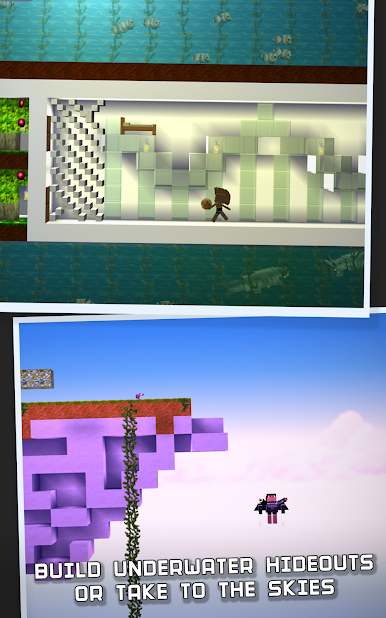
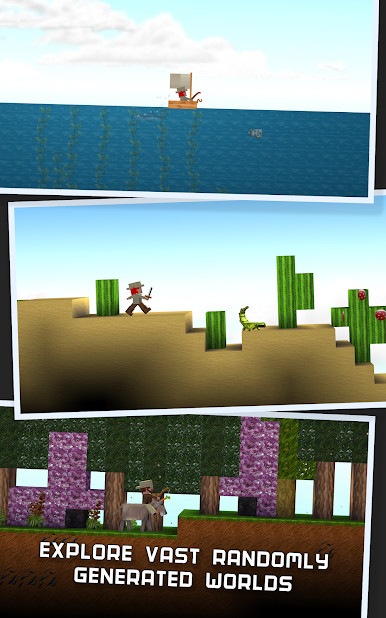
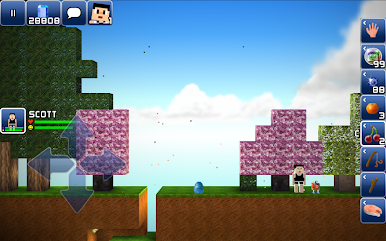
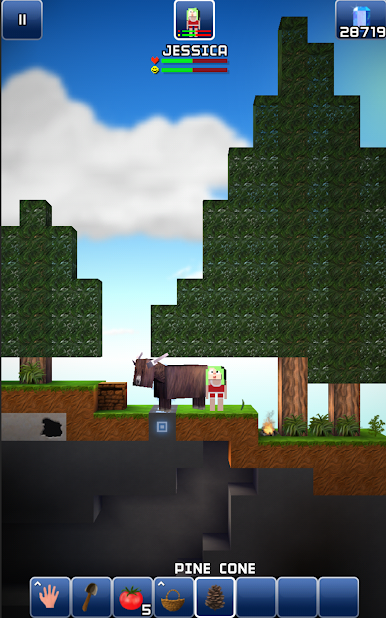
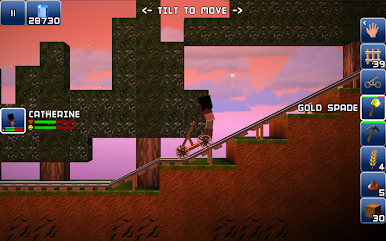
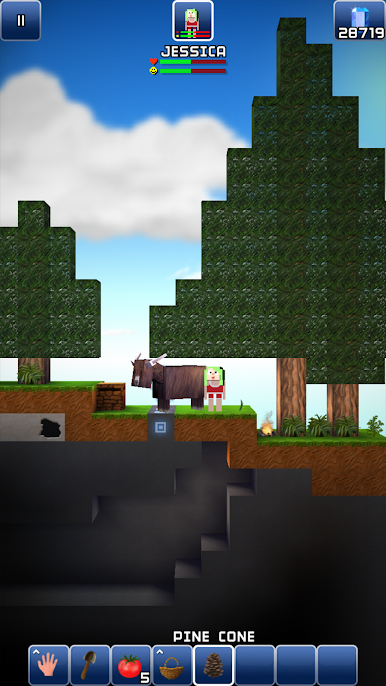
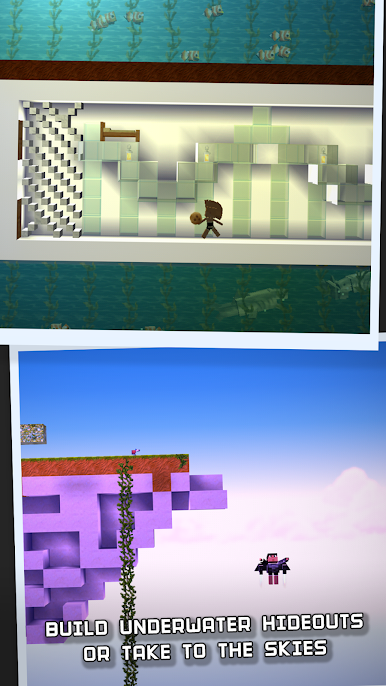
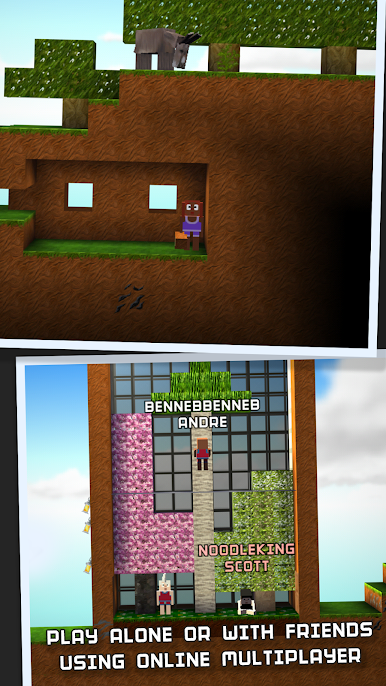
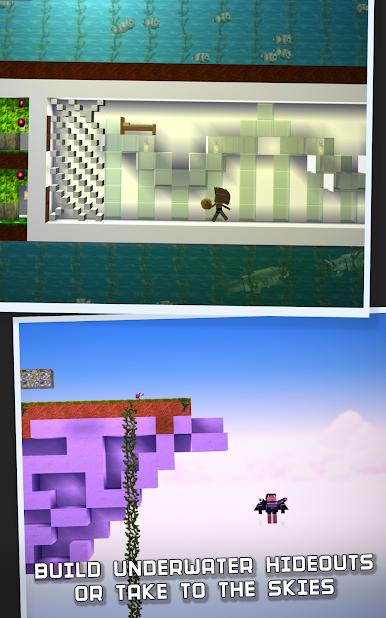
• Control your blockheads in a vast randomly generated world with oceans, mountains, forests, deserts and deep underground caves.
• Keep an eye on their needs - give them sleep, feed them, create clothing and shelter - and they'll be happier, quicker and more productive.
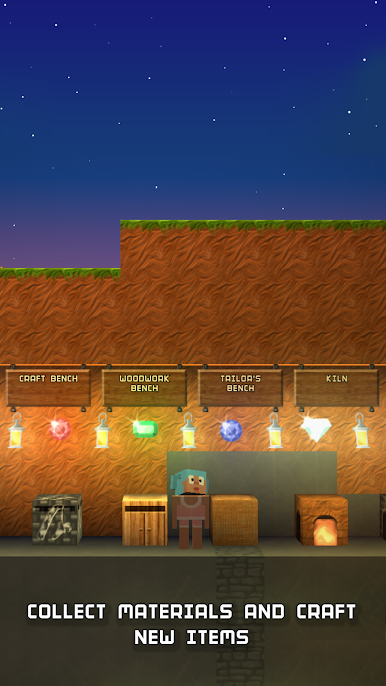
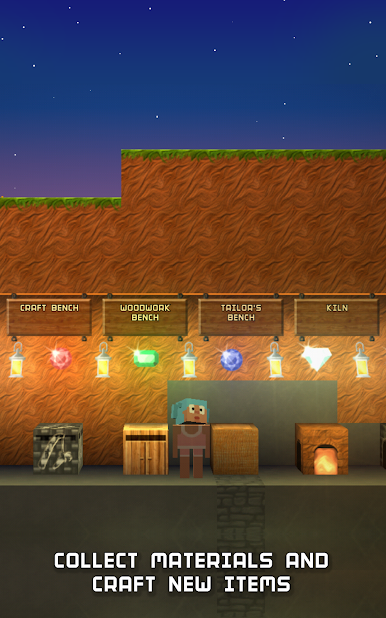
• Craft tools with the resources they find, and they'll be able to work even faster and find more resources.
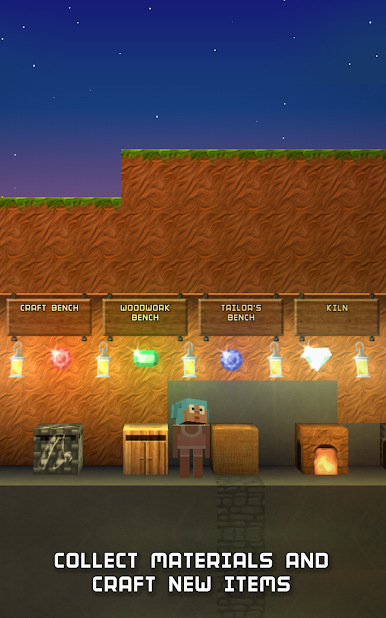
• Upgrade workbenches and unlock more advanced items to craft.
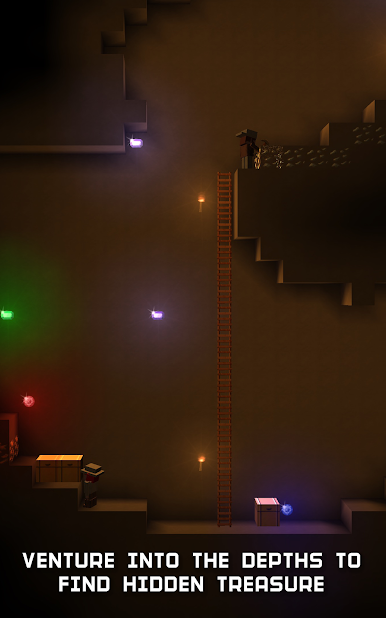
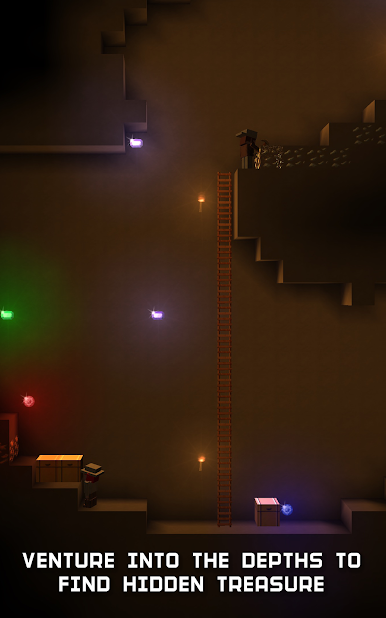
• Discover precious stones and metals deep underground, or rare plants and animals on the surface.
• Craft a boat and navigate the oceans using the accurate night sky to guide you.
• Make fur clothing and venture to the North Pole.
• Pick coconuts at a tropical beach.
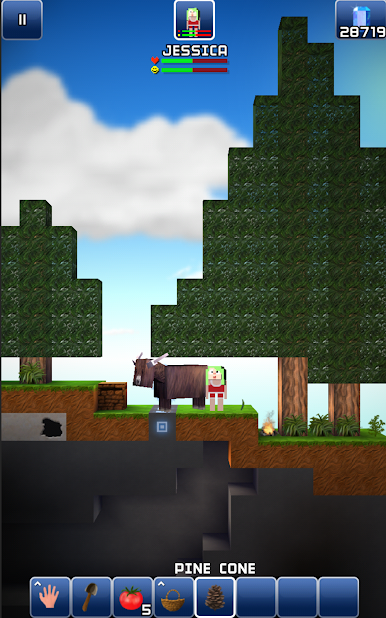
• Cook meat at a campfire.
• Build a marble palace.
• Paint the walls.
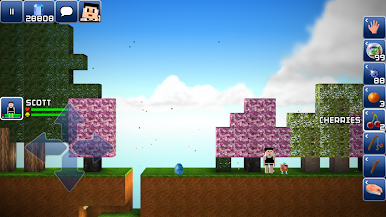
• Plant an orchard.
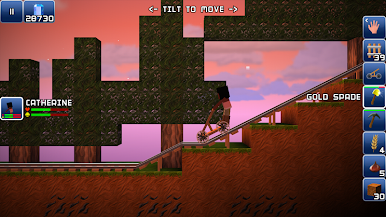
• Ride a donkey!


Spiele The Blockheads auf dem PC. Der Einstieg ist einfach.
-
Lade BlueStacks herunter und installiere es auf deinem PC
-
Schließe die Google-Anmeldung ab, um auf den Play Store zuzugreifen, oder mache es später
-
Suche in der Suchleiste oben rechts nach The Blockheads
-
Klicke hier, um The Blockheads aus den Suchergebnissen zu installieren
-
Schließe die Google-Anmeldung ab (wenn du Schritt 2 übersprungen hast), um The Blockheads zu installieren.
-
Klicke auf dem Startbildschirm auf das The Blockheads Symbol, um mit dem Spielen zu beginnen

