


Football 2026-Soccer World Cup
Play on PC with BlueStacks – the Android Gaming Platform, trusted by 500M+ gamers.

Page Modified on: Jul 12, 2026
Main Football 2026-Soccer World Cup on PC
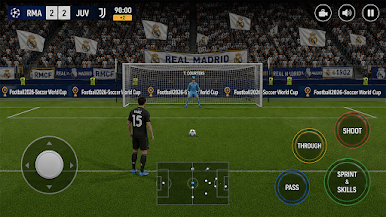
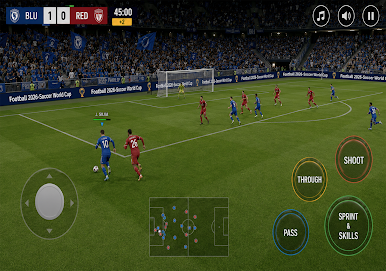
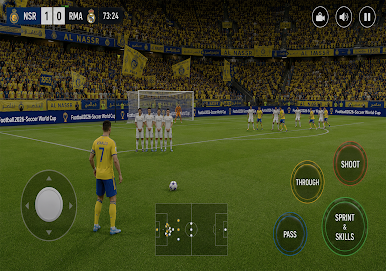
Play thrilling football matches, build your dream team, and compete against top soccer clubs from around the world. Enjoy realistic gameplay, smooth controls, exciting league tournaments, and intense football action anytime, anywhere.
🏆 Become a football 2026 champion by winning league matches, scoring amazing goals, and leading your club to victory. Experience the excitement of World Football 2026 with immersive stadiums, competitive teams, and fast-paced gameplay.
🔥 GAME FEATURES:
Smooth and responsive controls
Multiple football league tournaments
World soccer championship mode
Exciting club football matches
Stunning stadium environments
Career and tournament modes
Build and manage your dream football team
Enjoy fast-paced soccer action
⚽ Challenge the football clubs and prove your skills in the biggest soccer competitions. Train your players, improve your strategy, and dominate every football match.
🎮 Perfect for fans of:
Football games
Soccer league games
Football simulator
football games
World Football Cup
Mobile soccer games
Club football tournaments
Install Football Soccer League 2026 now and enjoy the ultimate mobile football adventure!
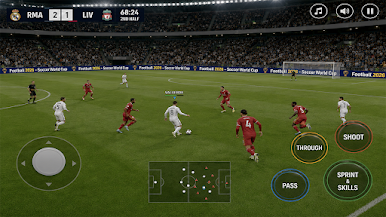
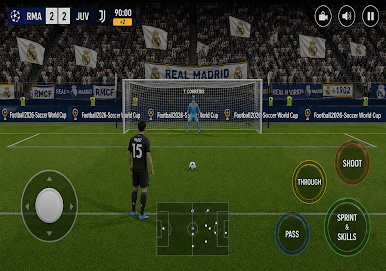
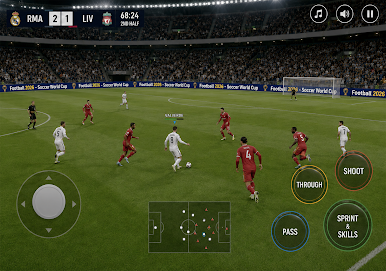
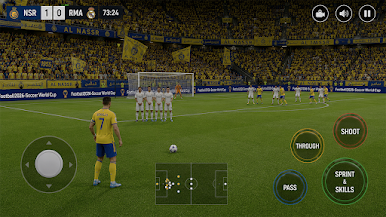


Play Football 2026-Soccer World Cup on PC. It’s easy to get started.
-
Download and install BlueStacks on your PC
-
Complete Google sign-in to access the Play Store, or do it later
-
Look for Football 2026-Soccer World Cup in the search bar at the top right corner
-
Click to install Football 2026-Soccer World Cup from the search results
-
Complete Google sign-in (if you skipped step 2) to install Football 2026-Soccer World Cup
-
Click the Football 2026-Soccer World Cup icon on the home screen to start playing

