

The Hedgehog 2
Play on PC with BlueStacks – the Android Gaming Platform, trusted by 500M+ gamers.

Page Modified on: Sep 5, 2026
Play Sonic The Hedgehog 2 Classic on PC or Mac
Play Sonic The Hedgehog 2 Classic by SEGA.COM on PC or Mac with BlueStacks. Use a bigger screen, mouse and keyboard controls, and smoother performance while you play.
About the Game
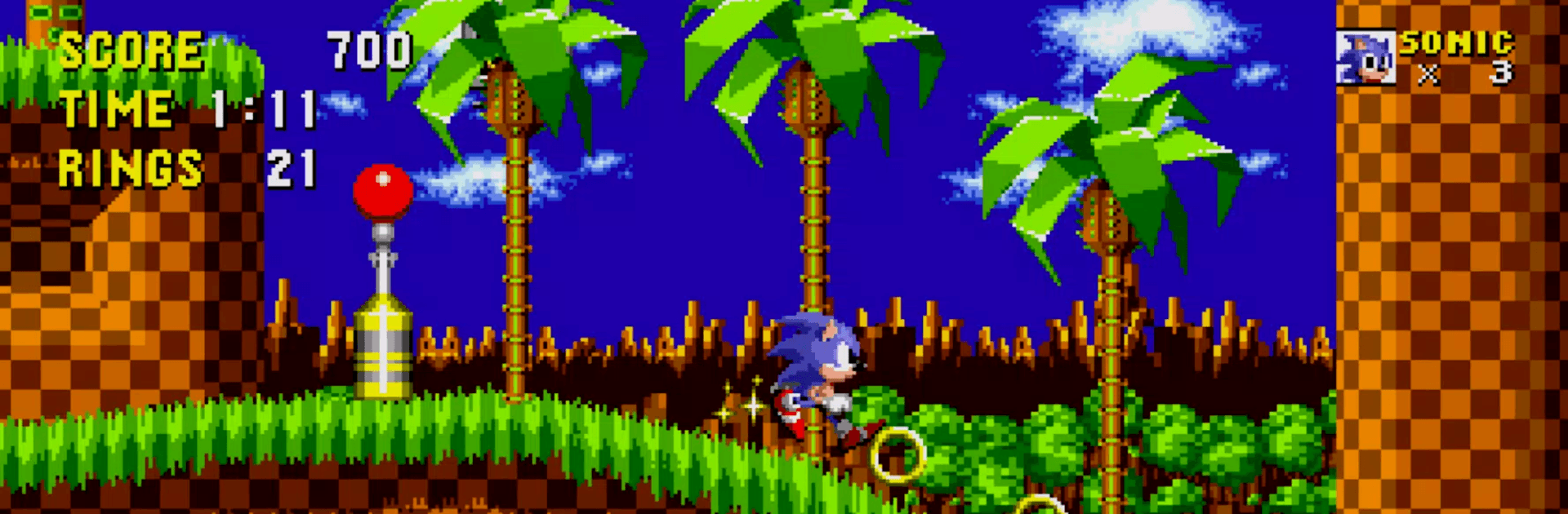
Some platformers never lose their spark. Sonic The Hedgehog 2 Classic brings back that high-speed rush—loops, hidden paths, and clever boss encounters that reward skill and curiosity. It’s a punchy Arcade experience you can jump into for a quick run or sink into for hours; and if you prefer a bigger screen and steady controls, BlueStacks lets you play it comfortably on PC.
Game Features
- 12 zones, endless momentum: Blast through a dozen distinct stages—from neon-lit casinos to eerie ruins and deep-water caverns—each packed with shortcuts, hazards, and secrets.
- Sonic, Tails, and Knuckles: Pick your favorite hero and tear through stages your way, with each character bringing their own feel and routes to discover.
- Modes for every mood: Hop into Online mode, chase personal bests in Time Attack, or take on a gauntlet of encounters in Boss Attack.
- Unforgettable boss battles: Outsmart Dr. Eggman’s wild machines and face notorious threats like the relentless Mecha Sonic.
- Chaos Emerald quest: Master special stages, gather all seven Chaos Emeralds, and unlock blazing-hot Super forms for Sonic and Knuckles.
- Save anytime: Drop a save at any point so you can pause a marathon run and pick up right where you left off.
- Global leaderboards: Compare your best times and scores with players around the world and see how your speed stacks up.
- Controller support: Play with HID-compatible controllers for crisp inputs and satisfying precision on every jump and spin.
- Your call on ads: Enjoy the full game with ads or switch to an ad-free experience with a simple in-app purchase.
BlueStacks gives you more room to focus on the game and less time adjusting around mobile limitations.


Play The Hedgehog 2 on PC. It’s easy to get started.
-
Download and install BlueStacks on your PC
-
Complete Google sign-in to access the Play Store, or do it later
-
Look for The Hedgehog 2 in the search bar at the top right corner
-
Click to install The Hedgehog 2 from the search results
-
Complete Google sign-in (if you skipped step 2) to install The Hedgehog 2
-
Click the The Hedgehog 2 icon on the home screen to start playing

