

Smash & Fall Ragdoll:Kick Doll
Play on PC with BlueStacks – the Android Gaming Platform, trusted by 500M+ gamers.

Page Modified on: Jul 14, 2026
Play Smash & Fall Ragdoll:Kick Doll on PC or Mac
Bring your A-game to Smash & Fall Ragdoll:Kick Doll, the Adventure game sensation from online games. Give your gameplay the much-needed boost with precise game controls, high FPS graphics, and top-tier features on your PC or Mac with BlueStacks.
About the Game
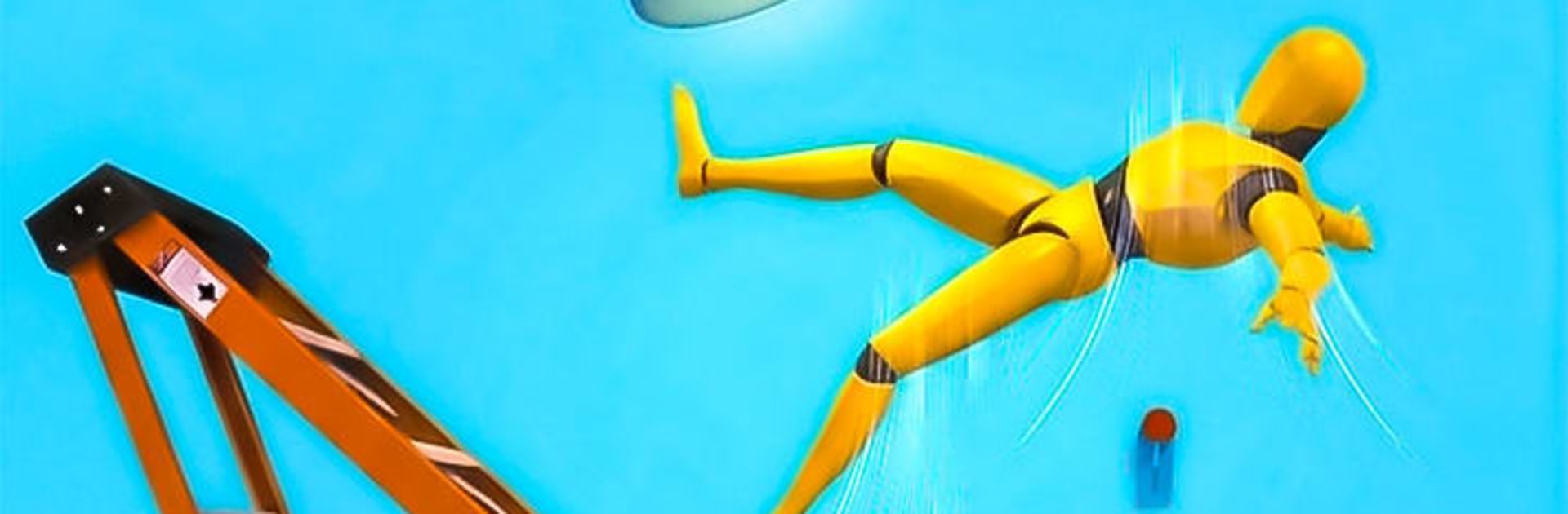
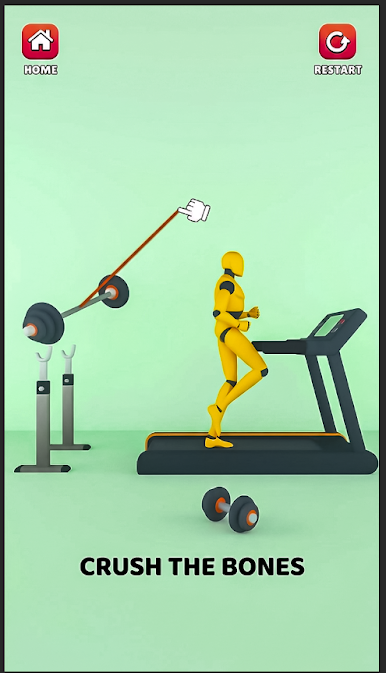
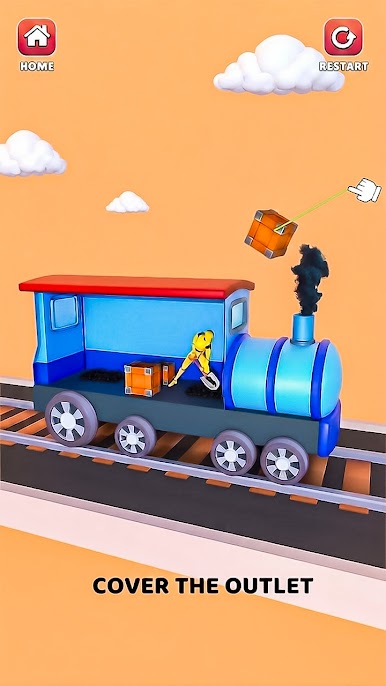
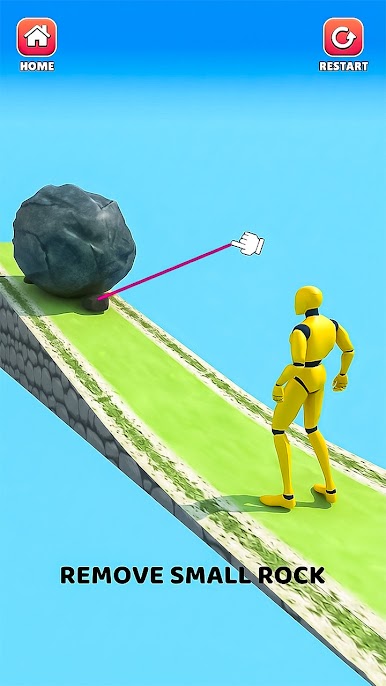
Smash & Fall Ragdoll:Kick Doll is a laid-back Adventure playground where wobbly physics steal the show. You’re not chasing high scores—you’re here to poke, fling, and experiment just to see what wild reaction happens next. It’s goofy, oddly satisfying, and perfect when you want to unwind for a few minutes (or a lot longer).
Game Features
-
Playful Physics
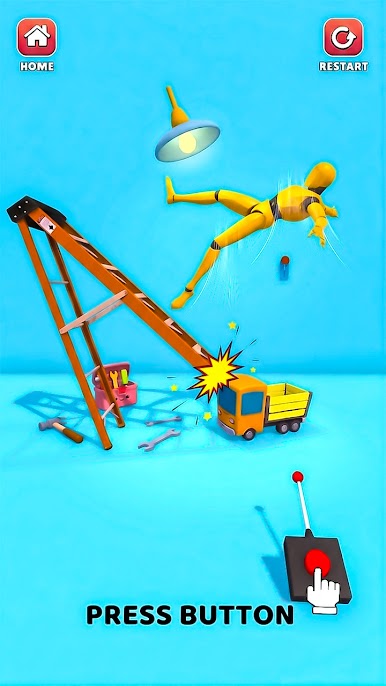
Watch your character tumble, bounce, and crumple in believable, laugh-out-loud ways as you try different moves and setups. -
Toy Box of Gadgets
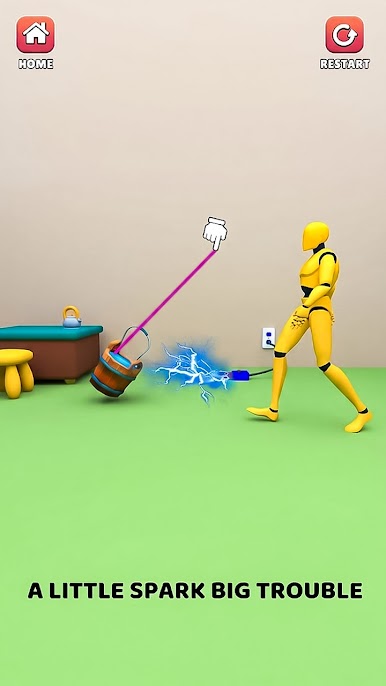
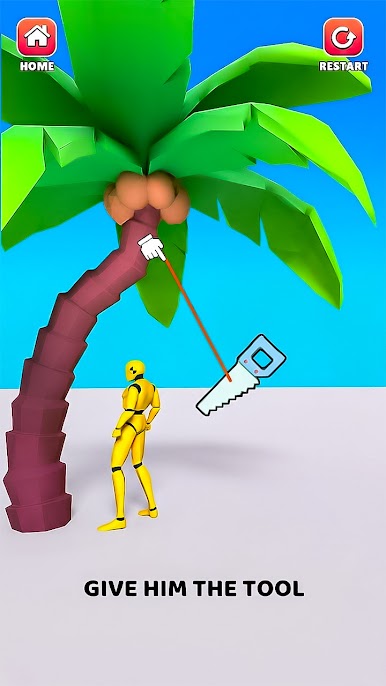
Mix and match props, tools, and quirky contraptions to trigger surprising chain reactions and over-the-top stunts. -
Creative Stages
Explore a range of themed levels designed with clever layouts that invite experimentation and silly mishaps. -
Your Pace, Your Rules
No rush here—test ideas, retry odd combos, or simply kick back and enjoy the chaos as it unfolds. -
Easy, Intuitive Controls
Pick-up-and-play taps, drags, and swipes keep the focus on creativity, not memorizing inputs. -
Quick Fun or Long Sessions
Great for a speedy break or a marathon of physics shenanigans—jump in anytime and tinker away. -
Punchy Sounds
Crisp effects make every bump, bop, and bounce feel extra satisfying. -
Smooth on PC with BlueStacks
Prefer a bigger screen and steady controls? It runs nicely on BlueStacks for a comfy, desktop-friendly session.
Start playing Smash & Fall Ragdoll:Kick Doll on BlueStacks and get a smoother, more comfortable PC or Mac setup.

Play Smash & Fall Ragdoll:Kick Doll on PC. It’s easy to get started.
-
Download and install BlueStacks on your PC
-
Complete Google sign-in to access the Play Store, or do it later
-
Look for Smash & Fall Ragdoll:Kick Doll in the search bar at the top right corner
-
Click to install Smash & Fall Ragdoll:Kick Doll from the search results
-
Complete Google sign-in (if you skipped step 2) to install Smash & Fall Ragdoll:Kick Doll
-
Click the Smash & Fall Ragdoll:Kick Doll icon on the home screen to start playing

