

Driftfall: Pixel Action RPG
Play on PC with BlueStacks – the Android Gaming Platform, trusted by 500M+ gamers.

Page Modified on: Sep 3, 2026
Play Driftfall: Pixel Action RPG on PC or Mac
Driftfall: Pixel Action RPG by TLT GAMES LLP has plenty to keep you busy. BlueStacks lets you play it on PC or Mac with more screen space, better control, and fewer mobile limits.
About the Game
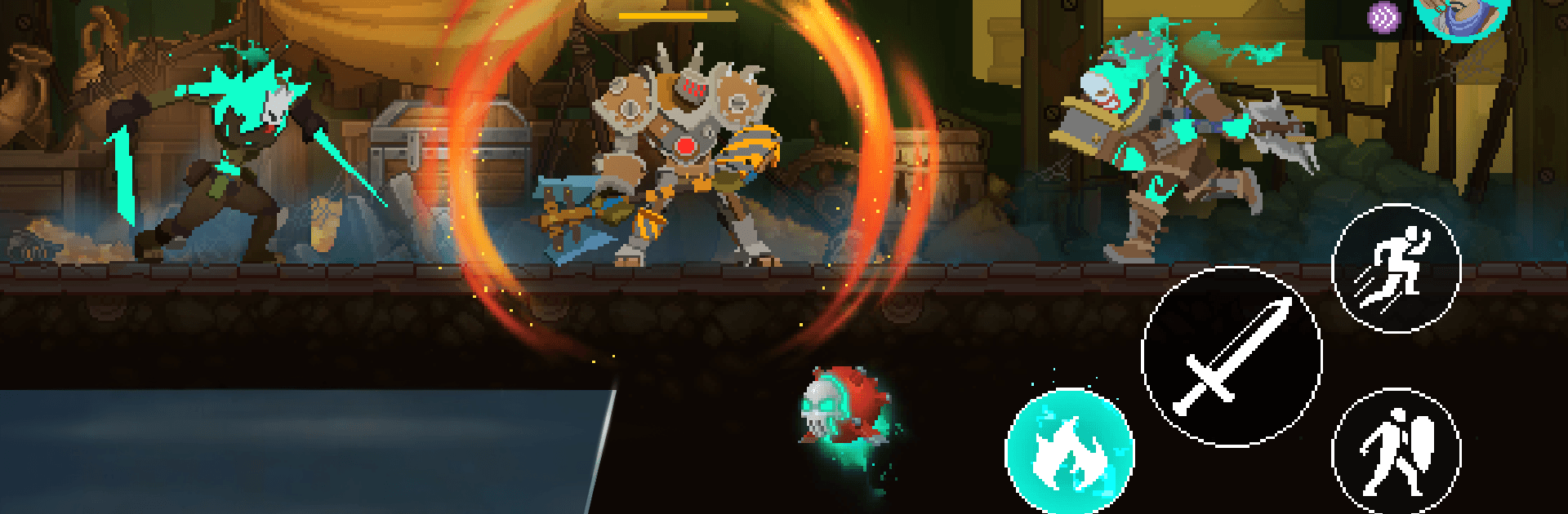
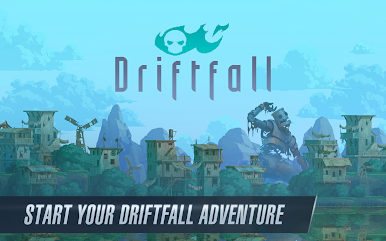
Driftfall: Pixel Action RPG blends fast, hands-on combat with exploration, team-building, and crafting in a ruined fantasy world that still hides plenty of wonders. It’s an Adventure that pushes you to sail into the unknown, crack open ancient ruins, and piece together a story that’s more than just “beat the bad guy.” Prefer playing on a bigger screen? It’s smooth and comfy on BlueStacks, too.
Game Features
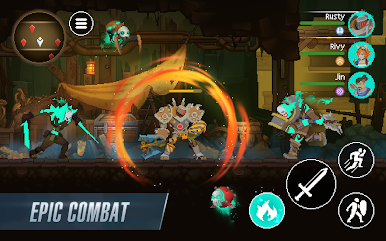
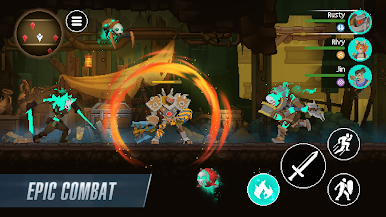
- Skill-first combat: Time your dodges, weave in abilities, and make every strike count in real-time fights that reward quick reactions and smart positioning.
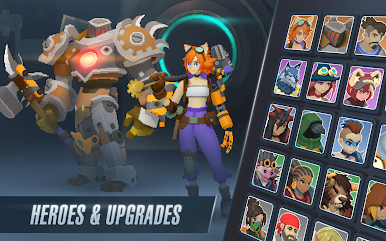
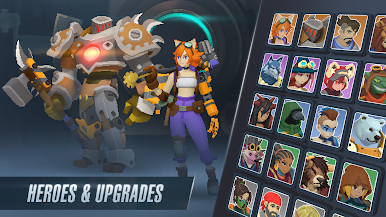
- Switchable heroes: Unlock a roster of distinct fighters—blade masters, sharpshooters, spellcasters—and swap between them to match the encounter.
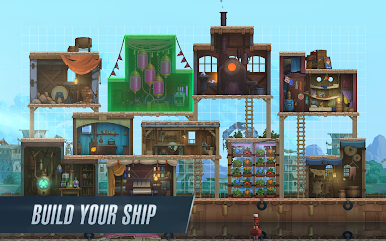
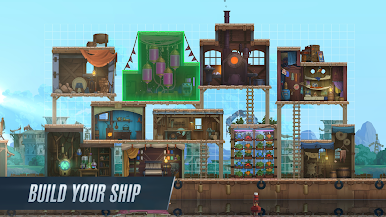
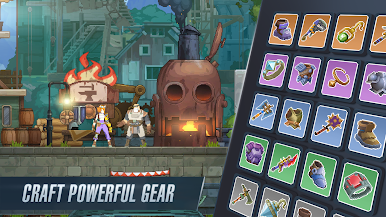
- Floating base and ship: Upgrade your vessel, expand workshops, and turn your sky-fortress into a hub where you craft, plan, and prep for tougher journeys.
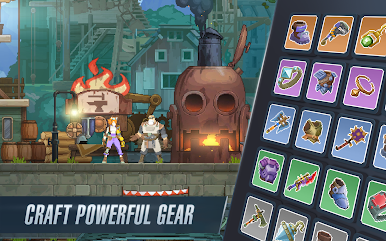
- Crafting that matters: Hunt down rare materials and blueprints to forge gear with meaningful perks, then tune each hero’s loadout for specific threats.
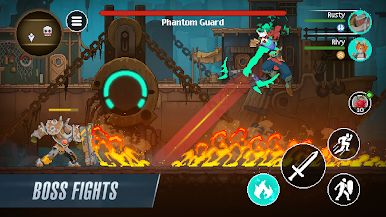
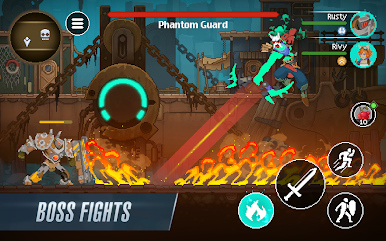
- Big, memorable bosses: Face multi-stage guardians that test your builds and reflexes, with patterns to learn and powerful relics to claim.
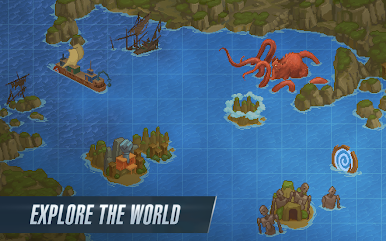
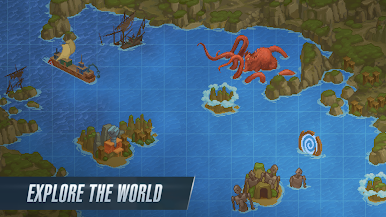
- Exploration with secrets: Sail treacherous waters, uncover hidden passages, and stumble on side objectives that actually pay off.
- Story with heart: Meet oddballs and allies, piece together what broke the world, and make choices that color your path forward.
- Striking pixel look: Crisp retro-style art, lively animations, and punchy effects give every swing, spell, and explosion a satisfying snap.
BlueStacks gives you more room to focus on the game and less time adjusting around mobile limitations.

Play Driftfall: Pixel Action RPG on PC. It’s easy to get started.
-
Download and install BlueStacks on your PC
-
Complete Google sign-in to access the Play Store, or do it later
-
Look for Driftfall: Pixel Action RPG in the search bar at the top right corner
-
Click to install Driftfall: Pixel Action RPG from the search results
-
Complete Google sign-in (if you skipped step 2) to install Driftfall: Pixel Action RPG
-
Click the Driftfall: Pixel Action RPG icon on the home screen to start playing

