


Life is a Roguelike
Play on PC with BlueStacks – the Android Gaming Platform, trusted by 500M+ gamers.

Page Modified on: Oct 15, 2026
Play Life is a Roguelike on PC
Luckily, death is basically a free upgrade.
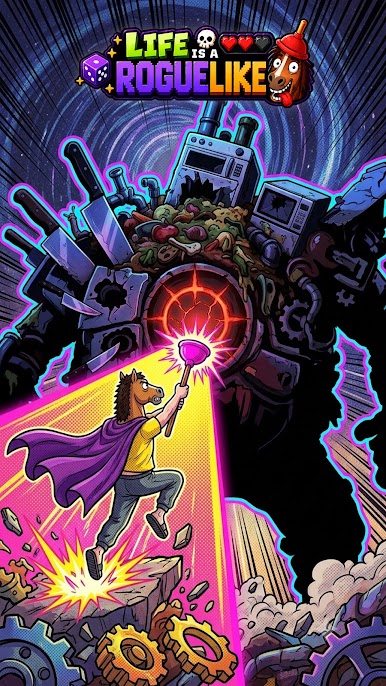
Welcome to Life is a Roguelike, a side-scrolling roguelike where every failed run makes you stronger, every piece of junk might become useful, and bad decisions are sometimes the best strategy.
DIE. GET STRONGER. TRY AGAIN.
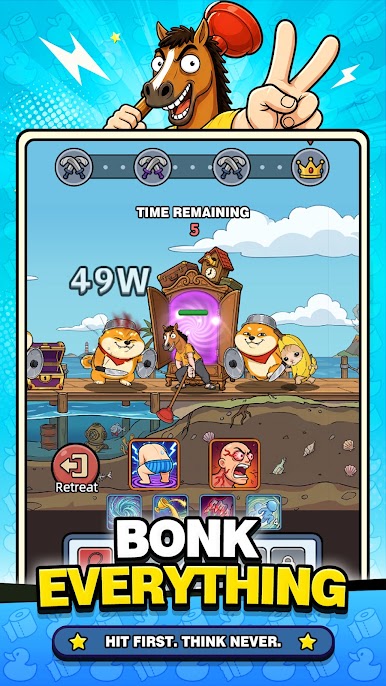
Fight through bizarre stages, defeat ridiculous enemies, grab their loot, and keep pushing forward.
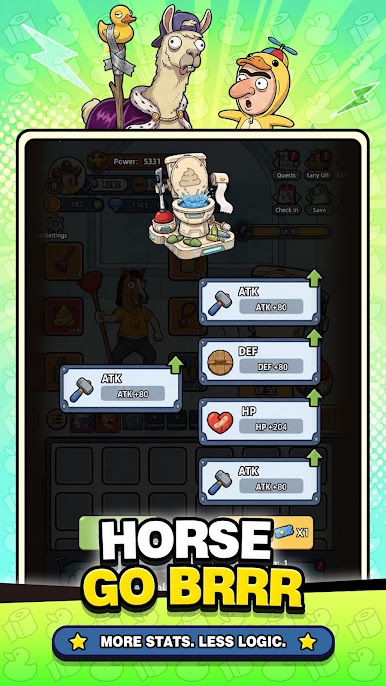
When you die, you don’t start from zero. Upgrade your stats, improve your gear, unlock new skills, and come back stronger for the next run.
Failure is progression.
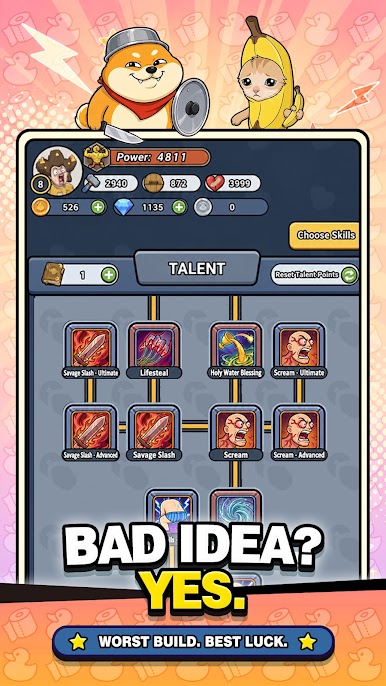
BUILD IT WRONG. WIN ANYWAY.
Choose from different skills and upgrades to create your own build.
Stack damage. Become impossible to kill. Bet everything on one weird skill. Combine things that probably weren’t meant to work together.
If it works, it’s a strategy.
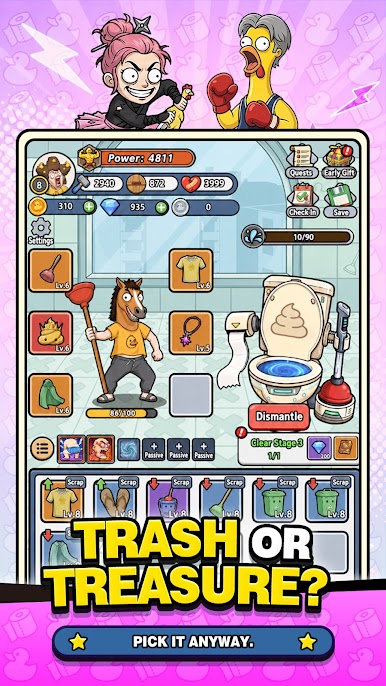
TRASH OR TREASURE?
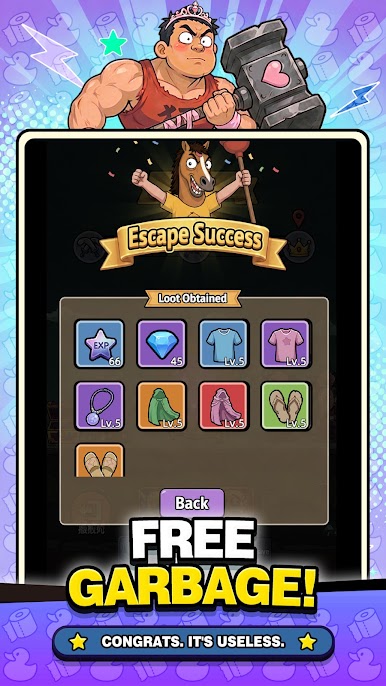
Collect weapons, clothes, accessories, and plenty of suspicious junk along the way.
Equip the good stuff. Upgrade what you like. Dismantle what you don’t.
Or keep it.
It might become broken later.
EVERY RUN GETS WEIRDER
New loot. New skills. New combinations. New ways to make terrible decisions.
Fight. Loot. Upgrade. Die. Repeat.
Eventually, something has to work.
Die stronger. Loot dumber. Try again.
Play Life is a Roguelike on PC. It’s easy to get started.
-
Download and install BlueStacks on your PC
-
Complete Google sign-in to access the Play Store, or do it later
-
Look for Life is a Roguelike in the search bar at the top right corner
-
Click to install Life is a Roguelike from the search results
-
Complete Google sign-in (if you skipped step 2) to install Life is a Roguelike
-
Click the Life is a Roguelike icon on the home screen to start playing

