


Flarial
Play on PC with BlueStacks – the Android Gaming Platform, trusted by 500M+ gamers.

Page Modified on: Aug 18, 2026
Play Flarial on PC or Mac
Explore a whole new adventure with Flarial, a Adventure game created by Flarial Development. Experience great gameplay with BlueStacks, the most popular gaming platform to play Android games on your PC or Mac.
About the Game
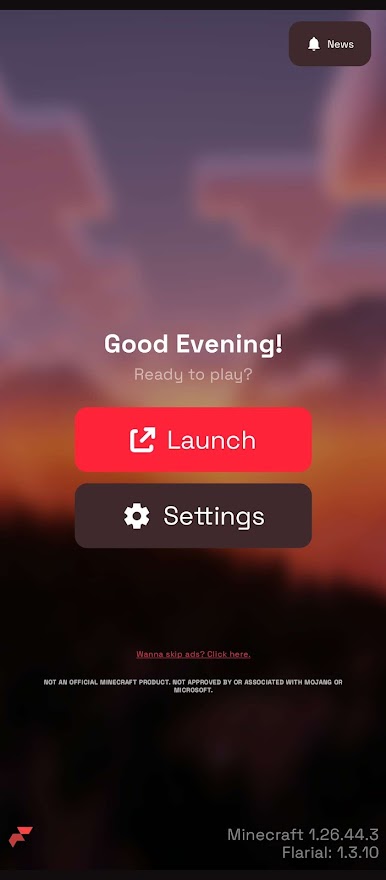
Flarial lands on Android with the same flexible toolkit and sleek interface fans use on PC. This Adventure experience is built for players who like to tweak how everything looks, feels, and responds. Prefer playing on a bigger screen with a keyboard and mouse? You can run it on BlueStacks with the same layout and options.
Game Features
- One-Tap Launch: Sign in once and let the launcher handle the setup, getting you from boot to gameplay fast.
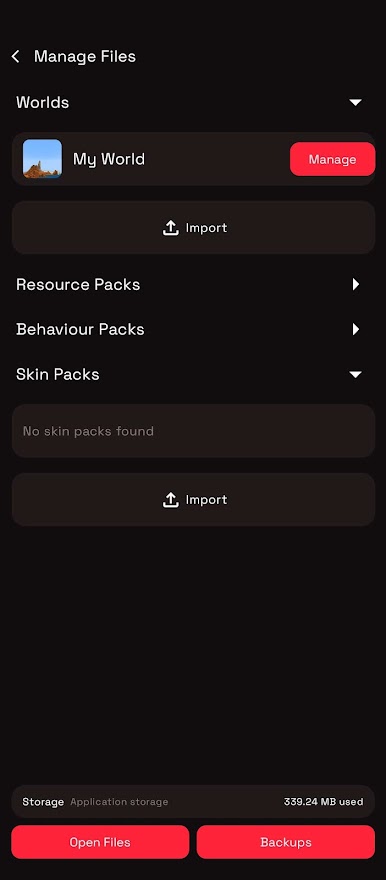
- PC-Grade Toolkit: Jump into familiar tools like modules, ClickGUI, themes, and per-action keybinds brought over from the Windows client.
- Familiar UI: Navigate a clean, consistent interface that mirrors the desktop look, so your muscle memory just works.
- Deep Customization: Toggle modules, fine-tune visuals, remap controls, and tailor the experience to match your exact playstyle.
- Synced Updates: Get frequent updates that track with the Windows version, keeping features and fixes aligned across devices.
Get ready for a buttery smooth, high-performance gaming action only on BlueStacks.

Play Flarial on PC. It’s easy to get started.
-
Download and install BlueStacks on your PC
-
Complete Google sign-in to access the Play Store, or do it later
-
Look for Flarial in the search bar at the top right corner
-
Click to install Flarial from the search results
-
Complete Google sign-in (if you skipped step 2) to install Flarial
-
Click the Flarial icon on the home screen to start playing

