Candle Knight
Candle Knight

Candle Knight

Action

| TRSOFT

Play on PC with BlueStacks or from our cloud

  • Overview
  • Game Features
  • How to Play

Page Modified On: October 08, 2026

Play Candle Knight on PC or Mac

Bring your A-game to Candle Knight, the Action game sensation from TRSOFT. Give your gameplay the much-needed boost with precise game controls, high FPS graphics, and top-tier features on your PC or Mac with BlueStacks.

About the Game

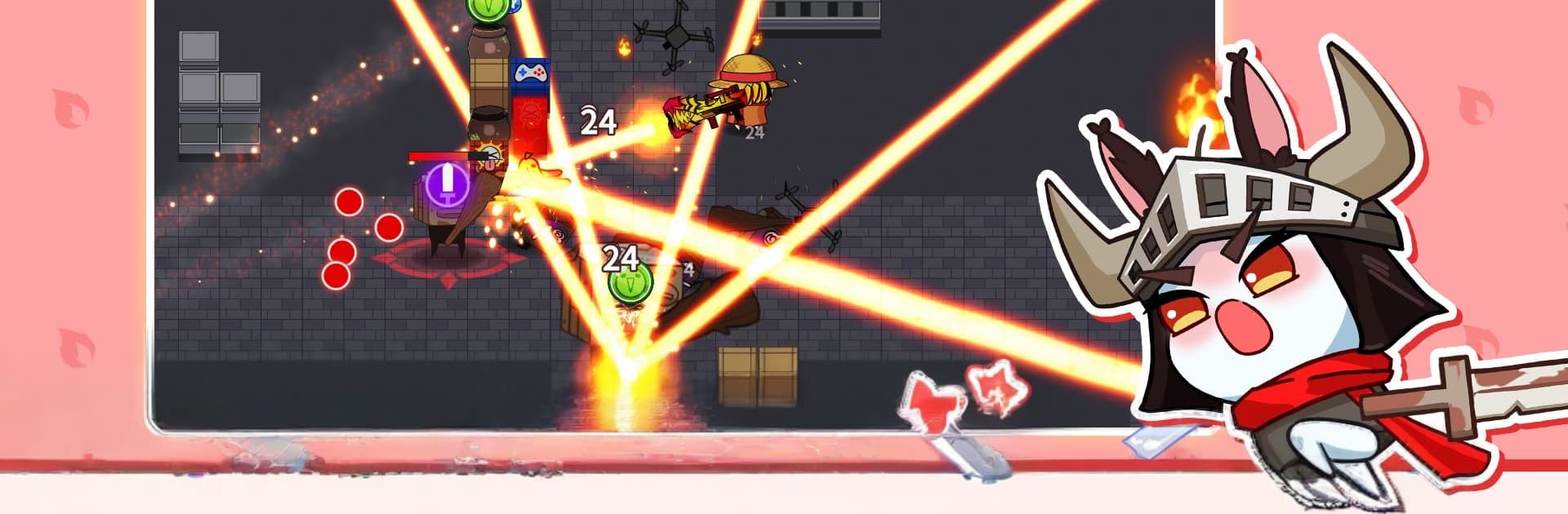
Candle Knight is an Action game about holding onto a tiny flame in a world swallowed by darkness. You’re the last spark standing, carving through corrupted creatures and bringing light back, one fight at a time. Expect fast, responsive combat, roguelike twists, and a ridiculous amount of ways to shape your build. Prefer playing at a desk? It runs smoothly on BlueStacks without making a big fuss about setup.

Game Features

  • Snappy Combat, Zero Fuss: Learn the basics in seconds—move, strike, dodge, pop skills—then layer in depth as you master timing and spacing.
  • Weapon Swaps On The Fly: Pick up new gear mid-run and switch instantly to create your own rhythm, whether you like heavy hits or rapid flurries.
  • Flame Companions: Recruit 16 quirky Candle allies, each with distinct weapons and skill paths, and tune them into your signature playstyle.
  • Ever-Changing Runs: Tackle star-graded stages and unpredictable roguelike dungeons that keep encounters fresh and rewards flowing.
  • Big, Mean Bestiary: Explore 17 themed regions stuffed with 100+ enemy types and over 50 bosses that evolve with tougher attack patterns as difficulty rises.
  • Build Crafting, Cranked Up: Experiment with 196 weapons—think pocket-size heals to room-clearing rockets—and chase wild synergies.
  • Cook Up Power: Mix and match 75 foods, from simple snacks to hush-hush recipes, to stack buffs and clinch clutch fights.
  • Helpful Company: Call in 20 combat-ready familiars and interact with 37 unpredictable NPCs that shake up each run in fun ways.
  • Missions With Momentum: Knock out main objectives and character-specific Candle tasks for steady, satisfying rewards as you progress.
  • Codex Collections: Log every weapon, dish, NPC, and monster in your Codex and grab bonuses for filling out those pages.
  • Rewards That Scale: Enter dungeons tuned to your comfort zone and earn payoffs that feel fair for the challenge you take on.

Start your journey now. Download the game on BlueStacks, invite your friends, and march on a new adventure.


Game Features

Enhancements

  • Macros
  • Multi Instance
  • Multi Instance Sync
  • Eco Mode
  • Enhancements
Macros

Macros

Skip the boring parts of a game. Play Candle Knight with Macros and get the edge. Simply record a sequence of commands and execute them at any moment.
Multi Instance

Multi Instance

Why limit to one game on your phone when you can play many on your PC? Open multiple instances of Candle Knight at once with Multi-Instance. Leverage the power of different accounts by doing more.
Multi Instance Sync

Multi Instance Sync

Get the best out of Candle Knight with Multi-Instance Sync. Play the game from different accounts and build your own empire. Use Multi-instance sync to repeat the action in the main BlueStacks instance on all other instances.
Eco Mode

Eco Mode

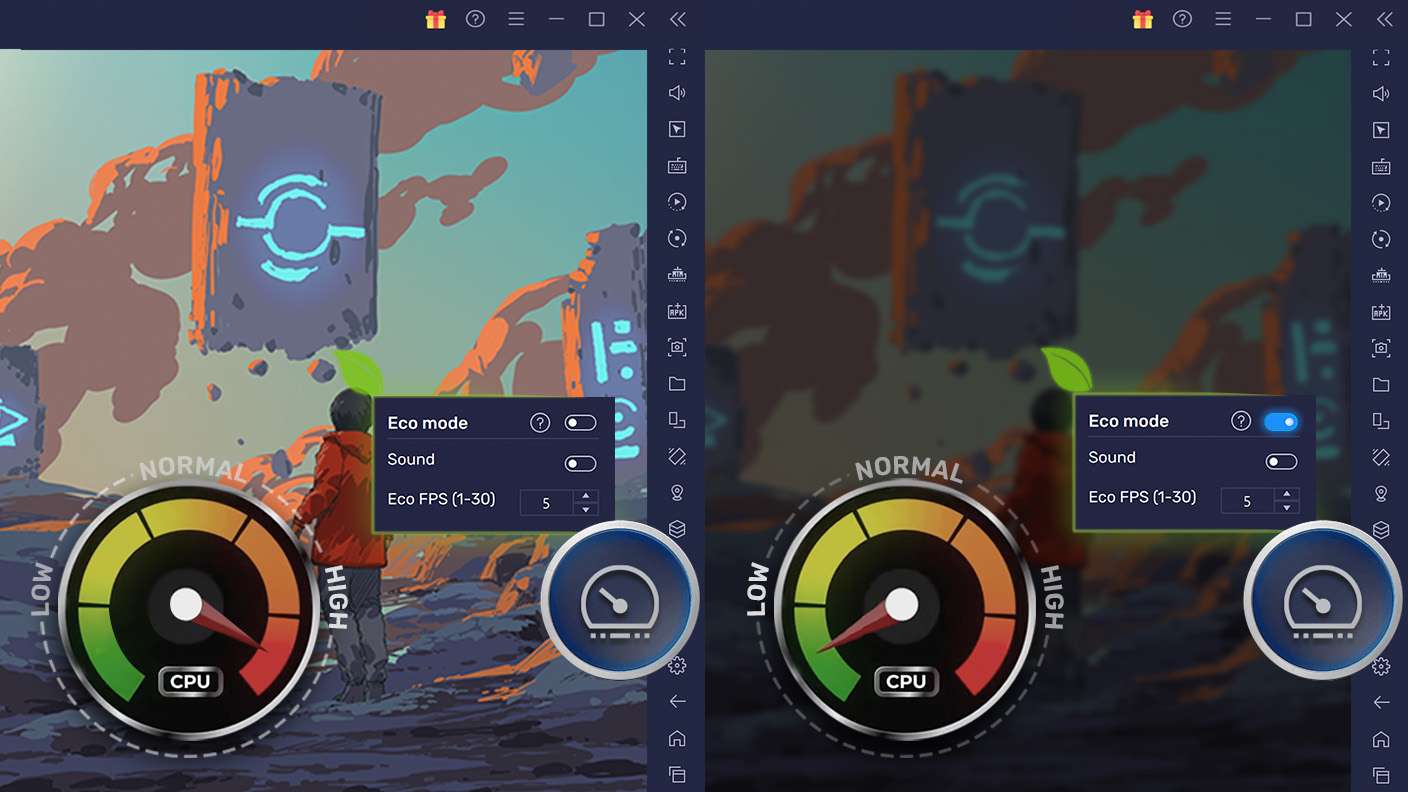
Find the rarest heroes by making multiple summons in Candle Knight. And while you are at it, reduce your PC’s resource consumption with the Eco Mode. Farm efficiently. Get the best results.
Read More

How to Download and Play Candle Knight on PC or Mac

  • Download and install BlueStacks on your PC or Mac

  • Complete Google sign-in to access the Play Store, or do it later

  • Look for Candle Knight in the search bar at the top right corner

  • Click to install Candle Knight from the search results

  • Complete Google sign-in (if you skipped step 2) to install Candle Knight

  • Click the Candle Knight icon on the home screen to start playing

video
Watch Video

Minimum System Requirements

With BlueStacks 5, you can get started on a PC that fulfills the following requirements.

  • Operating System

    Microsoft Windows 7 or above, macOS 11 (Big Sur) or above

  • Processor

    Intel, AMD or Apple Silicon Processor

  • RAM

    at least 4GB

  • HDD

    10GB Free Disk Space

Note:

* You must be an Administrator on your PC. Up to date graphics drivers from Microsoft or the chipset vendor.

Candle Knight - FAQs

  • How to play Candle Knight on Windows PC & Mac?

    Play Candle Knight on your PC or Mac by following these simple steps.

    • Click on 'Play Candle Knight on PC’ to download BlueStacks
    • Install it and log-in to Google Play Store
    • Launch and play the game.
  • Why is BlueStacks the fastest and safest platform to play games on PC?

    BlueStacks respects your privacy and is always safe and secure to use. It does not carry any malware, spyware, or any sort of additional software that could harm your PC.

    It is engineered to optimize speed and performance for a seamless gaming experience.

  • What are Candle Knight PC requirements?

    Minimum requirement to run Candle Knight on your PC

    • OS: Microsoft Windows 7 or above MacOS 11 (Big Sur) or above
    • Processor: Intel, AMD or Apple Silicon Processor
    • RAM: Your PC must have at least 4GB of RAM. (Note that having 4GB or more disk space is not a substitute for RAM)
    • HDD: 10GB Free Disk Space.
    • You must be an Administrator on your PC.