Combat Master Mobile FPS

Combat Master Mobile FPS

Action

| Alfa Bravo Inc.

Play on PC with BlueStacks or from our cloud

  • Overview
  • Game Features
  • How to Play

Page Modified On: October 07, 2026

Play Combat Master Mobile FPS on PC or Mac

Explore a whole new adventure with Combat Master Mobile FPS, a Action game created by Alfa Bravo Inc.. Experience great gameplay with BlueStacks, the most popular gaming platform to play Android games on your PC or Mac.

About the Game

Combat Master Mobile FPS is all about razor-sharp firefights, snappy movement, and clean, no-fuss gunplay. It’s built for players who want speed and precision without pay-to-win baggage or bloated extras. As an Action experience, it thrives on responsive controls, slick visuals, and a competitive vibe you can jump into for a few minutes—or grind for hours. Prefer a bigger screen and mouse-and-keyboard aim? It pairs nicely with BlueStacks without making setup a chore.

Game Features

  • Blazing Load Times: Hop from menu to match in seconds, so you’re spending time shooting, not staring at progress bars.
  • Rock-Solid Performance: Tweak graphics and effects to fit your hardware, from budget builds to high-end rigs, and enjoy smooth, consistent frames.
  • Fair Play, Zero Pay Advantage: Skill decides the outcome—cosmetics stay cosmetic, and no purchase tilts the odds.
  • Flexible Controls & HUD: Remap buttons, fine-tune sensitivity, and reshape the interface until every action feels second nature.
  • Offline Mode: Practice your aim, test loadouts, or just warm up when you’re away from a connection.
  • Varied, Vertical Maps: Fight across tight corridors, rooftops, and long sightlines, with layouts that reward smart positioning and movement.
  • Next-Gen Movement: Chain parkour-style jumps, slides, and climbs to outmaneuver enemies and control the pace of each duel.
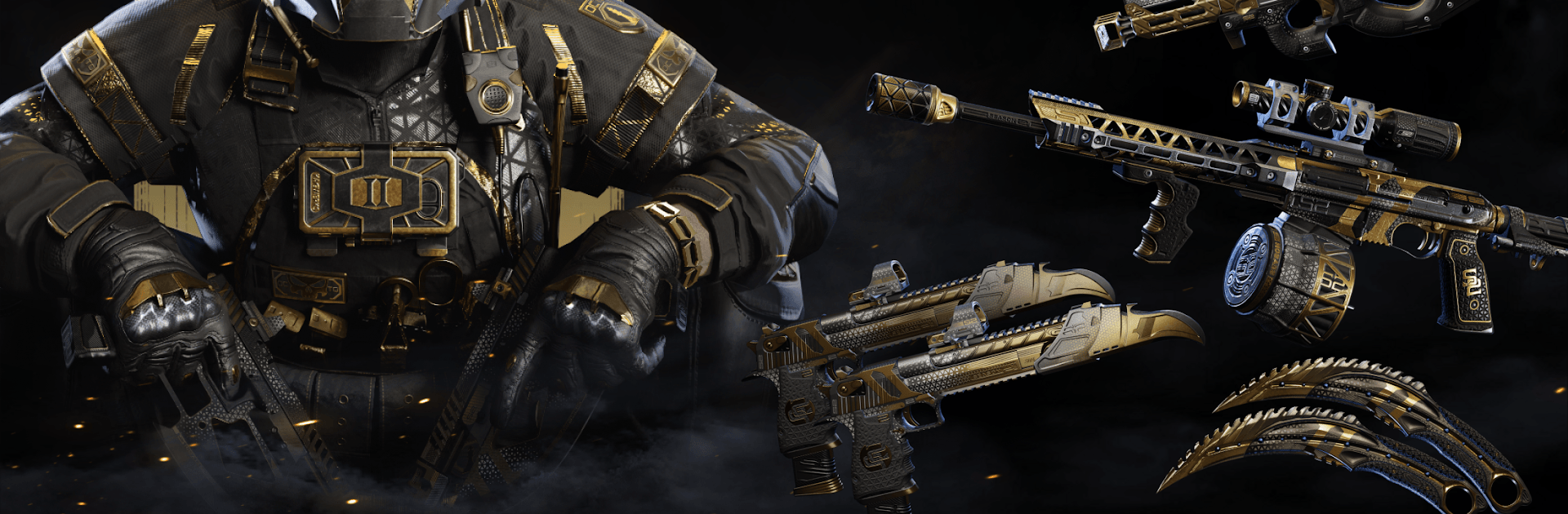
  • Crisp Gunfight Feel: Enjoy punchy recoil, clean animations, and an arsenal that includes everything from rifles to throwing knives.
  • Low-Ping Netcode: Regional servers and traffic optimizations keep shots registering fast and firefights feeling fair.
  • No Update Fatigue: Play without constant download nags—content arrives when it matters, not every other session.

Start playing Combat Master Mobile FPS on BlueStacks and get a smoother, more comfortable PC or Mac setup.
Game Features

Enhancements

  • Shooting Mode
  • High FPS
  • Script
  • Free Look
  • Enhancements
Shooting Mode

Shooting Mode

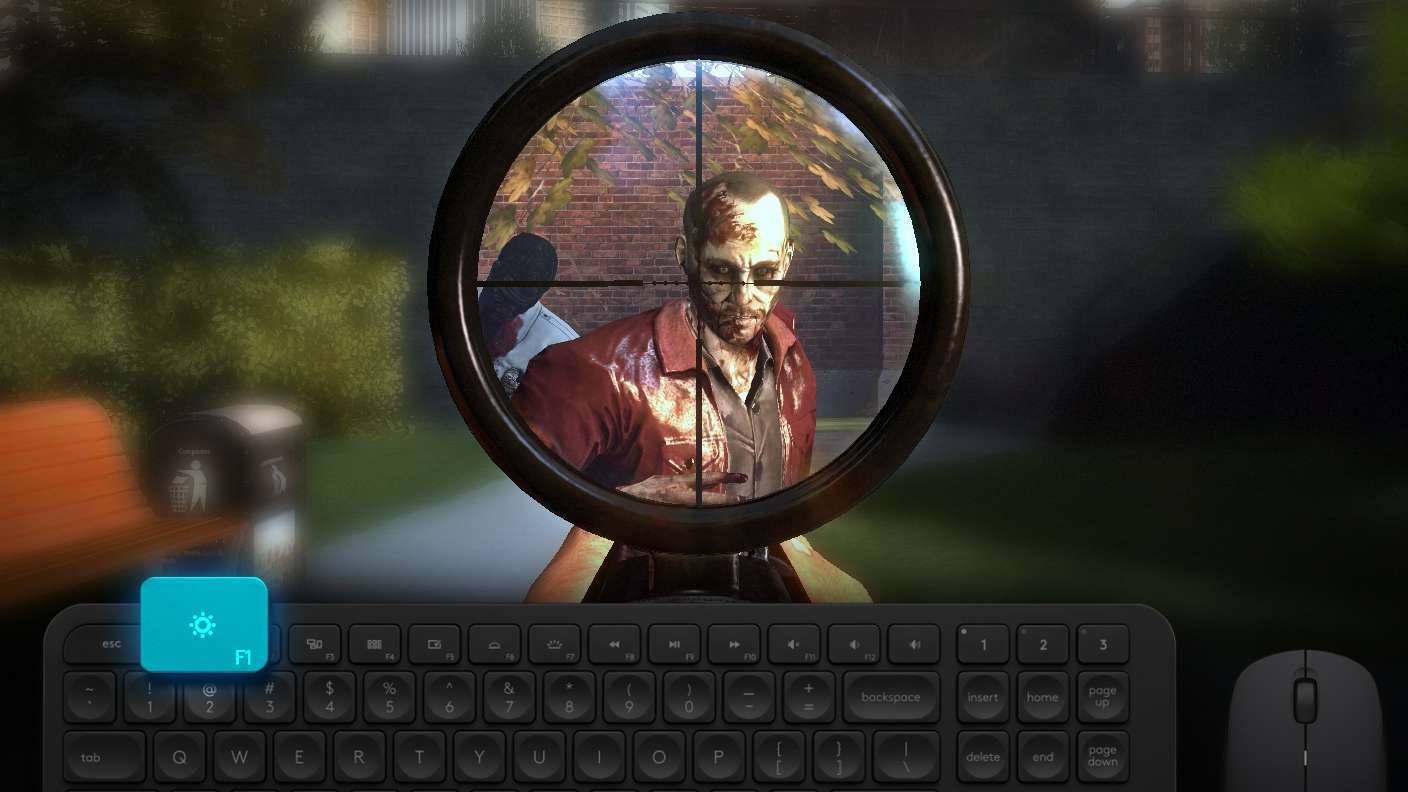
Boom, headshot. With BlueStacks Shooting Mode, experience PC-like gameplay when playing Combat Master Mobile FPS. Press F1 to aim and shoot with mouse.
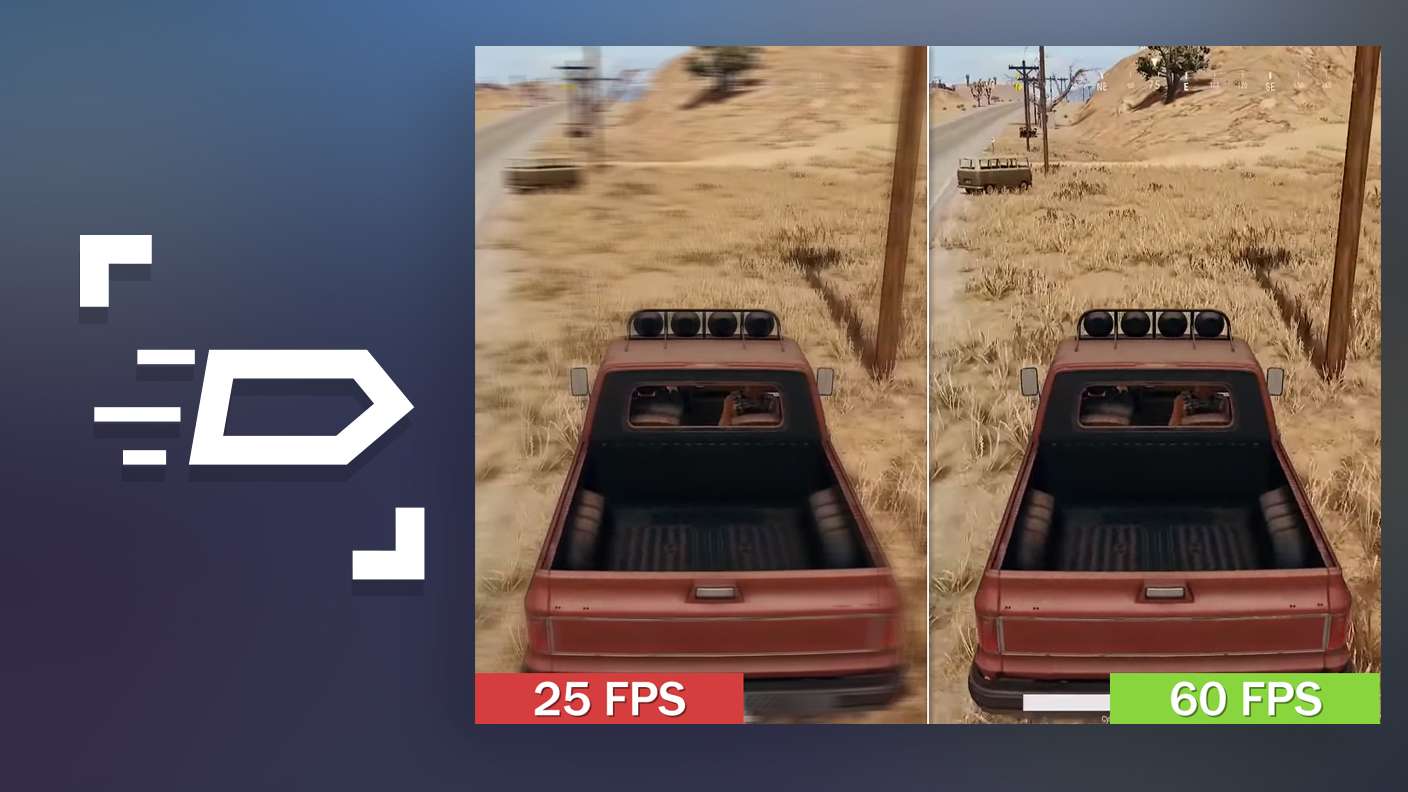
High FPS

High FPS

Enable the highest possible frame rate in Combat Master Mobile FPS for a seamless gaming experience. Get smoother graphics and better reaction time.
Script

Script

Play Combat Master Mobile FPS with the innovative Script feature. Create and run a script to fully automize a sequence of actions. Assign it a key to execute in one go.
Free Look

Free Look

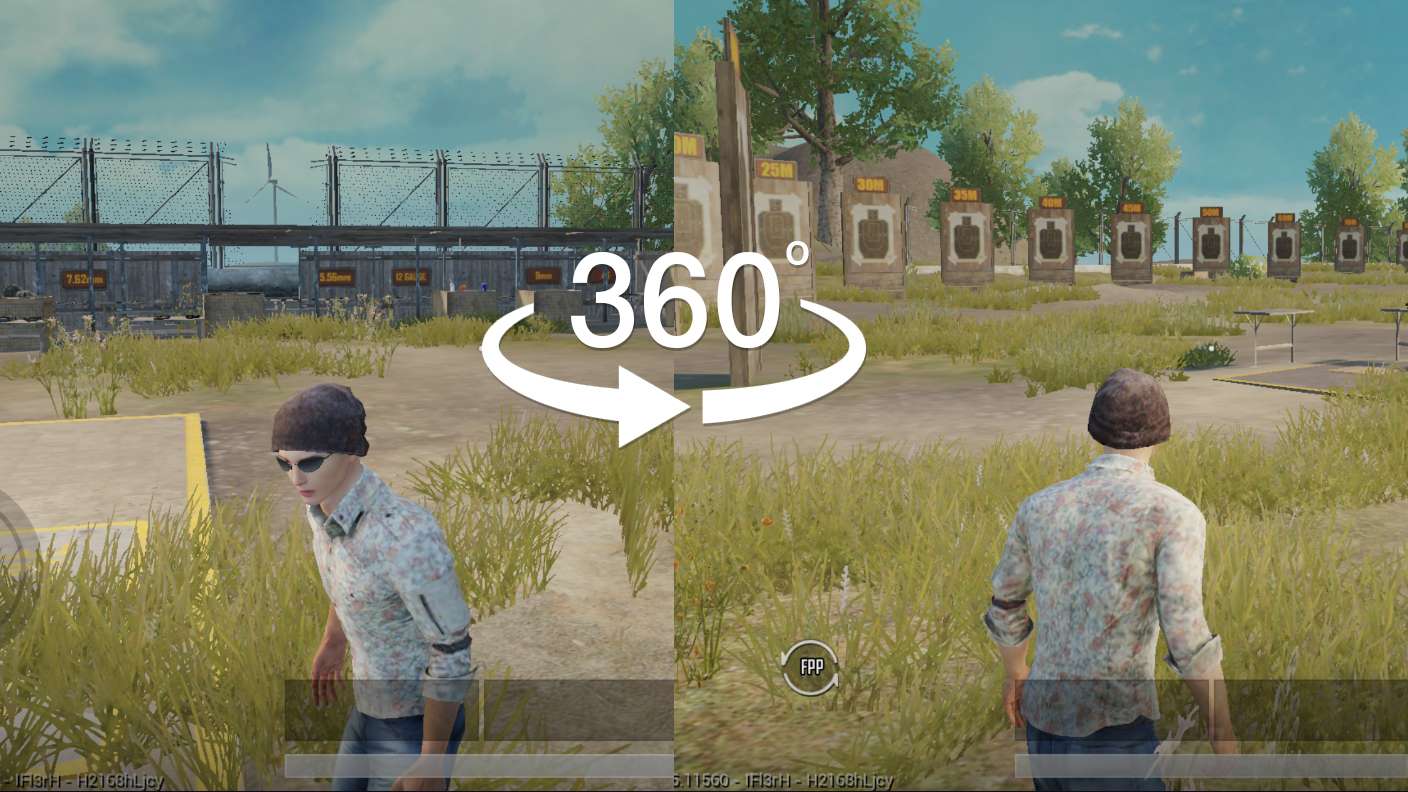
Turn and shoot in milliseconds. With Freelook, BlueStacks has always got your back. Rule Combat Master Mobile FPS and get more kills.
Read More

How to Download and Play Combat Master Mobile FPS on PC or Mac

  • Download and install BlueStacks on your PC or Mac

  • Complete Google sign-in to access the Play Store, or do it later

  • Look for Combat Master Mobile FPS in the search bar at the top right corner

  • Click to install Combat Master Mobile FPS from the search results

  • Complete Google sign-in (if you skipped step 2) to install Combat Master Mobile FPS

  • Click the Combat Master Mobile FPS icon on the home screen to start playing

video
Watch Video

Minimum System Requirements

With BlueStacks 5, you can get started on a PC that fulfills the following requirements.

  • Operating System

    Microsoft Windows 7 or above, macOS 11 (Big Sur) or above

  • Processor

    Intel, AMD or Apple Silicon Processor

  • RAM

    at least 4GB

  • HDD

    10GB Free Disk Space

Note:

* You must be an Administrator on your PC. Up to date graphics drivers from Microsoft or the chipset vendor.

Combat Master Mobile FPS - FAQs

  • How to play Combat Master Mobile FPS on Windows PC & Mac?

    Play Combat Master Mobile FPS on your PC or Mac by following these simple steps.

    • Click on 'Play Combat Master Mobile FPS on PC’ to download BlueStacks
    • Install it and log-in to Google Play Store
    • Launch and play the game.
  • Why is BlueStacks the fastest and safest platform to play games on PC?

    BlueStacks respects your privacy and is always safe and secure to use. It does not carry any malware, spyware, or any sort of additional software that could harm your PC.

    It is engineered to optimize speed and performance for a seamless gaming experience.

  • What are Combat Master Mobile FPS PC requirements?

    Minimum requirement to run Combat Master Mobile FPS on your PC

    • OS: Microsoft Windows 7 or above MacOS 11 (Big Sur) or above
    • Processor: Intel, AMD or Apple Silicon Processor
    • RAM: Your PC must have at least 4GB of RAM. (Note that having 4GB or more disk space is not a substitute for RAM)
    • HDD: 10GB Free Disk Space.
    • You must be an Administrator on your PC.