

Explore a whole new adventure with CookieRun: OvenSmash, a Action game created by Devsisters Corporation. Experience great gameplay with BlueStacks, the most popular gaming platform to play Android games on your PC or Mac.
About the Game
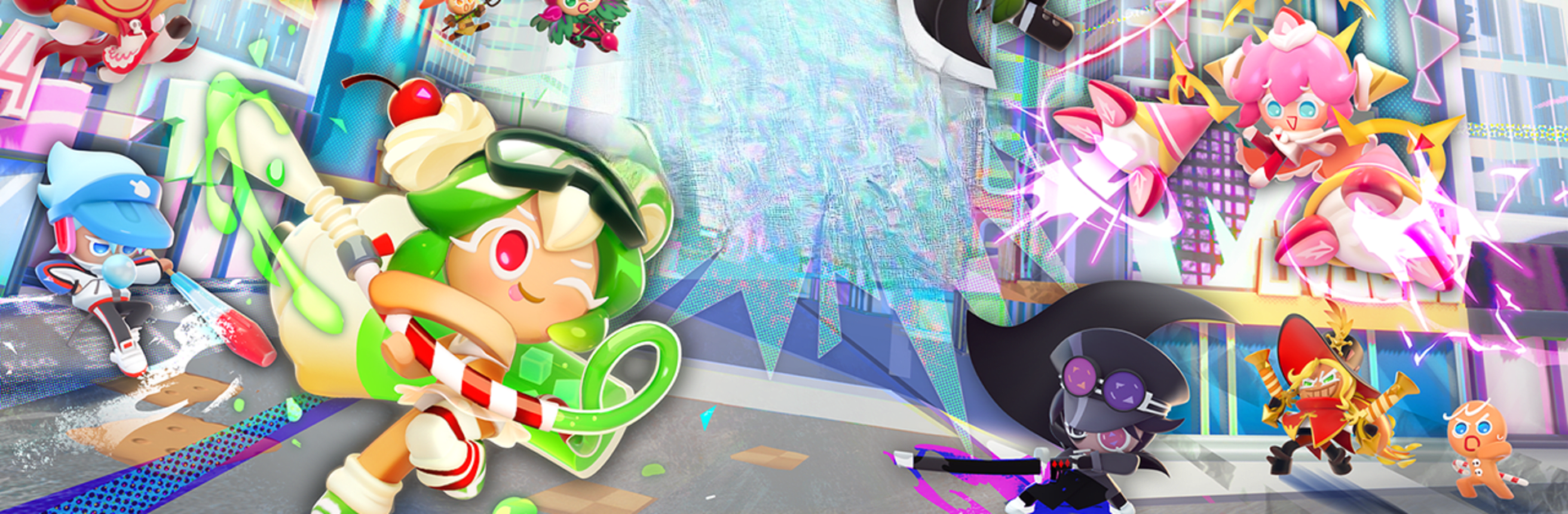
Ready for a quirky twist on action battles? CookieRun: OvenSmash brings your favorite Cookies to life in a bright, bustling city—where sweet treats aren’t just for eating, they’re here to throw down and chase their wildest wishes! With its bold urban fantasy style and intense real-time combat, you’ll find yourself racing through Platter City, forming strategies and battling alongside some seriously unique Cookie characters. If you’re itching for action, clever strategy, and a bit of creative flair, this one’s got your name written all over it—and it looks fantastic on BlueStacks, too.
Game Features
- Urban Fantasy Arena
Step right into Platter City, a place where Cookies and high-rise towers go hand in hand. The whole city turns into your playground, as different Cookie factions face off for control—and the backgrounds aren’t just eye candy; they make every match feel alive. - Fast-Paced, Strategic Battles
This isn’t just button-mashing. Pick your role—Tanker, Dealer, or Supporter—and mix up your team to discover new combos. The right skill at the perfect moment can completely flip the match, so stay sharp and think ahead. - Over-the-Top Spell Cards
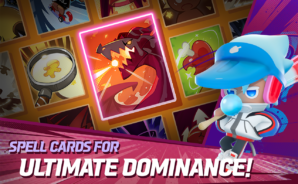
Feel like shaking things up? These spell cards aren’t your ordinary power-ups. Unleash massive dragons, turn Cookies gigantic, or surprise your rivals with abilities that can tilt the battlefield in an instant. The choices (and chaos) are all yours. - Style, Your Way
No two Cookies need to look the same. Get creative with dozens of costumes and accessories—whether you’re after something adorable, sleek, or just totally out-there, it’s all about showing off your personal style. - Hangouts & Social Fun
Take a break from all the smashing in the central Plaza, a cozy hub designed for meeting up, chatting, and putting together your crew. Whether you’re prepping for your next brawl or just in the mood to chill, there’s room for both action and downtime with friends.
Get ready for a buttery smooth, high-performance gaming action only on BlueStacks.