Fastlane: Road to Revenge

Fastlane: Road to Revenge

Action

| Offroad Games

Play on PC with BlueStacks or from our cloud

  • Overview
  • Game Features
  • How to Play

Page Modified On: March 20, 2026

Play Fastlane: Road to Revenge on PC or Mac

Join millions to experience Fastlane: Road to Revenge, an exciting Action game from Offroad Games. With BlueStacks App Player, you are always a step ahead of your opponent, ready to outplay them with faster gameplay and better control with the mouse and keyboard on your PC or Mac.

About the Game

Your city’s been overrun, and you’re not the type to sit back and watch. Fastlane: Road to Revenge from Offroad Games mashes up white-knuckle driving with explosive arcade shooting in the Action genre. Prefer playing on PC? It feels great on BlueStacks while keeping the quick, tap-happy chaos intact.

Game Features

  • High-speed arcade combat: Thread through traffic, dodge hazards, and blast anything in your lane in a fast, vertical shooter built for quick reflexes and big explosions.

  • A garage worth bragging about: Collect and upgrade 20 distinct cars, from sleek speedsters to armored bruisers, each with its own playstyle and upgrade paths.

  • Drone backup: Equip 10 different UAVs that add extra firepower, utility, and crowd control when things get hairy.

  • Wild transformations: Trigger outrageous vehicle shifts like the Talon Gunship, Vulcan S-22, and Tempest C-3 to turn the road into a fireworks show.

  • Global rivals: Pass real players’ ghosts, snag their score bonuses, and climb through 30 competitive leagues that keep turning up the heat.

  • Risky roads: Navigate changing environments packed with lethal obstacles that punish sloppy driving and reward clean, gutsy lines.

  • Boss gauntlet: Face 11 unhinged bosses who each bring their own twist to the fight, then finish the campaign to unmask the power behind the takeover.

  • Your soundtrack, your call: An in-game radio lets you pick the vibe, from hard-hitting beats to chill tracks for those “one more run” sessions.

  • Free to play, your pace: Jump in for free with optional in-app purchases. Some online features, like league progression, need a connection.

Get ready for a buttery smooth, high-performance gaming action only on BlueStacks.
Game Features

Enhancements

  • Shooting Mode
  • High FPS
  • Script
  • Free Look
  • Enhancements
Shooting Mode

Shooting Mode

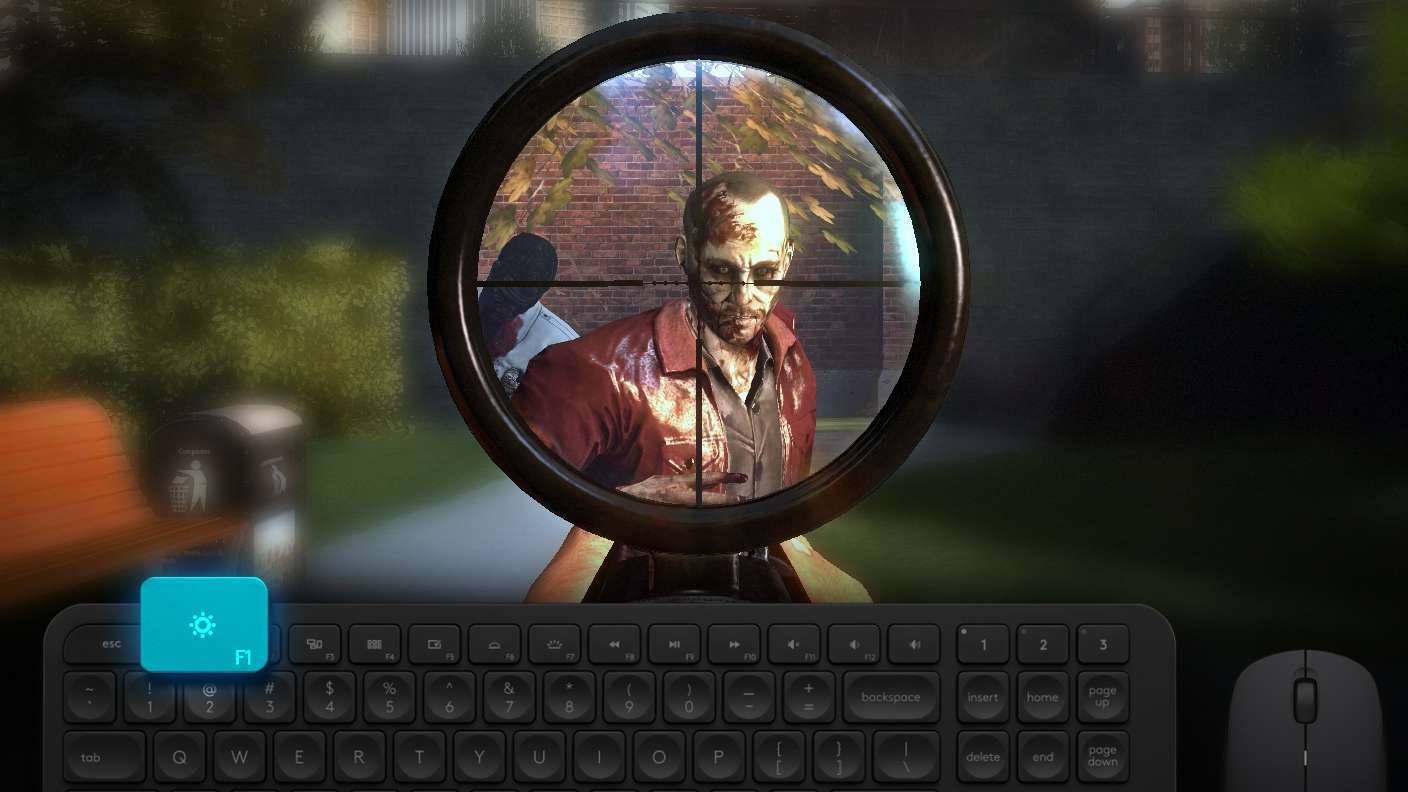
Boom, headshot. With BlueStacks Shooting Mode, experience PC-like gameplay when playing Fastlane: Road to Revenge. Press F1 to aim and shoot with mouse.
High FPS

High FPS

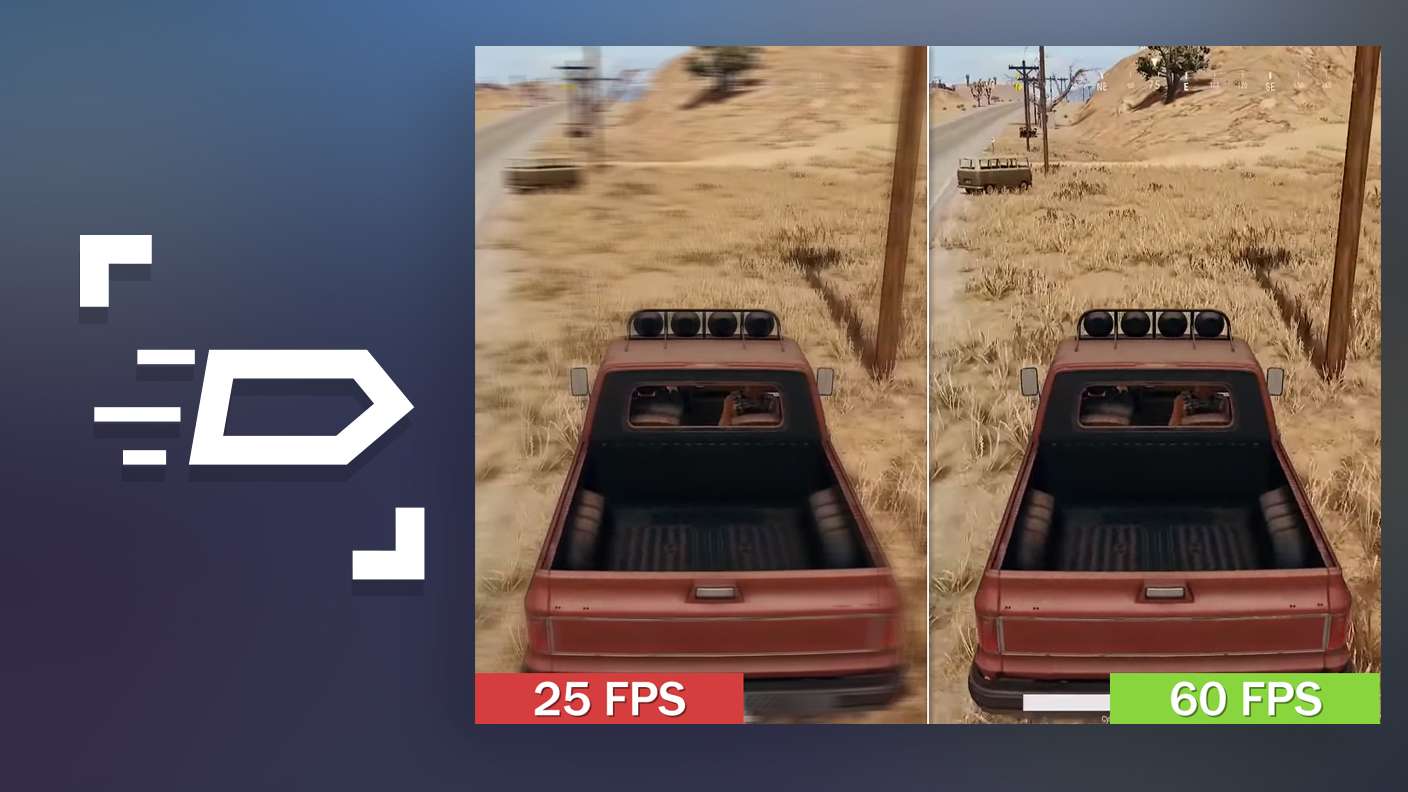
Enable the highest possible frame rate in Fastlane: Road to Revenge for a seamless gaming experience. Get smoother graphics and better reaction time.
Script

Script

Play Fastlane: Road to Revenge with the innovative Script feature. Create and run a script to fully automize a sequence of actions. Assign it a key to execute in one go.
Free Look

Free Look

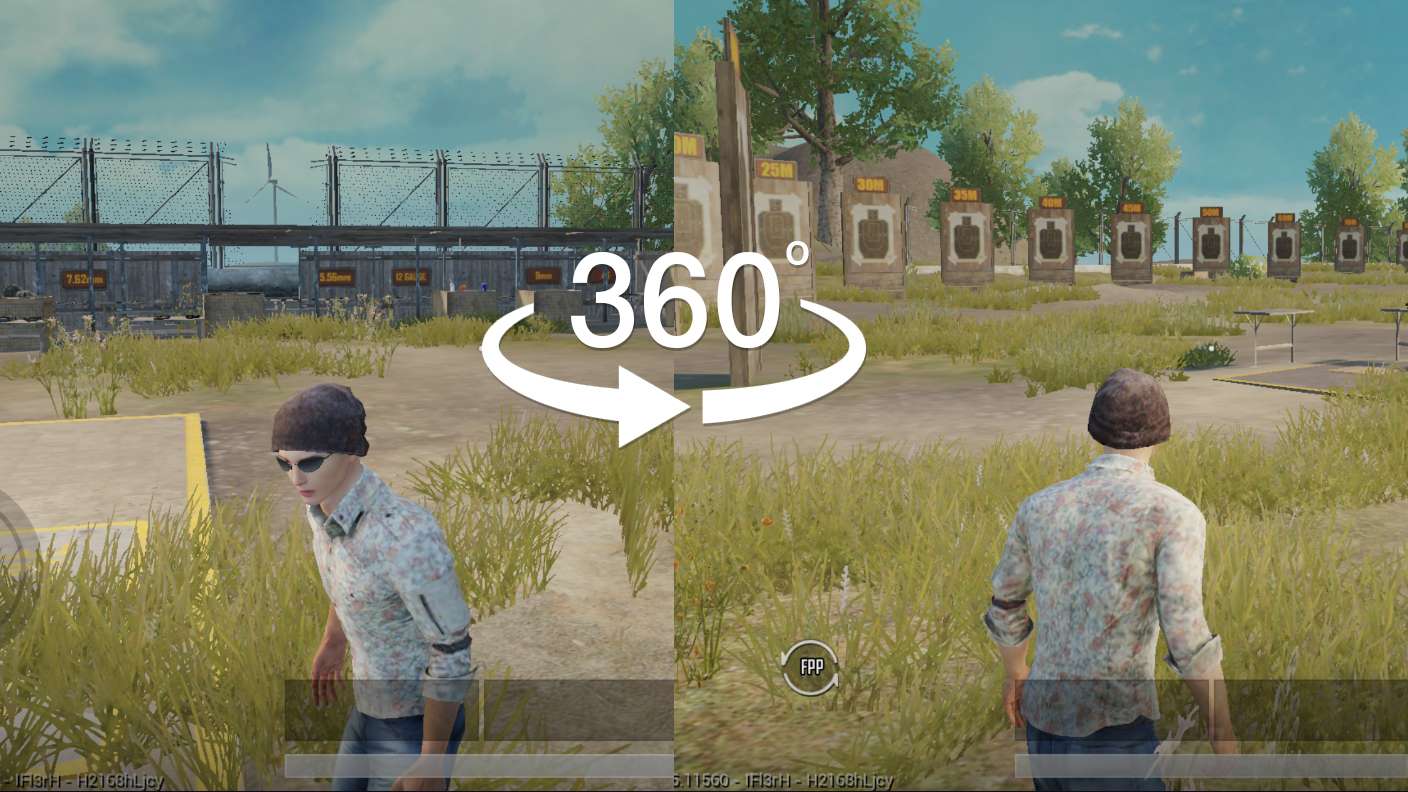
Turn and shoot in milliseconds. With Freelook, BlueStacks has always got your back. Rule Fastlane: Road to Revenge and get more kills.
Read More

How to Download and Play Fastlane: Road to Revenge on PC or Mac

  • Download and install BlueStacks on your PC or Mac

  • Complete Google sign-in to access the Play Store, or do it later

  • Look for Fastlane: Road to Revenge in the search bar at the top right corner

  • Click to install Fastlane: Road to Revenge from the search results

  • Complete Google sign-in (if you skipped step 2) to install Fastlane: Road to Revenge

  • Click the Fastlane: Road to Revenge icon on the home screen to start playing

video
Watch Video

Minimum System Requirements

With BlueStacks 5, you can get started on a PC that fulfills the following requirements.

  • Operating System

    Microsoft Windows 7 or above, macOS 11 (Big Sur) or above

  • Processor

    Intel, AMD or Apple Silicon Processor

  • RAM

    at least 4GB

  • HDD

    10GB Free Disk Space

Note:

* You must be an Administrator on your PC. Up to date graphics drivers from Microsoft or the chipset vendor.

Fastlane: Road to Revenge - FAQs

  • How to play Fastlane: Road to Revenge on Windows PC & Mac?

    Play Fastlane: Road to Revenge on your PC or Mac by following these simple steps.

    • Click on 'Play Fastlane: Road to Revenge on PC’ to download BlueStacks
    • Install it and log-in to Google Play Store
    • Launch and play the game.
  • Why is BlueStacks the fastest and safest platform to play games on PC?

    BlueStacks respects your privacy and is always safe and secure to use. It does not carry any malware, spyware, or any sort of additional software that could harm your PC.

    It is engineered to optimize speed and performance for a seamless gaming experience.

  • What are Fastlane: Road to Revenge PC requirements?

    Minimum requirement to run Fastlane: Road to Revenge on your PC

    • OS: Microsoft Windows 7 or above MacOS 11 (Big Sur) or above
    • Processor: Intel, AMD or Apple Silicon Processor
    • RAM: Your PC must have at least 4GB of RAM. (Note that having 4GB or more disk space is not a substitute for RAM)
    • HDD: 10GB Free Disk Space.
    • You must be an Administrator on your PC.