Blood Strike: 2.5 Anniversary

Blood Strike: 2.5 Anniversary

Action

| NetEase Games

BlueStacks Verified

Play on PC with BlueStacks or from our cloud

  • Overview
  • Tips & Tricks
  • Game Features
  • How to Play

Page Modified On: September 11, 2026

Play Blood Strike: 2.5 Anniversary on PC or Mac

Play Blood Strike: 2.5 Anniversary by NetEase Games on PC or Mac with BlueStacks. Use a bigger screen, mouse and keyboard controls, and smoother performance while you play.

About the Game

Blood Strike: 2.5 Anniversary is an Action battle royale built for players who want quick, high-stakes firefights and plenty of ways to outplay the lobby. Pick a Striker with a unique skill set, tweak your weapons to match your style, and push for that endgame circle with nonstop momentum. Prefer playing on PC? It runs great on BlueStacks for crisp aim and smooth controls.

Game Features

  • Heroic Strikers: Swap between 15+ Strikers, each with signature abilities that change how you engage, flank, and clutch—no locked-in roles, just play the way you like.
  • Your Loadout, Your Way: Tinker with 30+ weapons and attachments, experiment with builds, and even rock bold combos like dual SMGs when the situation calls for it.
  • Movement That Matters: Slide, snap, and shoot in one fluid motion; tight recoil control and quick transitions reward players who love clean mechanics and smart positioning.
  • Modes for Every Mood: Jump into classic Battle Royale, jumpy Squad Fight skirmishes, chaotic Hot Zone clashes, or the evolving Weapon Master mode, plus rotating limited-time twists.
  • Fight, Fall, Return: Expect aggressive pacing with generous redeploys until the final minutes, keeping pressure high and campers on their toes.
  • Built for Smooth Performance: Well-optimized visuals and responsive input keep things slick across a wide range of hardware, putting skill—not specs—front and center.
  • Squad Synergy: Build your dream team, stack complementary Striker skills, and coordinate pushes that feel planned yet spontaneous.
  • Play Where You Want: Available across multiple platforms, with a snappy feel that also shines when you fire it up on PC using BlueStacks.

Ready to top the leaderboard? We bet you do. Let precise controls and sharp visuals optimized on BlueStacks lead you to victory.

Game Features

Enhancements

  • Shooting Mode
  • High FPS
  • Script
  • Free Look
  • Enhancements
Shooting Mode

Shooting Mode

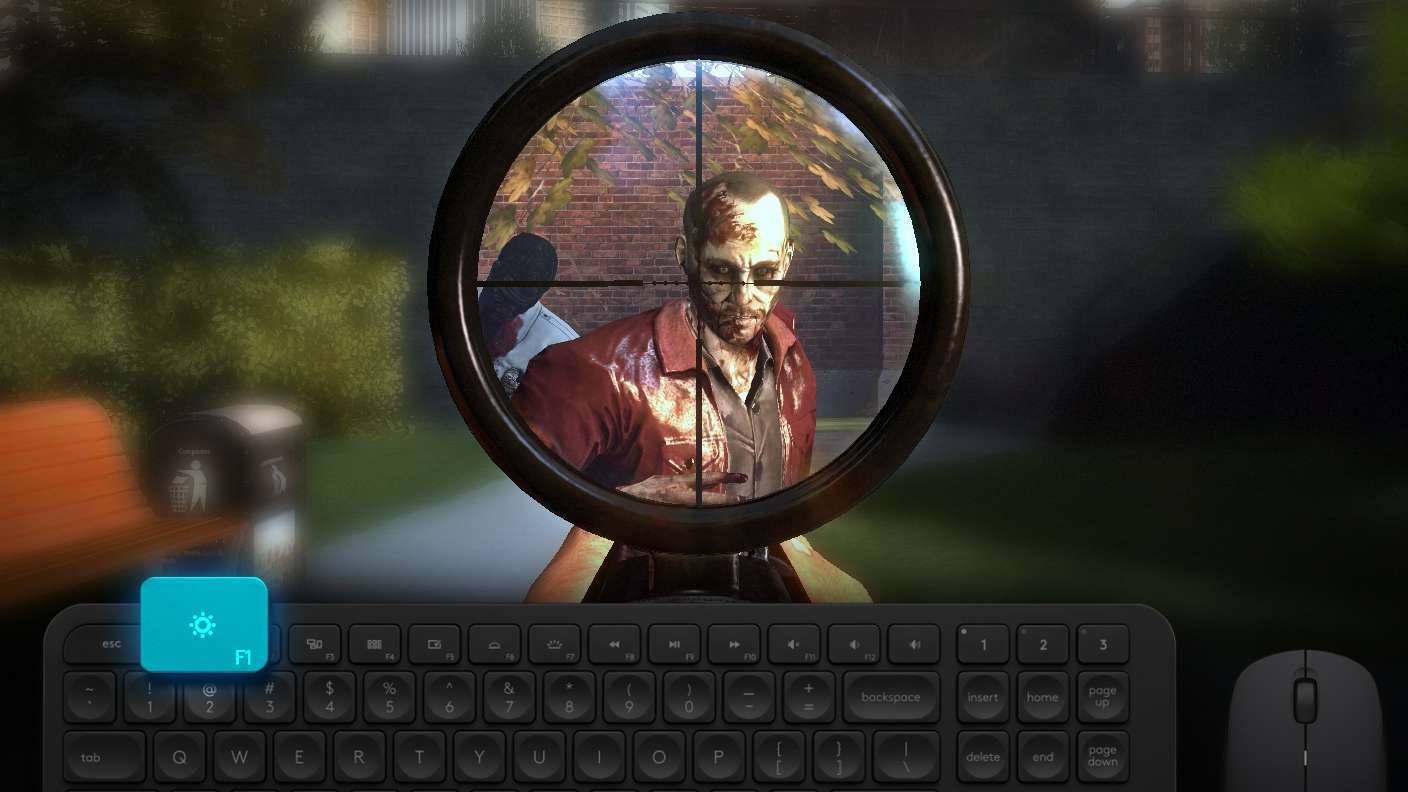
Boom, headshot. With BlueStacks Shooting Mode, experience PC-like gameplay when playing Blood Strike: 2.5 Anniversary. Press F1 to aim and shoot with mouse.
High FPS

High FPS

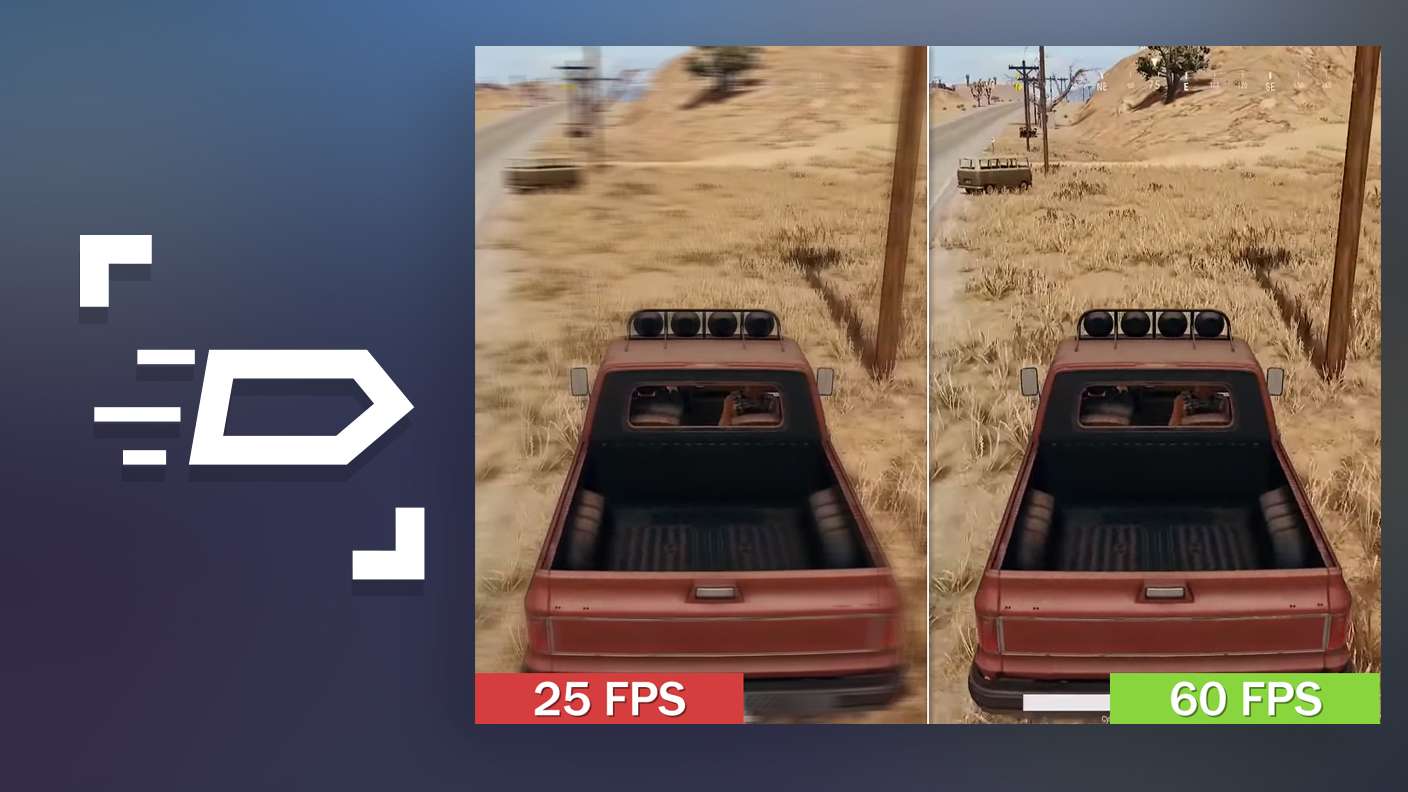
Enable the highest possible frame rate in Blood Strike: 2.5 Anniversary for a seamless gaming experience. Get smoother graphics and better reaction time.
Script

Script

Play Blood Strike: 2.5 Anniversary with the innovative Script feature. Create and run a script to fully automize a sequence of actions. Assign it a key to execute in one go.
Free Look

Free Look

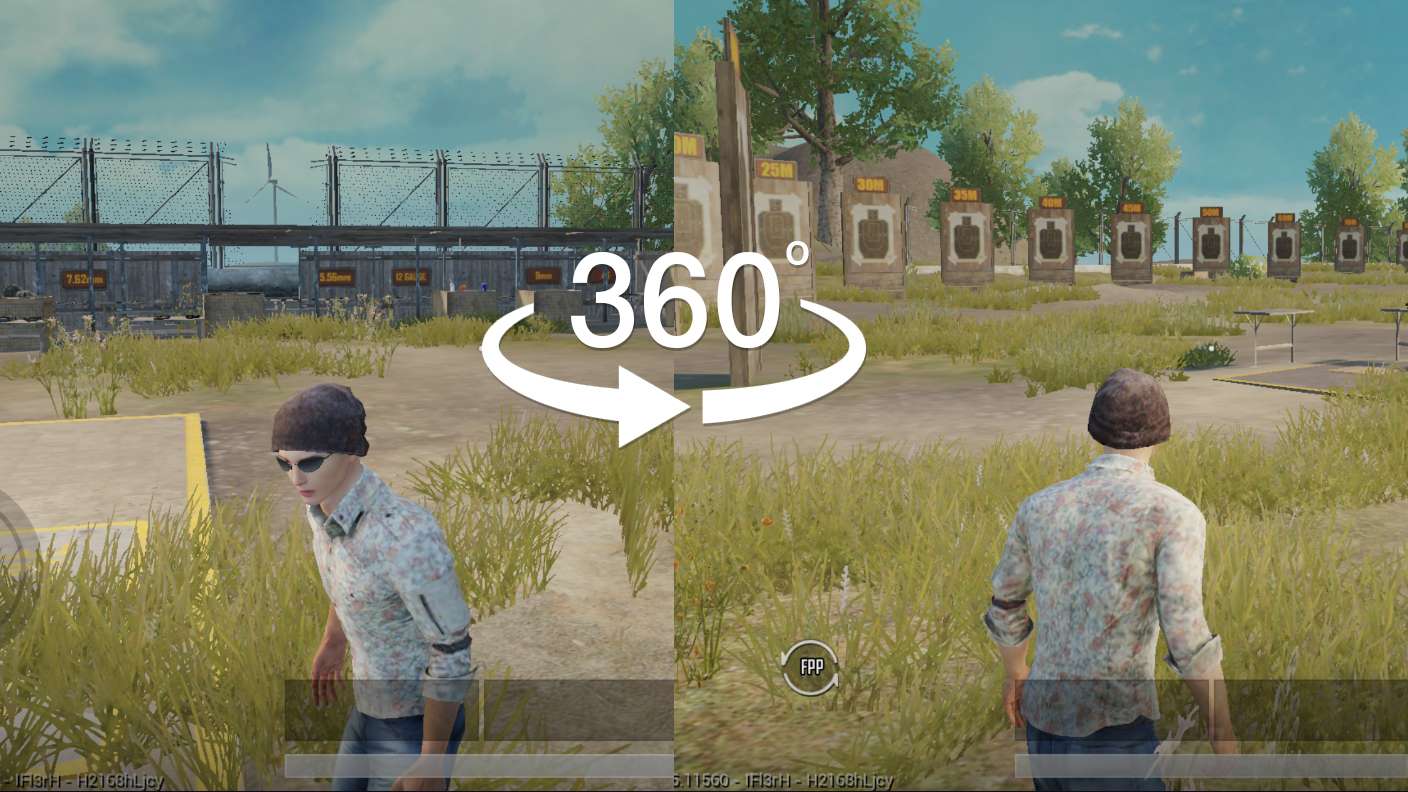
Turn and shoot in milliseconds. With Freelook, BlueStacks has always got your back. Rule Blood Strike: 2.5 Anniversary and get more kills.
Read More

How to Download and Play Blood Strike: 2.5 Anniversary on PC or Mac

  • Download and install BlueStacks on your PC or Mac

  • Complete Google sign-in to access the Play Store, or do it later

  • Look for Blood Strike: 2.5 Anniversary in the search bar at the top right corner

  • Click to install Blood Strike: 2.5 Anniversary from the search results

  • Complete Google sign-in (if you skipped step 2) to install Blood Strike: 2.5 Anniversary

  • Click the Blood Strike: 2.5 Anniversary icon on the home screen to start playing

video
Watch Video

Minimum System Requirements

With BlueStacks 5, you can get started on a PC that fulfills the following requirements.

  • Operating System

    Microsoft Windows 7 or above, macOS 11 (Big Sur) or above

  • Processor

    Intel, AMD or Apple Silicon Processor

  • RAM

    at least 4GB

  • HDD

    10GB Free Disk Space

Note:

* You must be an Administrator on your PC. Up to date graphics drivers from Microsoft or the chipset vendor.

Blood Strike: 2.5 Anniversary - FAQs

  • How to play Blood Strike: 2.5 Anniversary on Windows PC & Mac?

    Play Blood Strike: 2.5 Anniversary on your PC or Mac by following these simple steps.

    • Click on 'Play Blood Strike: 2.5 Anniversary on PC’ to download BlueStacks
    • Install it and log-in to Google Play Store
    • Launch and play the game.
  • Why is BlueStacks the fastest and safest platform to play games on PC?

    BlueStacks respects your privacy and is always safe and secure to use. It does not carry any malware, spyware, or any sort of additional software that could harm your PC.

    It is engineered to optimize speed and performance for a seamless gaming experience.

  • What are Blood Strike: 2.5 Anniversary PC requirements?

    Minimum requirement to run Blood Strike: 2.5 Anniversary on your PC

    • OS: Microsoft Windows 7 or above MacOS 11 (Big Sur) or above
    • Processor: Intel, AMD or Apple Silicon Processor
    • RAM: Your PC must have at least 4GB of RAM. (Note that having 4GB or more disk space is not a substitute for RAM)
    • HDD: 10GB Free Disk Space.
    • You must be an Administrator on your PC.