Space Hunger: Battle Royale

Space Hunger: Battle Royale

Action

| PoPMu

Play on PC with BlueStacks or from our cloud

  • Overview
  • Game Features
  • How to Play

Page Modified On: August 10, 2026

Play Space Hunger: Battle Royale on PC or Mac

Bring your A-game to Space Hunger: Battle Royale, the Action game sensation from PoPMu. Give your gameplay the much-needed boost with precise game controls, high FPS graphics, and top-tier features on your PC or Mac with BlueStacks.

About the Game

Space Hunger: Battle Royale is a fast, frantic Action shooter set on hostile worlds where the environment wants you gone just as much as your enemies do. It’s all about choice—mix slick hero skills with a flexible combat system and a weapon evolution path that lets you shape how you fight. Prefer a bigger screen and crisp controls? It also plays nicely on BlueStacks.

Game Features

  • Bold sci‑fi battlefields: Explore volcanic ridges, frozen wastelands, and other alien zones packed with detail, reactive lighting, and punchy effects that make every explosion and muzzle flash feel intense.
  • Branching weapon upgrades: Pick a gun and steer it down different upgrade paths to change how it behaves. Go for pin‑drop precision or crank up raw firepower—your build, your call.
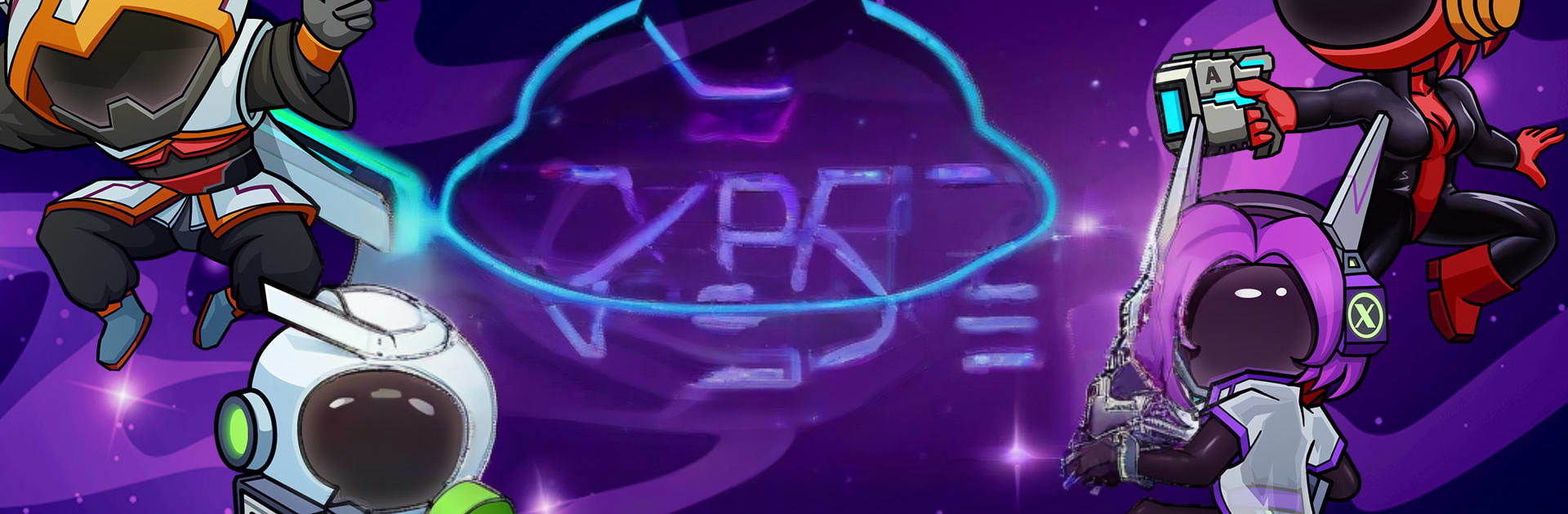
  • Heroes with real impact: Each hero brings a signature toolkit—think Phantom Assassination, Shadow Bat, Electric Sound Strike—that can flip a fight. Combine abilities with your weapon path to create nasty synergies or hard counters.
  • Weather that fights back: Volcanic eruptions, toxic fog, and rolling thunderstorms shake up sightlines, movement, and timing mid‑match. Plans change, and the best survivors adapt on the fly.
  • Modes for every mood: Jump into classic battle royale when you want the full survival arc, queue for quick KnockOuts when time’s tight, or unleash chaos in free‑for‑all Scuffles.
  • High‑freedom combat: Sneak, snipe, or steamroll—maps and systems are built to reward creative tactics, risky flanks, and clutch last‑second plays.

Start your journey now. Download the game on BlueStacks, invite your friends, and march on a new adventure.


Game Features

Enhancements

  • Macros
  • Multi Instance
  • Multi Instance Sync
  • Eco Mode
  • Enhancements
Macros

Macros

Skip the boring parts of a game. Play Space Hunger: Battle Royale with Macros and get the edge. Simply record a sequence of commands and execute them at any moment.
Multi Instance

Multi Instance

Why limit to one game on your phone when you can play many on your PC? Open multiple instances of Space Hunger: Battle Royale at once with Multi-Instance. Leverage the power of different accounts by doing more.
Multi Instance Sync

Multi Instance Sync

Get the best out of Space Hunger: Battle Royale with Multi-Instance Sync. Play the game from different accounts and build your own empire. Use Multi-instance sync to repeat the action in the main BlueStacks instance on all other instances.
Eco Mode

Eco Mode

Find the rarest heroes by making multiple summons in Space Hunger: Battle Royale. And while you are at it, reduce your PC’s resource consumption with the Eco Mode. Farm efficiently. Get the best results.
Read More

How to Download and Play Space Hunger: Battle Royale on PC or Mac

  • Download and install BlueStacks on your PC or Mac

  • Complete Google sign-in to access the Play Store, or do it later

  • Look for Space Hunger: Battle Royale in the search bar at the top right corner

  • Click to install Space Hunger: Battle Royale from the search results

  • Complete Google sign-in (if you skipped step 2) to install Space Hunger: Battle Royale

  • Click the Space Hunger: Battle Royale icon on the home screen to start playing

video
Watch Video

Minimum System Requirements

With BlueStacks 5, you can get started on a PC that fulfills the following requirements.

  • Operating System

    Microsoft Windows 7 or above, macOS 11 (Big Sur) or above

  • Processor

    Intel, AMD or Apple Silicon Processor

  • RAM

    at least 4GB

  • HDD

    10GB Free Disk Space

Note:

* You must be an Administrator on your PC. Up to date graphics drivers from Microsoft or the chipset vendor.

Space Hunger: Battle Royale - FAQs

  • How to play Space Hunger: Battle Royale on Windows PC & Mac?

    Play Space Hunger: Battle Royale on your PC or Mac by following these simple steps.

    • Click on 'Play Space Hunger: Battle Royale on PC’ to download BlueStacks
    • Install it and log-in to Google Play Store
    • Launch and play the game.
  • Why is BlueStacks the fastest and safest platform to play games on PC?

    BlueStacks respects your privacy and is always safe and secure to use. It does not carry any malware, spyware, or any sort of additional software that could harm your PC.

    It is engineered to optimize speed and performance for a seamless gaming experience.

  • What are Space Hunger: Battle Royale PC requirements?

    Minimum requirement to run Space Hunger: Battle Royale on your PC

    • OS: Microsoft Windows 7 or above MacOS 11 (Big Sur) or above
    • Processor: Intel, AMD or Apple Silicon Processor
    • RAM: Your PC must have at least 4GB of RAM. (Note that having 4GB or more disk space is not a substitute for RAM)
    • HDD: 10GB Free Disk Space.
    • You must be an Administrator on your PC.