Special Forces Group 2

Special Forces Group 2

Action

| ForgeGames Mobile

Play on PC with BlueStacks or from our cloud

  • Overview
  • Game Features
  • How to Play

Page Modified On: December 16, 2025

Play Special Forces Group 2 on PC or Mac

Special Forces Group 2 brings the Action genre to life, and throws up exciting challenges for gamers. Developed by ForgeGames Mobile, this Android game is best experienced on BlueStacks, the World’s #1 app player for PC and Mac users.

Special Forces Group 2 is a straight-to-the-point shooter that feels a lot like those classic PC arena games, just trimmed down and fast. It loads quick, rounds move fast, and the gunplay is snappy without extra fluff. On PC with BlueStacks, mouse aim and keybinds make a big difference, so hits feel cleaner and tracking is easier than touch controls. The look is simple but clear, which actually helps with spotting enemies and keeping frames steady when matches get busy.

There is a ton of ways to play. Solo players can jump in with bots and tune the match to warm up or just blast through a few rounds. Online is active, and there is local play over a Wi-Fi router for quick LAN style games. Modes cover the usual suspects and some oddballs too: Classic bomb defusal, Resurrection with quick respawns, Capture the Flag, Zombies where infected pile up, Knives only if someone wants chaos, Deathmatch, Arms Race with weapon swaps, and a Sniper only mode. Maps are plentiful, more than 30, with tight corridors, rooftops, and wide yards, so every mode finds a layout that works. The arsenal is big as well, with piles of pistols, shotguns, SMGs, rifles, machine guns, plus grenades and armor that actually matter. There are loads of weapon skins to unlock so gear does not look samey, and each team has multiple character models. Menus are simple, servers spin up fast, and the whole thing feels low friction. It supports many languages, runs well on modest hardware, and with BlueStacks the higher frame rate and clean controls make it click for anyone who likes old school, no nonsense shooting.

Make your gaming sessions memorable with precise controls that give you an edge in close combats and visuals that pop up, bringing every character to life.

Game Features

Enhancements

  • Shooting Mode
  • High FPS
  • Script
  • Free Look
  • Enhancements
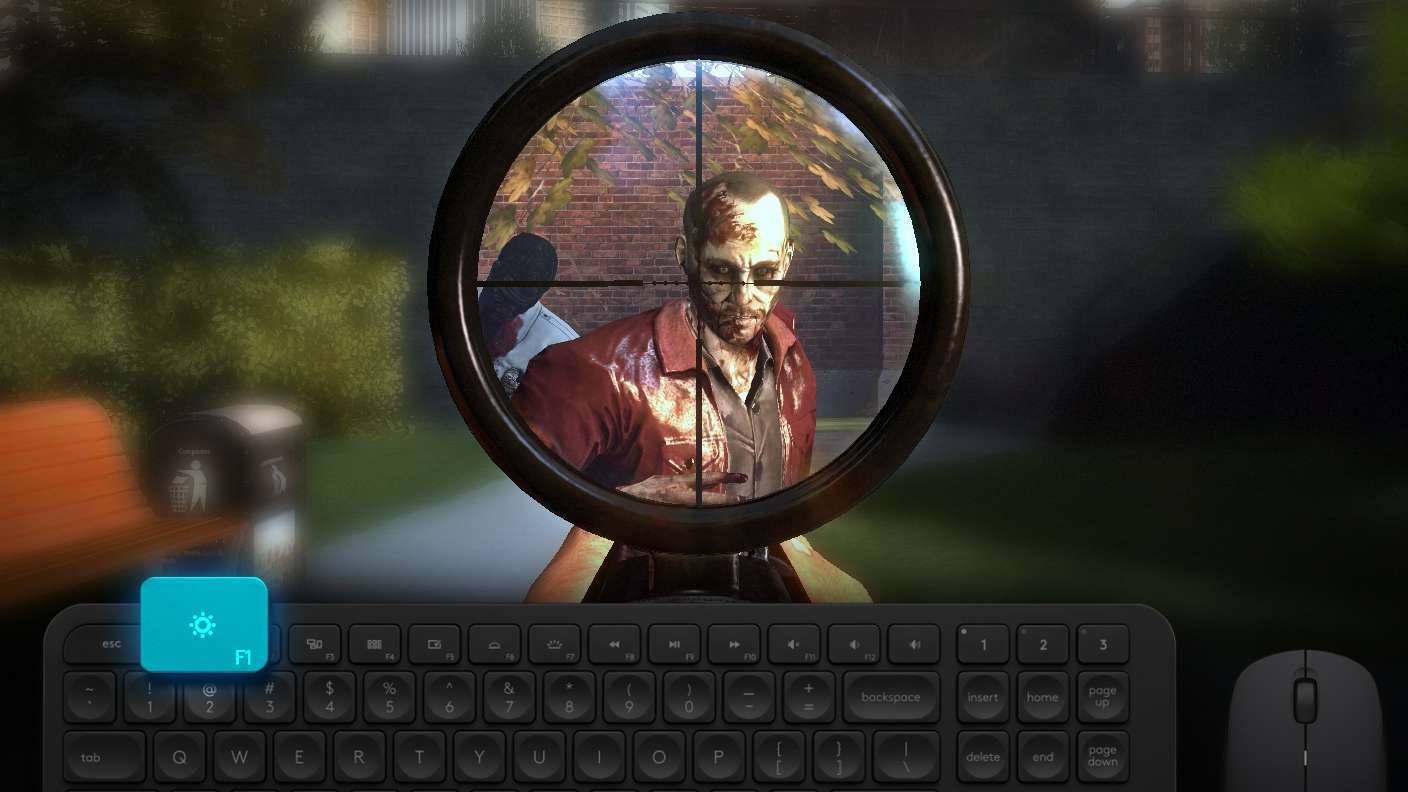
Shooting Mode

Shooting Mode

Boom, headshot. With BlueStacks Shooting Mode, experience PC-like gameplay when playing Special Forces Group 2. Press F1 to aim and shoot with mouse.
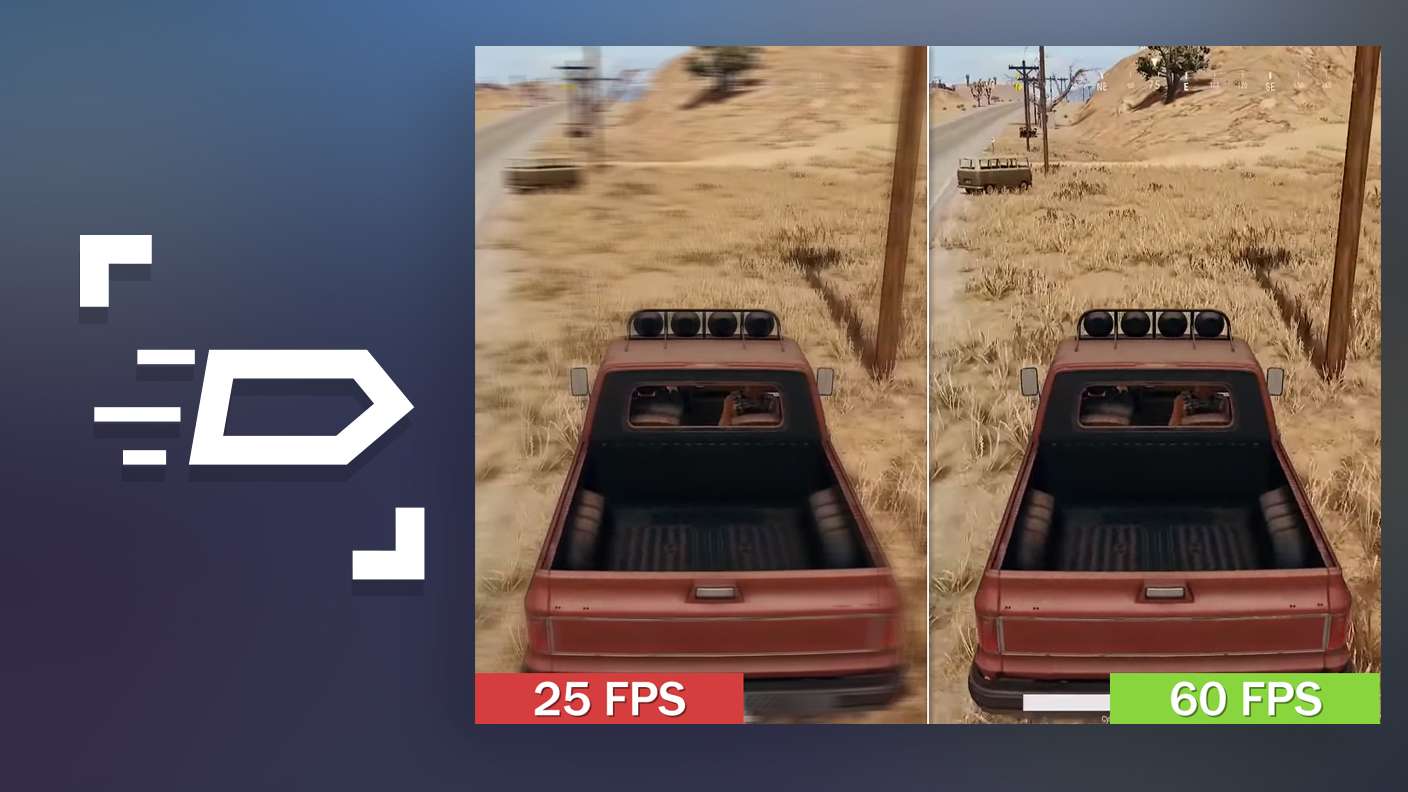
High FPS

High FPS

Enable the highest possible frame rate in Special Forces Group 2 for a seamless gaming experience. Get smoother graphics and better reaction time.
Script

Script

Play Special Forces Group 2 with the innovative Script feature. Create and run a script to fully automize a sequence of actions. Assign it a key to execute in one go.
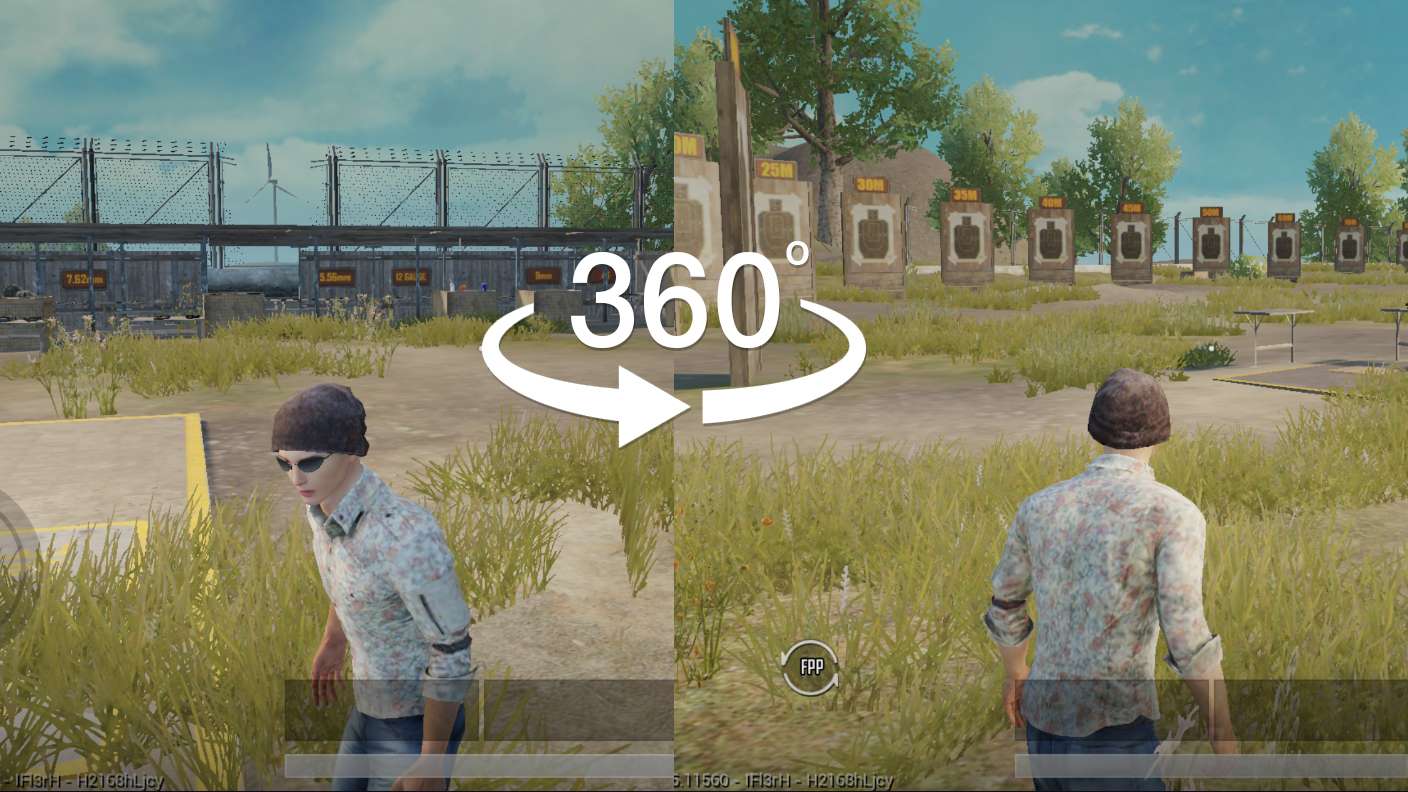
Free Look

Free Look

Turn and shoot in milliseconds. With Freelook, BlueStacks has always got your back. Rule Special Forces Group 2 and get more kills.
Read More

How to Download and Play Special Forces Group 2 on PC or Mac

  • Download and install BlueStacks on your PC or Mac

  • Complete Google sign-in to access the Play Store, or do it later

  • Look for Special Forces Group 2 in the search bar at the top right corner

  • Click to install Special Forces Group 2 from the search results

  • Complete Google sign-in (if you skipped step 2) to install Special Forces Group 2

  • Click the Special Forces Group 2 icon on the home screen to start playing

video
Watch Video

Minimum System Requirements

With BlueStacks 5, you can get started on a PC that fulfills the following requirements.

  • Operating System

    Microsoft Windows 7 or above, macOS 11 (Big Sur) or above

  • Processor

    Intel, AMD or Apple Silicon Processor

  • RAM

    at least 4GB

  • HDD

    10GB Free Disk Space

Note:

* You must be an Administrator on your PC. Up to date graphics drivers from Microsoft or the chipset vendor.

Special Forces Group 2 - FAQs

  • How to play Special Forces Group 2 on Windows PC & Mac?

    Play Special Forces Group 2 on your PC or Mac by following these simple steps.

    • Click on 'Play Special Forces Group 2 on PC’ to download BlueStacks
    • Install it and log-in to Google Play Store
    • Launch and play the game.
  • Why is BlueStacks the fastest and safest platform to play games on PC?

    BlueStacks respects your privacy and is always safe and secure to use. It does not carry any malware, spyware, or any sort of additional software that could harm your PC.

    It is engineered to optimize speed and performance for a seamless gaming experience.

  • What are Special Forces Group 2 PC requirements?

    Minimum requirement to run Special Forces Group 2 on your PC

    • OS: Microsoft Windows 7 or above MacOS 11 (Big Sur) or above
    • Processor: Intel, AMD or Apple Silicon Processor
    • RAM: Your PC must have at least 4GB of RAM. (Note that having 4GB or more disk space is not a substitute for RAM)
    • HDD: 10GB Free Disk Space.
    • You must be an Administrator on your PC.