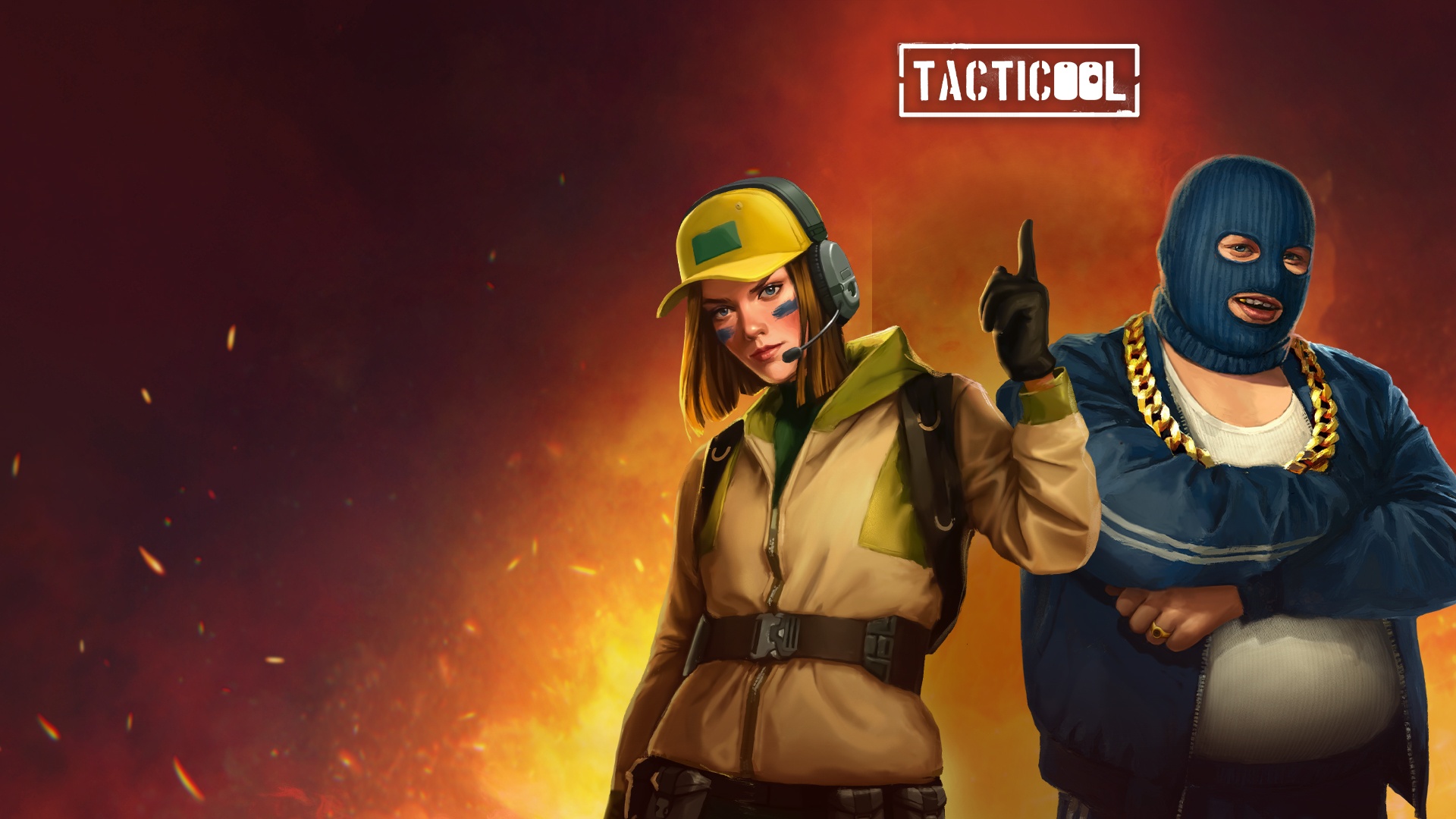


From the innovators and creators at Panzerdog, Tacticool: PvP Action Shooter is another fun addition to the World of Action games. Go beyond your mobile screen and play it bigger and better on your PC or Mac. An immersive experience awaits you.
About the Game
Looking for a shooter that’s fast, tough, and has a real bite? Tacticool: PvP Action Shooter by Panzerdog pits you against squads of real players in brief, explosive battles that barely leave time to blink. Whether you’re the lone wolf type or the squad leader, every match packs in quick tactical decisions, wild firefights, and the constant push to outsmart (or just outgun) the other side. Flip between classic shootouts, zombie swarms, and epic car chases—you’ll never quite know what’s coming next, especially if you’re playing with BlueStacks.
Game Features
- Squad-Based Chaos
Jump into 5v5 team battles where group strategy and quick thinking often mean the difference between crushing wins or embarrassing fails. Connect with friends or squad up with players worldwide, and who knows? You might even make a few new allies along the way. - Weapons to Fit Your Mood
From snappy pistols and pump-action shotguns to sneaky sentry turrets and wild gadgets, there’s a ridiculous amount of gear to play with. Love setting traps? Prefer a full-auto approach? You’ll find your niche, or just keep switching things up every match. - Unique Operators and Custom Gear
Unlock and upgrade a whole cast of operators, each with their own vibe and specialty. Fine-tune your loadout, pick your role—Outlaw, Military, Guerilla, or Special Ops—and trick out your fighters with whatever wild combination you imagine. - Destructible Maps and High-Speed Pursuits
Blow up buildings, smash through fences, and toss obstacles at your enemies—or grab a car and roar through the chaos. When the map itself starts to look like Swiss cheese, you know things are getting good. - Intense Game Modes for Every Taste
Team Deathmatch, Capture the Bag, old-school Battle Royale, and a zombie-packed Descent mode where you ride a lift with friends, gunning down hordes every floor. Whatever kind of action you crave, Tacticool: PvP Action Shooter always throws something new your way. - Constant Updates and Surprises
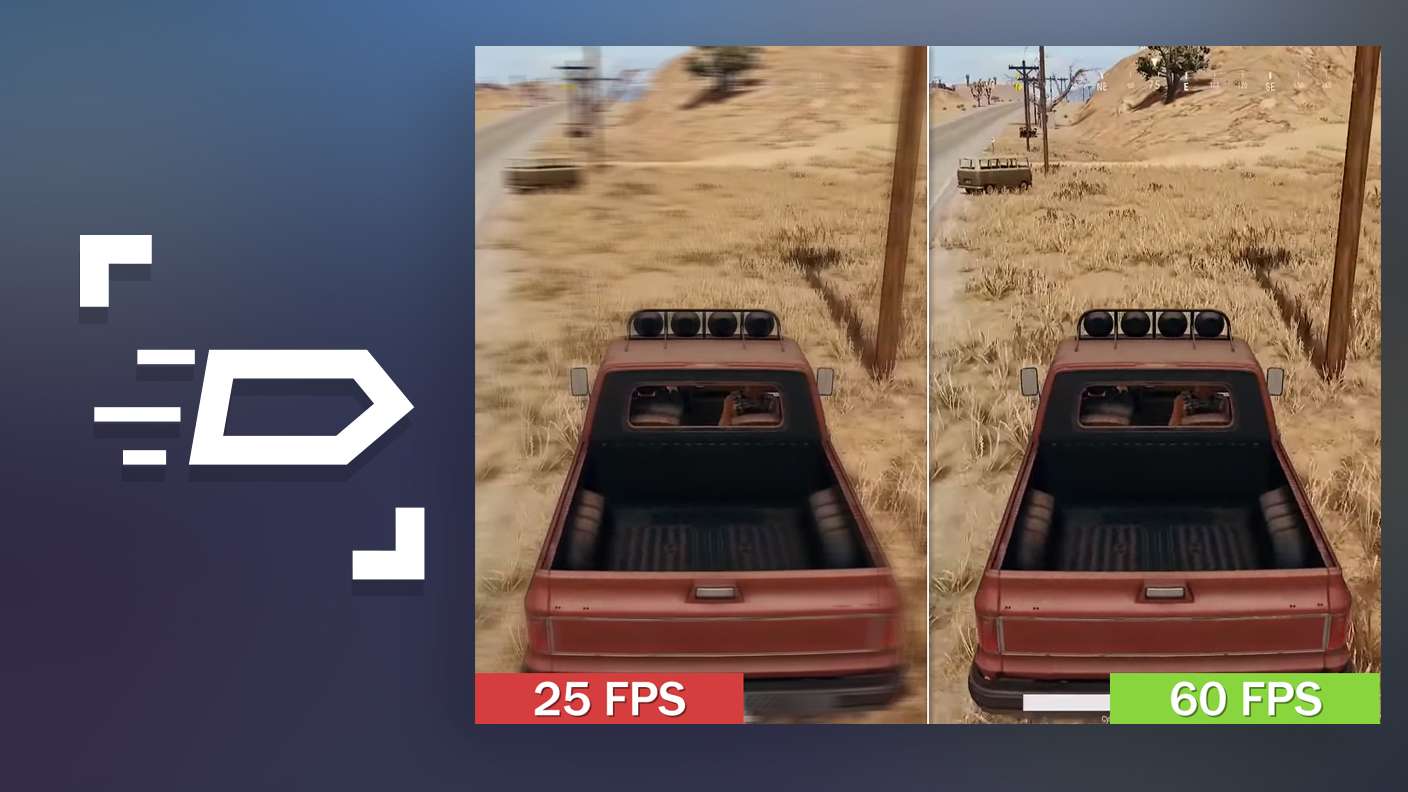
With Panzerdog throwing in new guns, operators, and wild seasonal events regularly, you won’t get bored any time soon. Keep an eye out for what’s next—something weird and fun is probably just around the corner. - Smooth Play on Bigger Screens
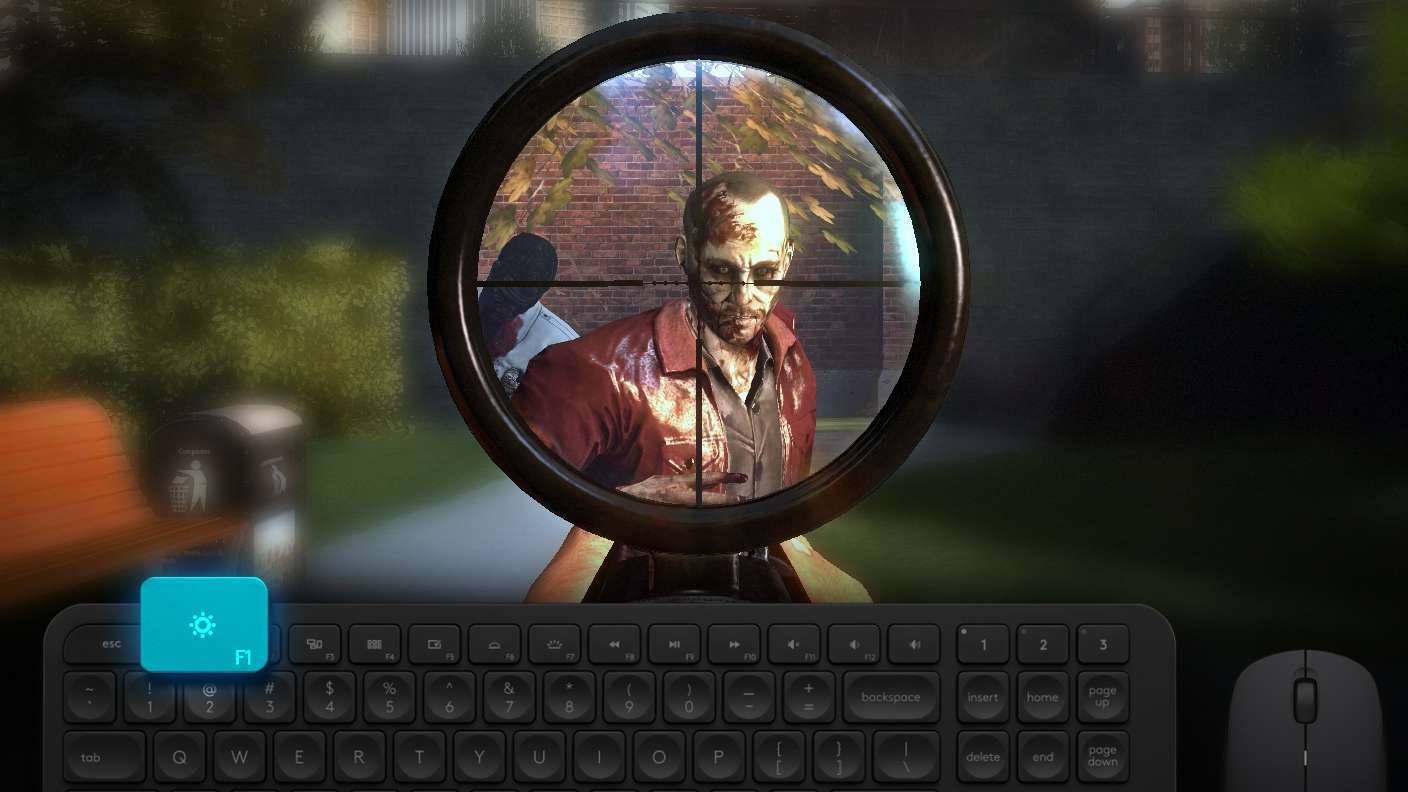
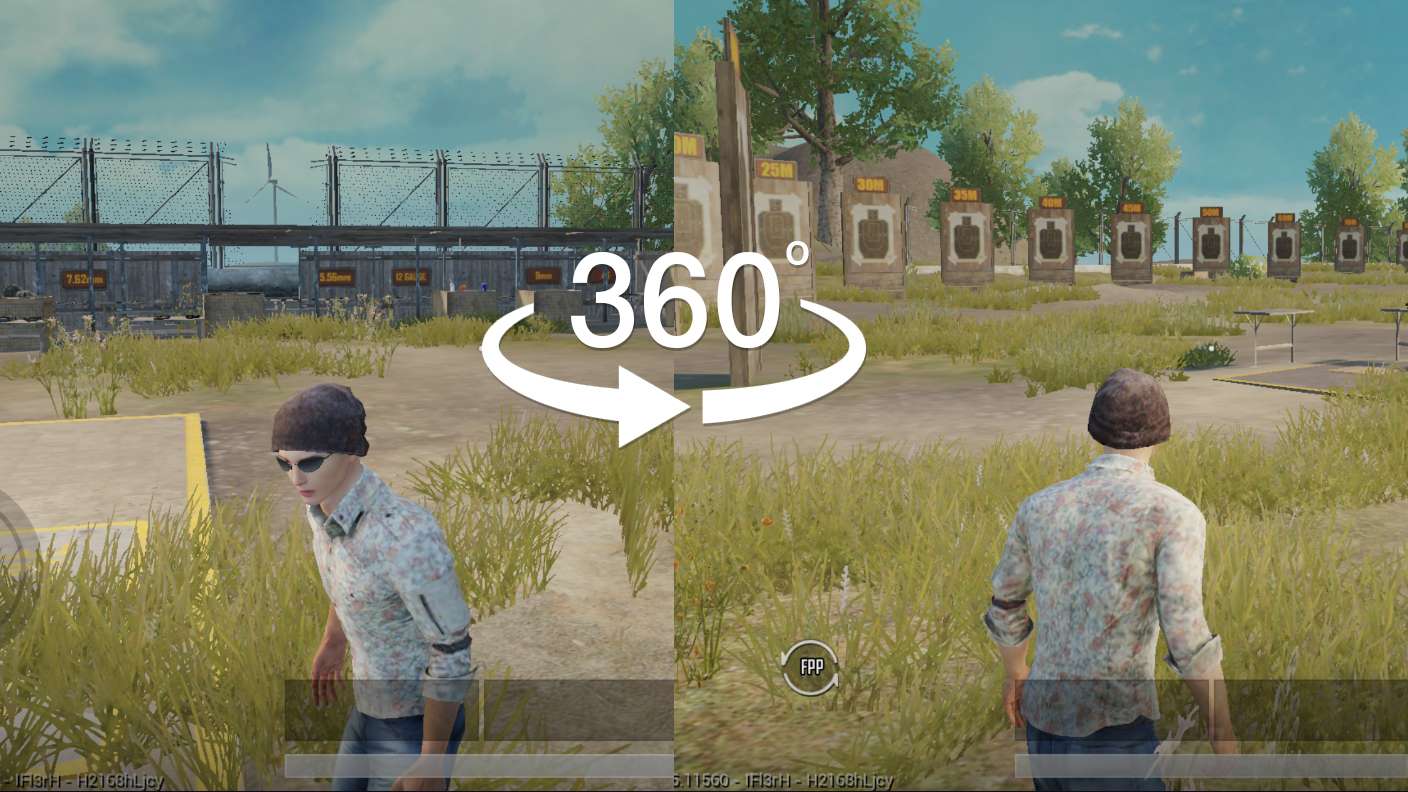
Try Tacticool: PvP Action Shooter on BlueStacks to see all the gritty details and controls really pop. It’s a whole different feel when you take the action up a notch.
Make your gaming sessions memorable with precise controls that give you an edge in close combats and visuals that pop up, bringing every character to life.
What’s New?
In the latest update of Robbery Rush, players can experience the enhanced Bank Robbery mode, where selecting the perfect role is crucial to executing a bank heist before security intervenes. Successfully completing the job earns rewards from the Robbery Rush Event Pass, including the epic Splin TR assault rifle. The new weapon Renegade, a revolving sniper rifle designed for rapid attacks with its five-round cylinder, allows players to unleash its full power in a swift burst. This weapon is available in the “Chasing Rarities: Renegade” event starting September 4.