The Division Resurgence

The Division Resurgence

Action

| Ubisoft Entertainment

BlueStacks Verified

Play on PC with BlueStacks or from our cloud

  • Overview
  • Tips & Tricks
  • Game Features
  • How to Play

Page Modified On: October 30, 2026

Play The Division Resurgence on PC or Mac

The Division Resurgence is an Action Shooter game developed by Ubisoft Entertainment. BlueStacks app player is the best platform to play this Android game on your PC or Mac for an immersive gaming experience.

About the Game

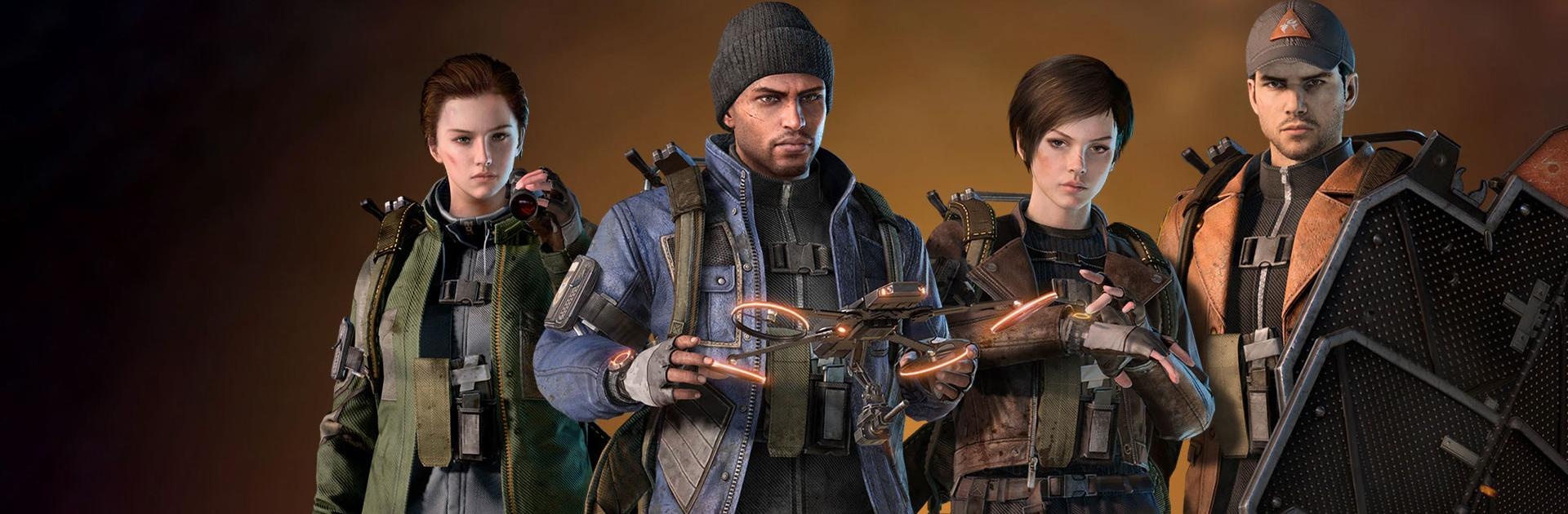
The Division Resurgence takes you to a post-apocalyptic New York City, where you must restore order as an elite Division agent. Explore an open world, complete missions, protect civilians, and fight dangerous factions while uncovering a new storyline.

Customize your agent with powerful weapons and specializations to suit your playstyle. Fight solo or team up with other players on cooperative missions, in competitive PVP battles, and in the high-risk Dark Zone.

Game Features

  • Explore an Open World: Discover iconic locations across New York City and complete more than 100 world activities as you work to restore order.
  • Customize Your Agent: Equip weapons, upgrade gear, and choose specializations with unique skills and ultimate abilities to match your combat style.
  • Battle Dangerous Factions: Take on hostile groups such as the Cleaners and Rikers as you fight to protect civilians and reclaim the city.
  • Experience PVE and PVP Combat: Complete cooperative missions, compete against other players, and enter the Dark Zone for high-risk battles and valuable rewards.

How to Play?

Download The Division Resurgence from the Google Play Store using the BlueStacks app player.

What’s New?

Season 2: The Call has begun in The Division Resurgence, bringing a wave of exciting new features. Players can unlock up to 50 tiers of rewards in the Classified Ops Pass, which includes the free new Exotic Weapon, The Bighorn, as well as the Vintage Elegance Apparel Set and the Antique Weaponry Weapon Skin. Additionally, new Time-Limited Events offer exclusive rewards through Speedrun Missions, special challenges, and opportunities to team up with agents worldwide for a thrilling experience.

Game Features

Enhancements

  • Shooting Mode
  • High FPS
  • Script
  • Free Look
  • Enhancements
Shooting Mode

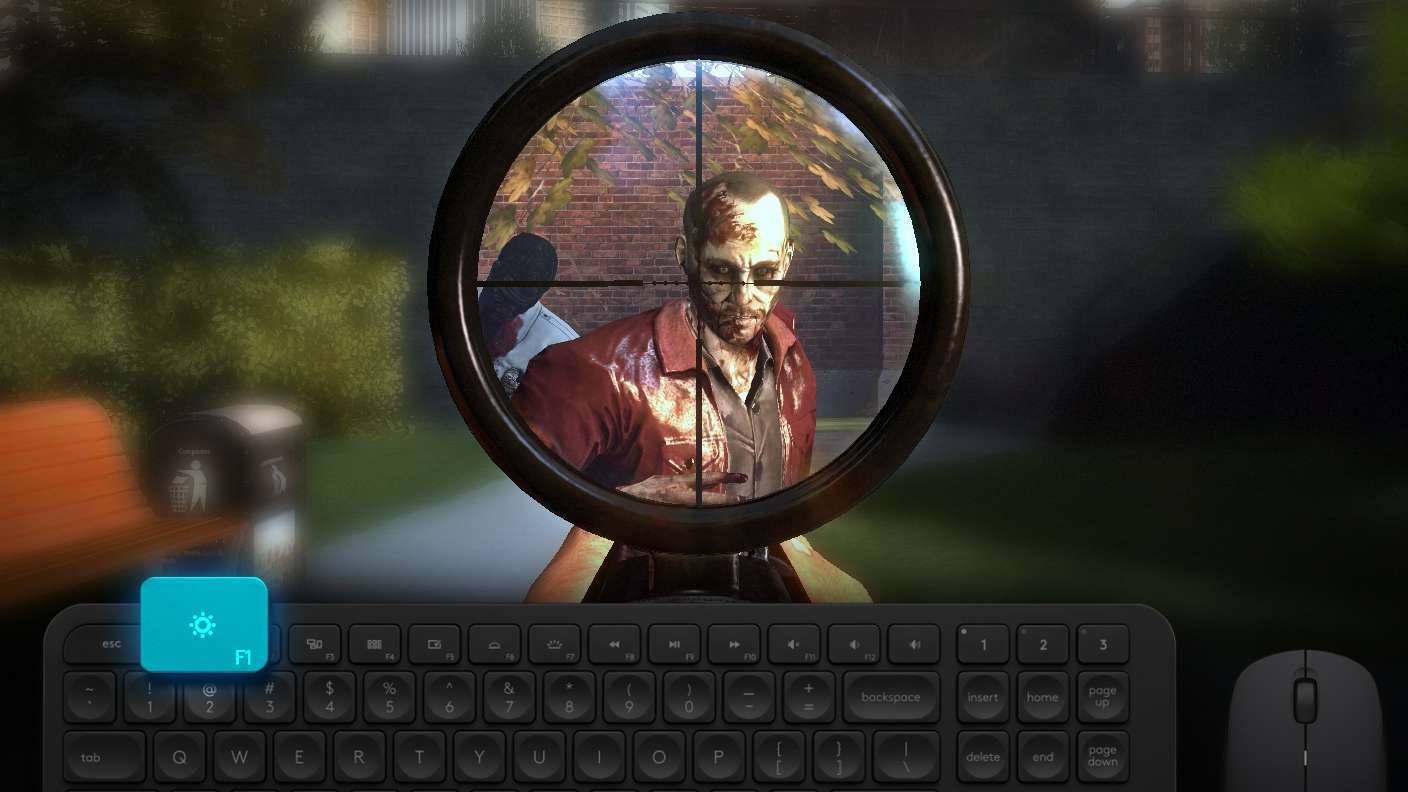
Shooting Mode

Boom, headshot. With BlueStacks Shooting Mode, experience PC-like gameplay when playing The Division Resurgence. Press F1 to aim and shoot with mouse.
High FPS

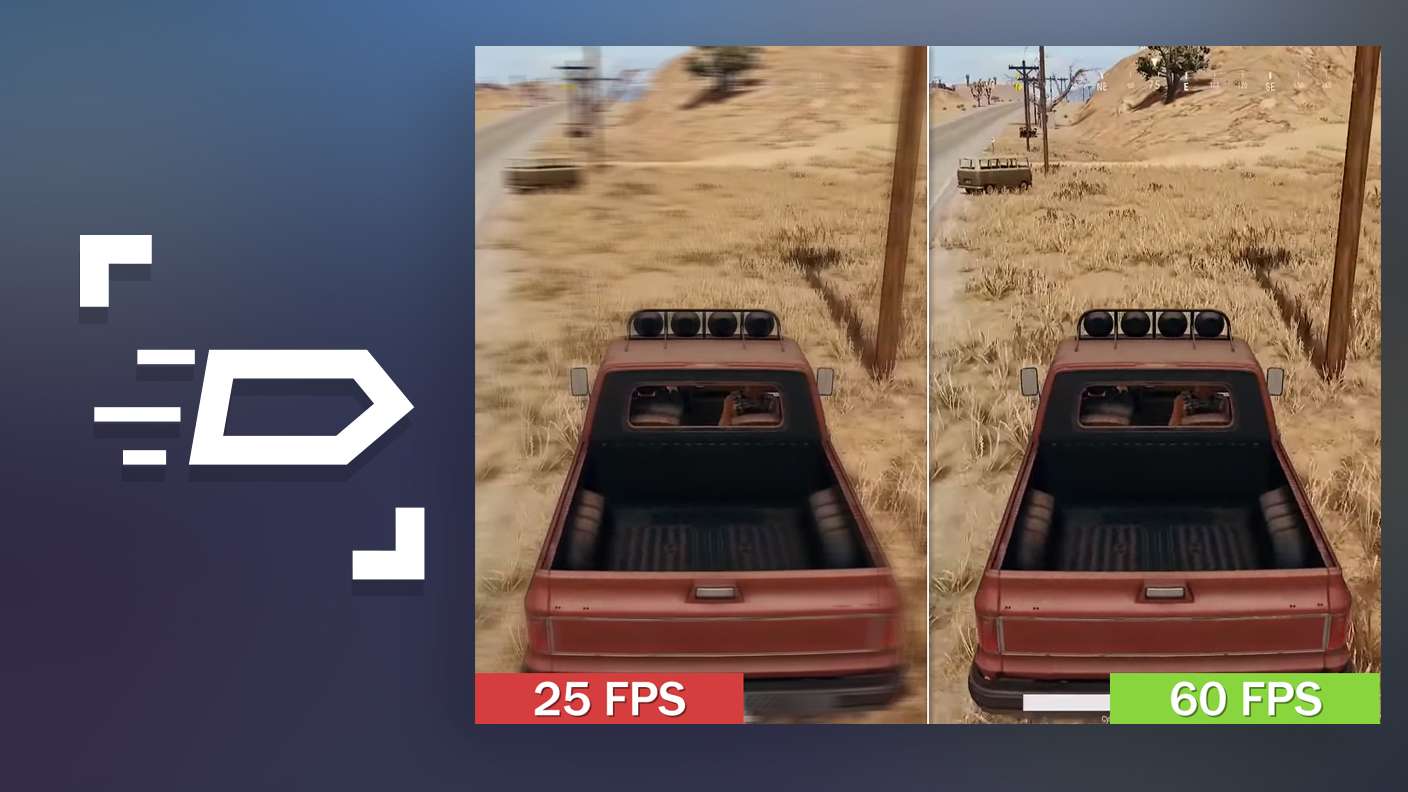
High FPS

Enable the highest possible frame rate in The Division Resurgence for a seamless gaming experience. Get smoother graphics and better reaction time.
Script

Script

Play The Division Resurgence with the innovative Script feature. Create and run a script to fully automize a sequence of actions. Assign it a key to execute in one go.
Free Look

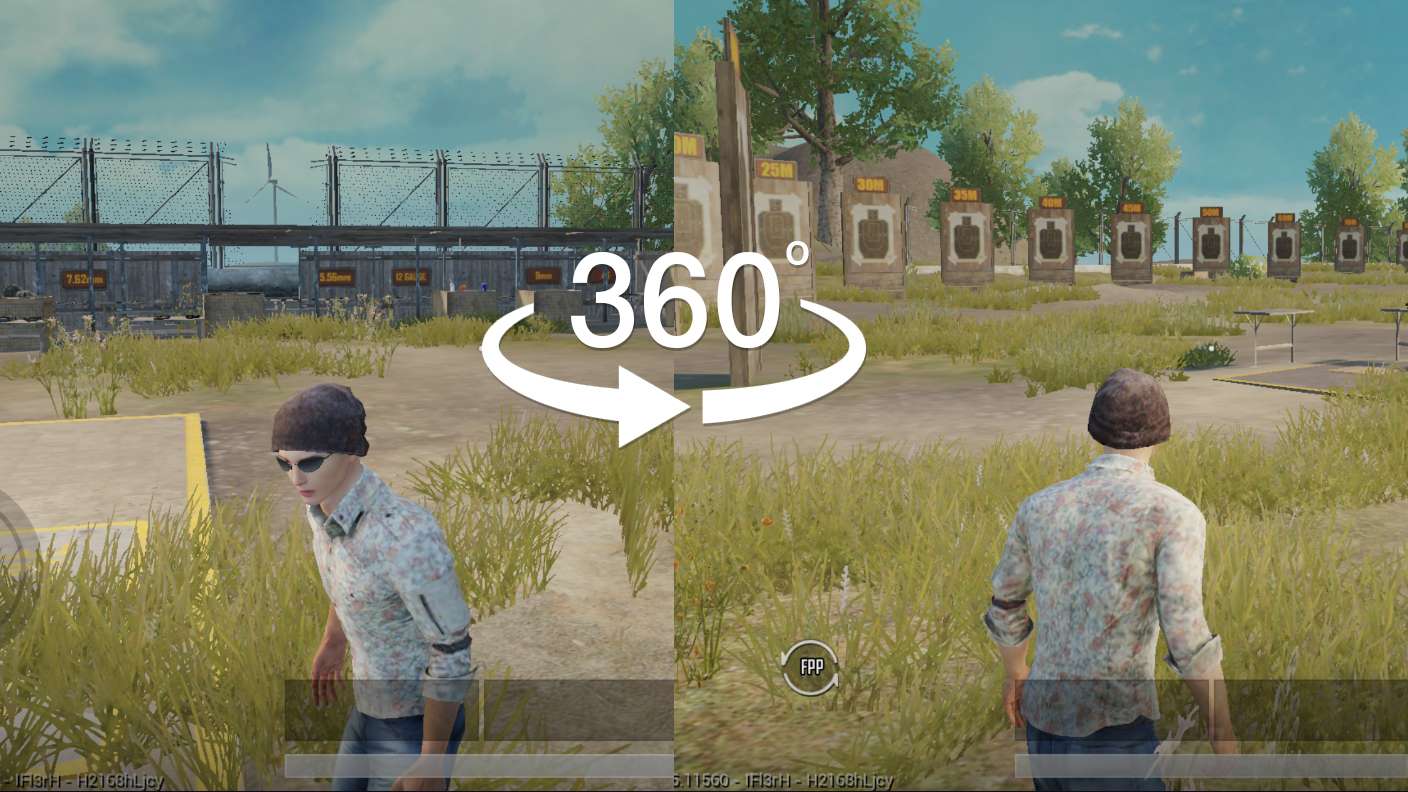
Free Look

Turn and shoot in milliseconds. With Freelook, BlueStacks has always got your back. Rule The Division Resurgence and get more kills.
Read More

How to Download and Play The Division Resurgence on PC or Mac

  • Download and install BlueStacks on your PC or Mac

  • Complete Google sign-in to access the Play Store, or do it later

  • Look for The Division Resurgence in the search bar at the top right corner

  • Click to install The Division Resurgence from the search results

  • Complete Google sign-in (if you skipped step 2) to install The Division Resurgence

  • Click the The Division Resurgence icon on the home screen to start playing

video
Watch Video

Minimum System Requirements

With BlueStacks 5, you can get started on a PC that fulfills the following requirements.

  • Operating System

    Microsoft Windows 7 or above, macOS 11 (Big Sur) or above

  • Processor

    Intel, AMD or Apple Silicon Processor

  • RAM

    at least 4GB

  • HDD

    10GB Free Disk Space

Note:

* You must be an Administrator on your PC. Up to date graphics drivers from Microsoft or the chipset vendor.

The Division Resurgence - FAQs

  • How to play The Division Resurgence on Windows PC & Mac?

    Play The Division Resurgence on your PC or Mac by following these simple steps.

    • Click on 'Play The Division Resurgence on PC’ to download BlueStacks
    • Install it and log-in to Google Play Store
    • Launch and play the game.
  • Why is BlueStacks the fastest and safest platform to play games on PC?

    BlueStacks respects your privacy and is always safe and secure to use. It does not carry any malware, spyware, or any sort of additional software that could harm your PC.

    It is engineered to optimize speed and performance for a seamless gaming experience.

  • What are The Division Resurgence PC requirements?

    Minimum requirement to run The Division Resurgence on your PC

    • OS: Microsoft Windows 7 or above MacOS 11 (Big Sur) or above
    • Processor: Intel, AMD or Apple Silicon Processor
    • RAM: Your PC must have at least 4GB of RAM. (Note that having 4GB or more disk space is not a substitute for RAM)
    • HDD: 10GB Free Disk Space.
    • You must be an Administrator on your PC.