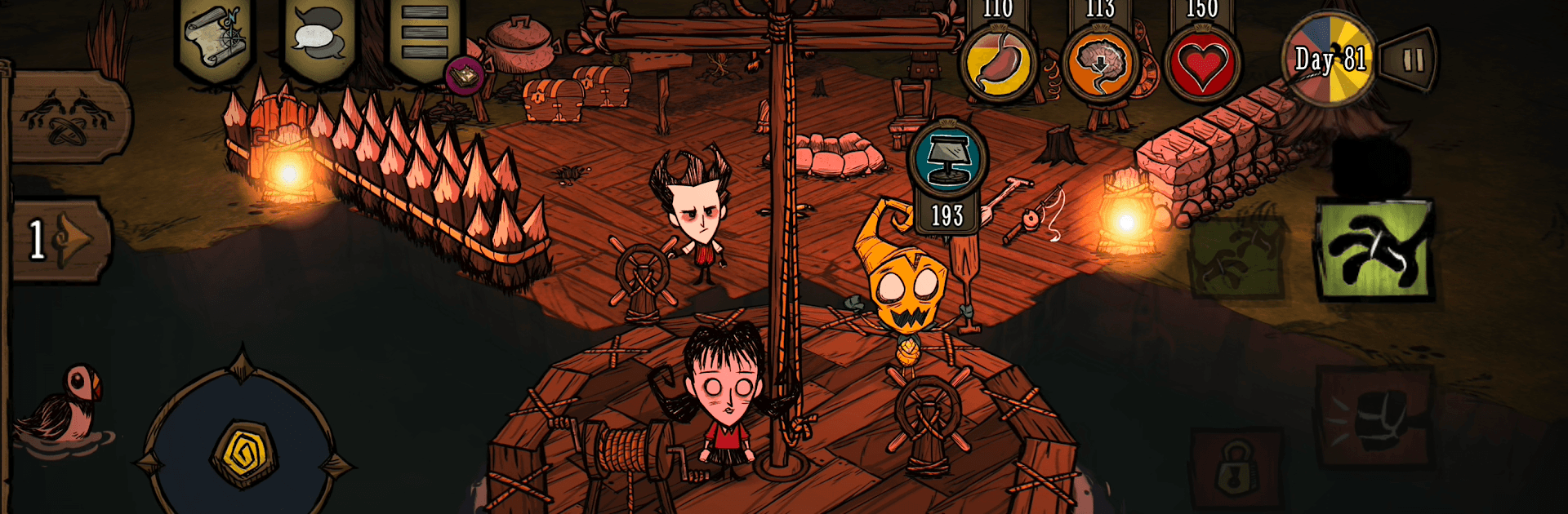


Step into the World of Don’t Starve Together, a thrilling Adventure game from the house of Playdigious. Play this Android game on BlueStacks App Player and experience immersive gaming on PC or Mac.
About the Game
Don’t Starve Together is a cooperative survival Adventure where a cute-but-cruel wilderness keeps you guessing. You’ll gather, craft, and scheme your way through long nights and weirder days while deciding if you’re safer with friends or better off alone. Want a bigger view of the chaos sometimes? It also plays comfortably on BlueStacks.
Game Features
- Shared survival: Host a private world for your crew or jump into public games and team up with new allies. Going solo is still an option—just expect the world to bite back.
- Cast with quirks: Pick from a roster of characters, each with their own perks, drawbacks, and personalities that nudge you toward different playstyles.
- Build, farm, and fight: Put down a camp, grow crops, hunt for dinner, and craft tools, armor, and light sources to push farther into the wilds.
- Sanity matters: Night, darkness, and stress wear you down. Keep your mind in check with light, comfort, and smart planning—or face things that shouldn’t be real.
- Seasons and surprises: Shifting weather, roaming creatures, and towering bosses keep every in-game year tense and unpredictable.
- Tune the rules: Customize world settings to make it gentler, harsher, or just plain odd. Change resource rates, enemy behavior, and more to shape your ideal challenge.
- The Constant’s secrets: Explore eerie biomes, poke at strange machines, and piece together fragments of a bigger mystery lurking just off-screen.
- Look good, stay weird: Unlock cosmetic items and dress your favorites to match your vibe. Style doesn’t keep you warm, but it sure feels right. (In-app purchases available)
- Built for mobile: Clean touch controls and a refreshed interface make crafting and combat feel natural on the go.
- Progress that travels: Cloud saves keep your worlds synced across Android devices, and Google Play Games achievements mark your milestones.
- Controller-ready: Prefer buttons and sticks? Plug in a controller and get right to surviving.
BlueStacks gives you more room to focus on the game and less time adjusting around mobile limitations.