

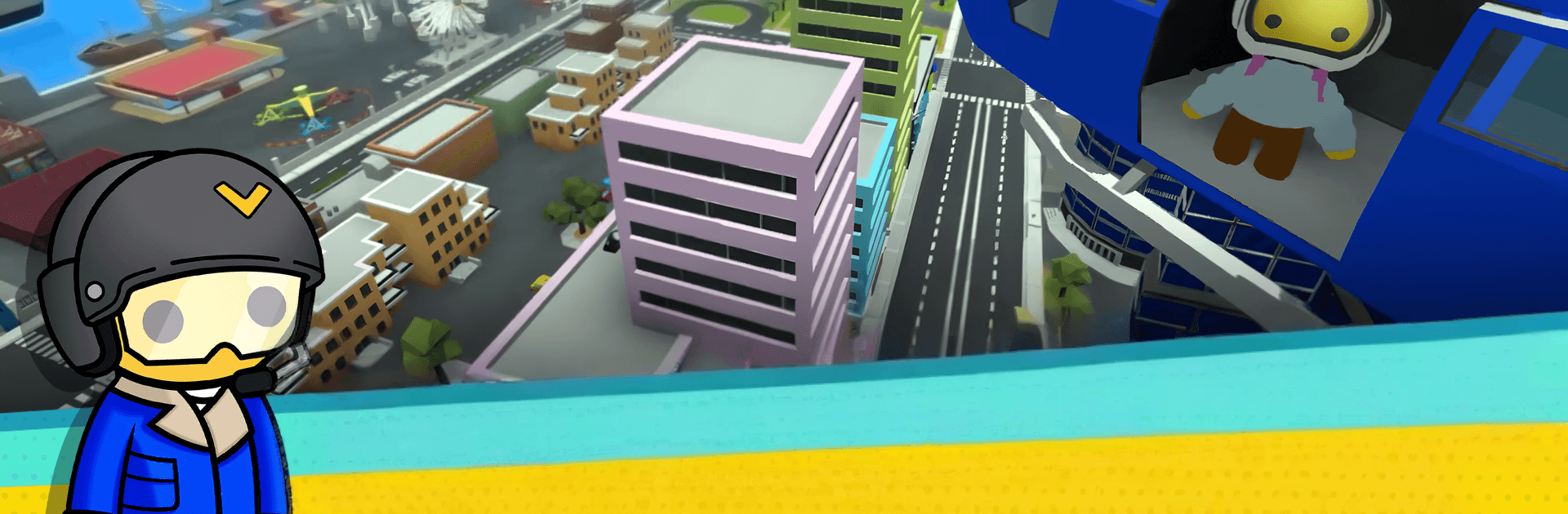


Wobbly Life brings the Adventure genre to life, and throws up exciting challenges for gamers. Developed by Curve Games, this Android game is best experienced on BlueStacks, the World’s #1 app player for PC and Mac users.
About the Game
Grandma just kicked you out and, well, it’s time to wobble your way into real life. Wobbly Life is a lighthearted Adventure sandbox where your jelly-legged character takes odd jobs, cruises around in silly vehicles, and uncovers secrets across a colorful open world. Play solo or with friends in cross-platform mobile multiplayer, cause a little chaos, and turn paychecks into homes, outfits, pets, and more. Prefer a bigger screen and comfy controls? It also runs smoothly on BlueStacks.
Game Features
- Big, playful world: Roam busy towns, beaches, mountains, islands, and caves packed with interactive objects, mini-games, and goofy physics that invite experimentation.
- Story quests and mysteries: Tackle missions that unlock special rewards while chasing rumors, solving puzzles, and snooping out hidden nooks around Wobbly Island.
- Jobs that pay (and entertain): Pick from 20+ quirky gigs, each with different rules and challenges, then stash your earnings for the next big purchase.
- Your look, your vibe: Mix and match from 500+ clothing items to craft a Wobbly that feels like you—loud, subtle, or just plain weird.
- Homes to make your own: Start small or splash out on something fancy; build a life by owning places that fit your growing fortune.
- A garage full of toys: Unlock and drive 90+ vehicles, from everyday rides to over-the-top machines built for stunts, races, and general mayhem.
- Bring a buddy (or the whole crew): Team up across mobile devices, share jobs, pull pranks, and tackle challenges together in co-op and competitive modes.
- Pets and companionship: Adopt adorable pals, look after them, and show them off while you explore and earn.
- Reach for the stars: Train up to become a Wobbly Astronaut and blast off, turning earthbound antics into zero‑gravity shenanigans.
- Leaderboards that matter: Chase titles like Richest Wobbler, Job Master, Race King, and Wobble Run Champion, then see how your scores stack up worldwide.
BlueStacks gives you more room to focus on the game and less time adjusting around mobile limitations.









